TL;DR
A Nov. 29 guide maps current AI uses across 3D part design, simulation and printer monitoring. It describes generative design and camera-based error correction, while stressing that text-to-CAD remains research and load-bearing parts still need human review and physical tests.
Thorsten Meyer AI published a guide on Nov. 29 to current AI uses in 3D part design and printing, describing software that can help shape components and a camera system that can detect and correct some printing errors. The guide says these tools do not make a part reliable by themselves: people still need to check designs and test parts, particularly when they carry loads or protect people.

Get business pricing on monitors, keyboards and dev gear
- Business-only prices and quantity discounts
- Tax-exempt purchasing
- Multiple users, one account, clear invoices
The guide follows a part from a computer-aided design (CAD) model through simulation, slicing and printing. In generative design, engineers specify conditions such as loads, bolt locations and areas the part must avoid; software then proposes shapes that meet those constraints. The article cites NASA Goddard engineer R. McClelland and a SPIE paper, saying NASA engineers reported lighter, stiffer designs produced in hours rather than days. Those results depend on the problem and constraints entered by people.
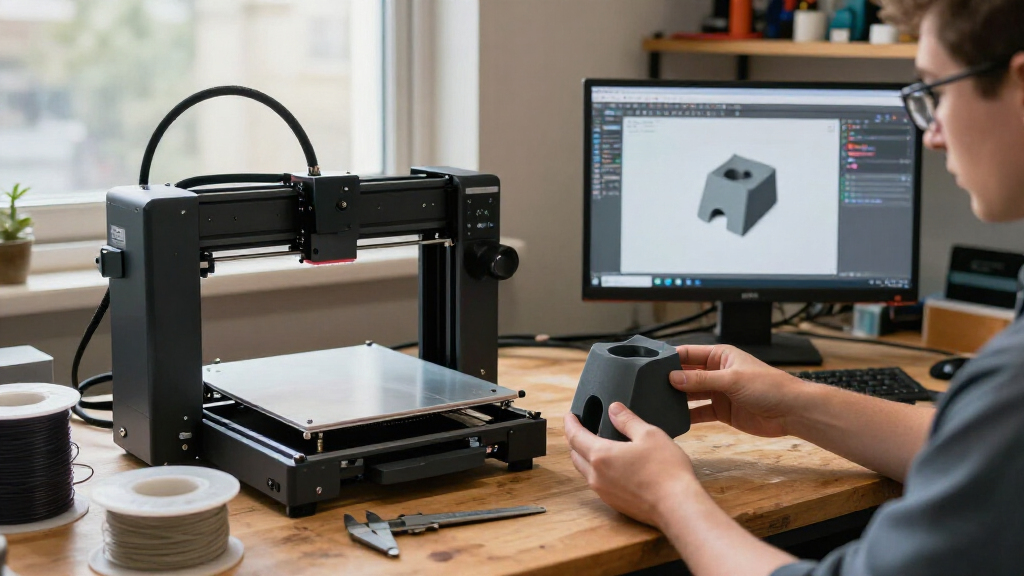
For printing, the guide describes research by Brion and Pattinson, published in Nature Communications. Their camera-based system monitors material-extrusion printing and learned to identify and correct common nozzle errors while a print is underway. The guide presents this as monitoring for a widely used printer type; it does not say the method applies to every printer or prevents every failure.
Other steps still rely on human judgment. Simulation estimates how a part may respond to forces, while a slicer converts a 3D model into layer instructions, often G-code. The source describes no AI use at the slicing step. It also says text-to-CAD is still research: software producing executable code does not establish that the resulting geometry is correct, printable or safe.

Where AI Changes the Print Workflow
For home users, printer cameras may act as an extra set of eyes, flagging visible problems during a job. That can help users respond sooner, but the guide advises checking the initial layers themselves and treating automated corrections as assistance rather than a guarantee.
For workplace design, generative tools may shorten the time needed to explore shapes that satisfy engineering constraints. Their output is only as useful as the inputs: a missing load, fastener or clearance requirement can produce a convincing design that fails the real need. Human review remains part of the process, and physical testing matters when a part carries weight, protects people or is intended for flight.
Products Worth Considering

Sony WH-1000XM6 Wireless Noise Cancelling Headphones – Midnight Blue

Apple AirPods Pro 3 Wireless Earbuds with Active Noise Cancellation

Anker SOLIX C1000 Gen 2 Portable Power Station
As an affiliate, we earn on qualifying purchases.
From CAD Model to Printed Layers
Three-dimensional printing, also called additive manufacturing, builds an object by adding material in layers. Common methods include melting plastic filament through a nozzle, curing liquid resin with ultraviolet light, and using a laser or electron beam to fuse powder. The camera-monitoring work described in the guide concerns material extrusion, the nozzle-based method used by many personal and commercial printers.
The general workflow begins with a CAD model, which defines a part’s dimensions. Engineers can simulate forces on that model before a slicer divides it into layers and prepares machine instructions. The printer then follows those instructions. NASA’s cited paper describes repeated fabrication as common because unexpected printing failures can occur. The guide also points to NASA’s standard for printed flight hardware and says AI-designed parts still undergo ordinary stress analysis and testing.
Limits of Automated Design Checks
The source does not give detailed performance figures for the camera system, such as its error rate, the range of faults it can correct or how it performs across different printers and materials. It also does not specify the constraints or test conditions behind the reported NASA design comparisons. Those details would help readers judge how broadly the results apply.
The guide says text-to-CAD is not yet a tool users can trust on its own, but offers no benchmark or deployment timeline. More generally, a successful simulation or an error-free print does not, by itself, establish that a part is safe under real operating conditions. The article’s legal summary says purely AI-generated output receives no US copyright and only humans can be named as inventors; it does not discuss the boundaries or application of those rules to specific designs.
Human Review Remains the Final Check
For now, users can apply the guide’s advice along the existing workflow: define design requirements carefully, inspect proposed shapes, review simulation results, and check early print layers. Where a part carries significant loads or has safety implications, the next step remains physical testing under relevant conditions. The source gives no announced date for broader text-to-CAD deployment or a new milestone for the cited monitoring research.
Key Questions
Can AI turn a sentence into a reliable 3D part?
The guide describes text-to-CAD as research, not a dependable way to produce a part ready for use. Generated code or geometry still needs review and testing.
What can a printer camera do?
The cited research system watches material-extrusion printing and can identify and correct some common nozzle errors. The source does not establish that it catches every fault or works on all printer types.
Does a simulation prove a part is strong enough?
No. Simulation predicts how forces may affect a design, but the guide says parts that carry weight or affect safety still need human checks and physical tests.
Where does AI help most in the workflow described?
The guide points to generative design and print monitoring as current examples. It describes AI assistance in simulation and checking, but does not identify AI at the slicing step.
Source: Thorsten Meyer AI