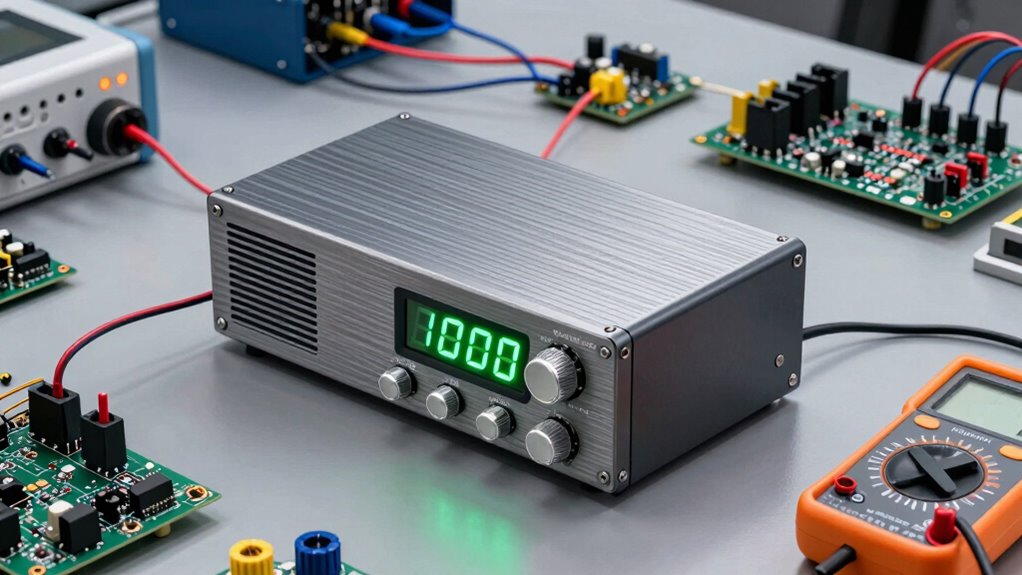

A bench power supply is essential for firmware and hardware testing because it provides stable, adjustable voltage and current, helping you test circuits safely and accurately. You can set the right power levels without risking damage to your components. Choosing the right features, like safety protections and stability options, makes testing smoother. Proper setup and troubleshooting are key to reliable results. Keep exploring to discover more tips for making the most of your power supply.

Get business pricing on monitors, keyboards and dev gear
- Business-only prices and quantity discounts
- Tax-exempt purchasing
- Multiple users, one account, clear invoices
Key Takeaways
- A bench power supply provides stable, adjustable voltage and current for precise testing of hardware and firmware.
- Selecting the right power supply involves considering voltage/current requirements, safety features, and future upgrade options.
- Proper setup includes secure connections, correct voltage settings, and protective features like overcurrent protection.
- Stability and regulation are crucial to prevent voltage dips/spikes that can damage sensitive electronic components.
- Regular troubleshooting and maintenance ensure reliable operation, extend equipment lifespan, and support safe, effective testing.
bench power supply adjustable voltage
As an affiliate, we earn on qualifying purchases.
As an affiliate, we earn on qualifying purchases.
What Is a Bench Power Supply and Why Do You Need One?
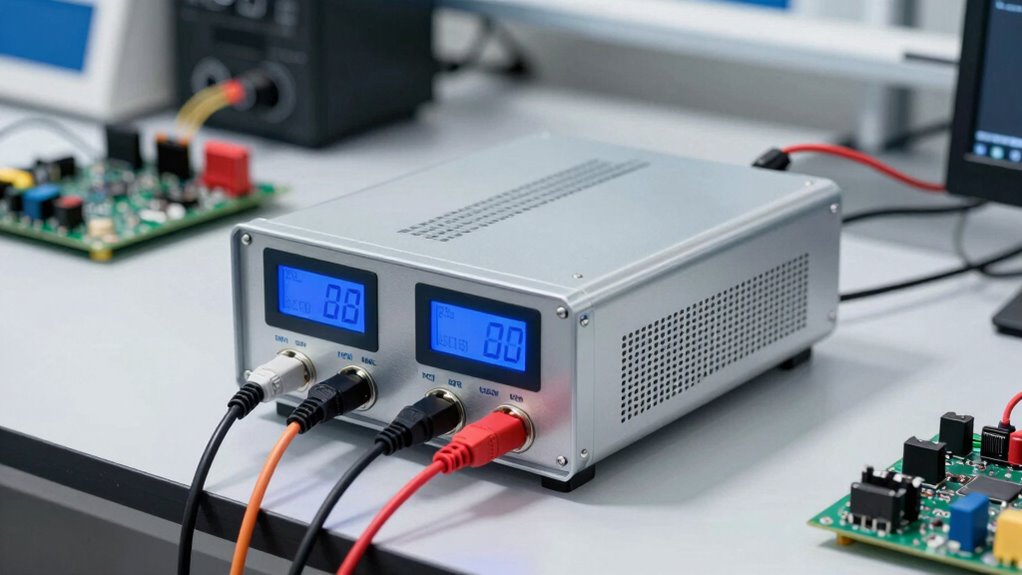
A bench power supply is a versatile device that provides a stable and adjustable source of electrical power for testing, prototyping, and repairing electronic circuits. You might use it when replacing batteries in devices, ensuring consistent voltage without damaging components. Its portable design allows you to move easily between workbenches or job sites, giving you flexibility in your projects. Unlike standard power sources, a bench supply offers precise control over voltage and current, making troubleshooting and testing more efficient. You don’t need to rely on batteries, which can be inconsistent or depleted, especially during long sessions. With a reliable bench power supply, you gain a consistent power source that simplifies your workflow and helps you avoid interruptions caused by battery failure. Additionally, understanding voltage regulation is crucial for maintaining stable output during sensitive testing procedures. Proper calibration and maintenance of your bench supply also ensure accurate readings and optimal performance, much like the importance of cleaning and maintenance in airless paint sprayers for longevity. Incorporating landscaping elements into your workspace can also improve your overall testing environment, ensuring a comfortable and efficient setup. Recognizing the importance of electrical safety can help prevent accidents and ensure your testing environment remains secure. Exploring sound vibrations and their effects may also inspire innovative ways to enhance your testing environment and reduce stress.
As an affiliate, we earn on qualifying purchases.
Features to Consider When Buying a Bench Power Supply
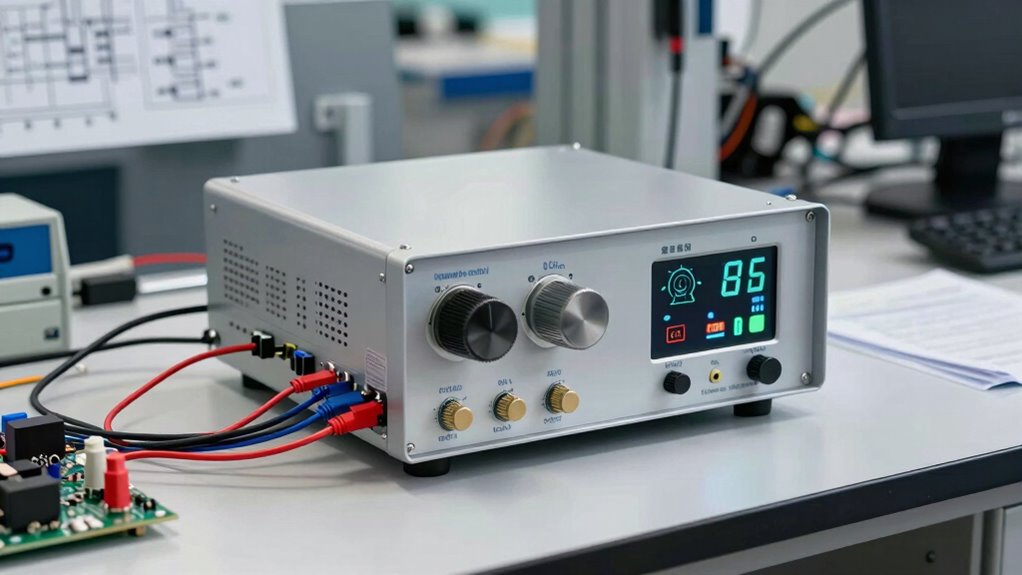
When choosing a bench power supply, you should consider its power output range to match your projects’ needs. Make certain it offers stable voltage and current to guarantee reliable operation. Additionally, safety features like overvoltage and overcurrent protection are essential to prevent damage and keep you safe during use. Incorporating precise control can help in achieving accurate testing results and avoid potential equipment damage. Understanding voltage regulation is crucial for maintaining consistent performance during testing. Being aware of specifications verification ensures that the power supply meets the required standards for your specific applications. Properly testing and verifying performance metrics can help ensure your power supply functions effectively under various conditions. Recognizing the importance of reliable components can also contribute to the overall safety and longevity of your testing setup.
Power Output Range
Understanding the power output range of a bench power supply is essential because it determines whether the unit can meet your specific testing and development needs. You should consider both voltage and current limits to avoid damaging your components. A suitable power supply offers adjustable voltage and current within its range, ensuring flexibility for different projects. Look for units with good voltage regulation to maintain steady output even under varying load conditions. Current limiting is vital to prevent overloads and protect your circuit. Additionally, selecting a power supply with proper safety features can further safeguard your equipment during use.
Voltage and Current Stability
Ensuring stable voltage and current output is vital because fluctuations can affect your circuit’s performance or even cause damage. Voltage fluctuations can lead to inconsistent operation, making troubleshooting more difficult. Look for a power supply with excellent current regulation to maintain steady current flow, even when your load changes unexpectedly. Good stability minimizes the risk of voltage dips or spikes that could harm sensitive components. A reliable bench power supply should offer precise control over both voltage and current, with minimal variation during operation. This voltage regulation feature is essential for maintaining consistent testing conditions. Precise control helps prevent issues like power surges that can damage your components. Stability features give you peace of mind, knowing that your testing environment remains consistent, enabling you to focus on your project without worrying about unintended power fluctuations. Additionally, compliance with safety standards ensures reliable operation and protection during testing. Furthermore, selecting a power supply with robust safety features can help safeguard both your device under test and yourself during operation.
Safety and Protection Features
A power supply with built-in safety and protection features helps safeguard both your equipment and yourself during operation. These features prevent damage caused by electrical faults or overheating, guaranteeing reliable performance. Look for units with:
- Overcurrent protection that automatically cuts off power when current exceeds safe limits, preventing component damage.
- Thermal shutdown to automatically turn off the supply if it overheats, avoiding potential fires or damage.
- Short circuit protection is also vital, safeguarding against accidental connections.
- Overvoltage protection can prevent voltage spikes from harming your devices.
- Proper wiring and cable management are essential to prevent heat buildup and reduce the risk of cable damage and overheating. Implementing effective grounding practices further enhances safety by minimizing electrical noise and potential shock hazards. Additionally, selecting a power supply with reliable build quality can significantly improve safety and longevity during rigorous testing conditions. Ensuring that the power supply has robust construction can also contribute to its durability under demanding conditions. Moreover, choosing units with comprehensive safety certifications ensures compliance with industry standards and enhances overall safety.
These safety features are essential for safe, continuous testing, especially when working with sensitive or expensive hardware. Prioritizing these protections ensures your work remains safe and your equipment stays in top condition.
lab bench power supply with safety features
As an affiliate, we earn on qualifying purchases.
As an affiliate, we earn on qualifying purchases.
How to Connect and Set Up Your Power Supply Safely
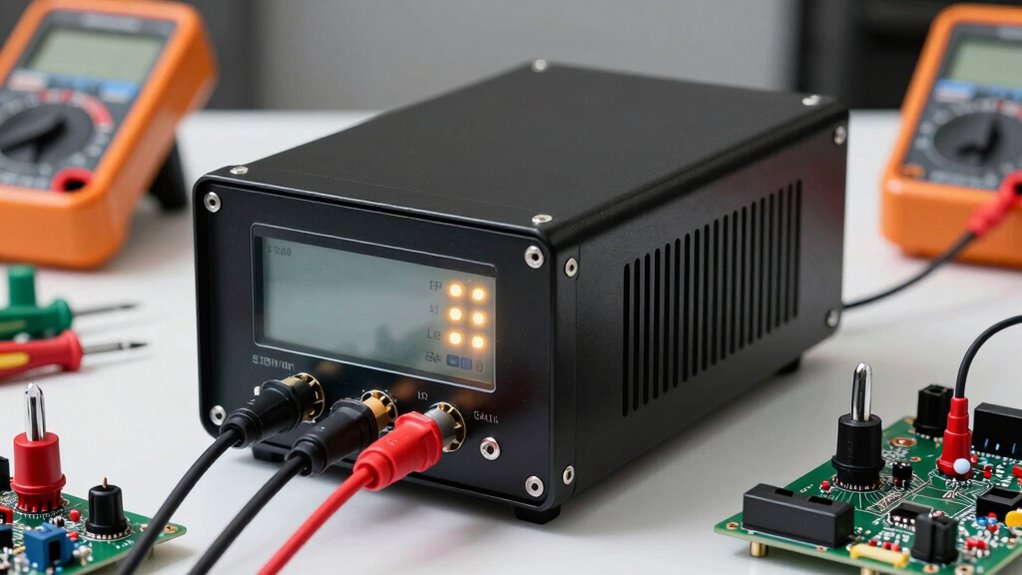
Before connecting your power supply, make sure it’s turned off and unplugged from the wall. Always double-check your connections before powering on. Begin by setting the voltage regulation to match your device’s requirements, guaranteeing stable power delivery. Use the overcurrent protection feature to prevent accidental damage. When connecting, attach your load device securely to the output terminals, avoiding loose connections. Keep your workspace clear to prevent shorts or mishaps. Properly understanding training tips can help ensure your setup remains safe and effective. Familiarizing yourself with power supply safety standards can further enhance your setup’s reliability and security. Additionally, being aware of indoor air quality concerns related to electronics can help you maintain a healthier environment in your workspace.
precision bench power supply for electronics
As an affiliate, we earn on qualifying purchases.
As an affiliate, we earn on qualifying purchases.
Using Your Power Supply Effectively During Testing
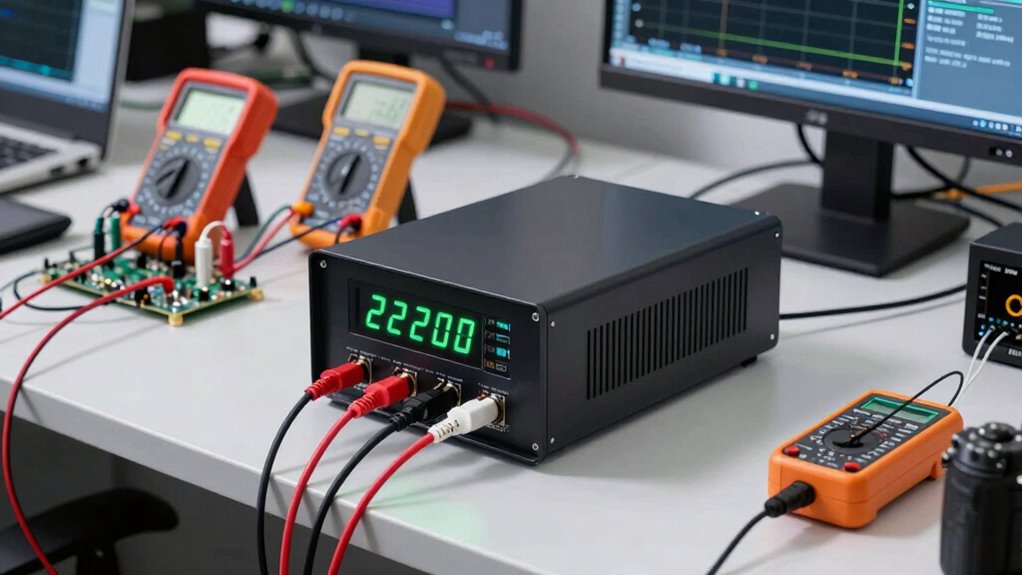
To use your power supply effectively during testing, start by gradually adjusting the voltage and current settings to match your device’s specifications. This careful approach prevents damage and ensures accurate results. To maximize efficiency, consider these tips:
Adjust voltage and current gradually to ensure safe, accurate testing and prevent damage.
- Use battery simulation mode to mimic real-world power sources without risking your actual batteries.
- Take advantage of portable options for on-the-go testing, enabling flexible setups in various environments.
- Keep an eye on your current limits; staying within safe ranges protects both your device and power supply.
- Incorporate anti-fatigue mats when working in standing positions to improve comfort and reduce fatigue during prolonged testing sessions.
These practices help you optimize testing, troubleshoot more efficiently, and extend your equipment’s lifespan. Whether simulating batteries or working with portable options, a methodical approach ensures safer, more reliable results every time.
Troubleshooting Common Power Supply Issues
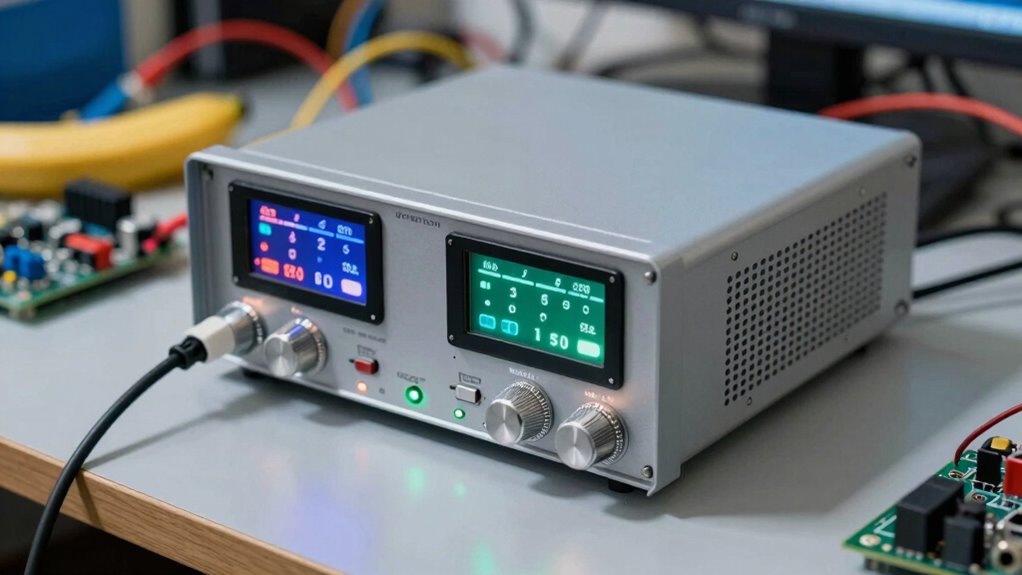
When your power supply isn’t working correctly, troubleshooting begins with a systematic check of common issues that can disrupt performance. Start by verifying voltage regulation; if the output isn’t stable or matches your set value, it could indicate a faulty component or overload. Next, examine current limiting features—if the current limit activates unexpectedly, it might be due to a short circuit or excessive load. Make certain your connections are secure and that the load isn’t exceeding the supply’s ratings. Use your multimeter to confirm actual voltage and current readings against expected values. If issues persist, consider inspecting internal fuses or circuitry for damage. Addressing these common problems helps restore reliable operation and prevents further damage to your power supply or connected devices.
Tips for Choosing the Right Power Supply for Your Projects
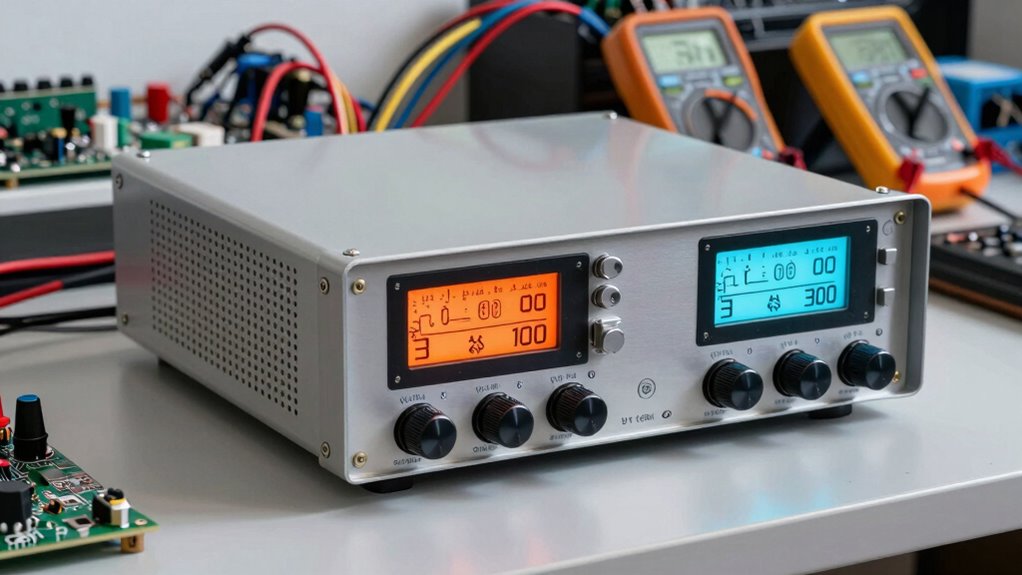
Choosing the right power supply for your projects starts with understanding your specific voltage and current requirements. Consider whether your project needs a fixed voltage or adjustable output, and check the maximum current draw to prevent overloads. For portability, explore portable options like battery alternatives or compact power supplies that can power your devices on the go. Keep in mind:
Choose the right power supply by matching voltage, current, and portability needs to ensure reliable, flexible performance.
- Battery alternatives for quiet, mobile setups
- Portable options for field testing or remote work
- Making sure the power supply has sufficient headroom for future upgrades
Selecting a power supply with these features ensures reliable performance and flexibility. It’s essential to match the specs to your project’s needs, whether for firmware testing or hardware development, to avoid power-related issues down the line.
Frequently Asked Questions
Can a Bench Power Supply Be Used for High-Voltage Applications?
Yes, you can use a bench power supply for high-voltage applications if it’s rated accordingly. Always check the power supply ratings to guarantee it handles the voltage and current you need. Remember, high voltage safety is essential—use proper insulation, protective gear, and follow safety protocols. Never exceed the power supply’s specified limits, as doing so can be dangerous or damage the equipment.
How Do I Calibrate My Bench Power Supply Accurately?
To calibrate your bench power supply accurately, start by setting it to a specific voltage. Use a reliable multimeter to measure the output, checking the voltage accuracy. Follow the calibration procedures outlined in your user manual, adjusting the calibration screws or settings as needed. Repeat this process at different voltage levels to guarantee consistent accuracy across your supply’s range. Regular calibration helps maintain precision in your firmware and hardware testing.
What Safety Precautions Are Essential During Prolonged Testing?
During prolonged testing, prioritizing testing safety is vital. Always guarantee your equipment is properly grounded to prevent electrical shocks. Use insulated tools and avoid contact with live circuits. Regularly inspect cables and connections for wear or damage. Keep your workspace dry and organized. Turn off power supplies before adjustments, and never bypass safety features. These precautions help protect you and maintain reliable testing conditions over extended periods.
Are There Any Maintenance Tips to Extend Power Supply Lifespan?
Think of maintaining your power supply as pampering a fine musician—regular care keeps it performing at its best. Follow consistent maintenance routines like cleaning vents, checking connections, and inspecting components. Keep the unit dust-free and guarantee proper ventilation to prevent overheating. These practices extend component lifespan, reduce downtime, and improve reliability. By tending to your power supply with care, you’ll keep it humming smoothly for years to come.
How Do I Select a Power Supply for Sensitive Electronic Components?
When selecting a power supply for sensitive electronic components, prioritize models with precise voltage regulation to guarantee stable output and prevent damage. Look for current limiting features, which protect your components during testing by preventing excessive current flow. Choose a supply with adjustable voltage and current settings, and verify it offers low ripple and noise. These features help you maintain safe, reliable operation, assuring your components stay protected and function correctly during testing.
Conclusion
A bench power supply is your trusty sidekick in firmware and hardware testing, guiding your projects safely to success. By understanding its features and setup, you’ll turn a complex maze into a straight path. Think of it as the heartbeat of your testing station—powerful, reliable, and essential. With the right knowledge, you’ll navigate troubleshooting and selection like a seasoned sailor steering through calm waters, ensuring your projects stay afloat and on course.
Fall Picks
fall essentials
As an affiliate, we earn on qualifying purchases.