
Upgrading to USB 3.2, USB4, or Thunderbolt boosts your device performance by offering faster transfer speeds, better compatibility, and improved power delivery. USB 3.2 typically maxes out at 20 Gbps, while USB4 and Thunderbolt can reach 40 Gbps, making transfers quicker and more efficient. Thunderbolt provides the highest performance but at a higher cost. If you want smoother workflows and future-proof setups, understanding these differences can help you choose the right connection for your needs.
Key Takeaways
- USB4 and Thunderbolt offer significantly faster data transfer speeds (up to 40 Gbps) compared to USB 3.2’s 20 Gbps.
- Thunderbolt provides the highest performance and stability, ideal for demanding storage tasks, but with limited device support.
- USB4 improves compatibility with Thunderbolt 3 devices, enhancing versatility in real-world storage setups.
- Faster transfer rates reduce wait times when copying large files or backing up data, improving workflow efficiency.
- Compatibility and performance depend on matching storage device standards with the port’s supported technology.

SANDISK 1TB Extreme Portable SSD – Up to 1050MB/s, USB-C, USB 3.2 Gen 2, IP65 Water and Dust Resistance, Updated Firmware – External Solid State Drive – SDSSDE61-1T00-G25
Get NVMe solid state performance with up to 1050MB/s read and 1000MB/s write speeds in a portable, high-capacity…
As an affiliate, we earn on qualifying purchases.
As an affiliate, we earn on qualifying purchases.
What Are the Main Differences Between USB 3.2, USB4, and Thunderbolt?
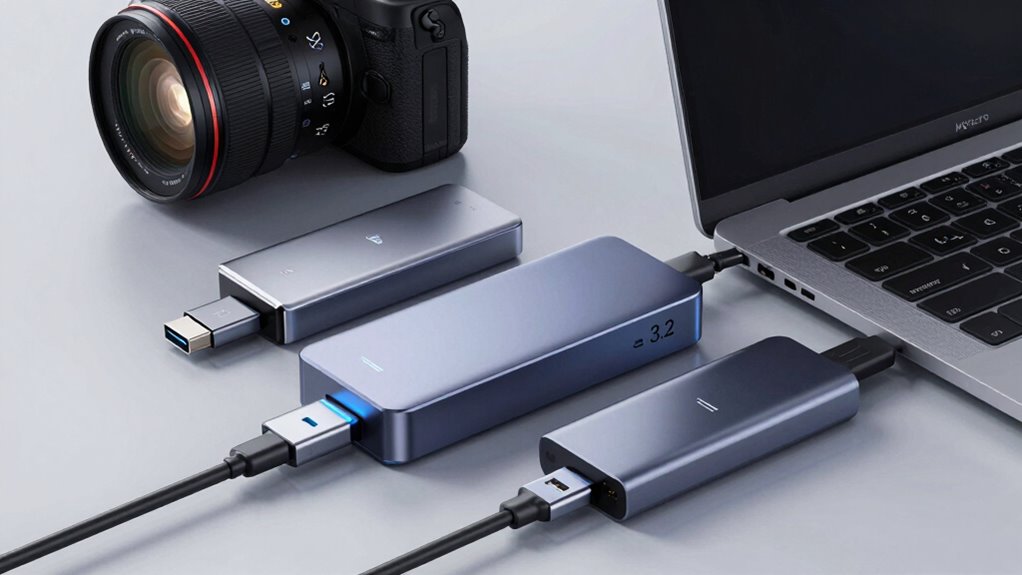
Understanding the main differences between USB 3.2, USB4, and Thunderbolt can seem confusing at first, but knowing their capabilities helps you choose the right storage solutions. USB 3.2 offers broad compatibility, working with most devices, but may have issues with newer hardware. USB4 improves on this by supporting faster data transfer and better compatibility with Thunderbolt 3 devices, reducing compatibility issues. Thunderbolt, however, provides the highest performance and versatility, but with limited device support and higher costs. Power delivery varies across these standards; USB 3.2 and USB4 often support charging devices, while Thunderbolt’s power delivery is more limited. Understanding these differences guarantees you select the right standard for your needs without facing compatibility issues or missing out on essential power features. Additionally, technology standards evolve rapidly, making it important to stay informed about current capabilities and future improvements. Staying current with standard developments ensures you make informed decisions as new versions and features are introduced.

4TB SanDisk Extreme PRO Portable SSD with USB4, Up to 3800 MB/s Read and 3700MB/s Write, USB-C, USB 3.2, Backwards Compatible, IP65 Water and Dust Resistance – SDSSDE82-4T00-G25
UNLEASH USB4 SPEEDS. Work at a turbocharged pace in external USB drives, with our next-gen USB4 interface achieving…
As an affiliate, we earn on qualifying purchases.
As an affiliate, we earn on qualifying purchases.
How Do These Standards Compare in Speed and Performance?

When comparing speed and performance, the differences between USB 3.2, USB4, and Thunderbolt become quite clear. USB 3.2 offers speeds up to 20 Gbps, but compatibility issues can limit performance, especially with older devices. USB4 doubles that, reaching 40 Gbps, and improves power efficiency, reducing energy consumption for connected devices. Thunderbolt 3 and 4 surpass both, delivering up to 40 Gbps with minimal latency and high stability, ideal for demanding tasks. While Thunderbolt provides the best overall performance, it often requires specific hardware and compatibility considerations. Power efficiency improves with newer standards, but the overall speed differences play a vital role in high-performance storage. Your choice depends on balancing speed needs, compatibility, and energy use.

ModusTech 500GB Portable External Hard Drive USB 3.0/Type-C – Slim High-Speed HDD for Backup, Storage, Gaming – Compatible with PC, Mac, Laptop, PS4, PS5, Xbox, Windows, MacBook, Smart TV (Black)
Ultra-Fast USB 3.0 Connectivity for Effortless Data Transfers: The ModusTech external hard drive delivers lightning-fast transfer speeds of…
As an affiliate, we earn on qualifying purchases.
As an affiliate, we earn on qualifying purchases.
Which Storage Devices Work Best for Your Needs?
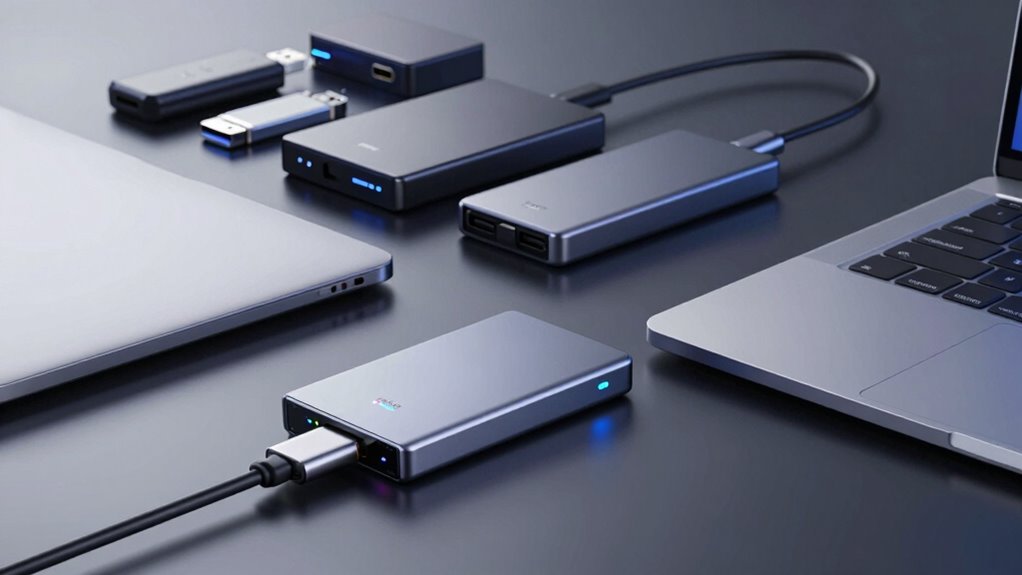
Choosing the right storage device depends on what you need it for and how you plan to use it. If speed is your priority, SSDs offer fast data transfer, but consider compatibility considerations with your device. For extra data transfer security, look for encrypted drives, especially if handling sensitive info. Here’s a quick comparison:
| Device Type | Best For | Key Features |
|---|---|---|
| External SSD | Fast transfers, portability | High speed, durable |
| HDD | Large storage, budget-friendly | Cost-effective, reliable |
| NVMe Drive | Heavy data work, gaming | Ultra-fast, compact |
Match your needs with these options, keeping in mind compatibility and data security.

Crucial X9 4TB Portable SSD, Up to 1050MB/s, USB 3.2 USB-C, External Solid State Drive, Compatible with Windows, Mac, & Android, Reliable Storage for Games, Files, & Backups, Black – CT4000X9SSD902
High-speed Performance: Designed for casual gamers and everyday use, this external SSD with up to 1050MB/s accelerates large…
As an affiliate, we earn on qualifying purchases.
As an affiliate, we earn on qualifying purchases.
What Practical Benefits Do You Get From These Technologies?
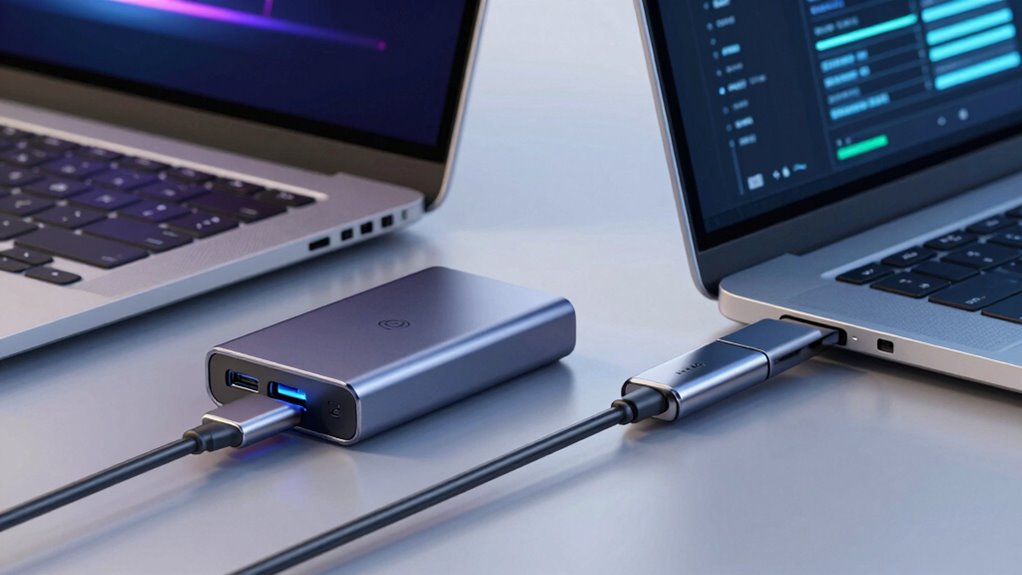
Using USB 3.2, USB4, and Thunderbolt technologies considerably boosts your device’s performance and productivity. You’ll experience faster data transfer speeds, reducing wait times for large files or backups. These standards also improve compatibility with a wide range of devices, minimizing compatibility issues that often occur with older connections. Additionally, they support enhanced power delivery, allowing your devices to charge quickly and operate efficiently from a single cable. This means fewer power adapters and less clutter. Whether you’re working with external drives, monitors, or peripherals, these technologies streamline your setup and save time. The improved bandwidth and power capabilities ensure smoother workflows, especially when handling demanding tasks or high-resolution media. Thanks to technology standard upgrades, you can also take advantage of better overall system efficiency and reliability. Incorporating unified connectivity standards can further optimize your device ecosystem and future-proof your setup. Overall, these standards deliver tangible benefits that enhance your daily device use.
How to Choose the Right Connection Standard for Your Device and Budget
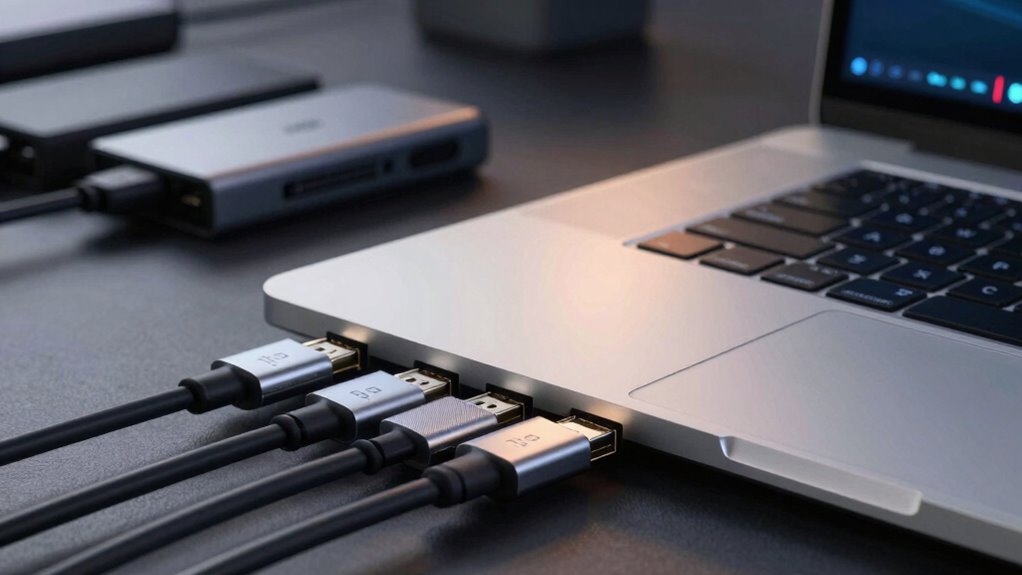
Selecting the right connection standard depends on your device’s compatibility, your performance needs, and your budget. Start by evaluating compatibility considerations—ensure your device supports the port you’re considering. Think about future proofing strategies; investing in a newer standard like USB4 or Thunderbolt can extend your device’s lifespan. Balance your performance expectations with costs—higher speeds often come with higher prices.
Choose the right connection standard based on compatibility, performance needs, and budget to ensure future-proof, efficient setup.
Consider:
- How important ultra-fast data transfer is for your work or hobbies
- Your device’s current and future connectivity options
- The potential need for upgrading peripherals later
- Your budget constraints and willingness to invest in longevity
Choosing wisely now can save you money and frustration later, ensuring your setup is both powerful and adaptable.
Frequently Asked Questions
Are Older USB Devices Compatible With USB4 and Thunderbolt Ports?
Yes, older USB devices are generally compatible with USB4 and Thunderbolt ports thanks to legacy compatibility. You can connect your existing devices, like USB 3.0 or USB 2.0 peripherals, to these new ports. However, to guarantee peak performance, device migration might be necessary, and some older devices could operate at reduced speeds. Overall, most of your legacy devices should work seamlessly with the latest ports.
Do All Thunderbolt Devices Also Support USB4?
Not all Thunderbolt devices support USB4. While Thunderbolt compatibility guarantees high-speed data transfer, USB4 features require specific hardware support. Some Thunderbolt devices are backward compatible with USB4, but others are not. You need to check the device specifications to confirm compatibility, as Thunderbolt’s advanced features like daisy chaining and PCIe support aren’t always available with USB4. Always verify before connecting to guarantee peak performance.
How Does Cable Length Affect Performance With These Standards?
Cable length greatly impacts performance because longer cables can cause signal degradation, reducing data transfer speeds and stability. With standards like USB4 and Thunderbolt, sticking to recommended maximum lengths helps guarantee ideal performance. If your cable is too long, you might experience slower transfers or connection issues. To avoid this, use shorter cables for high-speed data and power delivery, especially with high-bandwidth devices.
Can I Upgrade My Existing Storage Device to Support These Standards?
You can upgrade your existing storage device to support these standards, but you might face compatibility issues, especially with older hardware. Check if your device and cables support the new standards to guarantee proper performance. Also, consider power delivery capabilities, as some upgrades demand more power. Upgrading may require new cables or adapters designed for USB4 or Thunderbolt, so verify compatibility beforehand to avoid issues.
Are There Security Concerns With Using Thunderbolt Over USB Standards?
Yes, there are security concerns with using Thunderbolt over USB standards. You might worry about data encryption, which helps protect your information, and unauthorized access, which could compromise your device. Thunderbolt’s direct access can pose risks if not properly secured. To stay safe, always enable encryption features, use trusted cables and devices, and keep your firmware updated to prevent vulnerabilities and unauthorized access.
Conclusion
Choosing the right storage connection isn’t just about tech specs; it’s about aligning with your needs and budget. As newer standards emerge, they often seem to mirror your evolving demands—faster, more reliable, more versatile. In the end, the right port can transform your workflow, reminding you that sometimes, the best upgrade is the one that seamlessly fits into your everyday life, proving that progress truly happens when technology and your needs meet unexpectedly.