
Many teams make the mistake of prioritizing display size over key features like resolution, connectivity, and overall functionality. While a large screen might seem appealing, it’s the clarity, color accuracy, and ease of device connection that really impact hybrid meeting quality. Choosing a display based solely on size can lead to poor visual communication and frustration. To guarantee effective meetings, focus on the right features—just continue exploring to find out how to make the best choice.

Get business pricing on monitors, keyboards and dev gear
- Business-only prices and quantity discounts
- Tax-exempt purchasing
- Multiple users, one account, clear invoices
Key Takeaways
- Focusing solely on display size without considering resolution and image clarity.
- Ignoring the importance of color accuracy and wide viewing angles for all participants.
- Overlooking device compatibility and connectivity options, leading to setup issues.
- Prioritizing cost over essential features like durability, image quality, and future-proofing.
- Neglecting room layout and environment factors that impact display visibility and user experience.
As an affiliate, we earn on qualifying purchases.
Why Size Isn’t the Most Important Factor in Meeting Displays
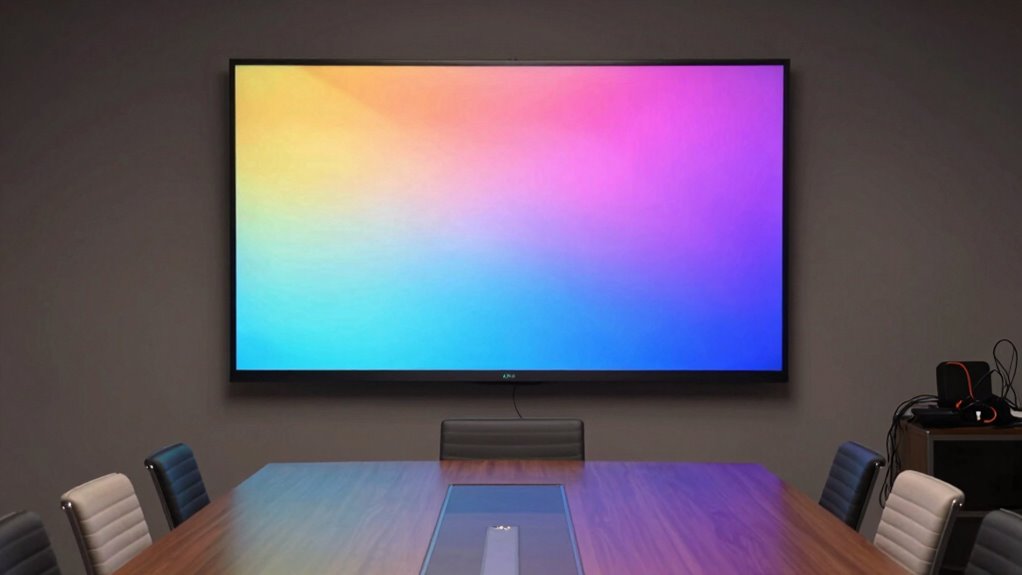
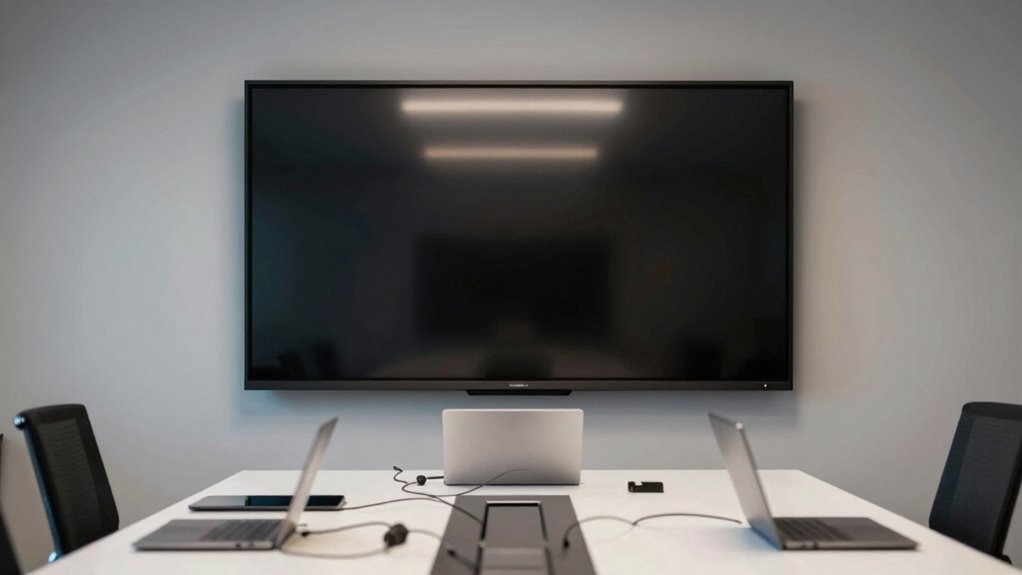
While a large display might seem like the obvious choice for meeting rooms, size alone doesn’t guarantee a better experience. A bigger screen can enhance visibility, but it doesn’t assure clear communication or effective collaboration. For video conferencing, clarity and resolution are more essential; a smaller, high-quality display can outperform a larger, blurry one. Similarly, digital signage benefits from sharp images and easy readability over sheer size. Consider your room layout and how participants will interact with the display. An appropriately sized screen that balances visibility with practicality often provides a more engaging experience. Remember, the goal is seamless communication, not just a big screen—quality, placement, and features matter just as much as size when choosing a meeting display. Additionally, understanding the variety in screen types and features can help you select the most effective display for your needs. Ensuring the contrast ratio is suitable for your environment can significantly improve visibility and clarity during meetings. Recognizing the importance of display placement can also influence overall meeting effectiveness and participant engagement.
interactive meeting display touchscreen
As an affiliate, we earn on qualifying purchases.
As an affiliate, we earn on qualifying purchases.
How Clarity and Resolution Impact Hybrid Meeting Effectiveness
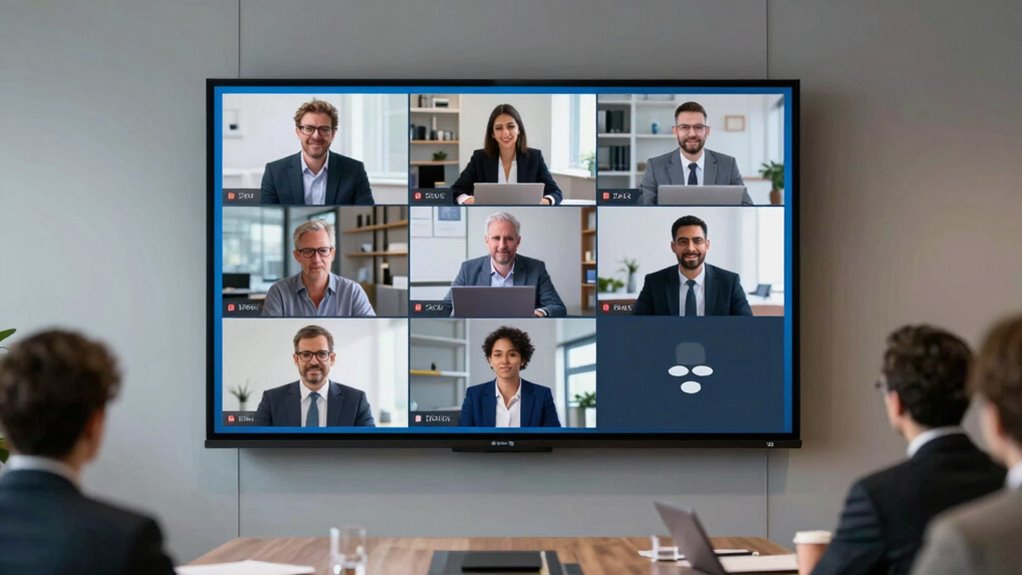
Clarity and resolution are vital for hybrid meetings because they directly affect how well participants can see and interpret shared content. Poor visual clarity hampers understanding, causing frustration and miscommunication. High resolution quality ensures details are sharp and text remains legible, even from a distance. When your display offers superior resolution, your team can easily distinguish small details in charts, slides, or video feeds, making collaboration smoother. Conversely, low-resolution screens can make content blurry or pixelated, which distracts attendees and reduces engagement. Investing in a display with excellent clarity and resolution quality boosts overall meeting effectiveness, helping everyone stay focused and connected. Additionally, Technological integration and choosing the right tools play a crucial role in achieving this. Clear visuals are essential for conveying information accurately and maintaining a professional, seamless hybrid meeting experience. When selecting displays, considering specific environment compatibility can further enhance clarity and reduce eye strain during extended sessions.
high resolution digital signage screen
As an affiliate, we earn on qualifying purchases.
As an affiliate, we earn on qualifying purchases.
Boost Engagement With Interactive Meeting Displays
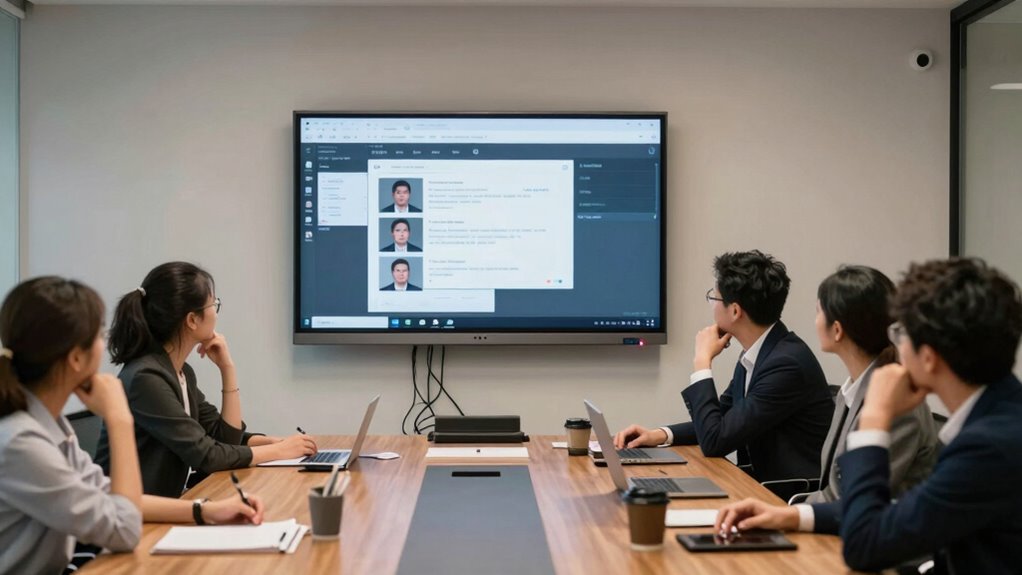
Interactive meeting displays actively engage participants by transforming traditional presentations into dynamic, collaborative experiences. They foster virtual collaboration, making remote attendees feel just as involved as those in the room. With features like digital whiteboards, you can brainstorm ideas, annotate documents, and share feedback in real time, keeping everyone engaged. These tools encourage active participation, breaking down barriers between in-person and virtual team members. By integrating interactive displays, you create a more lively environment that motivates input from all participants. This increased engagement helps prevent meetings from becoming passive or one-sided. Additionally, incorporating natural light into the meeting space can boost alertness and mood, enhancing overall engagement. Using the right pet-friendly equipment can also contribute to a more comfortable and accommodating environment for all attendees, especially in spaces where pets are allowed. Properly selecting the right display ensures optimal visibility and usability, which is crucial for maintaining focus and clarity during discussions. Incorporating appropriate technology can further enhance interactivity and streamline communication in hybrid settings. Investing in modern collaboration tools is essential to keep up with evolving meeting demands and to maximize productivity. Ultimately, using interactive displays streamlines communication and boosts overall meeting productivity.
business display with wide viewing angles
As an affiliate, we earn on qualifying purchases.
As an affiliate, we earn on qualifying purchases.
Connecting Your Devices: Compatibility Matters
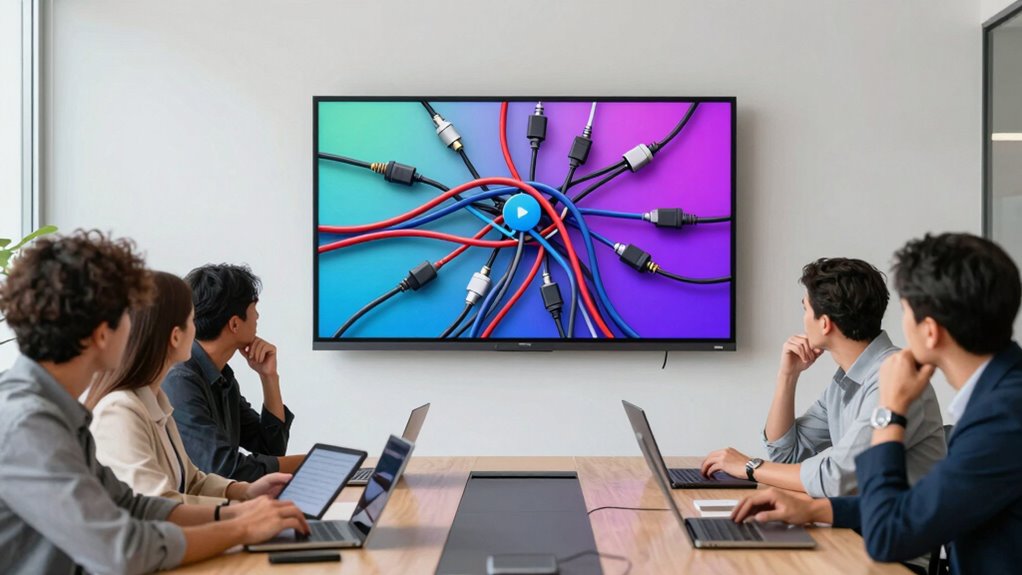
Once you’ve set up your interactive display, ensuring your devices can connect seamlessly becomes a top priority. Device integration is essential for smooth hybrid meetings, but compatibility issues often cause frustration. Different devices and operating systems may not communicate effectively, leading to delays and distractions. To avoid this, verify that your display supports multiple connection options like HDMI, USB-C, or wireless protocols such as Miracast or AirPlay. Check compatibility with laptops, tablets, and smartphones used by your team. If the display isn’t compatible with your devices, you’ll face ongoing technical problems that hinder collaboration. Prioritize a display with broad device compatibility and easy connection options. This approach minimizes disruptions and keeps your meetings running efficiently, ensuring everyone stays connected without technical hiccups. Additionally, consider essential safety tips to prevent potential hazards during setup and use. Ensuring your setup adheres to best practices for device safety can further enhance both security and reliability. Being aware of device compatibility considerations can help you choose the right display from the start, avoiding costly upgrades later. Moreover, understanding astrological influences on personality traits may help foster better team dynamics during meetings.
Why Functionality Trumps Size for Better Meetings
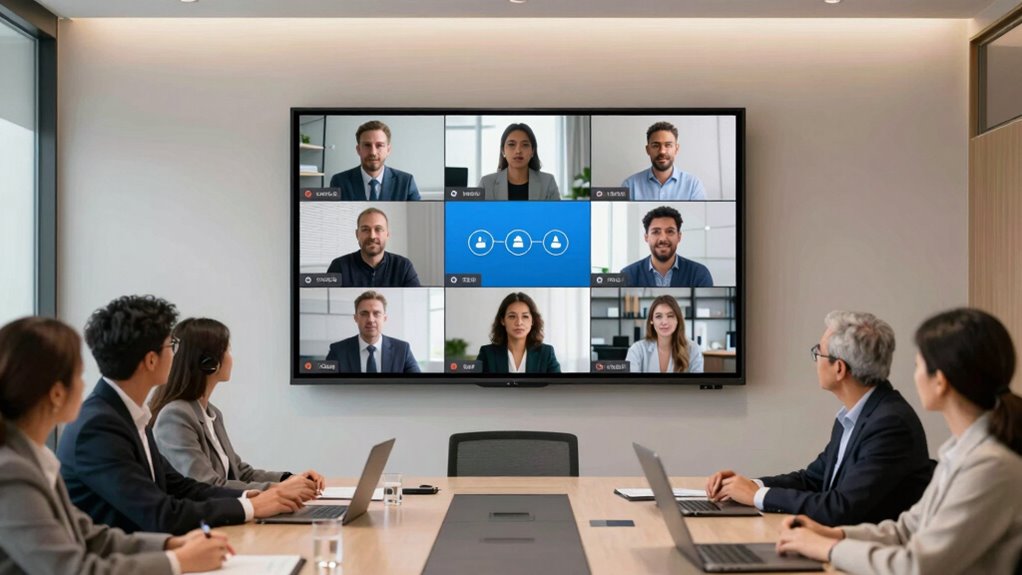
Focusing on functionality guarantees you get clearer visual communication, making meetings more effective. When the display offers features like sharp resolution and easy integration, the user experience improves considerably. Size matters less when the technology helps everyone see and interact seamlessly. Additionally, choosing equipment with technology integration in mind ensures safe and efficient usage, reducing frustration and technical issues during critical moments. Incorporating visual clarity into your selection process can further enhance understanding and engagement during meetings. Ensuring the display supports system monitoring can help troubleshoot problems quickly, maintaining smooth meeting flow. Emphasizing user-friendly interfaces can also lead to more productive interactions, especially in hybrid settings.
Clearer Visual Communication
While a large display might seem like the best way to improve visibility, it’s actually functionality that makes a bigger difference in meeting quality. Clearer visual communication depends on factors like color accuracy and viewing angles. If colors appear dull or distorted, messages get lost or misunderstood. Poor viewing angles mean participants at different spots see inconsistent images, causing confusion. To guarantee effective communication, prioritize displays with high color fidelity and wide viewing angles. This guarantees everyone sees the same vibrant, accurate visuals, regardless of where they sit. Additionally, understanding display specifications helps in selecting the right model for your needs. Recognizing the cryptid mysteries behind some display issues can also help troubleshoot unexpected visual problems effectively. Being aware of optical drive capabilities can further enhance backup strategies for meeting data. Moreover, understanding visual performance metrics can assist in evaluating how well a display will perform in real-world hybrid meeting scenarios.
Enhanced User Experience
Having a large display is helpful, but the real key to a successful hybrid meeting lies in its functionality. Prioritize features that enhance user experience, like adjustable angles for ergonomic seating and proper ambient lighting. These create a comfortable environment, reducing fatigue and distraction. A focus on intuitive controls and clear audio-visual quality ensures everyone stays engaged.
| Feature | Benefit | Example |
|---|---|---|
| Ergonomic seating | Promotes comfort, reduces strain | Adjustable chairs with lumbar support |
| Ambient lighting | Minimizes glare, improves clarity | Dimmable lights around the display |
| User interface | Simplifies operation | Touch controls or remote access |
| Audio quality | Ensures clear communication | Noise-canceling microphones |
Evaluating Your Team’s Meeting Needs for the Right Display
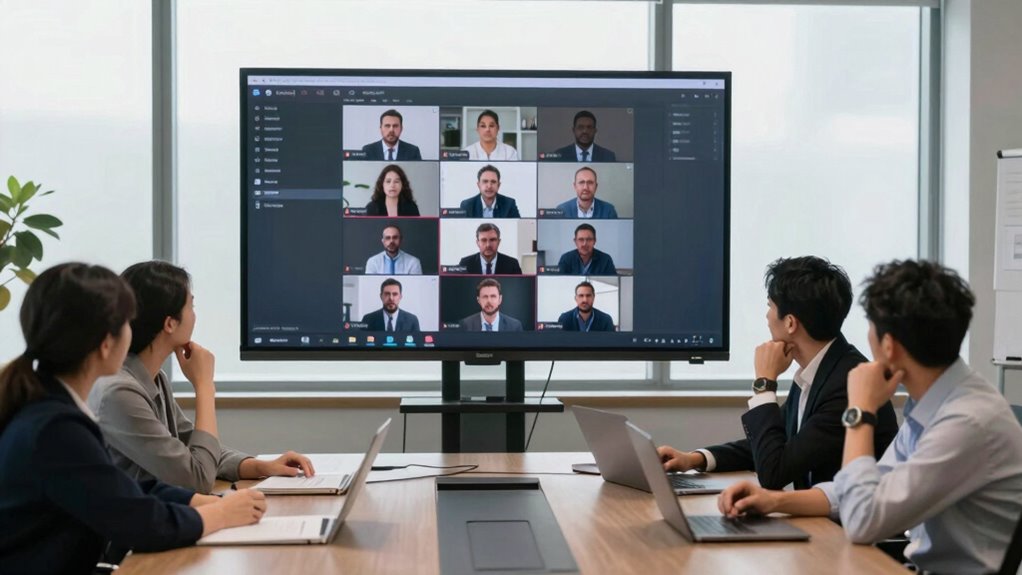
To choose the right display, start by considering how often your team meets and what types of meetings you hold. Then, evaluate your room’s size and layout to guarantee the display fits comfortably and is easily visible. Making these assessments helps you pick a solution that truly enhances your hybrid meetings.
Assess Meeting Frequency Needs
Understanding how often your team holds meetings is essential for choosing the right display. If your team meets daily, you need a durable, high-quality display that supports seamless collaboration. For weekly meetings, prioritize clarity and comfort, ensuring everyone can see and engage easily. Irregular meeting schedules demand versatile displays that adapt quickly. Consistent scheduling means you can invest in higher-end hardware, while sporadic meetings might require more portable options.
Consider these key points:
- Will meetings be frequent or infrequent?
- Does your schedule follow a predictable pattern?
- Are meetings mostly in-person, virtual, or hybrid?
- How urgent and important are these meetings?
Matching your meeting frequency with the right display prevents frustration and boosts productivity.
Consider Room Size and Layout
Choosing the right display begins with evaluating your room’s size and layout, as these factors directly influence visibility and interaction. Larger rooms may require bigger screens to guarantee everyone can see clearly, while smaller spaces benefit from more compact displays. Pay attention to room acoustics, since poor sound quality can hinder communication regardless of display size. Consider furniture placement to optimize sightlines and reduce obstructions, making sure participants can comfortably view the screen from any seat. If your room has irregular shape or multiple zones, you might need multiple displays or a larger, flexible one. Properly considering these elements helps prevent issues like glare, echo, or limited visibility, making your hybrid meetings more effective and engaging.
Common Mistakes When Buying a Meeting Display: and How to Avoid Them

One common mistake when buying a meeting display is focusing solely on size without considering resolution and image clarity. A large screen isn’t enough if colors appear washed out or details are blurry. To avoid this, prioritize displays with proper color calibration to guarantee accurate visuals. Don’t overlook brand reputation; trusted brands often deliver better quality and support.
Here are four pitfalls to watch out for:
- Ignoring resolution, leading to pixelated images.
- Choosing a display based on size alone, sacrificing clarity.
- Overlooking the importance of color calibration for professional presentations.
- Buying from lesser-known brands with poor reliability.
Balancing Cost and Quality When Choosing a Meeting Display
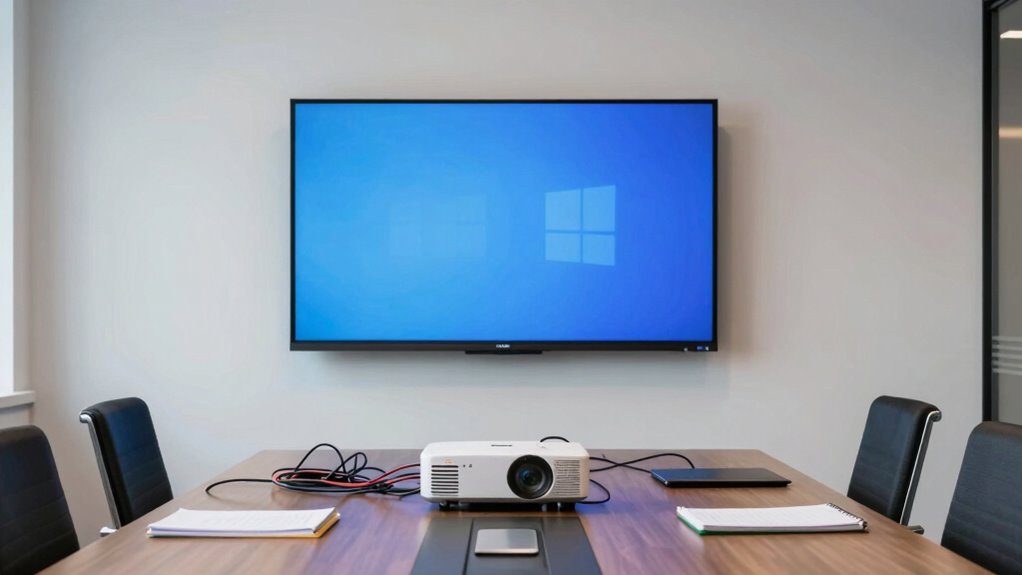
While focusing on resolution and image clarity is crucial, it’s equally important to weigh your budget. Conducting a thorough cost analysis helps you understand what fits within your financial limits while meeting your needs. A quality comparison across different displays reveals the trade-offs between price and performance, ensuring you don’t overspend on features you don’t need. Cheaper options may seem appealing initially but could compromise durability or image quality over time. Conversely, investing too much might stretch your budget without delivering proportional benefits. Finding the right balance involves evaluating the features that matter most for hybrid meetings—such as size, connectivity, and clarity—and comparing their costs and benefits. This approach guarantees you get a reliable, high-quality display without unnecessary expense.
Future-Proof Your Meeting Setup for Hybrid Work

As hybrid work becomes the standard, future-proofing your meeting setup guarantees it remains effective and adaptable over time. Prioritize future adaptability by selecting displays that support seamless technology integration. This guarantees you’re prepared for emerging tools and evolving collaboration needs. To secure this:
- Invest in scalable systems that grow with your team’s needs
- Choose displays compatible with multiple conferencing platforms
- Incorporate wireless technology for quick setup and flexibility
- Regularly update software and firmware to stay ahead of innovations
Frequently Asked Questions
How Do I Ensure My Display Integrates With Existing Collaboration Tools?
To guarantee your display integrates smoothly with existing collaboration tools, start by checking compatibility and support for your preferred platforms. Look for displays with open APIs or native integrations that minimize compatibility issues. Test the setup beforehand to identify potential integration challenges. Keep your collaboration software updated, and consult with vendors to confirm the display’s compatibility, preventing frustrating integration challenges during critical hybrid meetings.
What Are the Security Considerations for Hybrid Meeting Displays?
Your hybrid meeting display is your digital fortress—security can’t be an afterthought. You should prioritize data encryption to protect sensitive information during transmission and guarantee access controls are robust, limiting who can join or view meetings. Regular updates and secure network connections strengthen defenses. Ignoring these security measures risks breaches, compromising confidential data and damaging trust, so always stay vigilant and proactive in safeguarding your hybrid meeting environment.
How Often Should Meeting Display Technology Be Upgraded?
You should upgrade your meeting display technology every 3 to 5 years to keep up with advancements in display resolution and touchscreen functionality. Regular updates guarantee the display remains sharp and responsive, enhancing hybrid meetings’ quality. If your current display shows signs of lag or poor resolution, consider upgrading sooner. Staying current helps maintain seamless collaboration and assures your technology supports the latest features for effective communication.
Can a Display Improve Remote Participant Engagement Effectively?
Yes, a display can improve remote participant engagement effectively. By enhancing screen visibility and fostering virtual interaction, you make it easier for remote team members to see and hear everything clearly. High-quality visuals and strategic placement encourage active participation, making meetings feel more inclusive. When your display supports seamless virtual interaction, it boosts engagement, reduces misunderstandings, and creates a more dynamic, connected hybrid meeting environment for everyone involved.
What Are the Hidden Costs of Installing a New Meeting Display?
While upgrading your meeting space, you might overlook the subtle costs involved, such as thorough cost analysis and potential installation challenges. These hidden expenses can include wiring, mounting, software integration, and future maintenance. By proactively evaluating these factors, you guarantee a smoother setup and avoid surprises. Embracing this foresight helps you maximize your investment, ultimately creating a seamless hybrid meeting environment that fosters collaboration and productivity.
Conclusion
Choosing the right display is essential for effective hybrid meetings. Did you know that 85% of remote workers feel that poor audio and visuals hinder their productivity? By focusing on clarity, compatibility, and functionality rather than just size, you can create engaging, seamless meetings. Avoid common pitfalls, balance cost with quality, and future-proof your setup. Investing wisely now guarantees your team stays connected and productive, no matter where they work.
Fall Picks
fall essentials
As an affiliate, we earn on qualifying purchases.