
If you’re choosing between IPS, VA, OLED, or Mini-LED panels, consider what matters most—color accuracy, contrast, durability, or affordability. IPS screens offer consistent colors and wide angles, ideal for detailed work. VA panels provide deeper blacks and higher contrast, great for darker environments. OLED displays deliver vibrant colors and true blacks but may burn-in over time, while Mini-LEDs combine high brightness with durability. Keep exploring to discover which panel best fits your programming and creative needs.
Key Takeaways
- Choose IPS for accurate colors and wide viewing angles, ideal for coding, design, and long hours of work.
- Opt for OLED if vibrant colors, high contrast, and true blacks are priorities, but consider potential burn-in risks.
- Select VA panels for better contrast and deeper blacks, suitable for darker environments and multimedia consumption.
- Consider Mini-LED for enhanced brightness, contrast, and durability, blending OLED benefits with increased lifespan.
- Balance cost and durability: IPS and VA are more budget-friendly and longer-lasting, while OLED and Mini-LED offer superior visuals at higher prices.

BenQ RD280U 28.2” 4K 3840×2560 3:2 Programming Monitor, Eye-Care, Nano Matte Panel, Coding Modes, MoonHalo Backlight, 90W USB-C, KVM, VESA Mount, Developer Monitor
Nano Matte Panel: Unlock peak productivity with BenQ's exclusive anti-glare, anti-reflective Nano Matte Panel designed for programmers.
As an affiliate, we earn on qualifying purchases.
As an affiliate, we earn on qualifying purchases.
What Are IPS, VA, OLED, and Mini-LED Displays?
When choosing a display, understanding the differences between IPS, VA, OLED, and Mini-LED panels is essential because each technology offers unique advantages and trade-offs. IPS panels deliver accurate color reproduction and wide viewing angles, making them ideal for detailed work. VA panels excel in contrast and deeper blacks, but may have slower refresh rate variations, which can impact smoothness. OLED displays provide stunning contrast ratios and fast response times, but their panel lifespan can be shorter due to potential burn-in issues. Mini-LED technology enhances brightness and contrast, combining some benefits of OLED with increased durability. Additionally, panel lifespan can vary significantly depending on the technology used, which is an important factor for long-term use. Understanding the technology differences helps you select a panel that balances refresh rate variations, lifespan, and performance suited to your needs.

Acer Predator Gaming Monitor | 26.5" WQHD 2560×1440 QD-OLED | AMD FreeSync Premium | 240Hz | 0.03ms | Tilt, Height Adjustment, Pivot & Swivel | DCI-P3 99% | 2 x DP 1.4 & 2 x HDMI 2.1 | X27U W1bmiipprx
OLED Makes All The Difference: With a display of these mammoth-like proportions, everything must look good. The WQHD…
As an affiliate, we earn on qualifying purchases.
As an affiliate, we earn on qualifying purchases.
How to Choose the Best Monitor for Programmers
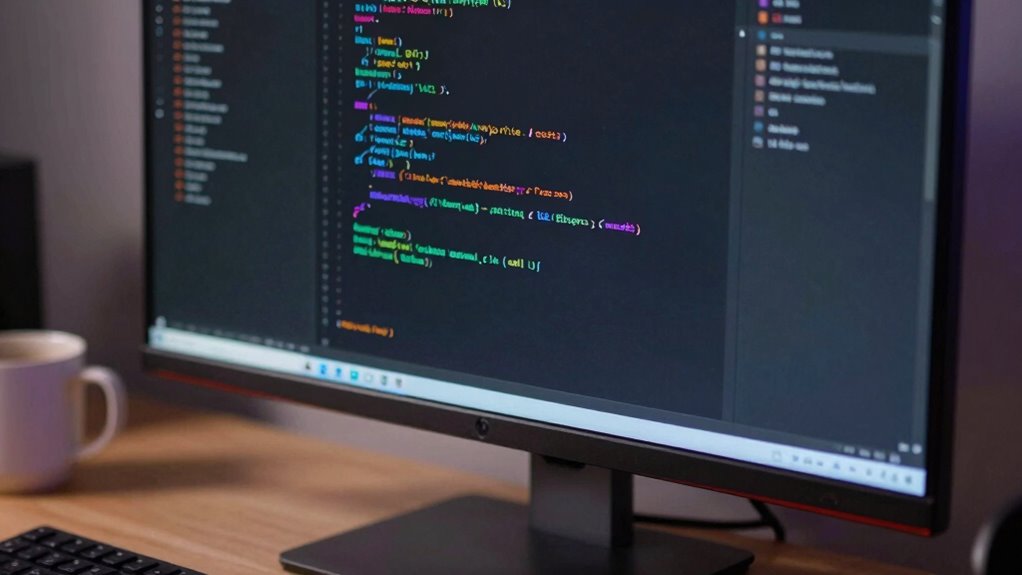
When choosing a monitor for programming, consider the display panel type to guarantee good color accuracy and wide viewing angles. You’ll also want a screen size and resolution that reduce eye strain and fit your workspace, along with brightness levels suited to your lighting conditions. Paying attention to these factors helps you find a monitor that boosts your productivity and comfort. Additionally, selecting a monitor with appropriate viewing angles ensures consistent image quality from different positions, which is especially important for long coding sessions.
Display Panel Types
Choosing the right display panel type is vital for optimizing your programming workflow, as each offers distinct advantages and trade-offs. Panel manufacturing impacts factors like color accuracy, contrast, and viewing angles, which are essential for long coding sessions. IPS panels deliver consistent color and wide viewing angles, making them ideal for multitasking and detailed work. VA panels excel in contrast, providing deeper blacks suited for darker environments. OLED screens offer exceptional contrast and vibrant colors, but can suffer from burn-in over time. Mini-LED displays improve backlighting, enhancing contrast and brightness. Additionally, consider display refresh rates: higher rates ensure smoother scrolling and interactions. Knowing how these factors influence your setup helps you select a monitor that fits your needs, boosting productivity and reducing eye strain during extended programming sessions. The choice of commercial cleaning equipment can also help maintain your workspace’s cleanliness, which is crucial for optimal monitor performance and longevity.
Screen Size and Resolution
How does screen size and resolution impact your programming experience? Larger screens with higher resolutions let you view more code at once, reducing the need to switch between tabs. A bigger display with 4K resolution provides sharper text, making it easier on your eyes. Consider these points:
- Screen size: Aim for at least 24 inches for comfortable multitasking.
- Resolution: Opt for Full HD (1080p) or higher, like 1440p or 4K, for clarity.
- Refresh rates: Higher rates (e.g., 75Hz or 144Hz) make scrolling smoother.
- Screen curvature: Curved screens can reduce eye strain by offering a more immersive viewing angle.
Balancing size, resolution, and refresh rates helps you create a comfortable and efficient programming setup.
Color Accuracy and Brightness
Since you’ll be spending long hours coding, prioritizing color accuracy and brightness on your monitor can substantially reduce eye strain and improve your overall experience. Good color calibration guarantees that colors are true to life, which is especially important if you work with visual content or need precise color matching. Brightness uniformity is equally essential; uneven brightness can cause eye fatigue and distract you during long sessions. Look for monitors with excellent brightness uniformity, so the screen remains consistent across the entire display. Additionally, consider a monitor with adjustable brightness settings to adapt to different lighting conditions. These features help maintain visual comfort and accuracy, making it easier to focus and work efficiently over extended periods. Understanding monitor specifications such as luminance and color gamut can further help you select a display that meets your professional needs. Incorporating natural lighting considerations into your workspace can also enhance your viewing experience and reduce the need for excessive brightness adjustments.

INNOCN 32" Mini LED 4K 160Hz 3840 x 2160P HDR1000 Monitor 1ms IPS HDMI 2.1, 99% DCI-P3, USB Type-C Connectivity, Height Adjustable Stand – Black (2026)
【4K 160Hz Gaming Monitor & Mini LED Backlit Technology】2026 Absolute upgrading of ordinary gaming experience with this latest…
As an affiliate, we earn on qualifying purchases.
As an affiliate, we earn on qualifying purchases.
Which Panel Types Offer the Best Color Accuracy and Black Levels?
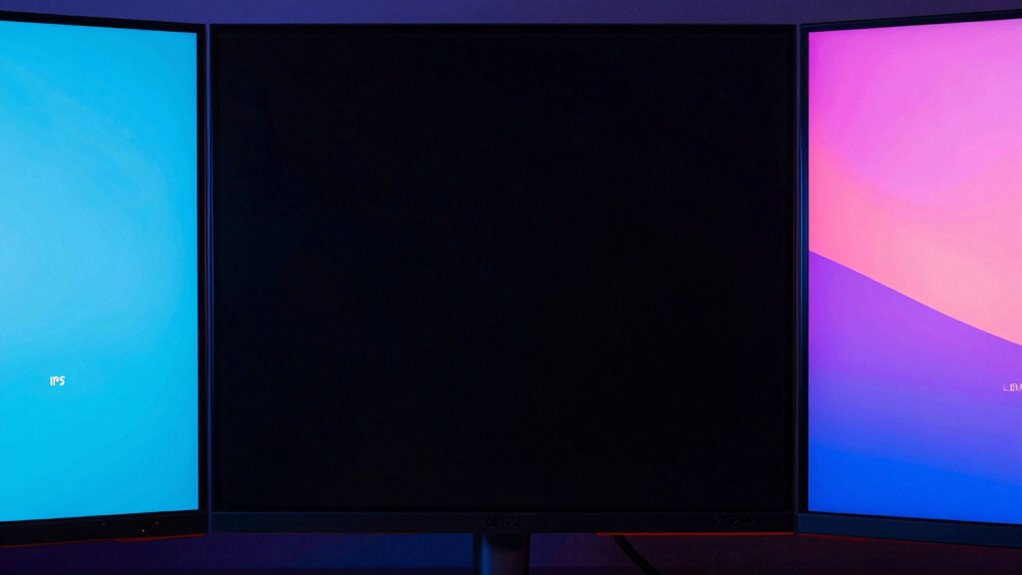
When it comes to color accuracy and black levels, OLED panels stand out as the top performers. They offer an exceptional contrast ratio, with true blacks that make images pop. Their wide color gamut ensures vibrant, accurate colors across the spectrum. In comparison:
OLED panels excel in color accuracy and true blacks, delivering stunning contrast and vibrant visuals.
- OLED displays deliver perfect black levels, enhancing contrast and depth.
- VA panels also have high contrast ratios, providing deep blacks but slightly less precise color accuracy than OLED.
- IPS panels excel in color gamut, offering accurate, consistent colors, but struggle with black levels.
- Mini-LEDs improve contrast ratio over traditional LCDs, yet still don’t match OLED’s deep blacks.
If black levels are your priority, OLED is the best choice, followed by VA and Mini-LED for enhanced contrast.

Acer Nitro KG241Y Sbiip 23.8” Full HD (1920 x 1080) VA Gaming Monitor | AMD FreeSync Premium Technology | 165Hz Refresh Rate | 1ms (VRB) | ZeroFrame Design | 1 x Display Port 1.2 & 2 x HDMI 2.0,Black
23.8" Full HD (1920 x 1080) Widescreen VA Monitor | AMD FreeSync Premium Technology
As an affiliate, we earn on qualifying purchases.
As an affiliate, we earn on qualifying purchases.
What Response Times Do Different Panels Provide for Coding and Fast Tasks?

While OLED panels excel in delivering perfect black levels and vibrant colors, response times also play a vital role in tasks like coding and fast-paced activities. Faster response times reduce motion blur, providing smoother visuals during quick scrolling or rapid screen updates. Typically, OLED panels offer response times around 1-3 milliseconds, making them ideal for high-speed tasks. IPS and VA panels usually have response times ranging from 4-8 milliseconds, which can introduce slight ghosting but remain acceptable for most coding and everyday activities. Refresh rates also matter; higher rates like 120Hz or more improve fluidity during fast movements, though they don’t directly impact response times. Overall, OLED and high-refresh-rate panels offer the best balance for quick, responsive visuals needed in coding and fast tasks.
Cost, Durability, and Eye Comfort: Which Display Is Right for You?
Choosing the right display involves balancing cost, durability, and eye comfort, which can considerably impact your long-term satisfaction. To make an informed decision, consider these factors:
- Panel longevity – OLEDs may offer stunning visuals but can suffer from burn-in over time, while VA and IPS panels tend to last longer.
- Cost – OLED and Mini-LED screens are often pricier, whereas IPS and VA panels are more budget-friendly.
- Energy efficiency – IPS and VA panels consume less power, making them better for energy savings and prolonged use.
- Eye comfort – Look for features like flicker-free technology and low blue light modes that improve eye comfort during extended sessions.
Prioritize what matters most: durability, cost, or eye comfort, to find a display that suits your needs best.
Best Monitors for Programmers Who Code and Design
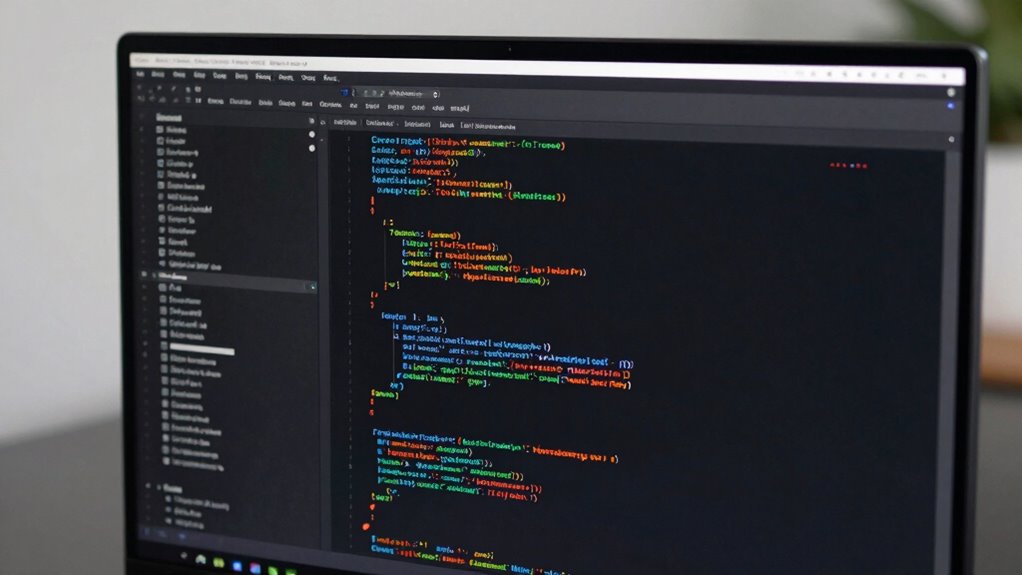
When choosing the best monitor for coding and designing, color accuracy and calibration are essential for precise work. Screen size and resolution also matter, as larger, high-resolution displays reduce eye strain and improve productivity. Consider these points carefully to find a monitor that meets your specific coding and design needs. Additionally, selecting a monitor with features like monitor calibration can help maintain consistent color performance over time.
Color Accuracy and Calibration
Color accuracy and calibration are essential for programmers and designers who need precise color representation to guarantee their work looks consistent across different devices and mediums. To achieve this, focus on proper display calibration, which ensures your monitor displays true-to-life colors. Here are key tips:
- Regularly perform color calibration using hardware tools for consistent results.
- Use software calibration tools to fine-tune brightness, contrast, and gamma settings.
- Choose monitors with high color gamut coverage (like Adobe RGB or DCI-P3).
- Trust monitors that support hardware calibration, ensuring accurate and stable color performance over time.
- Understanding paint sprayer maintenance can help maintain consistent performance of your equipment, similar to how calibration maintains display accuracy.
Screen Size and Resolution
A monitor’s screen size and resolution directly impact your productivity and creative accuracy, especially when coding or designing. A larger screen lets you multitask comfortably, while higher screen resolution provides sharper images and more workspace. A 4K resolution enhances detail and minimizes eye strain. Keep in mind, panel durability varies, affecting long-term reliability. Larger screens with high resolutions demand sturdy panels to prevent damage from daily use. To ensure a longer lifespan, consider the panel durability when choosing your monitor.
Tips to Test and Compare Displays Before Buying
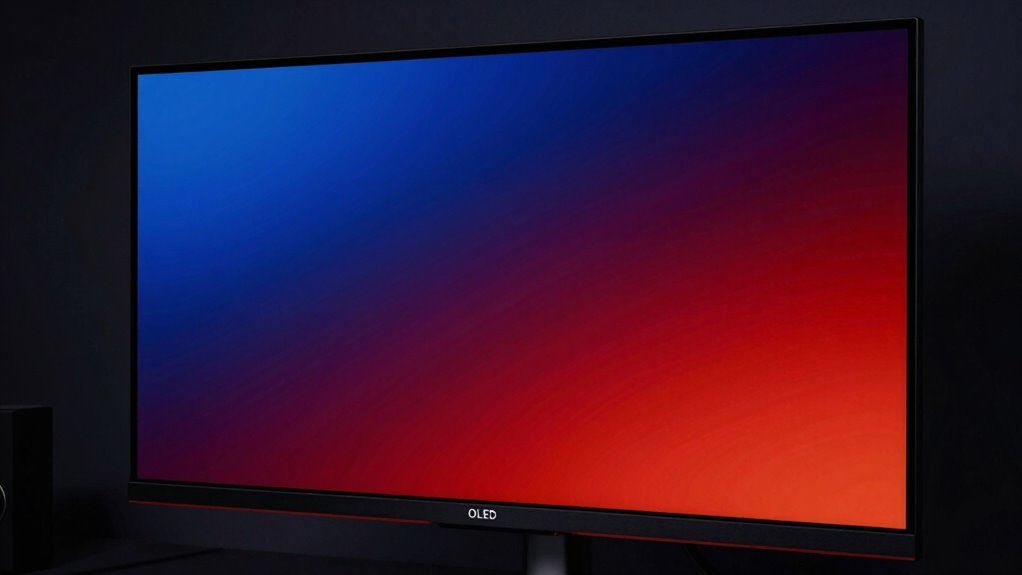
Before making a purchase, it’s essential to test and compare displays in person to guarantee you select the best option for your needs. Focus on key aspects like display calibration to verify colors and contrast are accurate, and assess panel longevity by checking for consistent brightness and color stability over time. To evaluate effectively, consider these tips:
- View the display in different lighting conditions to see how glare and reflections impact your experience.
- Test color accuracy with a calibration tool if possible, especially for professional work.
- Check for uniformity in brightness and color across the panel.
- Observe how the display handles motion and contrast, key features for gaming or video editing.
These steps help verify you pick a display that’s both reliable and suited to your usage.
Frequently Asked Questions
How Do Panel Types Affect Eye Strain During Long Coding Sessions?
Panel types considerably impact your eye comfort during long coding sessions. Some screens reduce eye strain better by minimizing screen flicker and offering stable brightness, which helps prevent fatigue. You’ll find that panels with flicker-free technology and good contrast can lessen eye discomfort, making it easier to stay focused. Choosing a display optimized for eye comfort ensures you can code longer without experiencing excessive eye strain or fatigue.
Are OLED Displays More Prone to Burn-In Than LCD Panels?
A stitch in time saves nine, and with OLED displays, you should be cautious about burn-in. OLED burn-in is more common than LCD longevity because static images can leave lasting impressions. While OLED offers stunning visuals, prolonged static content risks burn-in, unlike LCDs, which tend to resist such issues better over time. If you work long hours, consider switching displays or adjusting settings to minimize the risk.
What Are the Best Calibration Tools for Different Panel Types?
For ideal color accuracy, you should use calibration software like CalMAN, DisplayCAL, or X-Rite i1Profiler. These tools work well across various panel types, helping you fine-tune brightness, contrast, and color profiles. Pair them with hardware calibrators such as the X-Rite i1Display Pro or Datacolor SpyderX for precise results. Regular calibration ensures consistent performance, regardless of panel type, and maintains accurate color reproduction over time.
How Does Refresh Rate Impact Programming and Multitasking Performance?
Rapid refresh rates greatly enhance your programming and multitasking performance. Higher refresh rates deliver smoother scrolling, seamless shifts, and snappy responses, helping you stay focused and efficient. When multitasking, faster refresh rates minimize lag and flicker, making switching between multiple windows effortless. You’ll find that increased refresh rates improve overall multitasking efficiency, keeping your workflow fluid and frustration-free. Investing in a high refresh rate monitor can elevate your programming productivity and multitasking mastery.
Can Panel Technology Influence the Longevity of a Monitor?
Panel technology directly influences your monitor’s longevity by affecting panel durability and color accuracy over time. Choosing a high-quality panel helps prevent issues like image burn-in or color fading, ensuring your display remains vibrant and reliable. You’ll benefit from consistent performance, especially during long coding or multitasking sessions. Investing in durable panel technology means your monitor stays accurate and functional, reducing the need for replacements and maintaining your work quality.
Conclusion
Choosing the right display is as vital as finding the Holy Grail in a knight’s quest. Whether you opt for IPS, VA, OLED, or Mini-LED, focus on your coding needs, budget, and eye comfort. Test before you buy, and don’t settle for less—your code deserves a display that’s sharp, accurate, and reliable. Remember, in the digital age, a great monitor is your most trusted squire on the path to coding greatness.