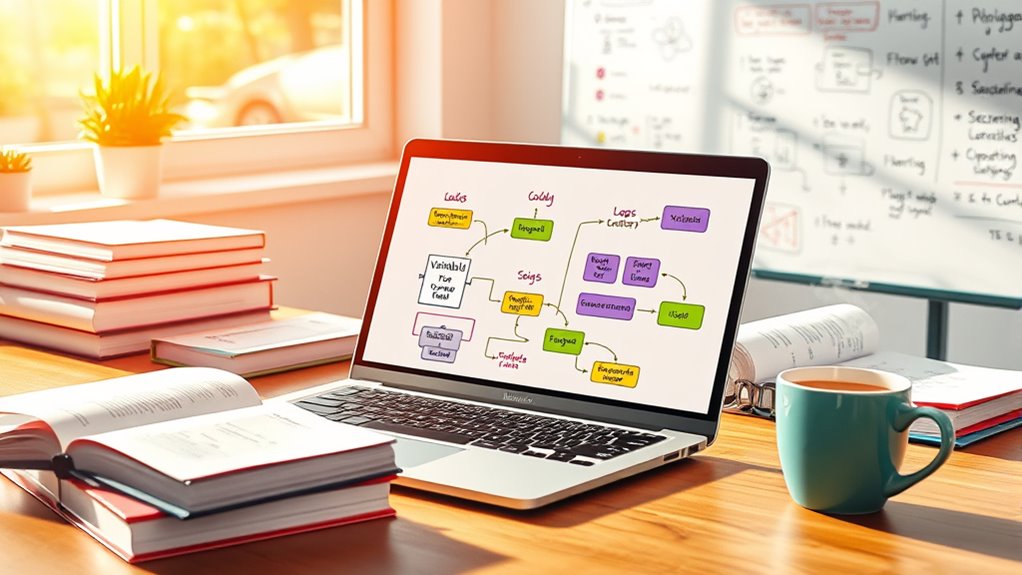

To start with programming, you need to understand key concepts like variables, loops, and functions. Variables are containers for data, allowing you to store and label information of different types. Loops help repeat tasks efficiently, while functions organize code into reusable blocks that accept inputs and produce outputs. Mastering these basics makes your code more organized and efficient. Keep exploring as you go, and you’ll uncover how these tools work together to build powerful programs.
Key Takeaways
- Variables store and label data, requiring proper data type recognition to prevent errors and improve program efficiency.
- Data types determine what operations can be performed and how data interacts within the program.
- Conditional statements enable programs to make decisions and execute different code paths based on specific conditions.
- Loops automate repeated tasks, process data collections, and help avoid code duplication for efficiency.
- Functions encapsulate reusable instructions, accept inputs, and improve code organization and manageability.
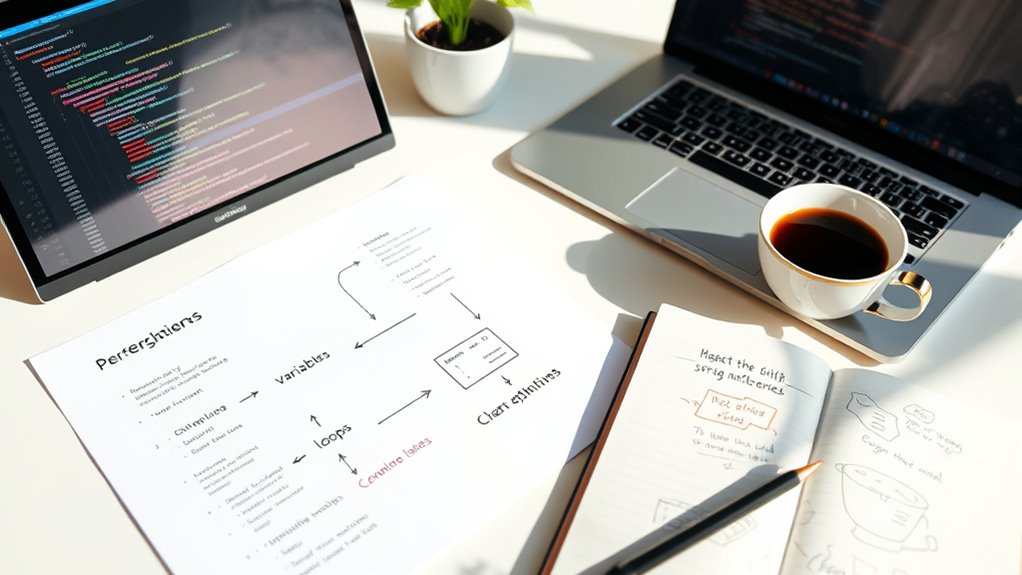
Are you new to programming and wondering where to start? It can feel overwhelming at first, but understanding some foundational concepts will make everything clearer. One of the first things you need to grasp is variables, which are like containers that store data. Think of variables as labels you attach to pieces of information, allowing your program to remember and manipulate them. When you declare a variable, you assign it a value, and that value can be of different data types, such as numbers, text, or even more complex structures. Recognizing data types is essential because they determine what kind of operations you can perform. For example, you can add numbers but not combine text with numbers directly. Mastering data types helps you avoid errors and write more efficient code.
Once you’re comfortable with variables and data types, you’ll find conditional statements incredibly useful. Conditional statements enable your program to make decisions based on certain conditions. For instance, you might want your program to check if a user’s input is valid or if a number is greater than a specific value. This is where if-else statements come into play. They allow your code to branch into different paths depending on whether a condition is true or false. For example, you could write a simple condition like “if the user enters a number greater than 10, display a message; otherwise, ask for input again.” Using conditional statements makes your programs more dynamic and responsive to different scenarios.
Loops are another core concept you’ll encounter early on. They let you repeat a block of code multiple times without copying and pasting it. For example, if you want to print numbers from 1 to 10, a loop automates this process efficiently. There are different types of loops, such as for loops and while loops, but both serve the purpose of repetition. Loops save you time and reduce errors because you don’t have to write the same code repeatedly. They’re especially handy when working with data collections like lists or arrays, where you want to process each element systematically. Understanding how loops interact with variables is crucial for writing efficient programs.
Functions are the building blocks of organized code. They let you encapsulate a set of instructions into a single block that you can reuse throughout your program. Think of functions as mini-programs within your main program. They accept inputs (parameters), perform their task, and often return an output. Using functions makes your code cleaner, more manageable, and easier to debug. Once you understand variables, data types, conditional statements, loops, and functions, you’ll have a solid foundation to explore more advanced programming topics. With practice, these core concepts will become second nature, enabling you to build more complex and useful programs. Additionally, understanding how data types influence operations will help you write more effective and error-free code.
Frequently Asked Questions
How Do I Choose the Right Programming Language for Beginners?
To choose the right programming language for beginners, consider one with clear syntax basics and straightforward language features. You want a language that’s easy to read and understand, helping you grasp core concepts quickly. Languages like Python or JavaScript are great choices because they offer simple syntax and versatile features. Pick one that matches your interests, whether web development or automation, and you’ll stay motivated as you learn.
What Are Common Mistakes to Avoid When Starting Programming?
Think of your code as a delicate dance—one misstep can break the rhythm. To avoid common mistakes, pay attention to syntax errors and inconsistent indentation, which can trip you up unexpectedly. Always double-check your syntax and stay consistent with indentation to keep your code smooth and readable. By catching these issues early, you’ll build confidence and keep your programming journey dancing to a happy tune.
How Can I Practice Programming Effectively Outside Tutorials?
You can practice programming effectively outside tutorials by tackling coding challenges on platforms like LeetCode or HackerRank, which sharpen your skills. Pair programming with a friend or fellow learner helps you learn different approaches and catch mistakes early. Consistently work on small projects or problems, and review your code to understand your errors. This active practice makes your learning more practical, engaging, and helps solidify your programming concepts.
What Resources Are Best for Learning Advanced Programming Concepts?
Imagine immersing yourself in a vast ocean of knowledge, where shimmering waves of advanced algorithms and code optimization await. To master these, explore online courses like Coursera, edX, or Udacity, which offer comprehensive explorations into complex topics. Engage with open-source projects on GitHub, read authoritative books, and participate in coding challenges. These resources challenge you to refine your skills, pushing your understanding toward mastery of advanced programming concepts.
How Do I Troubleshoot Errors in My Code Efficiently?
To troubleshoot errors efficiently, start with debugging techniques like adding print statements or using a debugger tool to step through your code. Pay close attention to error messages—they often point directly to the problem. Break your code into smaller parts and test each one. This approach helps you identify where issues occur quickly, making fixes faster and reducing frustration.
Conclusion
So there you have it—your crash course in programming basics. Now you’re ready to conquer variables, loops, and functions like a seasoned coder… or at least pretend to. Remember, mistakes are just your code’s way of saying, “Hey, I need a little more practice.” Keep experimenting, keep laughing at errors, and soon enough, you’ll be debugging like a pro—until your next confusing adventure. Happy coding!