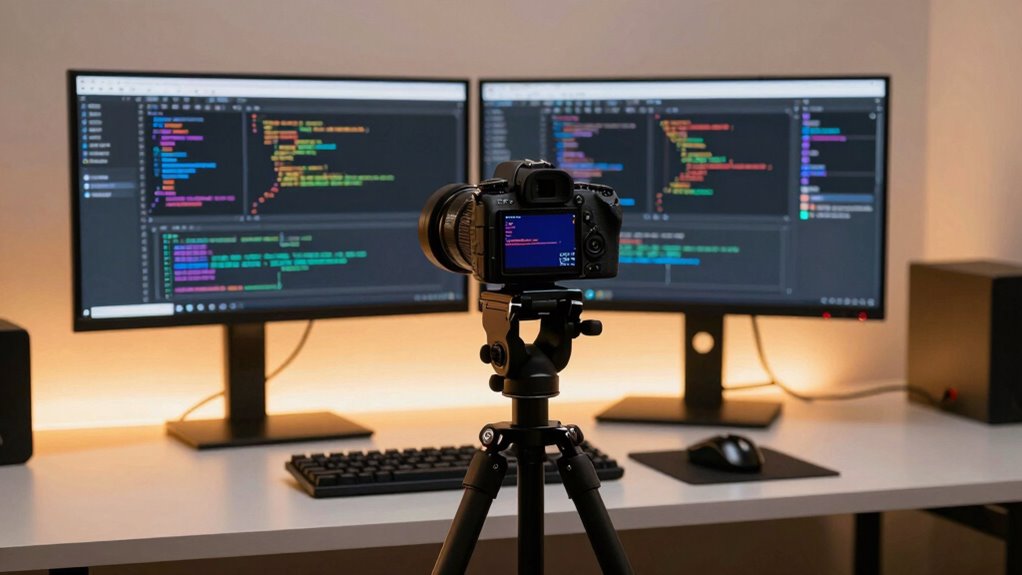

If you’re creating developer videos, your choice depends on your budget and quality needs. Webcams are easy and quick but offer lower resolution. DSLR and mirrorless cameras deliver better video quality, with mirrorless models balancing portability and high performance. They require more setup and investment but give professional results. To make the best decision, consider your long-term goals. Stay tuned—more details can help you pick the perfect camera for your content.

Get business pricing on monitors, keyboards and dev gear
- Business-only prices and quantity discounts
- Tax-exempt purchasing
- Multiple users, one account, clear invoices
Key Takeaways
- Webcams are the simplest and most budget-friendly option for casual or quick developer videos.
- DSLR and mirrorless cameras provide higher resolution, better lighting performance, and professional-quality visuals.
- Mirrorless cameras balance high-quality output with easier setup and future compatibility compared to DSLRs.
- DSLRs offer superior depth of field and customization but require more complex setup and additional accessories.
- Consider your budget, desired quality, and setup complexity when choosing between these camera types for developer videos.
best DSLR camera for developer videos
As an affiliate, we earn on qualifying purchases.
As an affiliate, we earn on qualifying purchases.
What Are the Main Differences Between DSLR, Mirrorless, and Webcams?
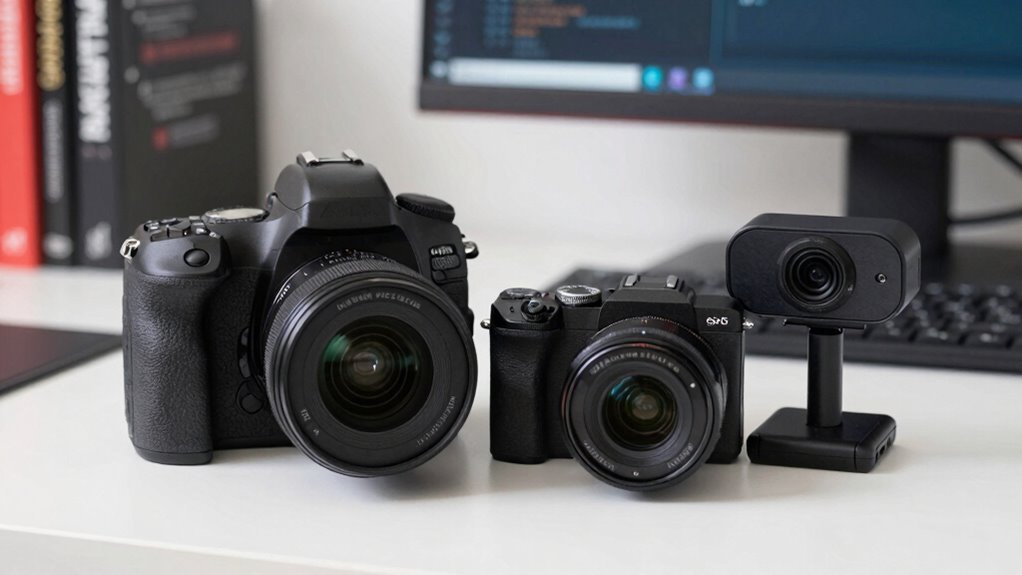
When choosing between a DSLR, mirrorless camera, or webcam for your developer videos, it’s important to understand their key differences. DSLRs excel in varied lighting conditions, thanks to their larger sensors and interchangeable lenses, offering better control over exposure and depth of field. Mirrorless cameras also perform well in different lighting scenarios and are more compact, making them a flexible option. Webcams, however, are designed for simplicity, often struggling in low-light settings. Regarding audio integration, DSLRs and mirrorless cameras typically require external microphones, but they support high-quality audio input, enhancing your video’s professionalism. Webcams usually have built-in microphones, which are convenient but often compromise sound quality. Knowing these distinctions helps you select the right camera based on lighting needs and projector technology, as well as your specific content requirements. Additionally, understanding the sensor size can influence your choice, especially in low-light environments where larger sensors tend to perform better.
mirrorless camera for professional video recording
As an affiliate, we earn on qualifying purchases.
As an affiliate, we earn on qualifying purchases.
Which Camera Type Offers the Best Video Quality for Developers?
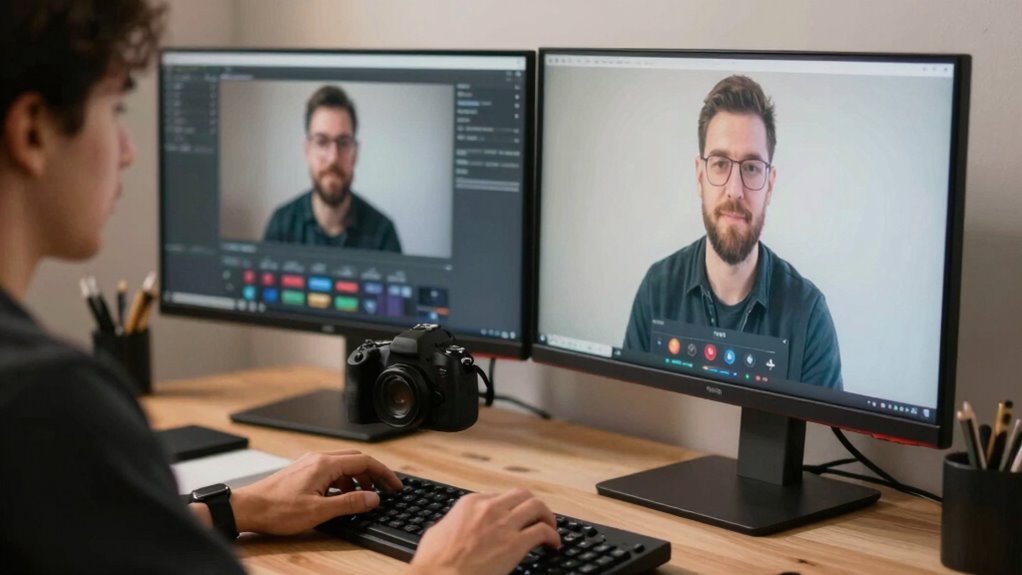
Choosing the right camera for your developer videos largely depends on which offers the best video quality, and in this regard, mirrorless cameras often stand out. They deliver superior resolution, dynamic range, and low-light performance, essential for clear visuals. To maximize video quality, consider:
Mirrorless cameras provide superior resolution, dynamic range, and low-light performance for professional developer videos.
- Proper lighting setups to highlight your face without harsh shadows.
- High-quality lenses for sharper images.
- External microphones to improve audio quality.
- Camera stabilization to keep footage steady.
A digital publication like LifeStyles In Focus can also provide valuable tips on optimizing your setup for professional results. Additionally, understanding the best gelato in Laguna Beach can inspire you to create a visually appealing backdrop for your videos, adding a touch of local charm.
Mirrorless cameras excel in capturing detailed, vibrant images, especially with good lighting. They also support advanced audio options and accessories, making your videos look more professional. Overall, they provide a versatile, high-quality solution for developers aiming for polished content.
webcam with high resolution for streaming
As an affiliate, we earn on qualifying purchases.
As an affiliate, we earn on qualifying purchases.
How Easy Is It to Set Up and Use Each Camera?
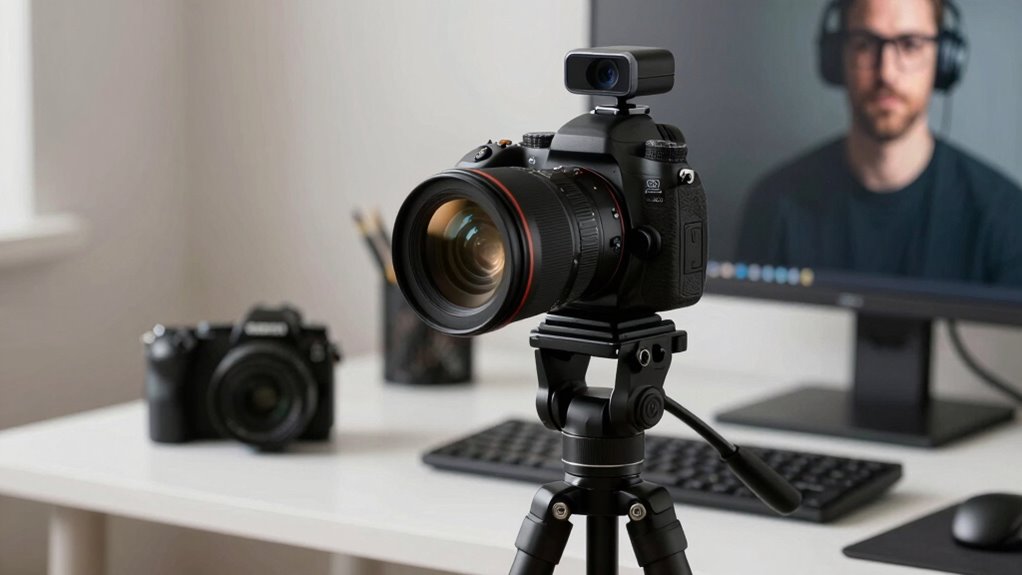
Setting up each camera type varies in complexity, with webcams being the simplest and DSLRs requiring more time and effort. User interface clarity can make a big difference, especially if you’re new to the equipment. Compatibility with your existing gear also influences how smoothly the setup process goes. Additionally, template compatibility can streamline the process by ensuring your setup integrates well with other tools and software you use. When selecting a camera, considering ease of use can help you achieve professional-looking videos without a steep learning curve. Understanding the fundamentals of camera operation can further simplify the setup and improve your overall video quality.
Setup Complexity
Have you ever felt overwhelmed by the setup process of high-quality cameras? Each type varies in complexity.
- Webcams are the simplest—plug and play, with minimal setup.
- Mirrorless cameras require mounting, powering, and configuring settings, especially for lighting setup and sound integration.
- DSLRs involve similar steps but often need additional accessories like external microphones and more extensive lighting adjustments.
- All cameras demand some effort to optimize for developer videos, but webcams are quickest to deploy, while DSLRs and mirrorless models need more time and equipment.
Your choice affects how quickly you’re ready to record. Keep in mind, higher setup complexity often means better control over lighting setup and sound integration, leading to professional results.
User Interface Clarity
When it comes to user interface clarity, webcams are typically the easiest to set up because they often rely on simple plug-and-play functionality and minimal configuration. You can usually connect a webcam, open your streaming or video app, and start recording within minutes. They often feature straightforward controls for adjusting basic settings like resolution and frame rate, making it easy to guarantee good color accuracy right out of the box. Audio integration is usually seamless, with many webcams including built-in microphones that require no extra effort. In contrast, DSLRs and mirrorless cameras often have complex menus and settings that can be overwhelming for beginners. While they offer better customization, their setup can take more time and effort to achieve top-notch image quality and user-friendly operation. Additionally, some cameras incorporate free floating elements, like landscape and lighting adjustments, which can further complicate setup for those unfamiliar with advanced configurations.
Equipment Compatibility
Compared to DSLRs and mirrorless cameras, webcams are generally the easiest to set up and use because they’re designed for quick, straightforward connections. You just plug them into your computer, and you’re ready to go. With DSLRs and mirrorless models, you might face challenges like:
- Ensuring lens compatibility with your setup
- Managing limited battery life during long recordings
- Connecting through complex cables or adapters
- Configuring settings for best video quality
Webcams typically have built-in, fixed lenses, eliminating compatibility worries, and they’re powered directly from your computer, so battery life isn’t an issue. This simplicity makes webcams ideal for quick, hassle-free streaming or recording sessions, especially if you’re just starting out or want minimal setup time. Additionally, equipment compatibility plays a significant role in choosing the right camera, as certain models may require specific connections or accessories. Ensuring your device is aligned with your needs can streamline the process and improve your overall experience. Understanding camera setup and the ease of use can help you make better decisions and achieve higher-quality videos. Moreover, considering the cost and convenience of each option can help you select the most suitable device for your content creation goals.
external microphone for DSLR camera
As an affiliate, we earn on qualifying purchases.
As an affiliate, we earn on qualifying purchases.
What Does Budget Range Look Like for DSLR, Mirrorless, and Webcams?
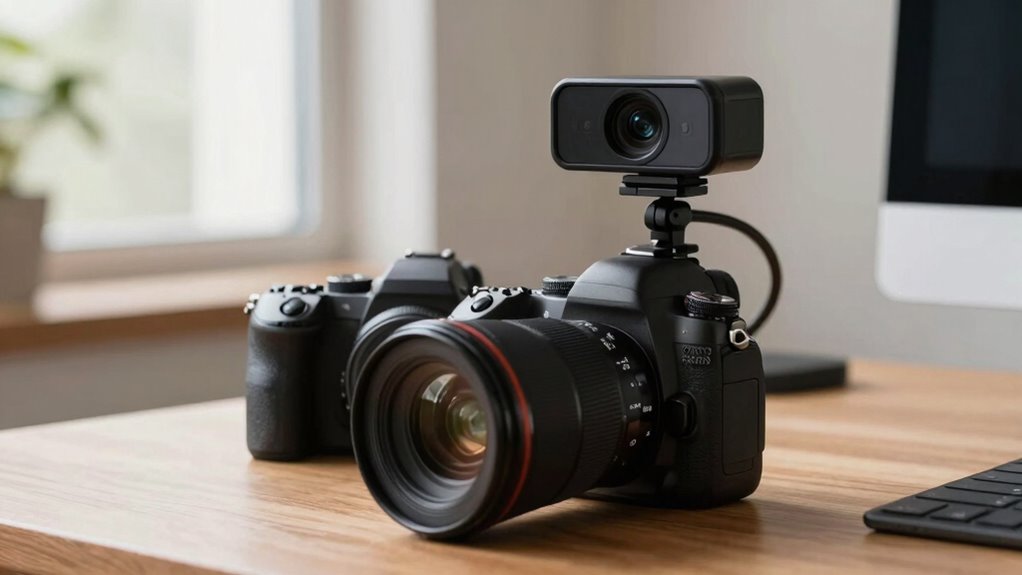
Budget ranges for cameras vary widely, allowing you to find options that suit virtually any financial plan. Entry-level webcams can cost under $100, offering basic features suitable for casual streaming. Mid-range mirrorless cameras typically range from $500 to $1,500, providing better camera ergonomics and improved image quality, but lighting considerations become more important. DSLR models start around $600 and can go well over $2,000, often offering advanced controls and flexibility for future upgrades. Higher-end options may include better autofocus and stabilization. Keep in mind that additional costs like lenses, lighting, and accessories can influence your overall budget. Choosing a camera within your price range depends on your needs for image quality, ease of use, and how much you’re willing to invest in lighting considerations. Understanding different camera types can help you make a more informed decision based on your specific streaming or recording needs, especially when considering budget-friendly options that balance cost and performance.
Which Cameras Are Most Flexible and Future-Proof?
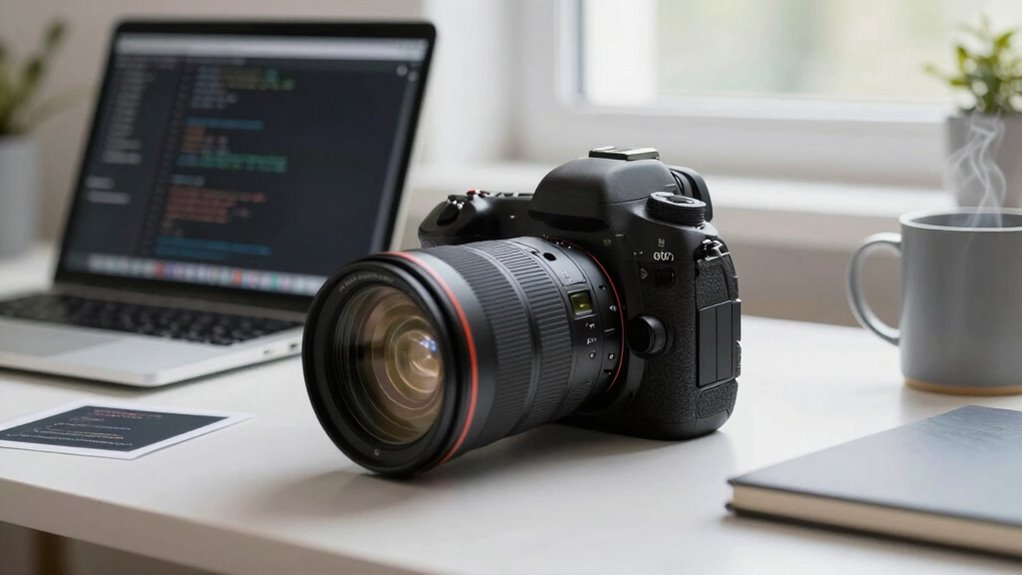
Ever wonder which camera type offers the most flexibility and can keep up with your evolving needs? Typically, the most future-proof options are mirrorless cameras. They excel in camera ergonomics, offering intuitive controls and comfortable handling, making long recording sessions easier. Their lens versatility is unmatched, supporting a wide range of lenses for different styles and setups. Consider these features:
- Interchangeable lenses for diverse shooting styles
- Advanced autofocus systems that improve over time
- Compatibility with future firmware updates
- Adaptability to new accessories and tech integrations
- Their natural light capabilities can be enhanced with additional accessories, making them suitable for various lighting conditions.
Mirrorless cameras tend to be more adaptable than DSLRs or webcams, ensuring your investment remains relevant as your skills and tech advance. This flexibility makes them ideal for evolving video needs.
When Should You Use a DSLR, Mirrorless, or Webcam?
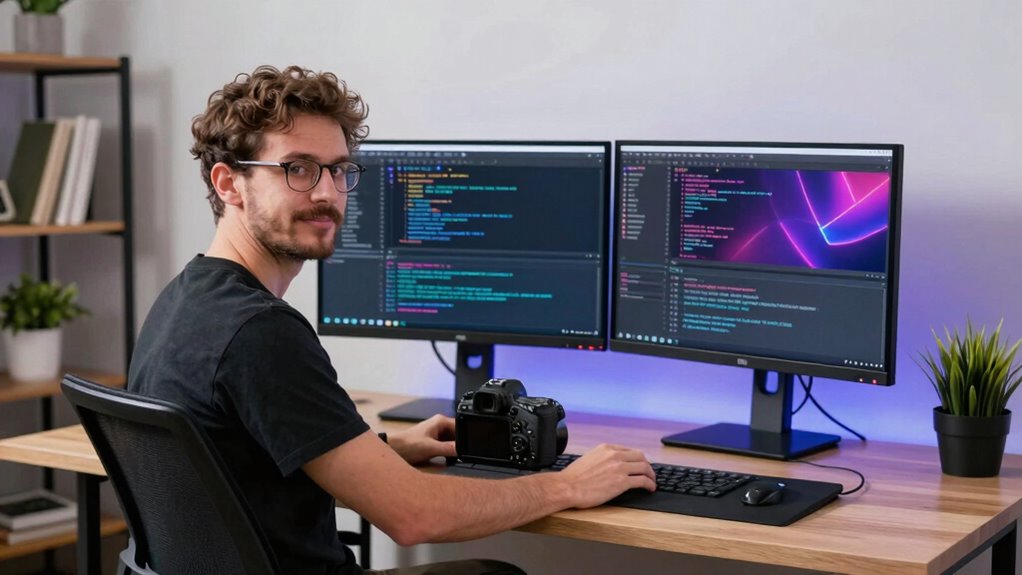
Choosing the right camera for your developer videos depends on your specific needs and shooting environment. If you work in well-lit spaces, a DSLR or mirrorless camera offers superior image quality and flexibility, especially with adjustable lighting conditions. These cameras excel when you need shallow depth of field or professional-looking visuals. However, if you record in less controlled environments, a webcam might be more practical, as it’s easy to set up and requires minimal lighting adjustments. Consider your audio integration needs too; DSLRs and mirrorless cameras often need external microphones, while webcams typically have built-in audio, simplifying setup. Use a DSLR or mirrorless camera for high production value in controlled settings, and opt for a webcam when convenience and quick setup are priorities.
What Common Challenges Should You Expect When Choosing a Camera?
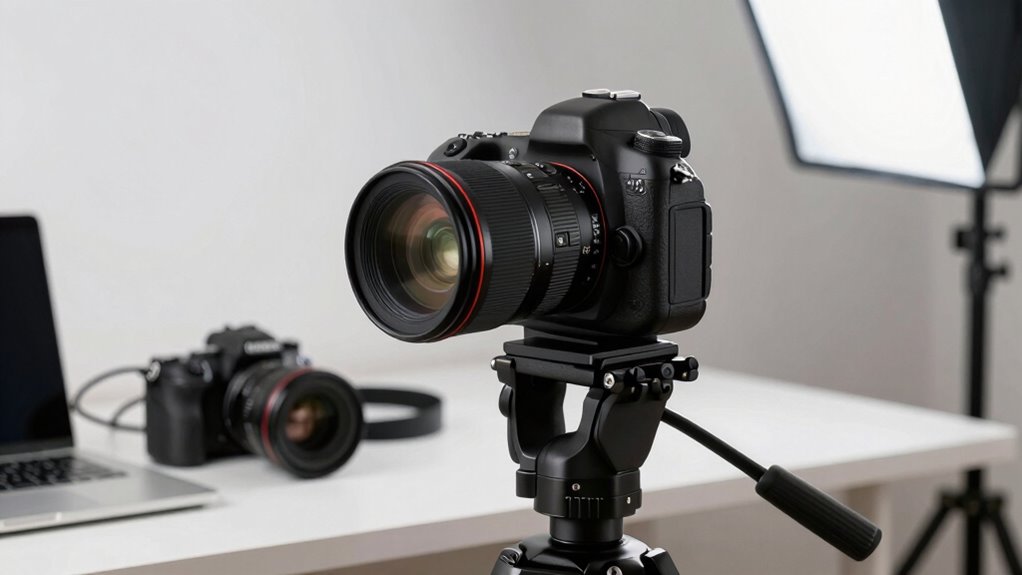
Selecting the right camera can be challenging because of the variety of features, compatibility issues, and technical requirements involved. Common challenges include:
- Lighting setup: Ensuring your camera performs well in different lighting conditions can be tricky, especially with webcams or budget options. Additionally, considering sensor size can significantly impact your camera’s ability to handle diverse lighting environments. A larger sensor generally improves low-light performance and image quality, which is crucial for clear developer videos.
- Audio integration: Finding a camera that easily connects with external microphones or offers good onboard audio can limit your choices.
- Compatibility: Not all cameras work seamlessly with your computer or streaming software, leading to frustration and delays. Being aware of connectivity options can help you choose a model that integrates smoothly with your existing setup.
- Technical expertise: Managing focus, exposure, and settings like frame rate requires some knowledge, especially on DSLRs or mirrorless models.
- Understanding camera specifications: Being familiar with camera specifications can help you make more informed decisions and avoid common pitfalls.
Anticipate these challenges to streamline your decision and improve your developer videos.
Frequently Asked Questions
Can I Use a Smartphone as an Alternative to These Cameras?
Yes, you can use a smartphone as an alternative for developer videos. However, keep in mind smartphone limitations like limited camera stability, audio quality, and lighting control. Make sure your phone’s camera is compatible with external microphones or accessories for better quality. Using a tripod or gimbal can improve stability. With proper setup, a smartphone can produce decent videos, but for higher quality, consider dedicated cameras with better compatibility and features.
What Accessories Are Essential for High-Quality Developer Videos?
To create high-quality developer videos, you need essential accessories like a camera stabilization device to keep your footage steady and smooth. Invest in a good microphone or audio enhancement tools to guarantee clear, professional sound. Consider additional items like proper lighting to brighten your workspace and a tripod for consistent framing. These accessories help you produce polished videos that engage your audience and effectively communicate your message.
How Does Lighting Impact Video Quality Across Different Camera Types?
Good lighting instantly boosts your video quality, regardless of camera type. When you use proper lighting techniques, you improve color accuracy and reduce shadows, making your content clearer and more professional. Coincidentally, even the best camera struggles without good lighting. So, prioritize bright, soft light that evenly illuminates your face. This makes your video more engaging and guarantees viewers see your expressions and details clearly, boosting overall quality.
Are There Specific Microphones Recommended for Each Camera Setup?
You should choose microphones compatible with your camera setup to guarantee the best audio quality. For DSLRs and mirrorless cameras, shotgun microphones or lavalier mics work well because they capture clear, focused sound. Webcams often benefit from USB microphones like the Blue Yeti or Rode NT-USB, which provide superior audio compared to built-in mics. Prioritize compatibility and audio quality considerations to achieve professional-sounding developer videos.
How Do Storage and Data Transfer Needs Vary Among These Cameras?
Imagine your camera sensor as the heart of data needs—larger sensors generate more info, demanding faster storage and transfer. You’ll want to choose data transfer protocols like USB-C or Thunderbolt to handle this flow smoothly. For high-resolution footage, guarantee your storage supports quick write speeds and ample capacity. Understanding these needs helps you avoid bottlenecks, keeping your videos flowing seamlessly from camera to editing station.
Conclusion
Choosing the right camera depends on your needs, budget, and future plans. Did you know that 85% of developers prefer using mirrorless cameras for their balance of quality and convenience? Whether you opt for a DSLR, mirrorless, or webcam, understanding their strengths helps you create professional videos effortlessly. Make informed choices, and you’ll be streaming or recording with confidence—ultimately enhancing your content and connecting better with your audience.
Fall Picks
fall essentials
As an affiliate, we earn on qualifying purchases.