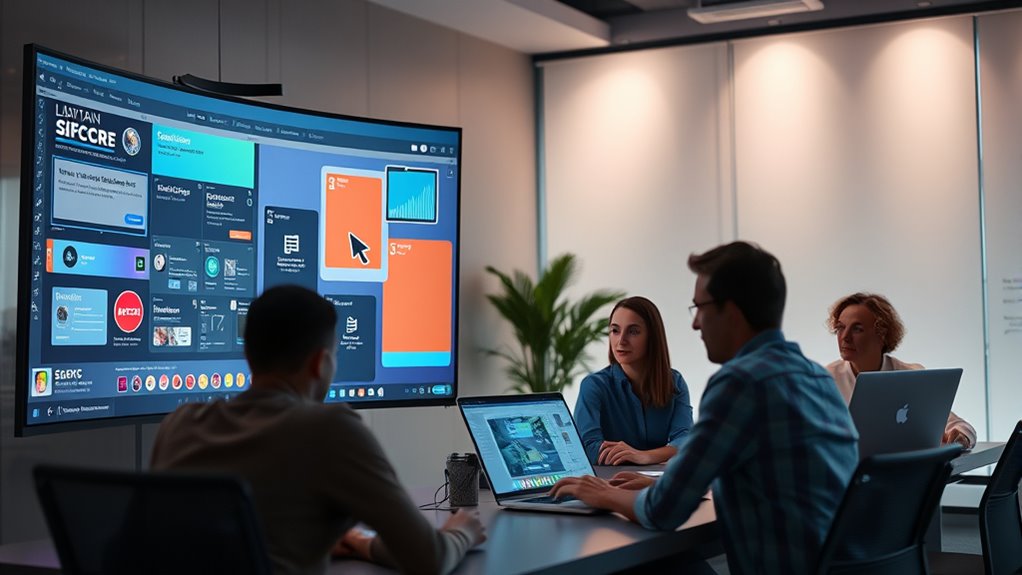

Figma’s multiplayer tech allows you to collaborate with thousands of designers simultaneously while maintaining real-time synchronization, ensuring no conflicts or delays. Its backend handles continuous update merging and automatic conflict resolution, keeping everyone’s work consistent. The system scales efficiently for large teams, preventing slowdowns and supporting complex projects. So, if you’d like to discover how Figma achieves this seamless collaboration, stay with us—you’ll find out more below.
Key Takeaways
- Figma’s multiplayer technology enables seamless real-time collaboration by instantly syncing user edits across all devices without delays.
- Its sophisticated backend manages continuous change merging, automatically resolving conflicts to maintain design consistency.
- The architecture scales efficiently to support large teams and enterprise projects, ensuring smooth performance under high concurrency.
- Real-time synchronization eliminates version conflicts, streamlining workflows and reducing miscommunication during collaborative design.
- Figma’s infrastructure promotes speed, clarity, and collective creativity, positioning it as a leader in scalable, multi-user design collaboration.

Figma’s multiplayer technology has revolutionized how teams collaborate on design projects, enabling real-time, seamless interactions. When you work within Figma, you experience a collaborative architecture that’s designed to keep everyone on the same page, regardless of their location. This architecture isn’t just about multiple users editing a file simultaneously; it’s about creating a cohesive environment where ideas flow freely, and changes happen instantaneously. Thanks to this setup, teams can brainstorm, iterate, and refine designs without the delays typical of traditional workflows. The core of this innovation lies in real-time synchronization, which ensures every participant sees updates immediately as they happen, eliminating version conflicts and reducing miscommunication. Whether you’re adjusting a component or commenting on a layout, your actions are instantly reflected across all devices, fostering a fluid, dynamic collaboration experience.
This real-time synchronization is powered by a sophisticated backend that continuously manages changes made by different users. It’s like a live conversation where every contribution is instantly integrated, allowing multiple team members to work on the same design without stepping on each other’s toes. As you make edits, the system intelligently merges your changes with those of others, resolving conflicts on the fly so that the design remains consistent. This eliminates the need for constant manual updates or file sharing, which can slow down progress and cause confusion. Instead, you can focus on the creative process, confident that everyone is working with the most current version. This level of synchronization supports complex collaborative architecture, enabling large teams to work simultaneously without sacrificing speed or accuracy. Additionally, this setup leverages real-time synchronization to maintain a seamless workflow across diverse devices and platforms, ensuring a reliable collaborative environment. Moreover, this architecture scales effortlessly. Whether you’re working with a small team or a global organization, the underlying technology adapts to handle high volumes of concurrent users without lag or data loss. You don’t need to worry about slow load times or inconsistent states—your team’s collaboration remains smooth and reliable. It’s this robust infrastructure that makes Figma suitable for enterprise-level projects, where dozens or even hundreds of designers, developers, and stakeholders contribute at once. The seamless integration of real-time synchronization into the collaborative architecture creates an environment where innovation thrives and bottlenecks are minimized. As a user, you benefit from a platform that’s built for speed, clarity, and collective creativity, making Figma a leader in modern design collaboration technology.
Frequently Asked Questions
How Does Figma Handle Data Security During Real-Time Collaboration?
You can trust Figma to keep your data secure during real-time collaboration by using strong encryption protocols that protect your information in transit and at rest. Additionally, Figma enforces rigorous user authentication methods, ensuring only authorized users access your files. This combination of encryption protocols and user authentication safeguards your designs and maintains data privacy, even when multiple users collaborate simultaneously.
What Are the Main Challenges in Scaling Multiplayer Technology for Figma?
You face the challenge of scaling infrastructure to support growing user concurrency without compromising performance. As more users collaborate simultaneously, the system must manage increased data flow, synchronization, and latency issues. Balancing these demands requires innovative solutions to prevent bottlenecks and ensure seamless real-time updates. The stakes are high—every delay or disruption could impact collaboration quality, making scaling multiplayer technology both critical and complex for Figma’s success.
How Does Figma Ensure Low Latency Across Different Network Conditions?
You can guarantee low latency across different network conditions by focusing on network optimization and latency reduction techniques. Figma uses efficient data transmission, adaptive synchronization, and intelligent routing to minimize delays. By continuously monitoring network performance, it dynamically adjusts data flow, ensuring real-time collaboration remains smooth even with variable internet speeds. This proactive approach helps maintain a seamless experience for users worldwide, regardless of their network conditions.
What Hardware Requirements Are Necessary for Optimal Figma Performance?
To get peak Figma performance, you should focus on hardware optimization and performance tuning. Use a modern, high-performance CPU and ample RAM to handle complex designs smoothly. A fast SSD improves load times, while a robust internet connection ensures real-time collaboration stays seamless. Keep your graphics drivers updated, and close unnecessary background apps to reduce latency and prevent performance issues. This setup helps Figma run efficiently across different network conditions.
How Does Figma Manage Version Control in Collaborative Editing?
You manage version control in Figma by relying on its automatic version history, which saves snapshots as you work. When edit conflicts occur, Figma intelligently merges changes or prompts you to resolve conflicts, ensuring everyone stays on the same page. This system keeps your project organized, allowing you to revert to previous versions if needed, and minimizes disruptions during collaborative editing sessions.
Conclusion
As you navigate Figma’s multiplayer tech, you’re stepping into a bustling digital workshop where ideas blend seamlessly like colors on a palette. Real-time collaboration becomes a lively symphony, each note perfectly timed, each stroke contributing to a masterpiece. This technology transforms your creative space into an interconnected web, where your team’s collective vision sparks like lightning across a stormy sky. With Figma’s innovation, you’re not just designing—you’re shaping a vibrant, shared universe.