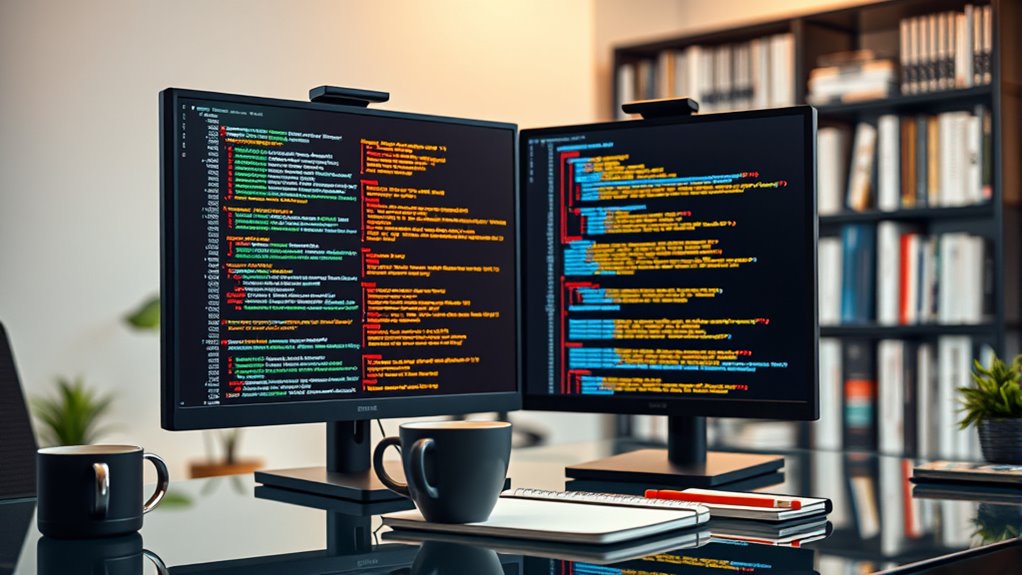

To catch bugs and security flaws early, adopt best practices like combining automated tools with peer reviews. Use automated tools to catch syntax errors, code smells, and common vulnerabilities, freeing up time for your team to focus on complex logic and design. Encourage constructive feedback and clear guidelines for manual reviews to identify issues automation might miss. Following these strategies helps you build more secure, reliable code — and there’s more to explore for continuous improvement.
Key Takeaways
- Incorporate automated tools to identify syntax errors, code smells, and security vulnerabilities early in the development process.
- Establish clear review guidelines that focus on both functionality and security aspects to streamline manual inspections.
- Combine automated scanning with peer feedback to detect logic flaws, edge cases, and potential security flaws missed by tools.
- Regularly update and customize review criteria and tools to adapt to evolving security threats and code standards.
- Promote a collaborative review culture that encourages constructive feedback, continuous learning, and adherence to best practices.
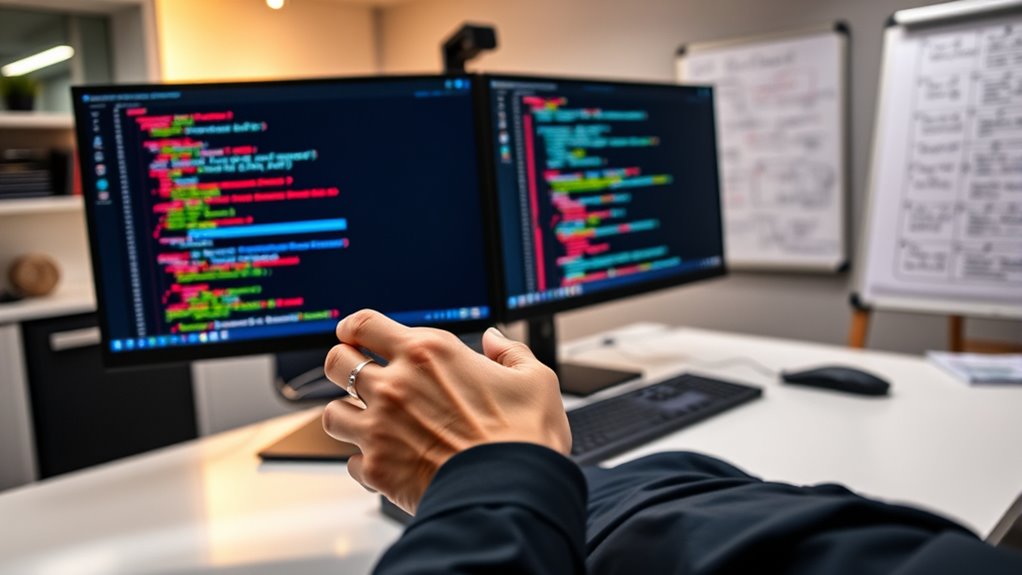
Code review is a crucial step in the development process that helps guarantee your code is reliable, maintainable, and free of bugs. To make the most of this process, you should leverage automated tools alongside peer feedback. Automated tools, such as static analyzers and linters, can quickly scan your code for common errors, style inconsistencies, and potential security vulnerabilities. These tools act as an initial filter, catching issues early and saving you time during manual reviews. They can identify issues like syntax errors, code smells, or possible injection points that might otherwise slip through unnoticed. By integrating these tools into your workflow, you ensure a baseline level of code quality before it reaches human reviewers. This allows your team to focus on more complex logic, architecture, and design concerns, rather than getting bogged down in trivial mistakes.
Peer feedback, on the other hand, is essential for deeper insights that automated tools can’t provide. When you submit your code for review, you invite colleagues to scrutinize your work, offer suggestions, and catch issues that algorithms might overlook. Peer reviews foster a collaborative environment where knowledge sharing improves overall code quality and team cohesion. It’s not just about finding bugs; it’s about learning best practices, improving readability, and ensuring the code aligns with project standards. When you receive feedback from peers, you get different perspectives, which often leads to more robust solutions. Additionally, peer reviews help catch logic flaws, potential security flaws, or edge cases that automated tools might miss or misinterpret. Incorporating automated tools into your review process can help you identify common security vulnerabilities early, making your code more resilient.
To maximize effectiveness, combine automated tools with peer feedback for a balanced review process. Use automation to handle repetitive, straightforward checks, freeing up your team to focus on more nuanced issues. Then, incorporate peer feedback to refine your code’s logic, structure, and security considerations. Make sure to establish clear review guidelines and encourage constructive criticism to keep the process productive and respectful. Regularly updating your automated tools and review criteria ensures they stay aligned with evolving coding standards and security threats. Remember, the goal isn’t just to find bugs but to improve your code’s overall quality and your team’s skills. When automated tools and peer feedback work together seamlessly, you create a thorough review process that catches bugs early, enhances security, and promotes continuous learning. This approach ensures your code remains robust, clean, and secure throughout the development lifecycle.

Open Source Static Code Analysis Tool A Complete Guide – 2020 Edition
As an affiliate, we earn on qualifying purchases.
As an affiliate, we earn on qualifying purchases.
Frequently Asked Questions
How Often Should Code Reviews Be Conducted in a Project?
You should conduct code reviews frequently, ideally with each new feature or significant change, to maintain review frequency. This encourages team collaboration and helps catch bugs early. Regular reviews prevent issues from piling up, making the process smoother and more effective. By integrating reviews into your workflow, you guarantee consistent quality, foster communication, and catch security flaws early, ultimately improving your project’s overall stability and security.
What Tools Can Automate Parts of the Code Review Process?
You can enhance your review process with automated tools that handle repetitive tasks like style checks, linting, and basic bug detection. Review automation tools such as SonarQube, ESLint, and Coverity help identify security flaws and code quality issues early. These tools save you time, reduce human error, and guarantee consistency. Incorporate automated tools into your workflow to streamline reviews, focus on complex problems, and catch bugs and security flaws sooner.
How Do I Handle Disagreements During Code Reviews?
Did you know nearly 60% of developers find disagreements stressful? When conflicts happen during code reviews, stay calm and focus on conflict resolution. Offer constructive feedback by citing specific issues and suggesting improvements rather than criticizing. Listen actively to your teammate’s perspective, and aim for compromise. Remember, the goal is to improve the code, not to win an argument, so keep the conversation respectful and collaborative.
What Are Common Pitfalls That Lead to Missed Bugs?
You might miss bugs due to miscommunication pitfalls, where unclear code explanations lead to oversight caused. Rushing through reviews or focusing only on surface issues also increases chances of overlooking subtle bugs or security flaws. Additionally, personal biases or inadequate familiarity with the codebase can cause you to miss critical problems. To prevent this, communicate clearly, take your time, and guarantee thorough understanding before approving changes.
How Can Code Reviews Improve Overall Development Team Skills?
Ever wondered how to boost your team’s skills? By engaging in thorough code reviews, you foster peer mentorship and skill sharing. You help team members learn new techniques, catch errors early, and understand best practices. This collaborative process encourages continuous growth, improves code quality, and builds a culture of learning. Isn’t it more effective when everyone learns from each other? Embracing code reviews transforms individual efforts into collective expertise, elevating your entire team’s capabilities.

AI-Powered Testing and Code Review Automation for Developers: Build Faster CI/CD Pipelines, Crush Flaky Tests, and Ship High-Quality Code with Confidence
As an affiliate, we earn on qualifying purchases.
As an affiliate, we earn on qualifying purchases.
Conclusion
By adopting these code review best practices, you’re planting seeds of quality that grow into a sturdy, secure software garden. Think of each review as a vigilant gardener, catching weeds and pests early before they spread. When you catch bugs and security flaws early, you’re steering your project clear of storms and storms ahead. Keep your eyes sharp and your feedback constructive—your code’s future will thank you for it, shining brighter with every careful review.

Code Craftsmanship: Unlocking the Secrets to High-Quality Software Development and Debugging Techniques
As an affiliate, we earn on qualifying purchases.
As an affiliate, we earn on qualifying purchases.

Police Scanner Programming | Expert Programming for Police Scanner Radios | Custom Programmed with Your Local Police, Fire & EMS | Uniden & Whistler Digital Radios
LIFETIME TECH SUPPORT: Scanner experts are here to assist if scanner programming does not function as expected; scanners…
As an affiliate, we earn on qualifying purchases.
As an affiliate, we earn on qualifying purchases.