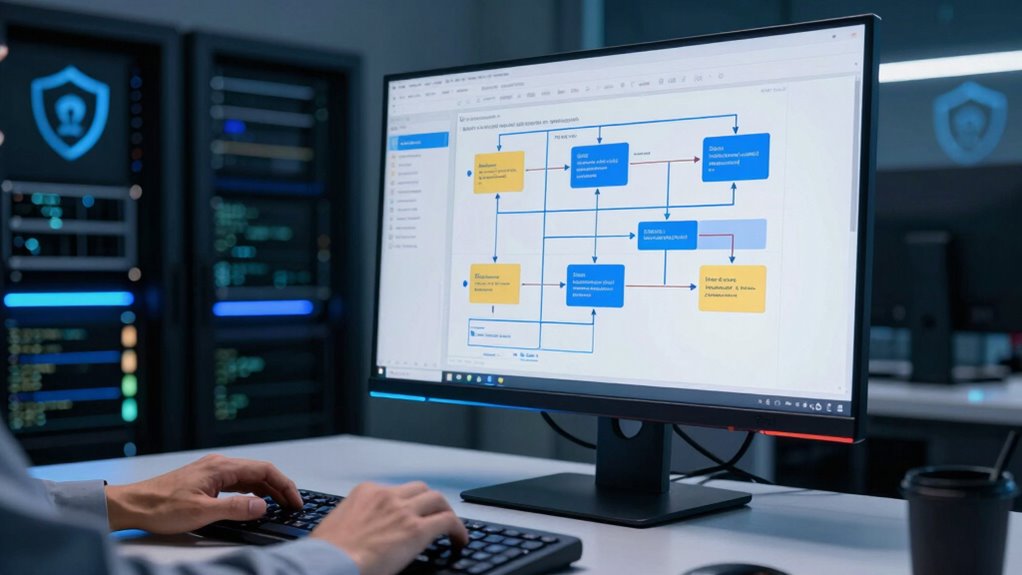

To secure your file upload pipeline, use encryption protocols like TLS for data in transit and AES for stored files, reducing interception risks. Verify user identities with multi-factor authentication and enforce strict permissions to limit access. Validate files thoroughly, including size, type, and content, and scan for malware before processing. Restrict direct access to uploads and monitor activities for suspicious behavior. Implementing these best practices will help you build a resilient pipeline—continue to explore how to strengthen your system even further.

Get monitors, keyboards and dev gear delivered free — and shop member deals
- Fast, free delivery on millions of items
- Access to Prime Big Deal Days deals on October 6–7
- Prime Video, Amazon Music and more included
Key Takeaways
- Implement TLS encryption for secure data transmission and AES encryption for stored files to protect data at rest and in transit.
- Enforce robust user authentication, multi-factor verification, and role-based permissions to prevent unauthorized access.
- Validate file types, sizes, and content server-side, and use antivirus tools to block malicious or executable files.
- Restrict direct file access, serve uploads through secure endpoints, and continuously monitor activity for suspicious behavior.
- Regularly update security protocols, educate teams on emerging threats, and employ monitoring tools for early breach detection.
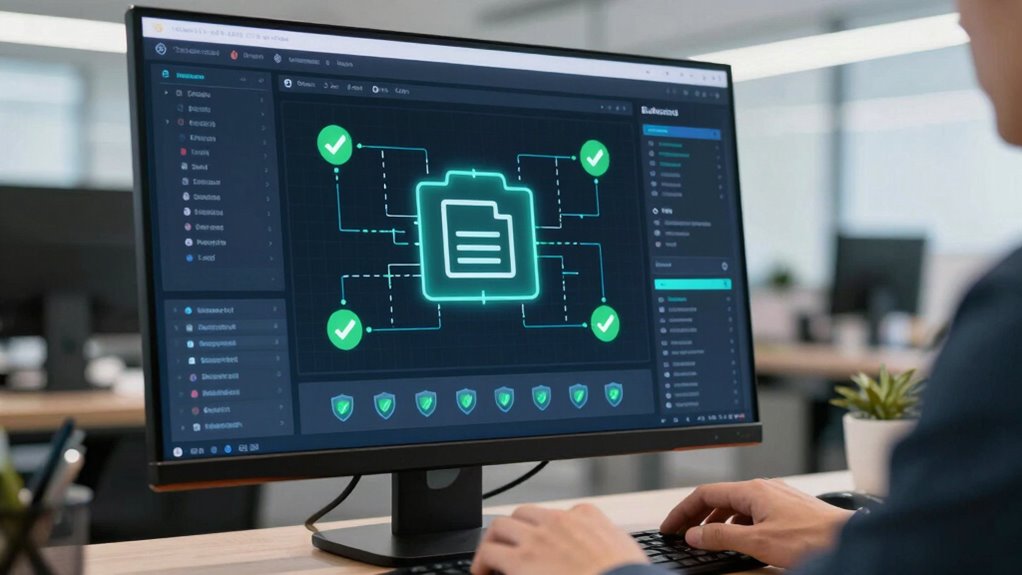
Secure file upload pipelines are crucial for protecting your web applications from malicious attacks and data breaches. When users upload files, you need to guarantee that the process is safe from vulnerabilities that could compromise your system or expose sensitive information. Implementing robust security measures not only safeguards your infrastructure but also builds trust with your users, who expect their data to be handled responsibly.
One of the first steps you should take is to use strong encryption protocols during file transmission and storage. Encryption ensures that even if malicious actors intercept data, they cannot read or manipulate it. TLS (Transport Layer Security) is a standard protocol that encrypts data in transit, preventing man-in-the-middle attacks. Additionally, encrypting stored files with algorithms like AES (Advanced Encryption Standard) adds an extra layer of security, ensuring that files remain protected at rest. Using encryption protocols consistently across your upload pipeline minimizes vulnerabilities and enhances overall security.
User authentication plays a critical role in securing file uploads. Before accepting any files, verify the identity of the user attempting to upload. Implement multi-factor authentication (MFA) to make it harder for unauthorized users to access your system. This step is essential because it prevents attackers from exploiting weak passwords or session hijacking techniques. Once a user is authenticated, assign permissions based on their role, limiting what they can upload and access. This principle of least privilege reduces the risk of malicious uploads or accidental data exposure.
You should also incorporate rigorous validation and sanitization of uploaded files. Check for acceptable file types, sizes, and content before processing them. Use server-side validation to prevent malicious payloads, such as scripts or executable files, from infiltrating your system. Employing antivirus scanning tools on uploaded files further minimizes the risk of malware infections. These steps ensure that only legitimate, safe files make it through your pipeline. Additionally, understanding the importance of content filtering can help prevent harmful data from entering your system.
Furthermore, configure your system to restrict direct access to uploaded files, serving them through secure, controlled endpoints. This prevents attackers from bypassing security checks. Regularly update your security protocols and monitor upload activities for suspicious behavior. Logging and analyzing upload logs can help you detect patterns indicative of attempted breaches or abuse. security monitoring is key to maintaining a resilient upload pipeline and promptly responding to potential threats. Staying proactive with security measures also involves educating your team about emerging threats and best practices in cybersecurity.
TLS encryption software for web applications
As an affiliate, we earn on qualifying purchases.
As an affiliate, we earn on qualifying purchases.
Frequently Asked Questions
How Do I Handle Large File Uploads Securely?
To handle large file uploads securely, you should implement encryption protocols during data transfer to protect sensitive information. Set storage quotas to prevent overloads and guarantee efficient resource use. Use secure multipart uploads to break files into chunks, making uploads more manageable and resilient. Additionally, validate file types and scan for malware. Combining these strategies keeps your upload process safe, efficient, and resistant to common security threats.
What Are the Best Tools for Monitoring Upload Activities?
You should use monitoring tools like file integrity checkers and upload throttling systems to track upload activities. These tools actively detect unauthorized or suspicious file changes, ensuring your system’s security. Implementing real-time alerts helps you respond quickly to anomalies. By continuously monitoring, you safeguard your application from malicious uploads and preserve data integrity, making sure your upload pipeline stays secure and efficient against potential threats.
How Can I Prevent File Upload Abuse?
To prevent file upload abuse, you should implement strict file validation by checking file types, sizes, and contents, ensuring only safe files are accepted. Additionally, enforce access restrictions so users can’t upload files outside their permissions. Regularly update your validation rules and monitor upload activities for suspicious behavior. Combining these practices minimizes vulnerabilities, reduces the risk of malicious uploads, and keeps your web application secure.
What Are Common Vulnerabilities in Upload Pipelines?
Did you know that 43% of data breaches involve weak file upload security? Common vulnerabilities include insufficient file validation, allowing malicious files to slip through, and inadequate malware scanning, which lets harmful code enter your system. Attackers exploit these weaknesses to upload malicious files, leading to data loss or server compromise. To prevent this, you must implement strict file validation checks and all-encompassing malware scanning before accepting any uploaded files.
How Do I Implement User Authentication for Uploads?
You implement user authentication for uploads by verifying users before allowing file submissions. Use access control to restrict upload privileges based on user roles or permissions, ensuring only authorized users can upload files. Incorporate user verification methods like login sessions, OAuth, or multi-factor authentication. Regularly review and update access policies, and log upload activities to monitor suspicious behavior, maintaining a secure and controlled upload environment.
AES encryption tools for file storage
As an affiliate, we earn on qualifying purchases.
As an affiliate, we earn on qualifying purchases.
Conclusion
Think of your file upload pipeline as a guarded castle gate. By implementing strict validation, sandboxing, and monitoring, you become the vigilant guardian, preventing malicious invaders from breaching your defenses. A secure pipeline isn’t just a wall; it’s a dynamic fortress that adapts and responds to threats. Keep your defenses sharp and your gates guarded, and you’ll guarantee your web application remains safe and resilient—an unbreakable fortress in the digital domain.
multi-factor authentication devices
As an affiliate, we earn on qualifying purchases.
As an affiliate, we earn on qualifying purchases.
antivirus scanning tools for uploaded files
As an affiliate, we earn on qualifying purchases.
As an affiliate, we earn on qualifying purchases.
Halloween Picks
halloween
As an affiliate, we earn on qualifying purchases.