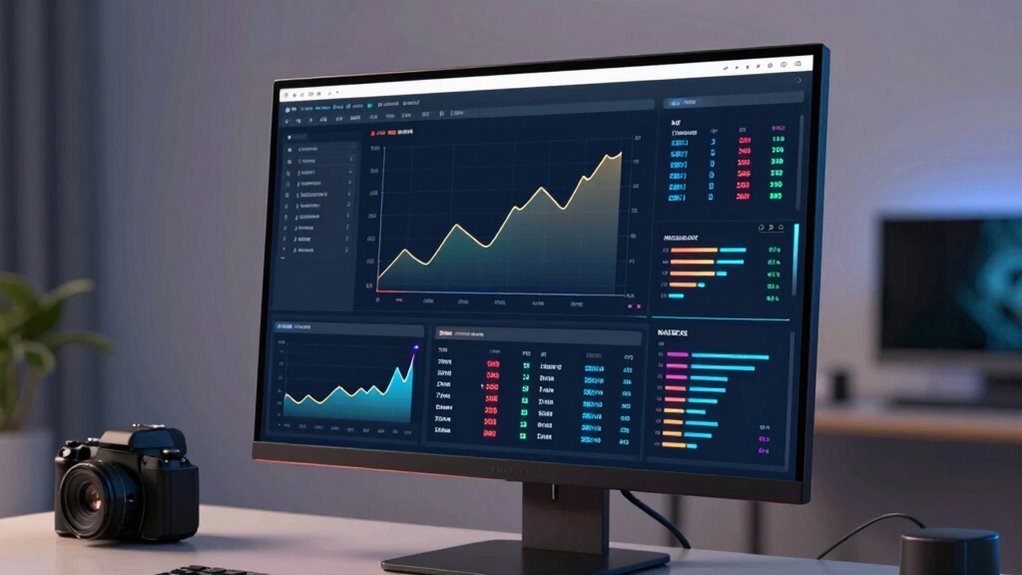

To create a real-time dashboard with Supabase and Next.js, you connect the Supabase SDK to your Next.js app for seamless data interaction. Use Supabase’s real-time subscriptions to listen for data changes and update your dashboard instantly without manual refreshes. Next.js handles rendering efficiently, ensuring quick loads and smooth updates. This setup is powerful for real-time monitoring and performance. Keep exploring further for detailed steps to build your dynamic dashboard.

Get business pricing on monitors, keyboards and dev gear
- Business-only prices and quantity discounts
- Tax-exempt purchasing
- Multiple users, one account, clear invoices
Key Takeaways
- Integrate Supabase SDK with Next.js for seamless database interactions and real-time data updates.
- Use Supabase subscriptions to listen for live changes and automatically update the dashboard.
- Implement API CRUD operations with Supabase for data consistency and immediate reflection.
- Leverage Next.js server-side rendering for fast load times and seamless real-time updates.
- Combine React components with Supabase streams to build a scalable, dynamic, and real-time monitoring dashboard.
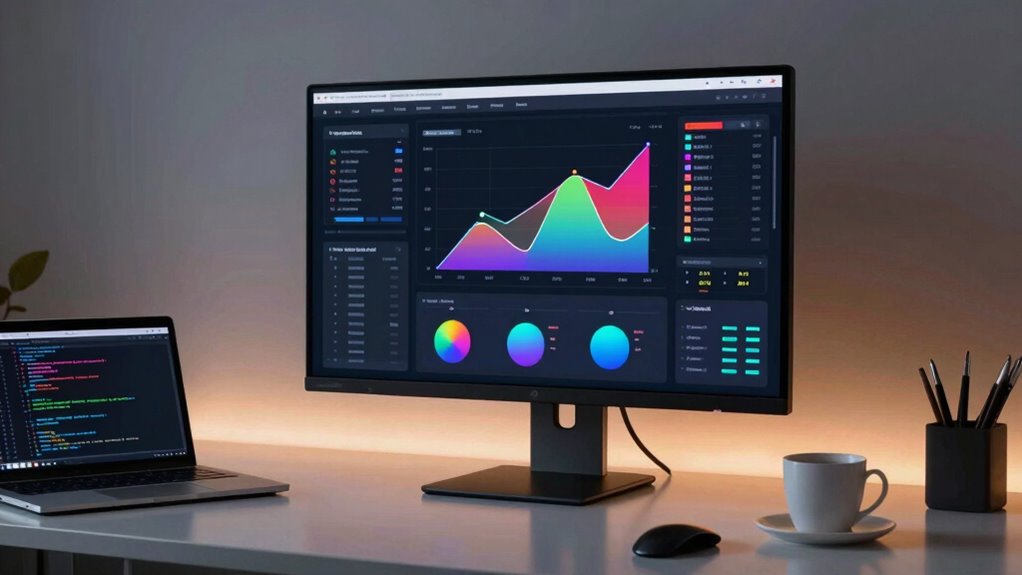
Building a real-time dashboard is easier than ever with Supabase and Next.js, two powerful tools that simplify the process of creating dynamic, responsive web applications. With these tools, you can set up a dashboard that updates automatically, giving you live insights without manual refreshes. The secret to this seamless experience lies in effective data synchronization and straightforward API integration. Supabase acts as your backend database, handling real-time data updates, while Next.js provides the front-end framework to display this information effortlessly.
Your first step is to connect Supabase with your Next.js app. Supabase offers an easy-to-use SDK that allows you to interact with your database directly from your application. Once connected, you can fetch data using simple API calls and listen for real-time changes through built-in subscriptions. This means every update in your database instantly reflects on your dashboard, keeping your data fresh and accurate. You don’t have to write complex polling logic or rely on external services; Supabase’s real-time capabilities handle data synchronization behind the scenes, ensuring your dashboard always shows the latest information. Additionally, understanding the importance of contrast ratio helps in designing a visually effective dashboard, especially if custom visual elements are involved.
Connect Supabase with Next.js for real-time data updates and seamless synchronization without complex polling.
When it comes to API integration, Supabase makes it straightforward. You’ll set up your database schema, then use their SDK to perform CRUD operations. Any change made through your API, whether from user input or automated processes, propagates instantly thanks to Supabase’s real-time updates. This tight integration minimizes latency and reduces the complexity of maintaining data consistency across different parts of your application. You can also extend your dashboard by integrating third-party APIs—like analytics or notification services—by simply making API calls within your Next.js components. This flexibility guarantees your dashboard isn’t just real-time but also rich with contextual data.
Next.js complements this setup with its server-side rendering and static site generation features, enabling your dashboard to load quickly and update seamlessly. By combining Next.js’s React-based components with Supabase’s real-time data streams, you create a user experience that feels instantaneous. The automatic data synchronization ensures your users see the most current data without refreshes, while API integration keeps your application flexible and scalable. Whether you’re monitoring live sales, tracking sensor data, or overseeing operational metrics, this combo lets you build dashboards that are both powerful and easy to maintain.
As an affiliate, we earn on qualifying purchases.
Frequently Asked Questions
How Scalable Is the Real-Time Dashboard for Large User Bases?
Your real-time dashboard can handle large user bases, but scalability challenges may arise as user growth accelerates. Supabase’s architecture supports horizontal scaling, so you can increase resources to accommodate more users. To guarantee smooth performance, optimize database queries and implement caching strategies. Regularly monitor system performance and plan for infrastructure expansion. With proper planning, your dashboard can grow seamlessly alongside your user base, avoiding major bottlenecks.
Can I Customize the Dashboard’s Appearance Extensively?
Absolutely, you can make your dashboard your canvas, transforming its appearance with extensive customization. With Next.js and Supabase, you’re the architect of your visual design, tweaking styles, layouts, and components to match your brand or preferences. Think of it as painting your masterpiece—every detail is yours to control. So, yes, you can create a visually stunning, highly customized dashboard that truly reflects your unique style and needs.
What Are the Best Practices for Handling Data Security?
To handle data security effectively, you should implement strong user authentication to control access and guarantee only authorized users view sensitive info. Utilize data encryption both at rest and in transit to protect data from breaches. Regularly update your security protocols, monitor access logs, and apply the principle of least privilege. These practices help safeguard your dashboard, maintaining data integrity and user trust in your real-time application.
How Do I Deploy the Dashboard to Production?
To deploy your dashboard to production, you should choose a reliable platform like Vercel or Netlify that supports Next.js. Use deployment strategies like continuous integration and environment variables for security. Optimize performance by enabling server-side rendering, code splitting, and caching. Test thoroughly before deploying, monitor performance post-deployment, and set up automatic updates. This approach guarantees your dashboard runs smoothly, securely, and efficiently in the production environment.
Is There Support for Offline Data Access?
Yes, you can support offline data access with Supabase by implementing offline synchronization and cache management. You’ll need to store data locally on your device, then sync changes with Supabase once you’re back online. Using tools like IndexedDB or localStorage helps manage cache effectively. This approach guarantees your dashboard remains functional even without an internet connection, providing a seamless user experience.
As an affiliate, we earn on qualifying purchases.
Conclusion
Now that you’ve set up your real-time dashboard with Supabase and Next.js, you’re equipped to turn data into insight instantly. Imagine your users, captivated by live updates, feeling like they’re watching a story unfold in real time. This isn’t just code; it’s a window into the future of interactive web apps. So go ahead—ignite your project’s potential, and let your data speak louder than words. The future’s just a dashboard away.
As an affiliate, we earn on qualifying purchases.
As an affiliate, we earn on qualifying purchases.
Halloween Picks
halloween
As an affiliate, we earn on qualifying purchases.