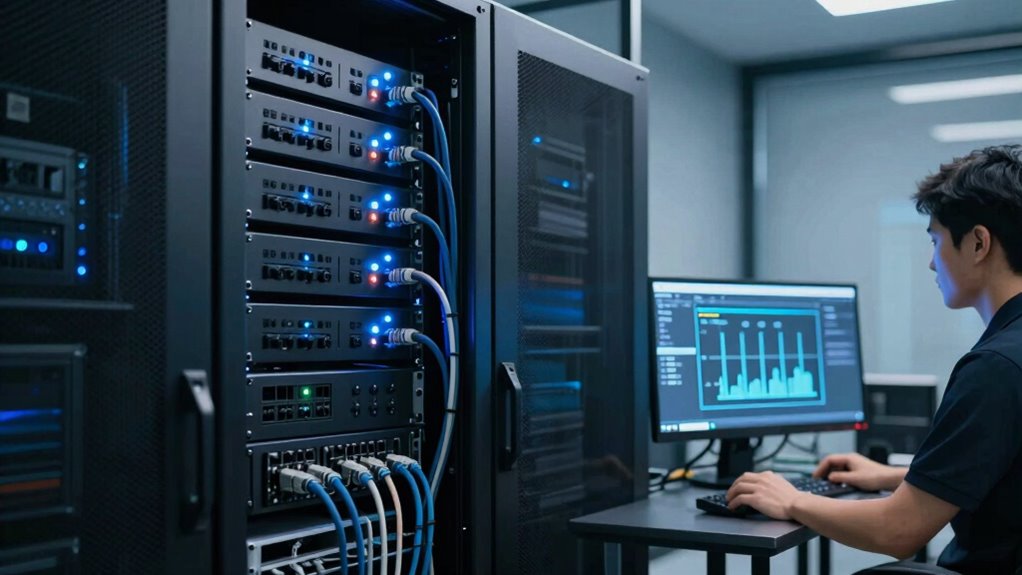

To set up graceful shutdowns for your NAS and servers during outages, make certain your hardware is resilient and use a reliable UPS that can handle the workload and provide enough runtime for safe shutdowns. Choose compatible software with automation features, and configure BIOS and power management settings for automatic responses. Regularly test your system, troubleshoot issues, and train staff on procedures. Keep everything updated for maximum safety, and you’ll find out more about creating a seamless shutdown process.

Get business pricing on monitors, keyboards and dev gear
- Business-only prices and quantity discounts
- Tax-exempt purchasing
- Multiple users, one account, clear invoices
Key Takeaways
- Use compatible shutdown management software with automation and scheduling features for seamless system shutdowns.
- Connect NAS and servers properly to a UPS with sufficient capacity and runtime for safe shutdowns.
- Configure BIOS power settings to enable features like Wake-on-LAN and automatic recovery options.
- Regularly test backup power sources and shutdown procedures to ensure reliability during outages.
- Implement network security measures to prevent command blocking and ensure smooth remote shutdowns.
Uninterruptible Power Supply (UPS) for NAS
As an affiliate, we earn on qualifying purchases.
As an affiliate, we earn on qualifying purchases.
Why Graceful Shutdowns Are Critical for Your Data
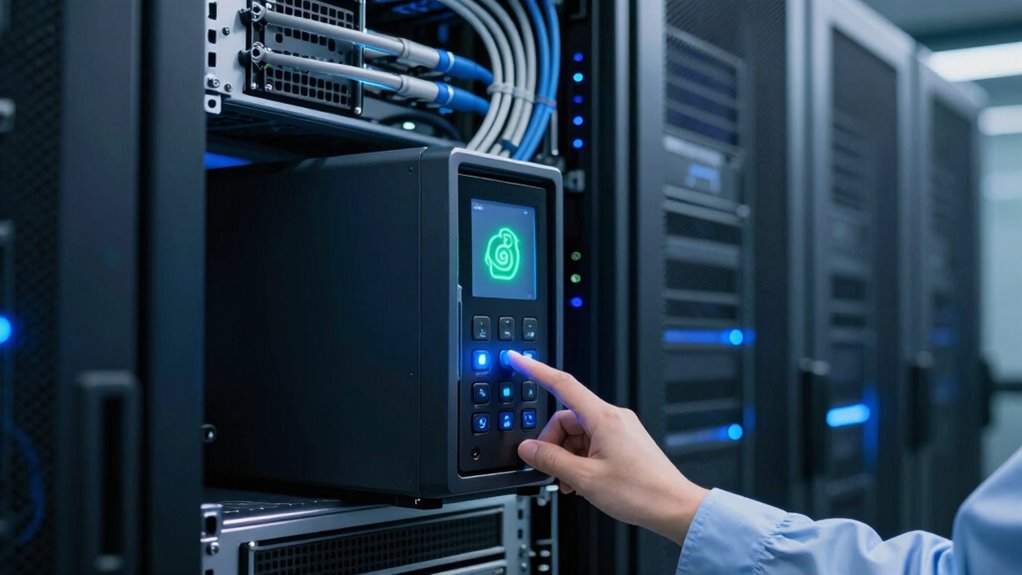
Graceful shutdowns are essential because they protect your data from corruption and loss. When you shut down abruptly, your files can become corrupted, risking data integrity. A proper shutdown allows your system to close files safely, guaranteeing data encryption remains intact and secure. If you’re integrating cloud services, a graceful shutdown ensures that data synchronization occurs correctly, preventing incomplete transfers or inconsistencies. This process maintains the security of sensitive information and keeps your backups reliable. By shutting down properly, you minimize the risk of losing critical data during outages or maintenance. Additionally, understanding system performance optimization can help improve shutdown procedures and overall system resilience. Implementing reliable shutdown procedures is especially important for maintaining the longevity of your hardware and preventing potential system failures. Incorporating hardware management best practices can further enhance the effectiveness of your shutdown process. Recognizing the importance of system maintenance can aid in establishing effective shutdown routines, especially since contrast ratio influences the clarity and detail of visual data displays critical during diagnostics. Ultimately, a graceful shutdown preserves your system’s stability, safeguards your encrypted data, and ensures smooth cloud integration, keeping your infrastructure resilient and your information secure.
Automatic server shutdown software
As an affiliate, we earn on qualifying purchases.
As an affiliate, we earn on qualifying purchases.
Is Your Hardware Ready for Automated Shutdowns?
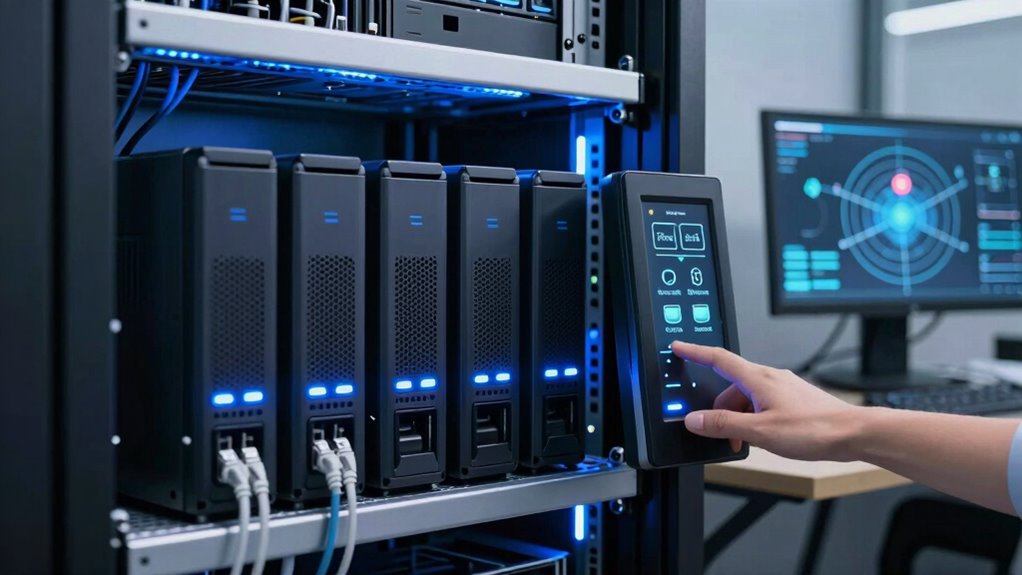
Before implementing automated shutdowns, you need to guarantee that your hardware is fully prepared to handle the process smoothly. Check the hardware durability of your NAS and servers to confirm they can withstand repeated power cycles without damage. Reliable hardware minimizes the risk of failure during shutdowns, protecting your data integrity. Additionally, verify that your setup has adequate power redundancy, such as uninterruptible power supplies (UPS), to maintain operations during outages. Power redundancy ensures that your systems can perform a controlled shutdown without sudden interruptions, reducing the chance of corruption or hardware stress. If your hardware isn’t built for frequent power changes or lacks redundancy, consider upgrading or reinforcing these components before automating shutdown procedures. Incorporating hardware resilience into your planning ensures long-term stability and minimizes risks during power interruptions. Moreover, understanding power management best practices can help you optimize shutdown sequences and improve overall system longevity. Ensuring that your system monitoring tools are properly configured can also alert you to potential hardware issues before they lead to failures during shutdowns. Regularly testing your disaster recovery plans can further prepare your systems for unexpected outages and help identify weak points in your setup.
As an affiliate, we earn on qualifying purchases.
How to Choose the Right Shutdown Software for Your Systems
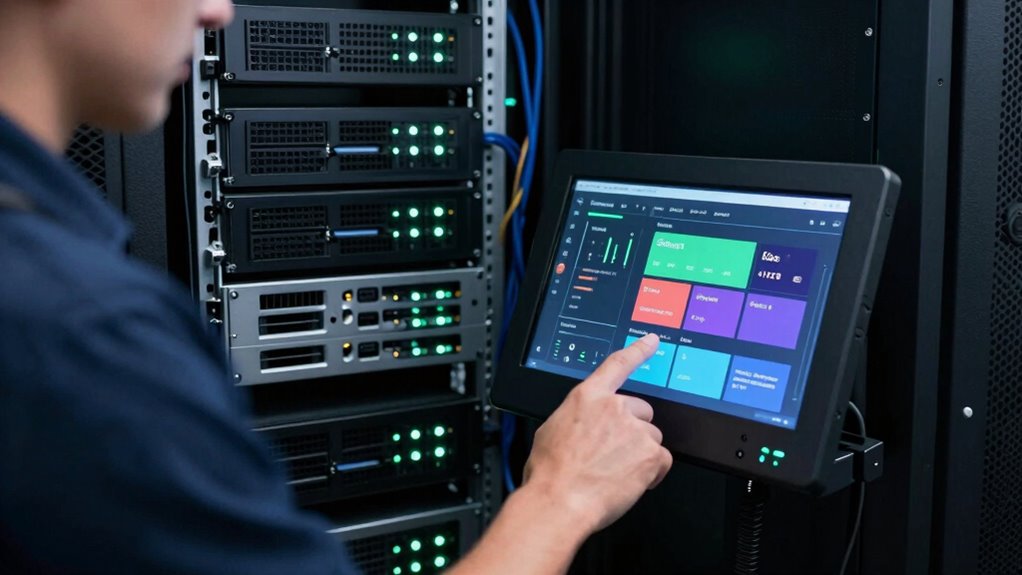
When selecting shutdown software, you need to guarantee it’s compatible with your systems to avoid issues down the line. Look for tools that offer automation and scheduling features to streamline your processes, saving you time and effort. A user-friendly interface makes setup and daily operation easier, so you won’t waste time figuring out how to use the software. Additionally, consider choosing software that integrates well with digital concepts, to ensure long-term adaptability and reliable performance.
Compatibility With Systems
Choosing the right shutdown software depends heavily on guaranteeing compatibility with your existing systems. You need to verify both hardware compatibility and software integration to avoid issues during outages. First, check if the software supports your NAS or server hardware to ensure smooth operation without conflicts. Second, confirm that it integrates seamlessly with your current operating system and management tools, making the shutdown process straightforward. Third, consider whether the software can connect with other tools or scripts you already use for monitoring and alerts. This compatibility ensures a cohesive shutdown process, reduces errors, and minimizes downtime. Prioritizing these aspects helps you select software that works harmoniously with your infrastructure, creating a more reliable and efficient shutdown plan.
Automation and Scheduling Features
Are your shutdown procedures efficient enough to keep up with your operational needs? If not, consider software with robust automation and scheduling features. Look for tools that support remote monitoring, so you can oversee system health and initiate shutdowns remotely when needed. Automated scheduling allows you to set precise times for power cycling, ensuring your NAS and servers shut down gracefully during outages or maintenance. This reduces manual intervention and minimizes downtime risks. Choose software that offers flexible, rule-based automation, enabling you to trigger shutdowns based on specific conditions or alerts. Effective automation not only streamlines your workflow but also enhances system reliability, ensuring your infrastructure responds swiftly and safely to outages without constant oversight.
User Interface Simplicity
A user-friendly interface can make or break your experience with shutdown software, especially if you need to perform regular maintenance or respond quickly to system alerts. When choosing software, prioritize a clean, simplicity design that reduces complexity. An intuitive user interface helps you navigate functions effortlessly, saving time during critical moments. Look for options that offer clear labels and straightforward controls.
Here are three key features to ponder:
- Minimalist design with easy-to-understand menus
- Quick access to essential functions
- Clear status indicators and alerts
A well-designed user interface ensures you can execute graceful shutdowns efficiently, reducing the risk of errors during outages. Keep simplicity in mind to streamline your system management and improve overall reliability.
As an affiliate, we earn on qualifying purchases.
Configuring BIOS and Power Settings for Safe Shutdowns
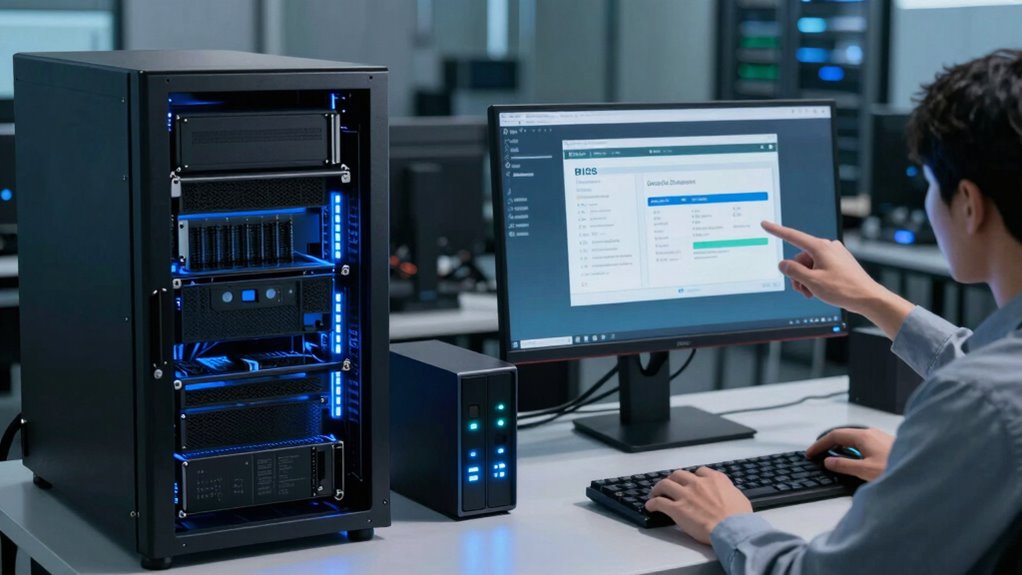
Properly configuring BIOS and power settings is essential to guarantee your NAS and servers shut down safely during power outages or maintenance. Start by checking hardware compatibility to verify your devices support advanced power management features. Access the BIOS setup and locate the power management section. Adjust settings like Wake-on-LAN, AC Power Recovery, and Wake on Alarm to enable automatic shutdown or restart procedures. Confirm that the BIOS configuration aligns with your system’s needs, preventing abrupt power loss. Enable features that allow the server to detect power failures and initiate safe shutdowns automatically. Regularly update your BIOS firmware to improve hardware compatibility and stability. Proper BIOS and power configuration minimizes data loss and hardware damage, ensuring a smooth shutdown process during outages or scheduled maintenance. Additionally, understanding household products and their safety features can help prevent accidental power issues or hazards in your environment. Ensuring your system has reliable power management settings configured can further protect against unexpected shutdowns. Incorporating automatic shutdown protocols can provide an extra layer of security during unforeseen power disruptions. Implementing uninterruptible power supplies (UPS) can also help safeguard your systems from complete power loss and facilitate safe shutdowns. Being aware of power supply units and their quality can also significantly impact system stability during outages.
Setting Up UPS Systems to Support Graceful Shutdowns
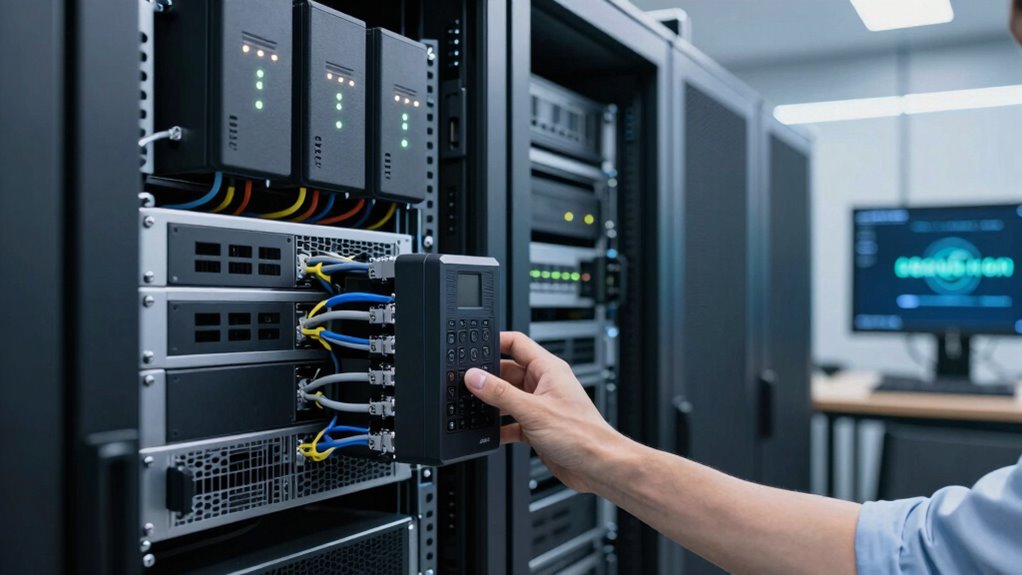
To guarantee your NAS and servers shut down gracefully during power outages, you need to set up an uninterruptible power supply (UPS). Start by choosing a UPS that can handle your equipment’s load, then connect both power and data cables properly. Finally, configure your shutdown software to automatically initiate a safe shutdown when the UPS detects a power failure.
Choosing the Right UPS
Choosing the right UPS is essential for ensuring your NAS and servers can shut down gracefully during power outages. You need a UPS that provides enough runtime and power capacity to protect your hardware redundancy setup and cloud storage systems. To select the best unit, consider these factors:
- Power Capacity: Match the UPS wattage to your equipment’s needs, including future expansion.
- Runtime: Ensure it offers enough backup time for a safe shutdown, especially during extended outages.
- Features: Look for features like surge protection, monitoring capabilities, and compatibility with your setup. Additionally, understanding hydrotherapy benefits can help you appreciate the importance of maintaining system health during outages. Ensuring your setup is resilient can prevent Silly tantrums or unexpected issues from disrupting your data management. Selecting a UPS with proper power management features can further optimize shutdown procedures and protect your systems effectively. Incorporating reliable power sources into your infrastructure can also enhance overall system stability during outages. Recognizing the significance of system resilience can aid in designing a more robust and dependable setup. A well-chosen UPS safeguards your data, supports hardware redundancy, and keeps your cloud storage accessible during outages. This ensures a smooth, graceful shutdown process without risking data corruption or hardware damage.
Connecting Power and Data
Have you ever wondered how to guarantee your NAS and servers remain protected during power outages? Connecting power and data properly is vital. First, plug your devices into the UPS, making sure it’s rated to handle your equipment’s power load. Use surge protectors to shield against power surges, which can cause hardware failure or data corruption. Confirm all data cables are securely connected to prevent disconnections during outages. Proper wiring ensures a seamless transfer of power and data flow, reducing risks of hardware damage. Avoid daisy-chaining multiple devices on a single outlet, as this increases the chance of overloads and failures. Additionally, choosing reliable data storage/backup gear can enhance your overall system resilience. Understanding molecular-scale circuits and their role in nanotech fabrication can inspire more robust and efficient power management solutions in the future. Incorporating power management techniques can further optimize your system’s response during outages. Paying attention to system redundancy is also crucial for maintaining continuous operation during unexpected disruptions. Recognizing the importance of proper wiring practices can prevent common setup issues and improve overall system stability. By carefully connecting power and data, you lay the foundation for effective graceful shutdowns, safeguarding your equipment during unexpected outages.
Configuring Shutdown Software
Setting up your UPS system to support graceful shutdowns involves configuring specialized shutdown software that communicates effectively with your devices. This software guarantees your NAS and servers shut down safely during power outages, protecting data integrity. To optimize security, enable network security features within the software, preventing unauthorized shutdown commands. Also, configure data encryption to safeguard sensitive information transmitted during shutdown. Here are key steps:
- Install and update the shutdown management software compatible with your NAS and server hardware.
- Configure network security settings, including firewalls and authentication protocols, to prevent malicious interference.
- Enable data encryption options within the software to secure communication between the UPS and your devices during shutdown processes.
This setup helps maintain data security and system integrity during outages.
Automating Shutdowns With Operating System Scripts
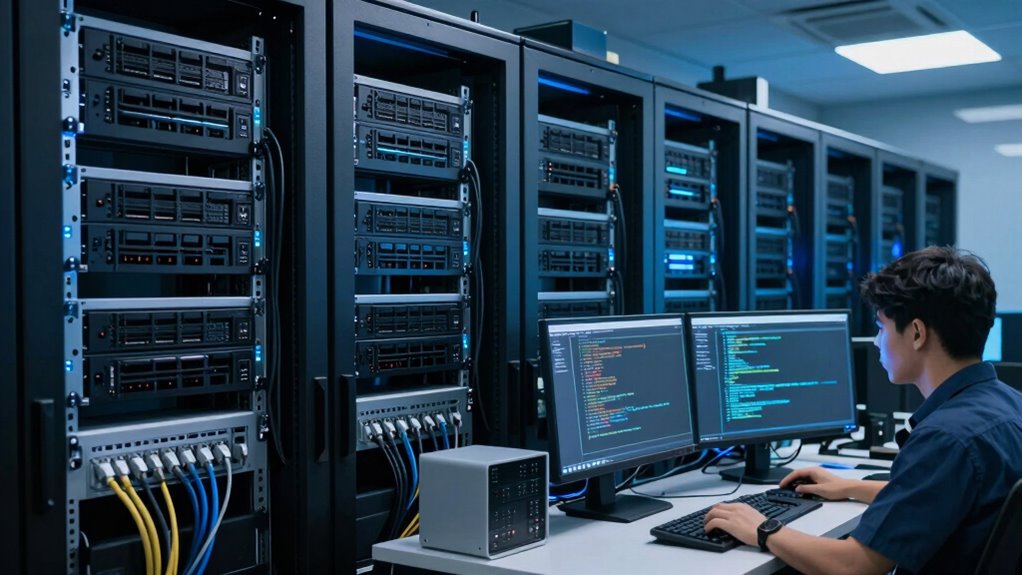
Automating shutdowns with operating system scripts streamlines the process and reduces the risk of data loss or corruption. By scripting shutdown commands, you can guarantee your NAS or server powers down correctly during outages, maintaining data integrity. Incorporate security measures like user authentication and network security protocols to prevent unauthorized access during the process. Use scheduled tasks or cron jobs to trigger scripts automatically, reducing manual intervention.
| Security Aspect | Purpose |
|---|---|
| User Authentication | Ensures only authorized users can initiate shutdowns |
| Network Security | Protects scripts and commands from interception or tampering |
| Regular Updates | Keeps scripts effective against evolving threats |
How to Test Your Shutdown Process for Reliability
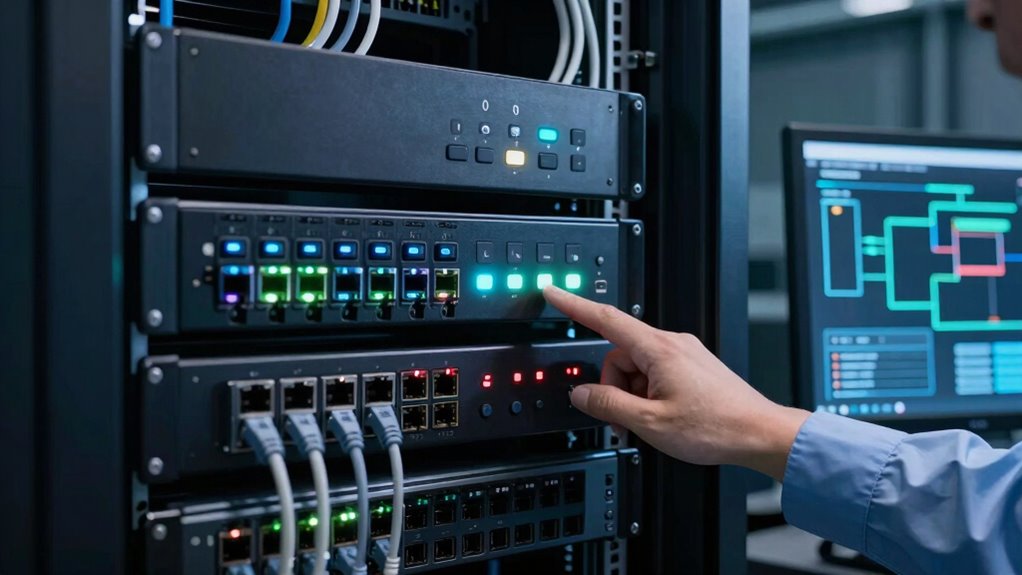
Before relying on your shutdown process, it’s essential to thoroughly test its reliability to prevent data loss or system issues. To do this:
- Simulate power outages to verify your power redundancy setup, ensuring your NAS or server performs a graceful shutdown without data corruption.
- Use remote monitoring tools to track system behavior during shutdowns, confirming alerts and automation trigger correctly.
- Test backup power sources and recovery procedures, making sure your system can handle an outage and restart smoothly.
Regular testing helps identify weak points in your shutdown process. Incorporate remote monitoring to detect issues early and verify that your power redundancy functions as intended, safeguarding your data and hardware during outages.
Troubleshooting Common Shutdown Automation Issues
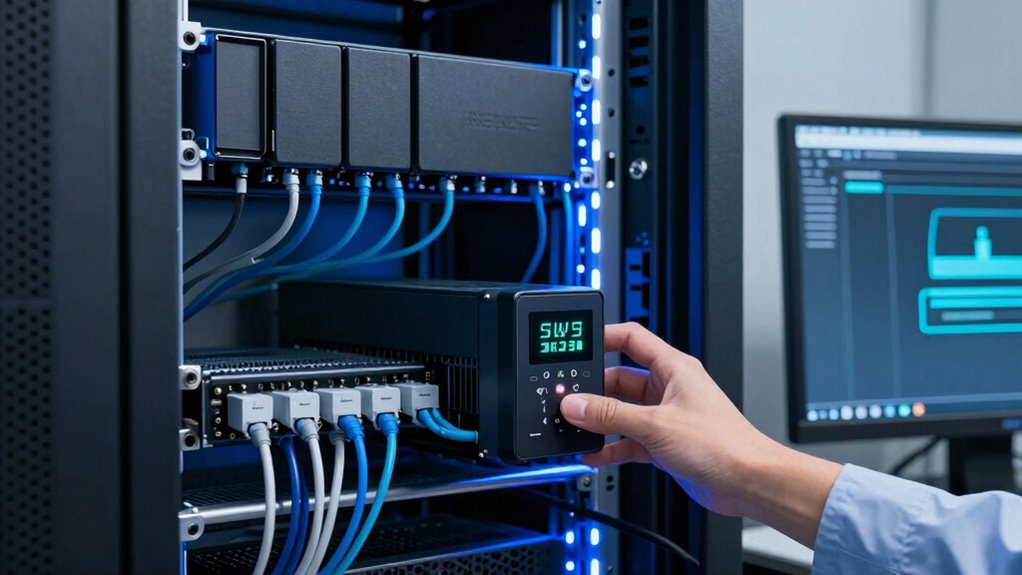
Even with a well-designed shutdown automation system, issues can still arise that prevent it from working as intended. Common problems include network security settings blocking commands, or data encryption interfering with shutdown scripts. To troubleshoot, check your network configurations to guarantee your NAS and servers communicate smoothly. Verify that firewall rules aren’t obstructing shutdown signals. Also, confirm that data encryption settings aren’t causing delays or failures during shutdown processes. Use the table below to identify typical issues and solutions:
| Issue | Cause | Solution |
|---|---|---|
| Shutdown commands blocked | Network security restrictions | Adjust firewall and security policies |
| Encryption delays | Data encryption conflicts | Temporarily disable or reconfigure encryption |
| Script failures | Incorrect shutdown script setup | Review and test scripts thoroughly |
| Network disconnects | Unstable network connections | Improve network stability and monitoring |
Maintaining and Updating Your Shutdown Setup
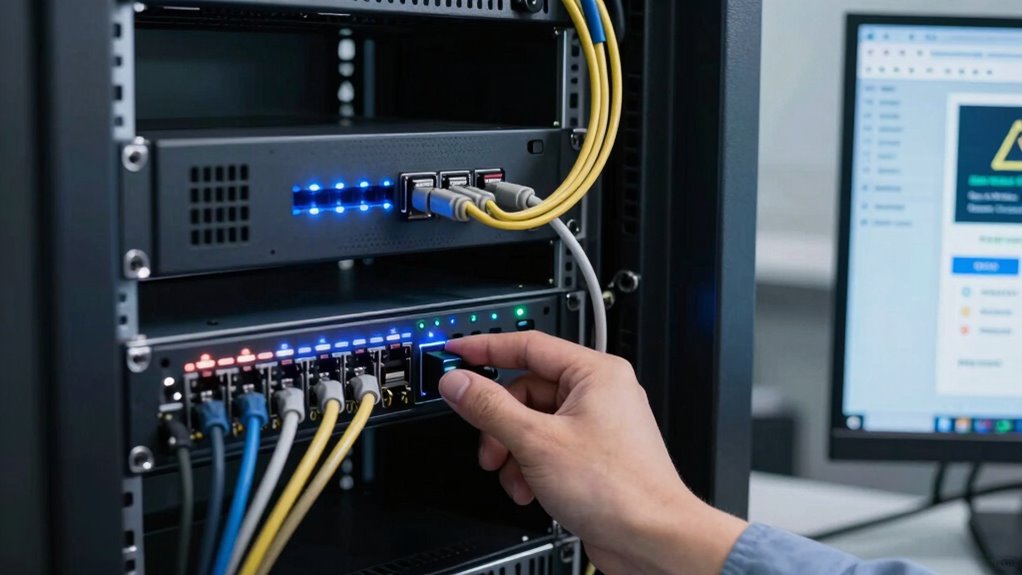
To keep your shutdown setup reliable, you need to regularly back up your data and guarantee your system is protected against failures. Updating firmware and software keeps your hardware secure and compatible with new features. It’s also essential to test your shutdown procedures periodically to catch any issues before they cause problems.
Regular System Backups
Regular system backups are essential for guaranteeing your shutdown setup remains reliable and up-to-date. They protect your data against corruption, hardware failures, or cyber threats. To keep your backups effective, consider these steps:
- Schedule regular backups to ensure consistency and minimize data loss.
- Use data encryption to secure sensitive information during transfer and storage, strengthening your network security.
- Verify backup integrity periodically to confirm that data can be restored successfully when needed.
Firmware and Software Updates
Keeping your firmware and software up to date is essential for guaranteeing your shutdown setup remains secure and functions properly. Firmware security updates patch vulnerabilities that could be exploited during outages, helping protect your systems from cyber threats. Regularly updating your firmware also ensures compatibility with new hardware and network protocols, reducing the risk of malfunctions during shutdowns. Similarly, keeping your software current guarantees that your shutdown procedures run smoothly, preventing errors caused by outdated code. Neglecting these updates can leave your system vulnerable or cause conflicts when executing shutdown commands. Set up automated updates whenever possible to maintain consistency. Staying proactive with firmware and software updates helps you minimize risks, improve stability, and ensure your graceful shutdown process works seamlessly during outages.
Testing Shutdown Procedures
After updating your firmware and software, it’s essential to verify that your shutdown procedures still work correctly. Regular testing ensures your remote access remains reliable during outages and that hardware durability isn’t compromised. To effectively test your setup, consider these steps:
- Simulate a power outage to confirm your NAS or server shuts down gracefully without data loss or corruption.
- Check remote access functions during shutdown to ensure you can monitor and control the process remotely.
- Review logs and alerts afterward to identify any issues and update procedures as needed.
Performing these tests regularly helps maintain confidence in your shutdown setup, prolongs hardware lifespan, and guarantees smooth recovery during actual outages.
Training Staff on Your Shutdown Procedures

Have you trained your staff effectively on your shutdown procedures? Proper staff training is vital to guarantee everyone knows the emergency protocols during outages. Make sure your team understands each step, from notifying technical personnel to safely powering down servers and NAS devices. Conduct regular drills to reinforce these procedures, so they become second nature. Clear communication channels are essential—everyone should know who to contact and what actions to take. Document your shutdown protocols in an easy-to-understand format and review them periodically. Well-trained staff minimize errors, prevent data loss, and ensure a smooth, graceful shutdown during emergencies. Investing time in staff training now helps you avoid chaos and system damage during unexpected outages.
Frequently Asked Questions
Can I Automate Shutdowns for Remote or Cloud-Based Systems?
Yes, you can automate shutdowns for remote or cloud-based systems using remote management tools and cloud automation platforms. These tools enable you to schedule or trigger shutdowns remotely, ensuring systems shut down gracefully during outages or maintenance. By setting up proper scripts and configurations, you maintain data integrity and prevent damage. Cloud automation streamlines this process, giving you control over your systems regardless of their location, making outages more manageable.
How Do I Handle Data Synchronization During Automated Shutdowns?
Imagine you’re managing a critical database that needs seamless data synchronization during automated shutdowns. You should prioritize data integrity by implementing real-time backup strategies, like continuous data protection or snapshot tools. These guarantee data is synced and consistent before shutdowns occur. For example, using automated replication can prevent data loss, maintaining integrity and enabling smooth recovery. Proper backup strategies are essential to safeguard your data during scheduled or unexpected shutdowns.
What Are the Security Considerations for Shutdown Automation Tools?
When automating shutdowns, you need to prioritize security. Guarantee your tools use strong encryption protocols to protect data during transmission and storage. Implement strict access controls, giving only authorized personnel permission to modify shutdown configurations. Regularly update your automation software to patch vulnerabilities. By combining encryption protocols with access controls, you safeguard your systems against unauthorized access and data breaches during automated shutdown processes.
How Often Should I Review and Update My Shutdown Procedures?
Think of your shutdown procedures as a garden needing regular tending. You should review and update them at least every six months, especially as your power management strategies and system monitoring tools evolve. This keeps your processes efficient and reliable. Regular checks guarantee your NAS and servers respond smoothly during outages, preventing data loss or hardware issues. Staying proactive is key to maintaining a resilient, well-oiled system.
What Are Common Signs That a Shutdown Process Is Failing?
You’ll notice signs that a shutdown process is failing if you see hardware alerts or disruptions during power failure. The system might hang, freeze, or shut down unexpectedly, risking data corruption. If shutdowns take longer than usual or if you receive error messages, those are red flags. Monitoring logs and alert notifications helps you catch these issues early, ensuring you can troubleshoot before hardware damage occurs.
Conclusion
Implementing graceful shutdowns isn’t just smart—it’s essential. Did you know that improper shutdowns can cause data loss in up to 60% of incidents? By following these steps, you’ll safeguard your NAS and servers during outages, saving time and money. Keep your systems updated, test regularly, and train your team. With the right setup, you’ll minimize downtime and guarantee your data stays safe and accessible, no matter what challenges come your way.
Columbus Day / Indigenous Peoples' Day Picks
long weekend sales
As an affiliate, we earn on qualifying purchases.