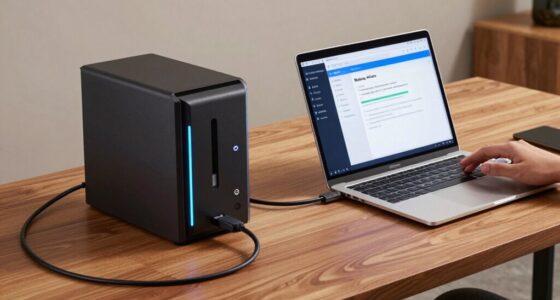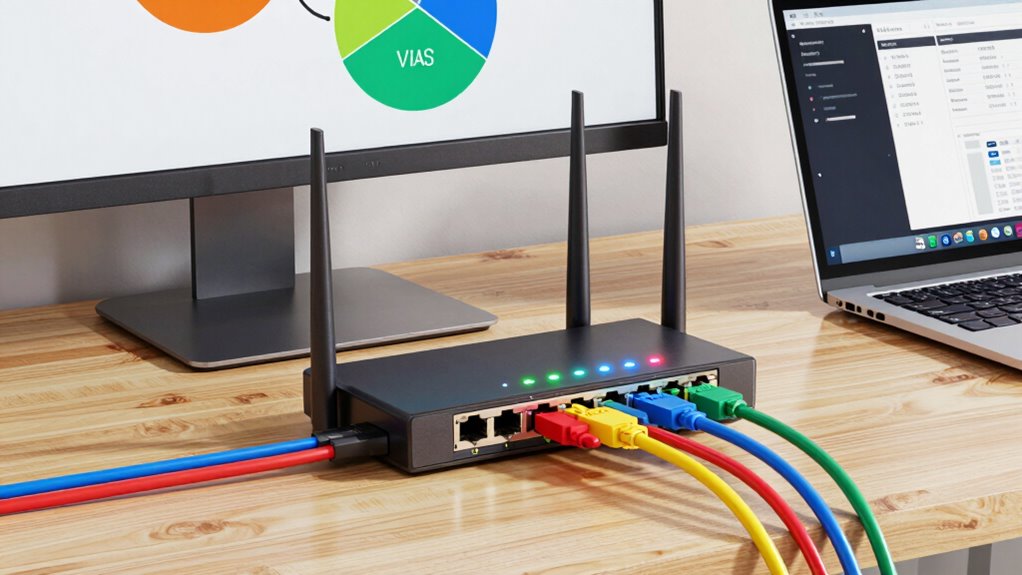

To segment your home lab network with VLANs, start by evaluating your devices and hardware support for VLAN features. Plan your network layout to group similar devices like servers, IoT, or workstations into separate VLANs for better security and management. Configure your switches and routers to create VLANs, assign ports or devices accordingly, and set up inter-VLAN routing if needed. Proper tagging and security rules are essential. Keep exploring this topic for detailed steps and best practices to optimize your setup.
Get ready for Prime Big Deal Days — try Prime free
Exclusive member deals on October 6–7, plus fast free delivery. Cancel anytime.
As an affiliate, we earn on qualifying purchases.
Key Takeaways
- Assess your network devices and ensure switch and router support for VLAN configuration.
- Plan VLAN segments based on device types, security needs, and future scalability.
- Create VLANs with unique IDs and assign devices to appropriate segments via port configurations.
- Configure inter-VLAN routing for necessary communication while maintaining security controls.
- Test connectivity and implement security policies to isolate and protect each VLAN effectively.
managed network switch with VLAN support
As an affiliate, we earn on qualifying purchases.
As an affiliate, we earn on qualifying purchases.
Why Your Home Lab Needs VLANs to Prevent Chaos
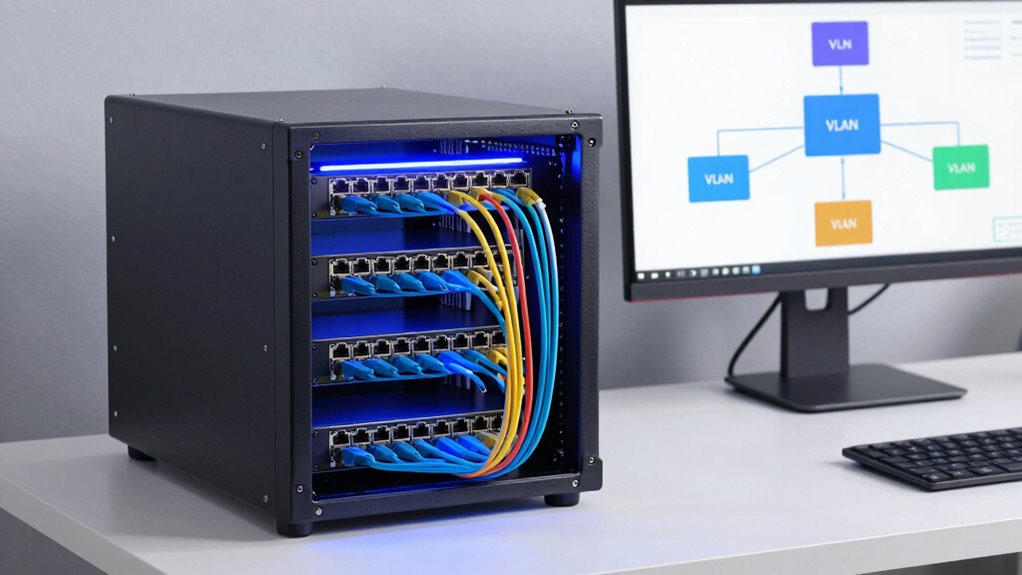
If you’re running multiple devices and services in your home lab, chaos can quickly become a real problem without proper network separation. Virtual LANs, or VLANs, help you create logical networks within your physical infrastructure. This process, known as network segmentation, keeps different systems isolated, preventing issues like bandwidth congestion, security breaches, or accidental interference. With VLANs, you can assign specific devices and services to separate segments, making management easier and enhancing security. For example, you can isolate your development environment from your IoT devices, reducing risks. Without VLANs, a single compromised device could threaten your entire network. Proper network segmentation guarantees your home lab runs smoothly, securely, and efficiently, saving you time and headaches. Additionally, implementing performance optimization techniques with VLANs can further improve your network’s reliability. Understanding contrast ratio can also help in managing the physical setup of your network equipment for optimal performance. Recognizing the importance of network segmentation can help you plan your VLAN deployment more effectively, ensuring long-term stability and security. Incorporating network topology principles can also assist in designing an effective and scalable setup, especially when considering bandwidth management for your entire network infrastructure.
home lab router with VLAN capabilities
As an affiliate, we earn on qualifying purchases.
As an affiliate, we earn on qualifying purchases.
How to Assess Your Home Lab’s Network Needs Before VLAN Setup
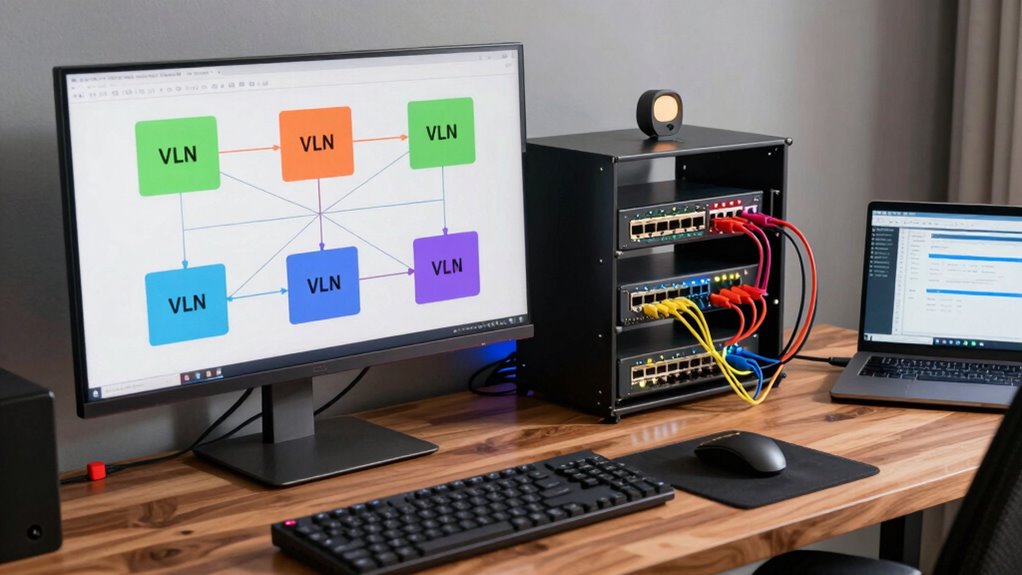
Before setting up VLANs in your home lab, conducting a thorough assessment of your current network needs is crucial. First, evaluate device compatibility—ensure your hardware supports VLAN configuration and management. Next, analyze your network topology to identify how devices connect and communicate. Determine which devices require separation and which can share resources efficiently. Consider your future growth; planning for expansion helps you choose appropriate VLAN structures. Also, identify any bottlenecks or security concerns that VLAN segmentation can address. This assessment helps you define clear goals and avoid unnecessary complexity. By understanding your existing setup and needs, you’ll create a VLAN plan that improves performance, enhances security, and aligns with your home lab’s evolving requirements.
network segmentation switch for home lab
As an affiliate, we earn on qualifying purchases.
As an affiliate, we earn on qualifying purchases.
Which Hardware and Software Support VLANs in Your Home Lab
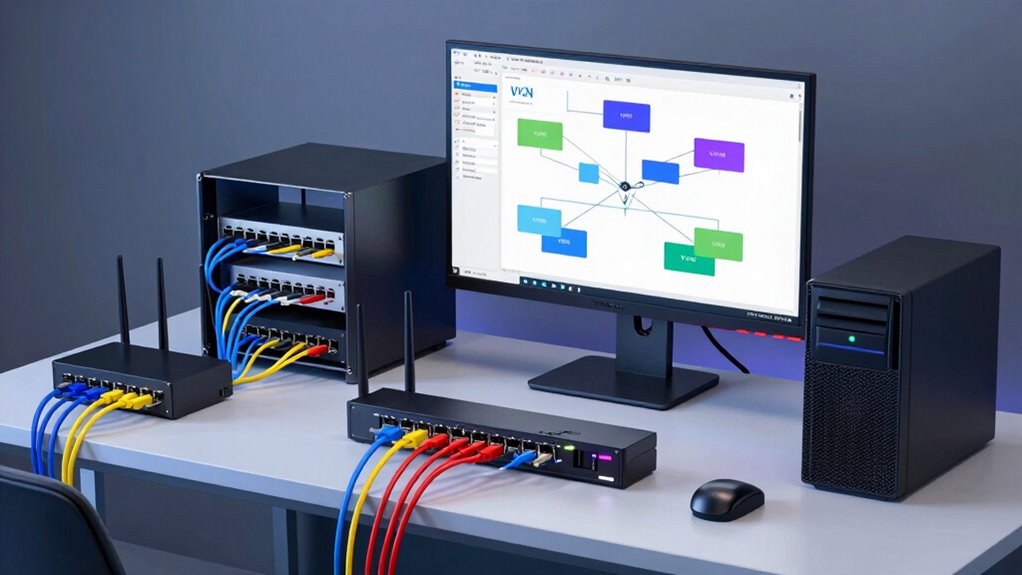
Evaluating your hardware and software capabilities is a vital step in planning VLAN implementation. Not all devices support VLANs, and understanding their limitations ensures you avoid surprises later. Check your network switches, routers, and firewalls for hardware compatibility. Some consumer-grade equipment may lack VLAN features, creating limitations for your setup. Additionally, understanding your privacy policy helps you manage data and security considerations effectively. Confirm your hardware supports VLANs to design a flexible, scalable network. To ensure proper operation, verify that your hardware supports watt-hours and capacity specifications necessary for network devices. Incorporating an understanding of energetic alignment can also be beneficial when selecting hardware to optimize your overall network environment. Considering the hardware capabilities of your devices can further prevent potential bottlenecks and improve network efficiency, especially in relation to essential oils for network health, which can metaphorically represent maintaining optimal performance.
VLAN configuration tools for home network
As an affiliate, we earn on qualifying purchases.
As an affiliate, we earn on qualifying purchases.
How to Create VLANs Step-by-Step in Your Home Network
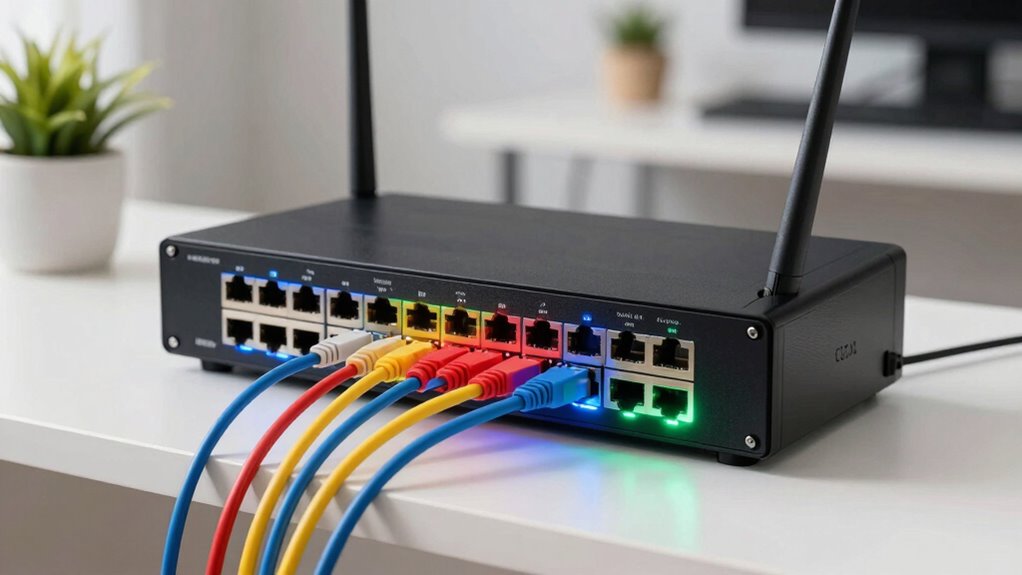
Creating VLANs in your home network might seem complex at first, but following a clear step-by-step process makes it straightforward. Start by choosing VLAN numbering, assigning each VLAN a unique number to avoid conflicts. Next, decide on VLAN naming conventions that clearly identify their purpose, such as “IoT,” “Work,” or “Media.” Access your network switch’s management interface, then create each VLAN by entering its VLAN ID and name. Configure your router or Layer 3 device to recognize these VLANs, setting up inter-VLAN routing if needed. Finally, assign devices to the appropriate VLANs through port settings or network configurations. This organized approach guarantees your VLANs are properly structured, making future management and device segmentation easier and more efficient.
Best Practices for Tagging Devices and Managing Traffic With VLANS
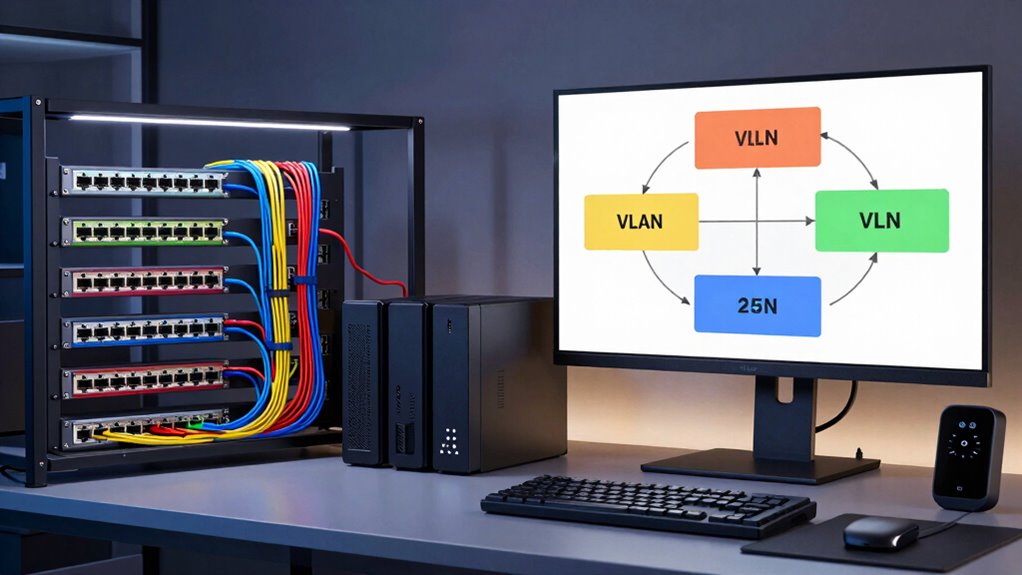
To effectively manage your VLANs, it’s crucial to follow best practices for tagging devices and controlling traffic. Proper device tagging ensures that each device is correctly identified within the network, simplifying management and security. Traffic prioritization helps optimize performance by assigning higher priority to critical data, reducing latency for essential services. Additionally, considering health and well-being can help maintain a balanced approach to network management, ensuring that your system remains reliable and efficient. Incorporating impact investing principles can also guide sustainable and responsible network practices that minimize environmental impact. Consistent device tagging conventions and network standards contribute to a well-structured and manageable VLAN setup. Understanding the importance of network security can further protect your network from potential threats and vulnerabilities. Implementing network monitoring tools can provide insights into traffic patterns and potential issues, supporting proactive management.
Troubleshooting Common VLAN Configuration Problems
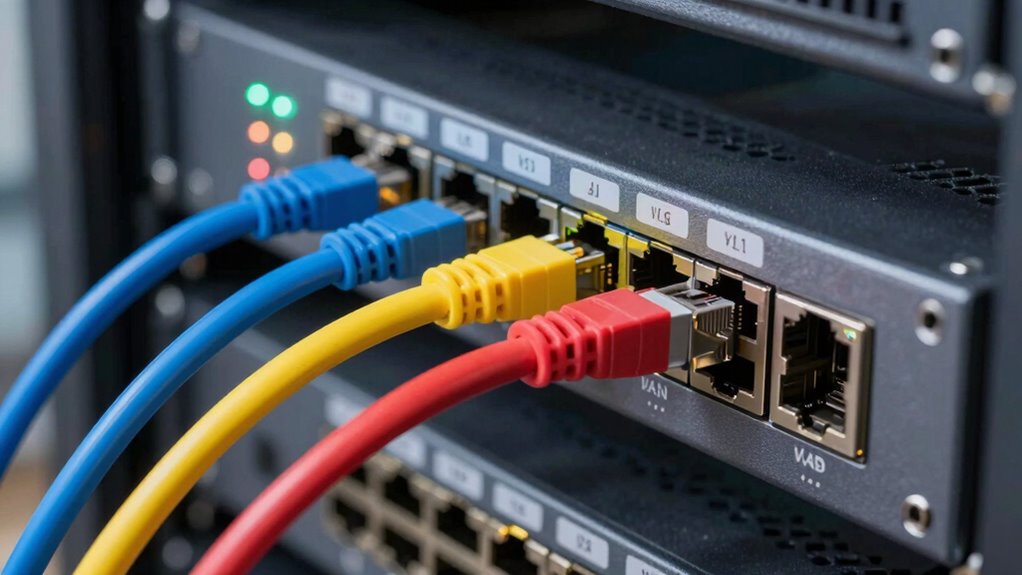
VLAN configuration issues are common but can often be quickly identified and fixed if you know where to look. Start by double-checking VLAN naming to guarantee consistency across your switches and devices. Misnamed VLANs can cause communication failures. Next, review your subnet design; improper subnetting can prevent devices from communicating within or across VLANs. Verify that each VLAN has the correct IP address range and that devices are assigned to the proper subnet. Also, check your trunk ports and VLAN tagging to confirm they carry the right VLAN IDs. Proper network flow is crucial, so understanding how VLANs interact helps ensure your network remains stable and secure. Proper environmental considerations, like avoiding unnecessary traffic across VLANs, can improve performance and security. Additionally, understanding electric bikes and their power can help you appreciate the importance of proper network flow and stability, much like the need for balanced and secure VLAN configurations. It’s also helpful to ensure your network devices support VLAN tagging to prevent issues with data transmission. Finally, confirm your switch ports are configured correctly—access ports should match their assigned VLAN, and trunk ports should allow all necessary VLANs. These steps will help you troubleshoot most common VLAN setup problems efficiently.
How VLANs Boost Security and Simplify Network Management
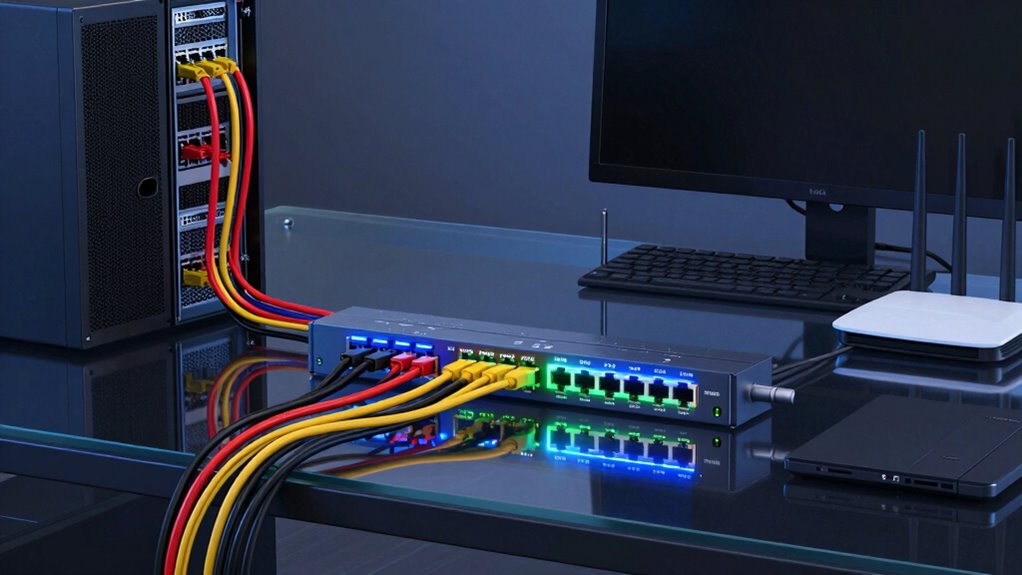
VLANs improve your network’s security by isolating sensitive devices from the rest of your home lab, reducing the risk of unauthorized access. They also make managing traffic easier by segmenting data flows, so you can prioritize or restrict specific types of traffic. Additionally, VLANs help keep critical devices separate, preventing potential security breaches from spreading across your network. Incorporating design innovation into your network setup can further enhance both functionality and security. Understanding specialized care for different devices ensures your network remains robust and protected.
Enhances Network Security
Implementing VLANs considerably boosts network security by isolating different device groups and containing potential threats. This device segmentation prevents unauthorized access and limits the spread of malware. VLAN scalability allows you to add or modify segments as your network grows, maintaining security without major overhaul. By segmenting devices, you reduce the risk of sensitive data exposure and minimize attack surfaces. Additionally, leveraging biosensors for health insights can help monitor device activity and identify anomalies, further strengthening your network security. To deepen security, consider: 1. Creating dedicated VLANs for critical devices to restrict access. 2. Implementing strict access controls between VLANs to prevent lateral movement. 3. Monitoring VLAN traffic for unusual activity, helping you detect and respond to threats swiftly. These strategies enhance your overall network resilience while simplifying security management within your home lab.
Simplifies Traffic Management
By segmenting your network with VLANs, you can markedly streamline traffic flow and reduce congestion. VLAN implementation makes network segmentation straightforward, allowing you to isolate traffic between different groups or devices. This targeted separation prevents unnecessary data from traversing the entire network, which enhances overall efficiency. With proper network segmentation, you can prioritize critical traffic and allocate bandwidth more effectively, avoiding bottlenecks. VLANs also simplify troubleshooting by confining issues to specific segments, reducing the time spent diagnosing problems. This organized structure improves network performance and ensures smoother data flow. Overall, VLANs help you manage traffic more efficiently, making your home lab more responsive and easier to maintain.
Isolates Sensitive Devices
Segmenting your network with VLANs not only improves traffic flow but also enhances security by isolating sensitive devices from the rest of your home lab. This device isolation through network segmentation prevents unauthorized access and limits potential damage if a device is compromised. To maximize security:
- Create dedicated VLANs for sensitive devices like servers, storage, or IoT gadgets.
- Limit inter-VLAN communication to only necessary services, reducing attack vectors.
- Use firewall rules between VLANs to control data flow and prevent lateral movement.
- Implement proper soundproofing techniques around your networking equipment to minimize noise disruption and maintain a quiet environment.
Expanding Your Home Lab With Multiple VLANS and Inter-Vlan Routing

To expand your home lab effectively, adding multiple VLANs allows you to isolate different parts of your network for security and organization. VLAN implementation enables you to segment your network into distinct broadcast domains, which improves performance and control. To connect these VLANs, you’ll need inter-VLAN routing, typically achieved through a Layer 3 switch or a router with VLAN capabilities. This setup allows devices in separate VLANs to communicate securely when necessary. Properly configuring routing ensures traffic flows efficiently between segments without compromising security. As you expand, make certain each VLAN is configured with appropriate access controls, and test connectivity to confirm that your network segmentation is functioning correctly. This approach enhances your network’s flexibility, security, and scalability.
Tips for Maintaining and Monitoring Your VLAN-Enabled Network
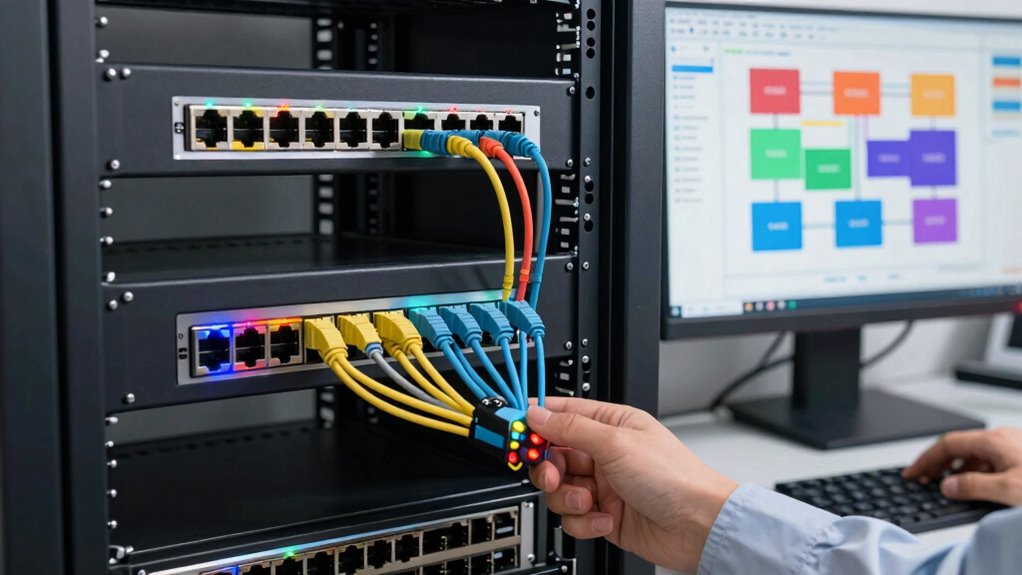
To keep your VLAN network secure and efficient, you need to regularly analyze network traffic for unusual activity. Staying up-to-date with firmware and software updates also helps prevent vulnerabilities and maintain performance. Consistent monitoring and maintenance are key to a reliable, well-functioning home lab. Additionally, implementing automation tools can streamline routine tasks and improve overall network management.
Regular Network Traffic Analysis
Regularly analyzing network traffic is essential for maintaining the health and security of your VLAN-enabled home lab. It helps you spot unusual activity, optimize wireless integration, and guarantee efficient power management. Use network monitoring tools to identify bandwidth hogs or unauthorized devices. Focus on understanding traffic patterns across VLANs to prevent potential breaches. Keep an eye on device behaviors that could affect network performance, especially when adding new hardware.
To deepen your analysis:
- Set up alerts for suspicious activity or traffic spikes.
- Regularly review logs for unauthorized access.
- Use traffic analysis to fine-tune wireless integration and power management settings for better efficiency.
Firmware and Software Updates
Maintaining your VLAN-enabled home lab network requires keeping firmware and software up to date to guarantee security and peak performance. Firmware compatibility is vital; outdated firmware can cause security vulnerabilities or compatibility issues with new devices. Regularly check for firmware updates from device manufacturers and verify compatibility before installation. Follow clear software update procedures to ensure updates are applied correctly—this typically involves backing up configurations, downloading the latest firmware or software patches, and following guided steps. Automating update notifications can save time and reduce oversight. Staying current with firmware and software updates not only enhances security but also improves stability and features, helping your VLAN segments function smoothly. Keep a schedule for updates and document changes to maintain an organized, resilient network.
Frequently Asked Questions
Can VLANS Be Implemented on Wireless Networks?
Yes, VLANs can be implemented on wireless networks through wireless segmentation. Many modern Wi-Fi access points support VLAN compatibility, allowing you to segment your network for security and traffic management. You simply configure the VLAN settings on your access points and network switches. This setup guarantees that different devices or groups stay isolated, improving security and performance without sacrificing wireless connectivity.
How Do VLANS Affect Network Performance?
VLANs can improve your network performance by enabling traffic segmentation and network isolation, which reduces congestion. They limit broadcast traffic to specific segments, preventing unnecessary data flow across the entire network. While VLANs add complexity, they help you manage bandwidth more effectively, especially in a home lab setup. Overall, properly configured VLANs enhance performance by streamlining data traffic and isolating sensitive or high-traffic devices.
Are VLANS Compatible With All Home Routers?
Think of VLANs as the secret tunnels of your network, but not all routers support them. Many home routers lack the advanced VLAN configuration options needed for effective network segmentation. Before you start, check your router’s specifications to see if VLAN support is built-in. If it’s compatible, you can easily create separate segments; if not, consider upgrading to a router that offers better VLAN capabilities for your home lab setup.
What Are the Costs Associated With VLAN Setup?
The costs of VLAN setup mainly involve hardware upgrades, like switches that support VLAN configuration, and potential software or firmware updates. You should do a cost analysis upfront to determine if your current router and switch support VLANs or if you’ll need new equipment. Budget for additional management tools or network monitoring software if you want advanced VLAN segmentation. Overall, VLAN configuration can be affordable if your existing hardware is compatible.
How Secure Are VLANS Against Internal Threats?
VLANs vary in security, but they generally provide good network isolation and threat mitigation. You actively reduce risks by segmenting sensitive devices, limiting lateral movement for malicious actors, and controlling traffic flow. However, VLANs aren’t foolproof; internal threats can still target misconfigured or vulnerable setups. To bolster security, combine VLANs with strong authentication, regular updates, and vigilant monitoring, ensuring your home lab remains protected from internal threats.
Conclusion
By now, you’re ready to tame your home lab’s wild network with VLANs, turning chaos into order like a seasoned conductor. Remember, proper tagging, testing, and monitoring keep your setup humming smoothly—think of it as tending to a vintage jukebox, ensuring each song plays just right. With patience and attention, your network will run as seamlessly as a well-oiled machine, giving you peace of mind and the freedom to explore new tech adventures.
NFL season / tailgating Picks
team gear
As an affiliate, we earn on qualifying purchases.