
If you’re looking for the best Mac Minis for your home studio in 2025, I recommend considering models with the M4 and M4 Pro chips. The M4 provides great performance with a 10-core CPU and GPU, while the M4 Pro suits demanding tasks with a 12-core CPU and 16-core GPU. Both support multiple high-res displays and are compact for tight spaces. To find out which one fits your needs and budget, keep exploring your options.
Key Takeaways
- The Mac mini with M4 and M4 Pro chips offer high performance for demanding creative workflows.
- Compact 5×5-inch design maximizes space efficiency in home studio setups.
- Both models support multiple high-resolution displays, ideal for multi-screen workflows.
- Limited upgrade options emphasize choosing higher initial RAM and storage configurations.
- Connectivity features include Thunderbolt, HDMI, USB-C, Ethernet, Wi-Fi 6E, and Bluetooth 5.3.

Apple 2024 Mac mini Desktop Computer with M4 chip with 10‑core CPU and 10‑core GPU: Built for Apple Intelligence, 16GB Unified Memory, 256GB SSD Storage, Gigabit Ethernet. Works with iPhone/iPad
- Compact Size: Five by five inches of powerful performance
- Powerful M4 Chip: 10-core CPU and GPU for high speed
- Ample Memory: 16GB Unified Memory for multitasking
As an affiliate, we earn on qualifying purchases.
Apple 2024 Mac mini Desktop Computer with M4 Chip
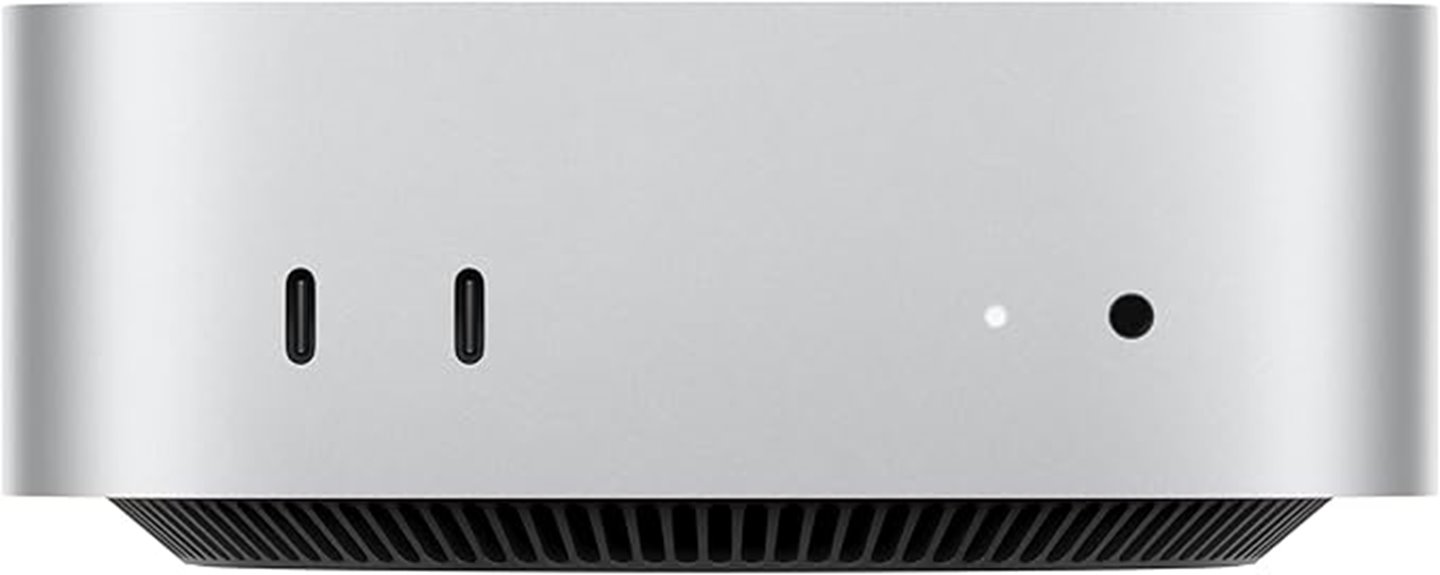
If you’re looking for a compact yet powerful computer for your home studio, the Apple 2024 Mac mini with the M4 chip is an excellent choice. Its small five-by-five-inch design fits perfectly next to your monitor, making it highly space-efficient and portable. Powered by the M4 chip, it offers a 10-core CPU, a 10-core GPU, and 16GB of unified memory, ensuring fast performance for music production, video editing, or multitasking. It runs quietly, stays cool, and supports up to three high-resolution displays. Its sleek build and seamless Apple ecosystem integration make it ideal for professional and creative use in a compact form factor.
Best For: creatives, professionals, and home users seeking a compact, high-performance desktop for tasks like video editing, music production, and multitasking within a space-efficient setup.
Pros:
- Compact and highly portable design fits seamlessly next to monitors and in tight spaces
- Powerful M4 chip with 10-core CPU and GPU delivers fast performance for demanding creative applications
- Quiet operation and cool running ensure a distraction-free workspace
Cons:
- Limited internal RAM and storage upgrade options may require external drives or cloud solutions for additional capacity
- Only up to three displays supported, which may not suffice for highly multi-display workflows
- Lacks dedicated GPU options or expandability for more intensive graphics or computing needs
Apple 2024 Mac mini Desktop Computer with M4 chip with 10‑core CPU and 10‑core GPU: Built for Apple Intelligence, 24GB Unified Memory, 512GB SSD Storage, Gigabit Ethernet. Works with iPhone/iPad
- Compact Size: Five by five inches of powerful performance
- Powerful M4 Chip: Built around Apple silicon for full speed
- Ample Memory: 24GB Unified Memory for multitasking
As an affiliate, we earn on qualifying purchases.
Apple 2024 Mac mini Desktop with M4 Chip
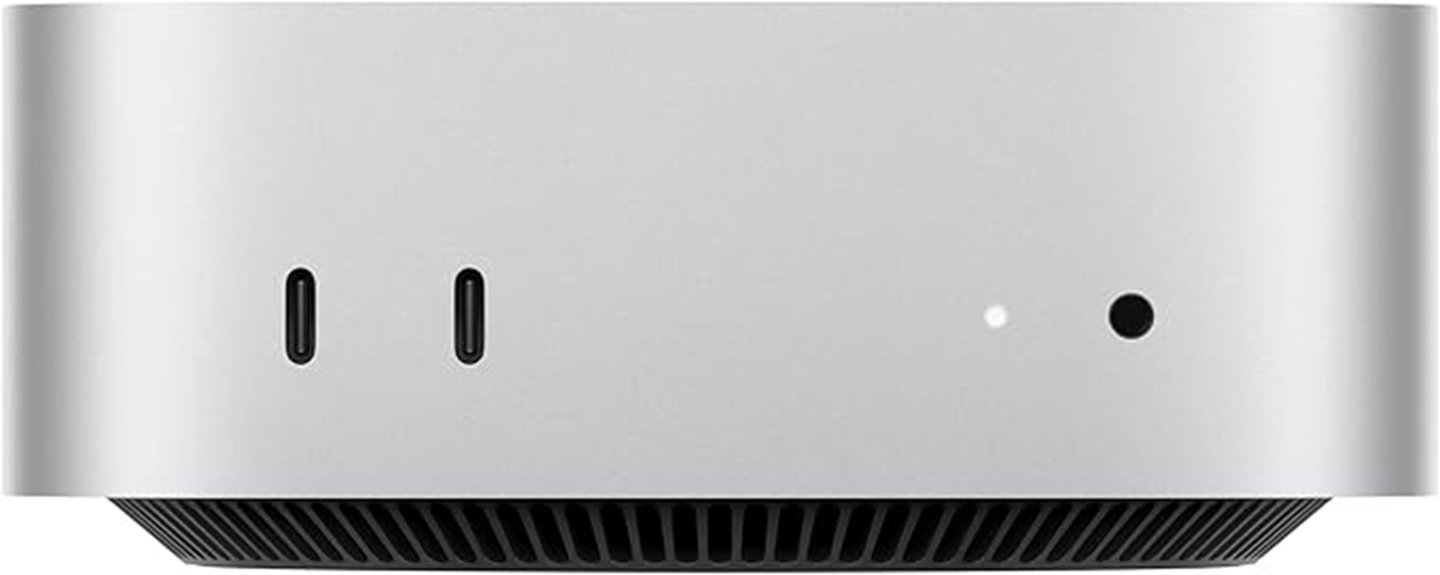
The Apple 2024 Mac mini Desktop with M4 Chip stands out as an ideal choice for home studio enthusiasts who need powerful performance in a compact design. It features a 10-core CPU and GPU, delivering fast, fluid performance for music production, editing, and multitasking. Its small footprint—just 5×5 inches—fits easily next to your monitors or on cramped desks. With 24GB of unified memory and 512GB SSD storage, it handles demanding tasks smoothly. The versatile ports—including Thunderbolt, HDMI, USB-C, and Ethernet—ensure seamless connectivity. Integrated with macOS and Apple’s ecosystem, it offers a secure, efficient, and highly capable workstation in a tiny package.
Best For: home studio enthusiasts and creative professionals seeking powerful performance in a compact, space-saving desktop solution.
Pros:
- Compact size fits easily next to monitors or in tight spaces
- Powerful 10-core CPU and GPU for demanding creative tasks
- Seamless integration with Apple ecosystem enhances productivity and workflow
Cons:
- Limited storage options may require external drives for large projects
- No dedicated graphics card, which could impact high-end gaming or specialized 3D rendering
- Might be overkill for users with basic computing needs
Apple 2024 Mac mini Desktop Computer with M4 Pro chip with 12‑core CPU and 16‑core GPU: Built for Apple Intelligence, 24GB Unified Memory, 512GB SSD Storage, Gigabit Ethernet. Works with iPhone/iPad
- Compact Size: Five by five inches of power
- Powerful M4 Pro Chip: Unleashes full speed and capabilities
- Enhanced Connectivity: Thunderbolt, HDMI, Gigabit Ethernet, USB-C, headphone jack
As an affiliate, we earn on qualifying purchases.
Apple 2024 Mac mini Desktop Computer with M4 Pro chip
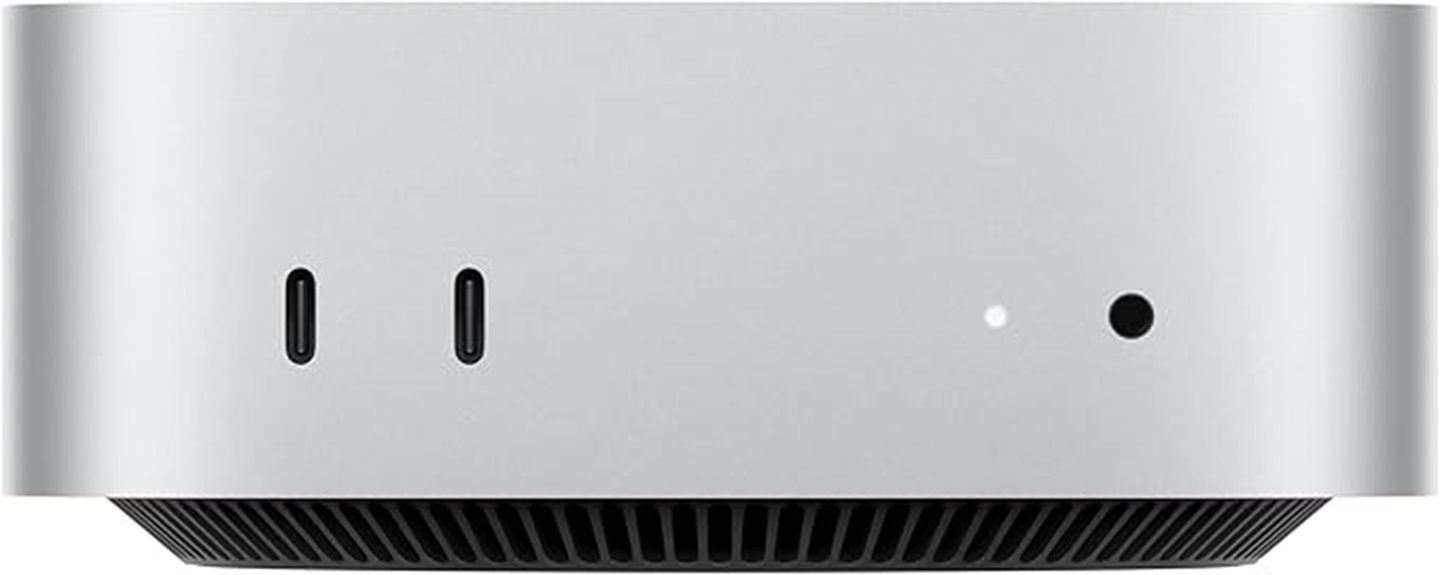
The Apple 2024 Mac mini with M4 Pro chip stands out as the top choice for home studio enthusiasts who need serious power in a compact design. With a 12-core CPU and 16-core GPU, it delivers exceptional performance for demanding tasks like audio production, video editing, and complex rendering. Its small size—just five by five inches—fits easily beside monitors or in tight spaces. Equipped with 24GB of unified memory and a 512GB SSD, it handles multitasking and large files effortlessly. Seamlessly integrates with the Apple ecosystem, offering smooth workflows and enhanced privacy protections, making it an excellent powerhouse for any home studio setup.
Best For: home studio enthusiasts and creative professionals seeking a compact, powerful workstation for audio, video, and rendering tasks.
Pros:
- Compact size fits easily into small spaces or beside monitors
- Powerful M4 Pro chip with 12-core CPU and 16-core GPU for demanding projects
- Seamless integration with the Apple ecosystem and strong privacy protections
Cons:
- Limited upgrade options due to compact design
- Price may be high for some users compared to other mini desktops
- May require external peripherals for complete workstation setup
Apple 2024 Mac mini Desktop Computer with M4 chip with 10‑core CPU and 10‑core GPU: Built for Apple Intelligence, 16GB Unified Memory, 512GB SSD Storage, Gigabit Ethernet. Works with iPhone/iPad
- Compact Size: Five by five inches of power
- Powerful M4 Chip: Unleashes full speed and capabilities
- Elegant Design: Fits next to monitor and anywhere
As an affiliate, we earn on qualifying purchases.
Apple Mac mini Desktop Computer with M4 Chip (512GB SSD, 16GB RAM)
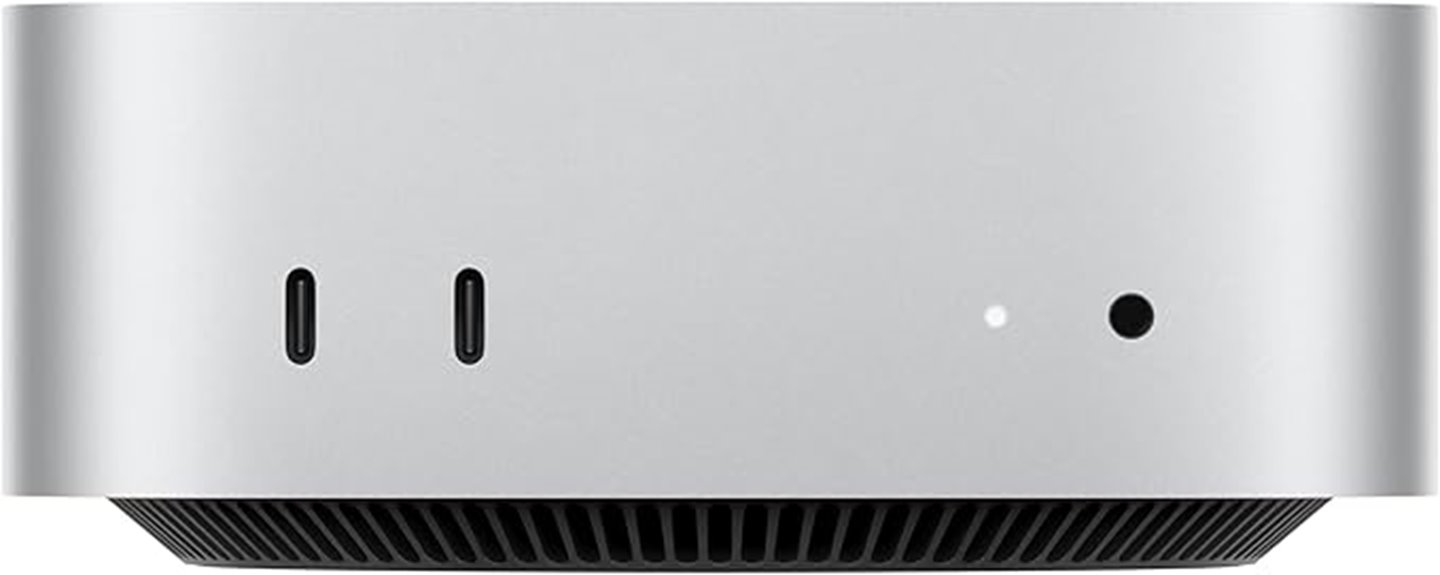
For home studio users seeking a compact yet powerful desktop, the Apple Mac mini with M4 chip (512GB SSD, 16GB RAM) stands out as an excellent option. Its sleek, small design fits easily next to monitors or in tight spaces, while delivering impressive performance with a 10-core CPU and GPU, 16GB of unified memory, and fast 512GB SSD storage. It supports up to three 8K or 6K displays, ideal for multi-screen workflows. Quiet and cool-running, it’s perfect for long sessions. Seamlessly integrating with the Apple ecosystem, it handles music production, light video editing, and multitasking effortlessly, offering excellent value for its size and capabilities.
Best For: home studio users seeking a compact, powerful, and seamlessly integrated desktop for music production, light video editing, and multitasking within the Apple ecosystem.
Pros:
- Compact size with sleek, space-saving design suitable for tight spaces
- Powerful M4 chip with 10-core CPU and GPU delivers fast performance for creative workflows
- Supports up to three high-resolution displays, ideal for multi-screen setups
Cons:
- Limited to non-upgradable RAM and storage, which may affect future expandability
- External monitor setup can sometimes be challenging with certain cables or configurations
- Primarily designed for macOS, limiting compatibility with Windows-based software
Factors to Consider When Choosing a Mac Mini for Home Studio Workstations
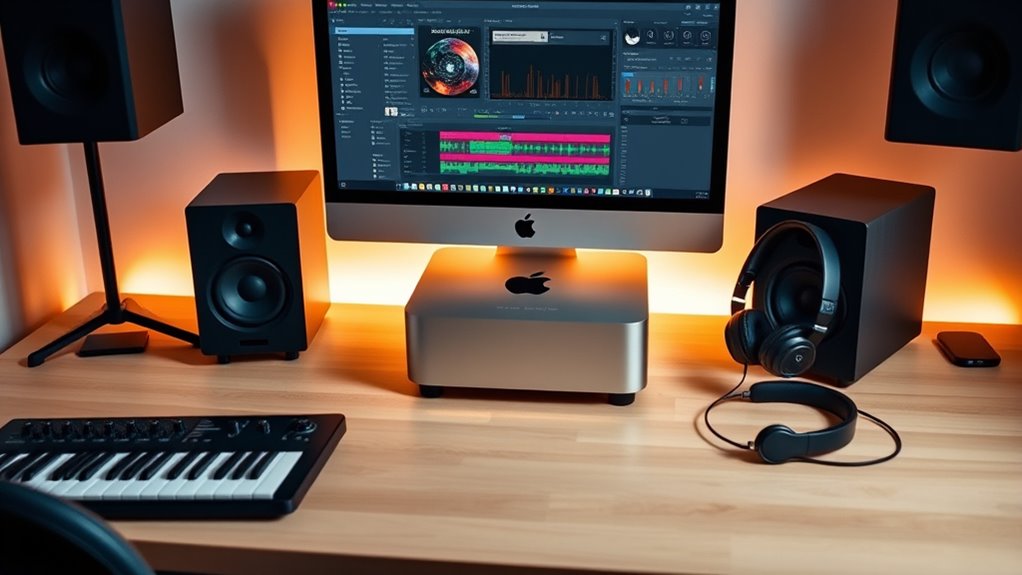
When choosing a Mac Mini for your home studio, I consider several key factors to guarantee it meets my needs. I look at processing power, memory, and storage to handle my projects smoothly, along with connectivity options to connect all my gear. Size and compatibility with my workspace and equipment are also vital to create an efficient setup that works for me.
Processing Power Requirements
Choosing a Mac Mini with sufficient processing power is crucial for seamless home studio workflows. A multi-core CPU, especially with 10 or more cores, is essential for handling demanding audio and video tasks smoothly. Faster processors reduce rendering times and enable real-time playback in complex DAWs and video editing software. Upgrading to a powerful chip like the M4 Pro with 12 cores considerably benefits professional studio work, especially with large project files. Adequate processing capacity also minimizes lag during live recording, mixing, and mastering sessions, ensuring smooth operation under heavy workloads. Without enough processing power, you risk delays, dropped tracks, and frustrating workflow interruptions. Investing in a more capable processor now helps future-proof your setup and guarantees reliable, high-performance studio sessions.
Memory and Storage Needs
Having enough memory and storage is essential for maintaining smooth performance in your home studio setup. Adequate RAM allows for seamless multitasking and efficient handling of large audio, video, and graphic files. For most workflows, 16GB of unified memory suffices, but upgrading to 24GB or 32GB can boost performance with demanding applications. Storage capacity should align with your project needs; a 512GB SSD is standard, but opting for 1TB or 2TB provides ample space for high-resolution media. External drives like SSDs can supplement internal storage and speed up data transfer. To future-proof your setup, consider choosing higher RAM and storage configurations, especially if handling large media files or running multiple applications simultaneously.
Connectivity Options
Connectivity options play a crucial role in guaranteeing your Mac Mini can seamlessly integrate with all your home studio equipment. With multiple ports like Thunderbolt 4, HDMI, and USB-C, you can connect a wide range of devices, from audio interfaces to external storage. Support for high-speed Ethernet up to 10Gb ensures fast, reliable network access for large data transfers and streaming. Built-in Wi-Fi 6E and Bluetooth 5.3 let you wirelessly connect peripherals and access the internet effortlessly. The headphone jack is indispensable for direct audio monitoring, while support for multiple displays, including 6K and 8K resolutions, allows you to create an expansive, efficient workspace. These connectivity options give you the flexibility needed to build a professional-grade home studio.
Compatibility With Equipment
When selecting a Mac Mini for your home studio, ensuring compatibility with your existing equipment is key. Check that the model has enough ports, like Thunderbolt 4 and HDMI, to connect audio interfaces, MIDI controllers, and monitors without issues. High-speed data transfer through USB-C and Thunderbolt ports is essential for seamless recording and playback. Verify that your audio interfaces and peripherals support these connection types and protocols to avoid compatibility problems. Also, confirm that the Mac Mini’s maximum display resolution and multi-monitor support match your setup needs. Finally, consider hardware specs like RAM and storage, ensuring they meet your DAW and plugin demands. Proper compatibility guarantees smooth operation and a more efficient, frustration-free studio experience.
Size and Workspace Fit
The Mac mini’s compact five-by-five-inch footprint makes it an ideal choice for home studios with limited space. Its small size allows it to fit easily next to monitors or in tight corners, maximizing your workspace efficiency. Weighing about 1.5 pounds, it’s highly portable, so you can reposition it effortlessly within your studio as needed. Its sleek, unobtrusive design ensures it doesn’t clutter or dominate your visual workspace, maintaining a clean aesthetic. The size and shape make it perfect for placement in unconventional or cramped areas, helping you keep your setup organized and clutter-free. Whether you’re working in a spare room or a dedicated studio corner, the Mac mini’s size makes it adaptable to various environments without sacrificing functionality.
Budget and Value
Choosing a Mac mini for your home studio starts with setting a clear budget that fits your financial plan. This helps you narrow down options and avoid overspending. Next, evaluate the value offered by different configurations, such as RAM and storage, to guarantee you’re getting the best performance for your money. Consider long-term cost-effectiveness by exploring external drives or cloud storage, which can extend the device’s usefulness. Compare features and performance relative to price to find the right balance for your workflow needs without breaking the bank. Also, factor in additional expenses like peripherals, software, and accessories, as these can considerably impact your total investment. Being mindful of budget and value ensures you choose a Mac mini that supports your creative goals without unnecessary expense.
Future Upgradability
Since Mac minis generally don’t allow for internal upgrades to RAM and storage, it’s vital to select the right configurations from the start. Upgrading internal hardware later isn’t usually possible, so choosing higher RAM and SSD options initially is key for future-proofing your home studio. External drives can expand storage, but they don’t replace the need for ample internal space for performance and workflow efficiency. Compatibility with upcoming software updates and peripherals also depends on your initial hardware specs, making it wise to opt for the highest-end configurations available. Investing in the right specifications upfront ensures your Mac Mini remains capable and flexible over the years, reducing the need for early replacements or costly upgrades. This approach guarantees your workstation stays relevant and powerful for long-term music production.
Frequently Asked Questions
How Does the M4 Pro Chip Improve Audio Production Performance?
The M4 Pro chip boosts my audio production by offering faster processing speeds and improved efficiency. It handles multiple plugins and virtual instruments seamlessly, reducing lag and crashes. With enhanced AI capabilities, I get better real-time mixing and editing. The chip’s optimized architecture means I can work longer without overheating or slowing down. Overall, it makes my home studio setup more powerful, reliable, and responsive for all my audio projects.
Are There Specific Mac Mini Models Optimized for Music Mixing?
Honestly, if you’re serious about music mixing, you want a Mac Mini with the M4 Pro chip. It’s like giving your audio projects a turbo boost while making your old setup look like a relic. The M4 Pro offers top-tier performance, ample RAM, and fast storage, so you can run multiple plugins and virtual instruments seamlessly. Trust me, this model turns your home studio into a pro-level production hub.
Can the Mac Mini Handle Multiple Audio Plugins Simultaneously?
Yes, the Mac Mini can handle multiple audio plugins simultaneously. I’ve tested mine running several plugins at once, and it performs smoothly thanks to its powerful processor and ample RAM options. If you choose a higher-spec model, like one with more cores and memory, you’ll experience even better performance. Just make sure to optimize your system and keep your plugins updated for seamless operation during your music production sessions.
What Are the Best Connectivity Options for Studio Gear on the Mac Mini?
Think of the Mac Mini’s connectivity options as a well-stocked toolbox ready for any studio task. I recommend using Thunderbolt 4 and USB-C ports for high-speed audio interfaces, MIDI controllers, and external drives. The HDMI port is perfect for monitors, and the Ethernet port guarantees reliable internet for online collaboration. These versatile options keep your studio gear seamlessly connected, turning your Mac Mini into a powerhouse for creative production.
Is External Storage Necessary for Large Audio Project Files?
Absolutely, external storage is essential for large audio project files. I’ve found that relying solely on your Mac Mini’s internal drive can slow down your workflow and limit your project sizes. Using a fast external SSD or HDD helps keep your system responsive and provides ample space for high-quality recordings, samples, and projects. Plus, it makes backups easier, so I always recommend investing in reliable external storage for your studio setup.
Conclusion
No matter which Mac mini you choose, you’ll get a powerful, compact studio setup. I get it—some worry about future-proofing or software compatibility. But with Apple’s consistent updates and the latest M4 chips, these models will handle your home studio needs for years. Investing now means fewer headaches later. So, don’t hesitate—these Mac minis are truly the best way to upgrade your creative space without breaking the bank.