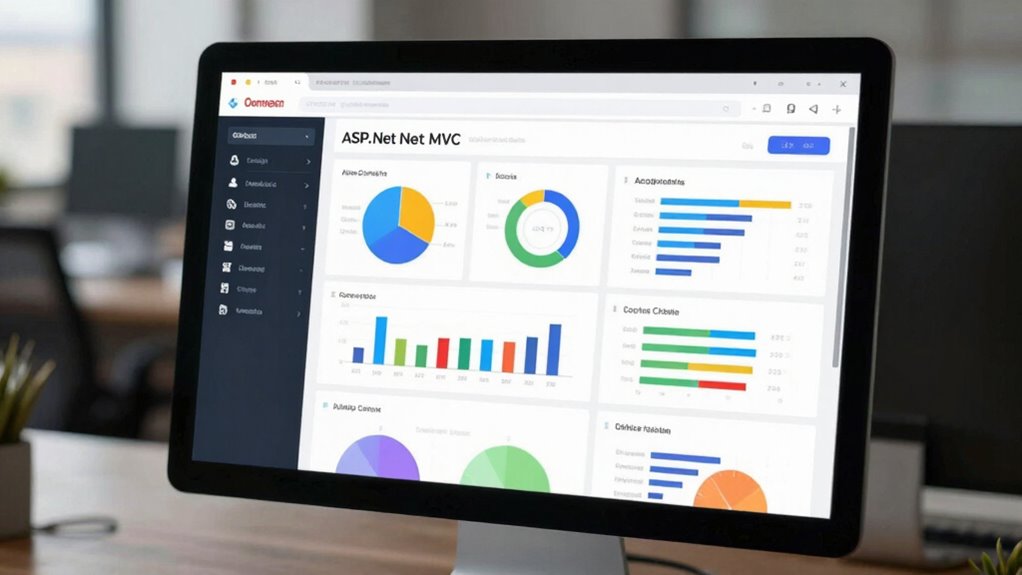

To create an ASP.Net MVC dashboard with authentication, start by implementing ASP.Net Identity for secure login and role management, enabling personalized data access. Design a clean, responsive layout that adapts across devices, combining visual consistency with usability. Integrate dynamic visualizations using Chart.js or D3.js to highlight trends and anomalies. Apply role-based access controls to restrict sensitive data, and guarantee your security measures are regularly updated. Continuing will guide you through building a robust, user-friendly dashboard step by step.
Key Takeaways
- Implement ASP.Net MVC’s built-in Identity framework for secure user authentication and role management.
- Design a clean, responsive dashboard layout optimized for desktops and mobile devices.
- Apply role-based access control to restrict sensitive data and dashboard sections.
- Use visualization libraries like Chart.js or D3.js for interactive, meaningful data presentation.
- Regularly update security measures and test for vulnerabilities to ensure application integrity.
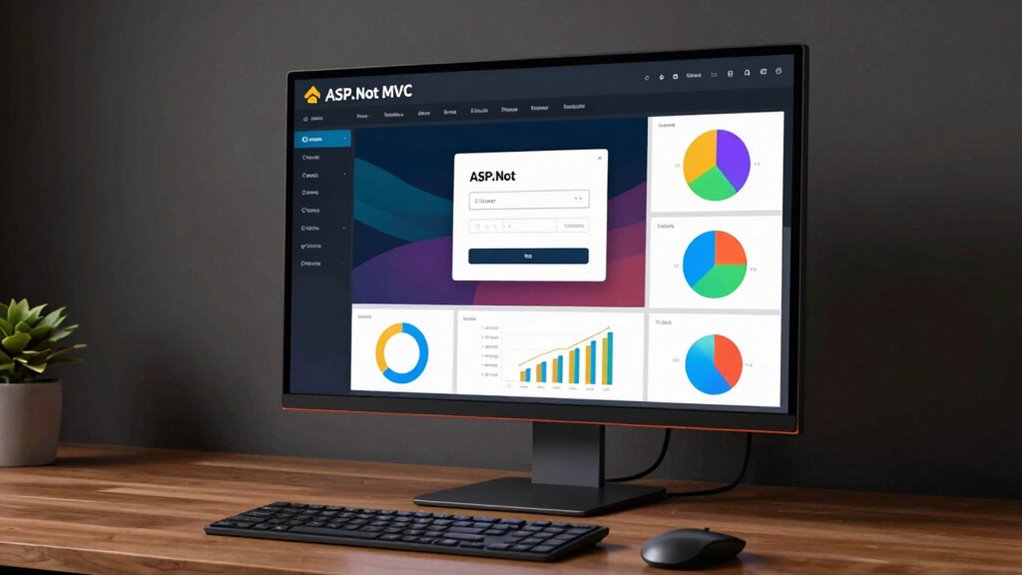
Creating a dashboard in ASP.Net MVC with authentication is a practical way to build a secure and user-friendly web application. When designing your dashboard, the user interface plays a vital role in guaranteeing users can easily navigate and access the data they need. You want to keep the layout clean and intuitive, with clear menus and logical grouping of features. Think about how users will interact with the dashboard daily, and prioritize simplicity over clutter. Incorporate responsive design principles so that your interface adapts seamlessly across devices, giving users a consistent experience whether they’re on a desktop, tablet, or smartphone.
Design a clean, intuitive, and responsive dashboard for seamless user navigation across all devices.
Data visualization is at the heart of a compelling dashboard. It’s not just about presenting raw numbers; it’s about turning data into actionable insights through charts, graphs, and other visual tools. When you implement data visualization, consider using libraries like Chart.js or D3.js, which integrate well with ASP.Net MVC. These tools allow you to create dynamic and interactive visuals that update in real-time or based on user input. Visualizations should be meaningful, highlighting trends and anomalies, and making complex data easy to understand at a glance. Use colors thoughtfully to differentiate data points and guarantee accessibility for all users. Additionally, color accuracy influences how effectively users interpret the visualized information, especially when conveying subtle differences or detailed data points. Paying attention to accessible design ensures that visual content remains usable for users with diverse needs, further enhancing the dashboard’s effectiveness. Incorporating secure authentication safeguards sensitive data and controls access effectively.
Adding authentication to your dashboard safeguards sensitive data and controls access. ASP.Net MVC makes it straightforward to implement authentication, whether you opt for built-in Identity features or integrate third-party providers like Google or Facebook. Once users log in, you can tailor their experience by displaying personalized data and restricting certain features based on their roles. This not only enhances security but also improves user engagement, as users only see what’s relevant to them. Make sure your login process is smooth, and provide options for password recovery or two-factor authentication for added security.
Incorporating authentication also means protecting your data visualizations and user interface elements from unauthorized access. Use authorization filters to limit access to specific sections of the dashboard, ensuring only authorized users can see sensitive information. Keep your security measures up-to-date and test your application thoroughly to identify potential vulnerabilities. Combining a well-designed user interface with effective data visualization and robust authentication creates a dashboard that’s both functional and secure, providing users with a seamless experience while safeguarding your data assets.
As an affiliate, we earn on qualifying purchases.
Frequently Asked Questions
How Can I Customize the Dashboard Layout?
You can customize your dashboard layout by editing the Razor views and applying CSS styles for layout flexibility. Use grid or flexbox to arrange widgets, and add partial views for modular components. Adjust the HTML structure and styles to fit your needs, making the dashboard more user-friendly. With layout flexibility, you can easily modify the placement and appearance of elements, creating a tailored experience that suits your preferences or business requirements.
What Are Best Practices for Securing User Data?
Picture your users’ data as a precious treasure chest; securing it means locking it tight. You should implement data encryption to scramble sensitive info, making it unreadable to outsiders. Equally important, enforce strict access control, ensuring only authorized users can open the chest. Regularly update your security measures, monitor access logs, and stay informed about vulnerabilities. These practices create a fortress around user data, keeping it safe from threats.
Can I Integrate Third-Party APIS Into the Dashboard?
Yes, you can integrate third-party APIs into your dashboard for enhanced data visualization. To do this, use API integration techniques like HttpClient to fetch data securely. Make sure you handle authentication tokens properly and validate the data before displaying it. Incorporate the API data into your dashboard’s views to provide real-time insights. This approach makes your dashboard more dynamic and useful, leveraging external data sources effectively.
How Do I Handle Multiple User Roles?
Handling multiple user roles feels like managing an army, but with role-based authorization and user role management, it’s manageable. You assign specific permissions to each role, ensuring users see only what’s relevant. Use attributes like [Authorize(Roles=”Admin”)] to restrict access. Implement role management pages to add or modify roles dynamically. This approach keeps your dashboard secure and tailored to diverse user needs, no matter how complex your role structure gets.
Is It Possible to Add Real-Time Updates to the Dashboard?
Yes, you can add real-time updates to your dashboard by integrating SignalR, which enables live notifications and real-time data streams. SignalR establishes persistent connections between your server and client, allowing data to push instantly without page reloads. You can display live notifications or update charts dynamically, providing users with an interactive experience. Implementing SignalR is straightforward in ASP.NET MVC, making it ideal for real-time data and live notifications.
responsive admin dashboard UI kit
As an affiliate, we earn on qualifying purchases.
As an affiliate, we earn on qualifying purchases.
Conclusion
You’ve successfully set up a secure, stylish ASP.NET MVC dashboard with seamless authentication. Now, you can confidently control content, customize features, and cater to users with clarity and ease. With your newfound knowledge, you’re ready to design a dynamic, data-driven display that dazzles and directs. Immerse yourself in development with determination, deliver a delightful user experience, and dominate your domain—your dashboard dreams are now distinctly within your reach!

D3.js in Action: Data visualization with JavaScript
As an affiliate, we earn on qualifying purchases.
As an affiliate, we earn on qualifying purchases.

Thetis Pro FIDO2 Security Key, Two Factor Authentication NFC Security Key FIDO 2.0, Dual USB A Ports & Type C for Multi layered Protection (HOTP) in Windows/MacOS/Linux, Gmail, Facebook,Dropbox,Github
- Compatibility Check: Verify FIDO2 support before purchase
- NFC Functionality: NFC works with mobile authentication only
- Device Compatibility: Supports USB-A, USB-C, and NFC for easy access
As an affiliate, we earn on qualifying purchases.
As an affiliate, we earn on qualifying purchases.