

To build a portfolio site with Astro and Tailwind CSS, start by setting up an Astro project and installing Tailwind CSS for styling. Use Astro’s component-based architecture to create reusable, lightweight sections, and apply Tailwind’s utility classes for responsive, modern designs that work across all devices. Focus on accessibility features like semantic HTML and good contrast to make your site inclusive. Continue exploring for more tips to craft an engaging, professional portfolio effortlessly.

Get business pricing on monitors, keyboards and dev gear
- Business-only prices and quantity discounts
- Tax-exempt purchasing
- Multiple users, one account, clear invoices
Key Takeaways
- Use Astro’s component-based architecture to create modular, fast-loading portfolio pages compatible across devices.
- Leverage Tailwind CSS utility classes for streamlined, responsive styling with minimal custom CSS.
- Incorporate semantic HTML elements and accessibility features for inclusive, user-friendly design.
- Utilize responsive grid classes like `grid-cols-1 md:grid-cols-2` for adaptable layouts on various screen sizes.
- Integrate accessibility tools and best practices to ensure compliance and enhance user engagement.
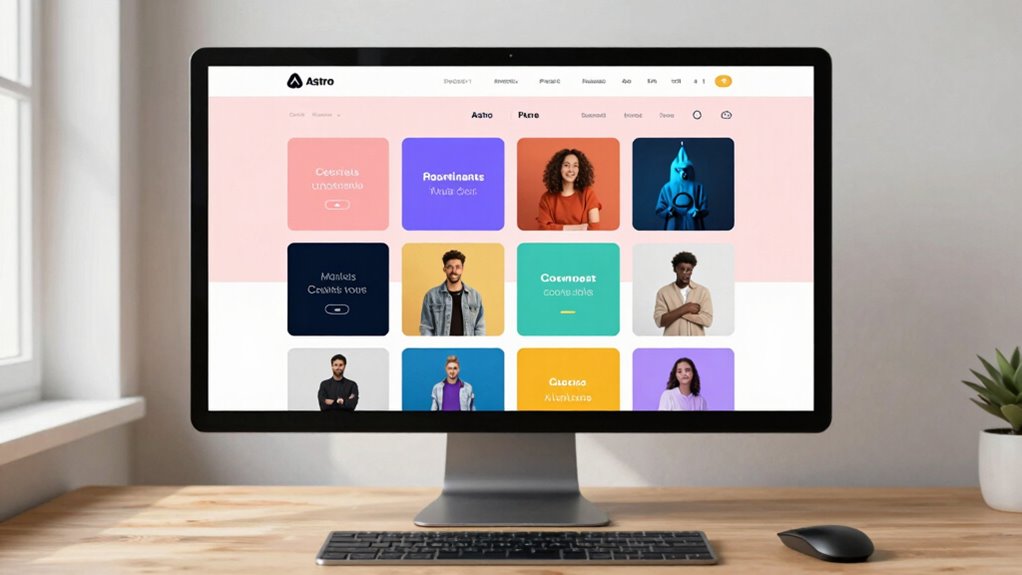
Creating a stunning portfolio site doesn’t have to be complicated, especially with the powerful combination of Astro and Tailwind CSS. These tools make it easy to craft a clean, modern website that showcases your work effectively. With Astro’s component-based architecture, you can build a fast, lightweight site that loads quickly across all devices. Tailwind CSS complements this by offering utility classes that streamline styling, so you can focus on design rather than writing custom CSS from scratch.
One of the key advantages of using Astro and Tailwind CSS together is their support for responsive design. You want your portfolio to look great whether someone views it on a desktop, tablet, or smartphone. With Tailwind’s mobile-first utility classes, you can easily create flexible layouts that automatically adapt to different screen sizes. You simply add classes like `grid-cols-1 md:grid-cols-2 lg:grid-cols-3` to control how your content displays across devices. Astro helps by allowing you to break your site into reusable components, making it easier to maintain and update the layout as needed for different viewports.
Accessibility features are just as important as visual appeal. When building your portfolio, you want everyone to be able to navigate and understand your site, regardless of any disabilities. Tailwind CSS includes accessibility-friendly utility classes that improve contrast and focus styles, making your site more usable for all visitors. You can add semantic HTML elements like `