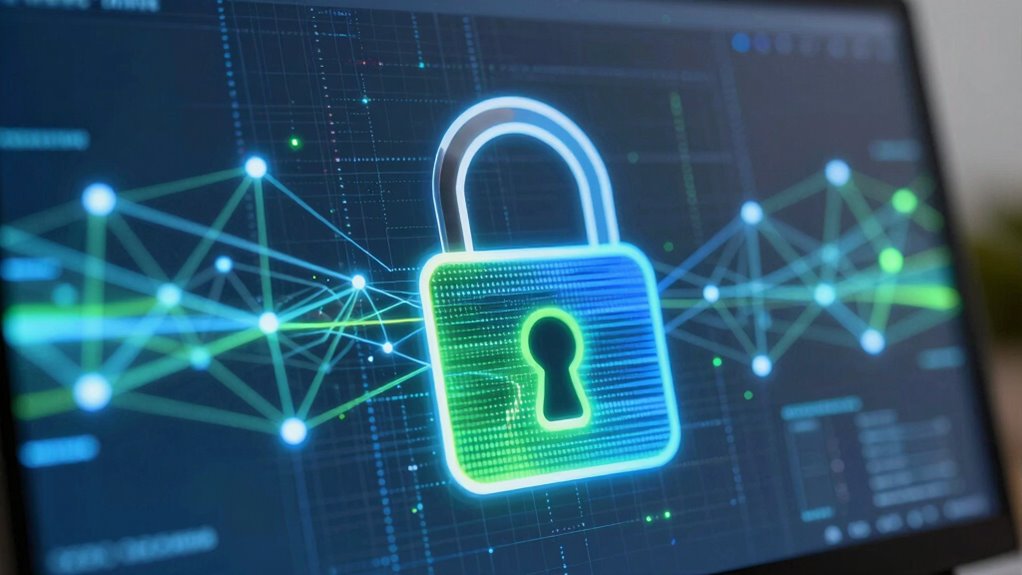

SSL and TLS are tools that keep your online info safe by creating a secret, encrypted link between your browser and websites. They work behind the scenes, making sure any data you share, like passwords or credit card numbers, can’t be seen or stolen by others. Think of them as a secure tunnel for your data. If you want to understand how they make your internet experience safer, keep exploring how these systems protect you every day.
Key Takeaways
- SSL and TLS are protocols that keep your online data private and secure during website visits.
- They create a protected “tunnel” so hackers can’t see what you’re sharing.
- The padlock icon shows your connection is safe, thanks to these security protocols.
- Websites use special certificates to prove they are trustworthy before sharing sensitive info.
- SSL and TLS work quietly in the background to protect your information without you noticing.

When you visit a website and see that padlock icon in your browser, it means your connection is secure. That little symbol isn’t just there for looks; it signals that the data you send and receive is protected from prying eyes. Behind the scenes, this security relies on encryption protocols, which are like secret codes that scramble your information so outsiders can’t understand it. These protocols, primarily SSL (Secure Sockets Layer) and TLS (Transport Layer Security), work together to create a safe channel for your data. When your browser and the website communicate, they perform a handshake—an initial conversation—that establishes how they’ll keep your data secure. During this handshake, they agree on encryption methods, ensuring that all subsequent messages are scrambled using the same secret code.
You might wonder how your browser knows that a website is trustworthy. That’s where security certificates come into play. These are digital documents issued by trusted authorities that verify a website’s identity. When you connect to a site with a valid security certificate, your browser can confirm it’s talking to the real website—not an imposter. The certificate contains details about the website and the authority that issued it, and it’s signed with a digital signature to prevent tampering. This process relies heavily on security certificates to establish trust. These certificates are crucial for building online trust, ensuring users can confidently share sensitive information. Once your browser verifies the certificate, it proceeds with the encryption process, creating a secure connection that keeps your data private. Additionally, encryption algorithms are often included in security protocols to ensure that data remains confidential, much like how security protocols preserve the integrity of your online data. These encryption algorithms are designed to be robust and secure, making it extremely difficult for hackers to crack the codes.
Encryption protocols like SSL and TLS rely heavily on these certificates to establish trust. They ensure that the data exchanged is encrypted with strong algorithms, making it nearly impossible for hackers to intercept and decipher your information. When you see that padlock, it means all these technical steps happened seamlessly in the background. You don’t need to understand every detail to appreciate that your sensitive information—like passwords, credit card numbers, or personal messages—is protected during transit. The combination of encryption protocols and security certificates creates a trusted environment, allowing you to browse, shop, and communicate online with confidence.
In essence, SSL and TLS protect your online interactions by setting up a secure, encrypted tunnel between your browser and the website. This process hinges on robust encryption protocols and valid security certificates, which work together to keep your data safe from malicious actors. Every time you see that padlock, you’re witnessing the result of these behind-the-scenes security measures working to safeguard your privacy.
As an affiliate, we earn on qualifying purchases.
Frequently Asked Questions
How Do SSL and TLS Affect Website Speed?
SSL and TLS can slightly impact your website speed because encryption takes time. When visitors connect, your server processes encryption, which may add a small delay, especially if your site handles lots of data. However, modern protocols optimize encryption speed. Keep in mind, certificate renewal is essential for maintaining security, but it doesn’t directly slow your site. Overall, the security benefits outweigh the minimal speed impact.
Are SSL and TLS the Same Thing?
SSL and TLS are not exactly the same, but they’re closely related encryption protocols that provide security layers for your website. TLS is the newer, more secure version of SSL, often replacing SSL in modern setups. When you use these protocols, you’re ensuring data transmitted between your site and visitors stays private and protected. So, while they serve similar purposes, TLS is the updated standard that offers better security and performance.
Do I Need Both SSL and TLS?
You don’t need both SSL and TLS because TLS has replaced SSL as the more secure protocol. TLS uses stronger encryption algorithms, making your connection safer. When you get a certificate from a certificate authority, it helps verify your website’s identity. Upgrading to TLS guarantees your data stays protected with the latest encryption standards, so sticking with TLS is the best choice for security.
How Often Should I Update My Ssl/Tls Certificates?
You should update your SSL/TLS certificates regularly, typically every 1 to 2 years, to guarantee your encryption protocols stay secure. Keep an eye on certificate renewal notices and avoid delays, as expired certificates can cause security warnings and disrupt access. Regular updates help maintain strong encryption, protect sensitive data, and prevent potential breaches, so make sure to schedule renewals ahead of expiration to keep your site secure.
Can Ssl/Tls Prevent All Types of Cyber Attacks?
SSL and TLS encryption protocols greatly enhance your cyber security, but they can’t prevent all cyber attacks. They secure data transmission, protecting against eavesdropping and man-in-the-middle attacks, but other threats like malware, phishing, or server vulnerabilities still exist. To strengthen your defenses, you should combine SSL/TLS with thorough security measures such as firewalls, regular updates, and vigilant monitoring. Staying proactive ensures better protection against a wider range of cyber threats.
As an affiliate, we earn on qualifying purchases.
Conclusion
Just as a knight’s armor shields a knight in shining armor, SSL and TLS protect your data from lurking adversaries. By understanding these protocols, you’re wielding a digital shield that keeps your information safe in the vast domain of the internet. Remember, in the grand story of online security, you hold the key to safeguarding your digital sphere—guard it well, and trust in the silent guardians working behind the scenes.
As an affiliate, we earn on qualifying purchases.
encryption protocol for websites
As an affiliate, we earn on qualifying purchases.
As an affiliate, we earn on qualifying purchases.