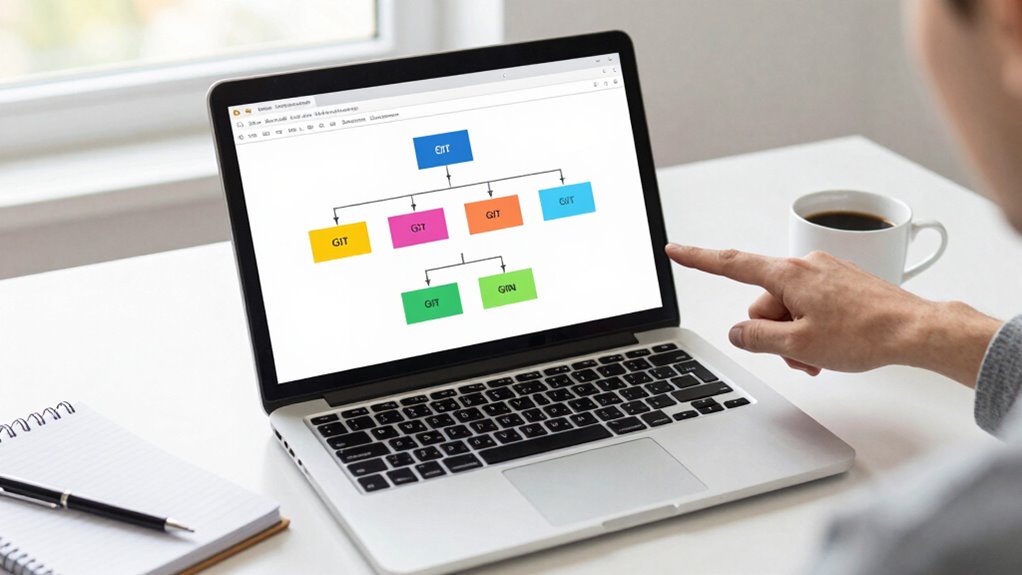

When you start working with Git, creating a new branch allows you to work on features or fixes without affecting the main code. Use simple commands like `git branch` to create and `git checkout` to switch. Merge your work back into the main branch with `git merge`. Keep branches short-lived, delete them after merging, and communicate with your team for smooth collaboration. If you want to master these steps, there’s more to explore.

Get business pricing on monitors, keyboards and dev gear
- Business-only prices and quantity discounts
- Tax-exempt purchasing
- Multiple users, one account, clear invoices
Key Takeaways
- Use `git branch [name]` to create a new branch for your feature or fix.
- Switch to your branch with `git checkout [name]` before making changes.
- Merge your branch into main with `git merge [branch-name]` after completing work.
- Resolve conflicts manually and test thoroughly before finalizing merges.
- Keep branches short-lived, delete them after merging, and communicate updates with your team.

If you’re new to contributing to projects using Git, understanding branches can seem intimidating at first. But once you get the hang of branch management, you’ll see how it streamlines your workflow and enhances collaboration strategies. Branches allow you to work on different features or fixes without disrupting the main codebase. Instead of making changes directly to the main branch, you create a separate branch for your work, which keeps everything organized and minimizes the risk of conflicts. This approach is especially helpful when multiple people are working on the same project, as it enables everyone to develop independently before merging their changes back into the main branch.
Getting comfortable with branches starts with understanding how to create and switch between them. With Git, you can create a new branch using the command `git branch [branch-name]`. Once created, you switch to that branch with `git checkout [branch-name]`. This process isolates your work so that changes made in one branch won’t affect the others until you’re ready to merge. When you finish your feature or fix, you merge your branch back into the main branch, often called ‘main’ or ‘master’, using `git merge [branch-name]`. This step integrates your work while keeping the history clean and traceable. Knowing how to manage branch lifecycle is essential for maintaining an organized development process. Developing good habits around branch management also involves understanding how to handle conflicts effectively, which is crucial for smooth collaboration. Additionally, understanding version control systems helps you better manage changes across multiple branches and collaborators.
Effective branch management is vital for smooth collaboration. It’s best to keep branches short-lived—create a new branch for each feature or bug fix, and delete it once it’s merged. This practice prevents clutter and confusion. Also, regularly pulling updates from the main branch into your feature branch ensures your work stays compatible with the latest project state. Communication is key here; make sure you’re aligned with your team about when to open, update, and close branches. Using descriptive branch names like `feature/login-page` or `bugfix/issue-123` helps everyone understand what each branch is for at a glance.
Your collaboration strategies will benefit from understanding how to resolve conflicts during merges. Conflicts happen when changes in different branches clash. Git will notify you, and you’ll need to manually resolve these conflicts before completing the merge. Taking the time to review and test the integrated code maintains the project’s stability. As a first-time contributor, mastering branch management empowers you to contribute confidently, work efficiently, and collaborate seamlessly with others. Once you establish good habits around creating, updating, and merging branches, you’ll find contributing to open-source projects becomes much less intimidating and more rewarding.
As an affiliate, we earn on qualifying purchases.
Frequently Asked Questions
How Do I Resolve Merge Conflicts in Git?
To resolve merge conflicts in git, first identify the files with conflicts marked by conflict markers. Use a text editor or a conflict resolution tool to carefully review the conflicting sections. Decide which changes to keep, modify, or combine, then remove the conflict markers. After resolving, stage the files with `git add`, and complete the merge with `git commit`. Remember to choose appropriate merge strategies if needed to streamline conflict resolution.
What Is the Best Naming Convention for Branches?
Using a clear, consistent naming convention is essential for effective branch management. You should adopt a pattern like feature/issue-number-description or bugfix/description, ensuring branch naming consistency and adherence to your team’s standards. This approach makes it easier for everyone to understand each branch’s purpose at a glance, streamlining collaboration and reducing confusion. Consistent naming conventions foster better organization and facilitate smoother workflows across your project.
How Do I Switch Between Multiple Branches Quickly?
To switch between multiple branches quickly, use the `git checkout` command followed by the branch name. If you’re working with recent versions of Git, `git switch` is even more straightforward. Remember to follow tagging best practices and consistent branch naming conventions to keep your workflow organized. Before switching, make sure to commit or stash your changes to avoid conflicts. This approach streamlines your development process and keeps your project tidy.
When Should I Create a New Branch Versus Using an Existing One?
You should create a new branch when your work is distinct enough to warrant its own space, like a new feature or bug fix. Ironically, using an existing branch might seem easier, but it can cause chaos in version control. Clear branch naming helps you stay organized. So, when your changes are separate and meaningful, start fresh with a new branch to keep your project tidy and manageable.
How Can I Delete a Branch After Merging?
To delete a branch after merging, you perform a branch cleanup with safe deletion. First, guarantee you’ve merged your branch into the main branch. Then, run `git branch -d branch_name` to delete it locally, which prevents deletion if the branch hasn’t been merged. To delete the remote branch, use `git push origin –delete branch_name`. This process keeps your repository tidy and avoids clutter from unused branches.
As an affiliate, we earn on qualifying purchases.
Conclusion
Now, imagine standing at the edge of a vast forest, each branch a new path waiting to be explored. With Git branches, you hold the map to navigate these trails confidently, carving your way through the dense woods of code. As you branch out, your ideas bloom like fresh leaves in spring, and before you know it, you’ll be wandering this digital forest with ease, contributing confidently and watching your project flourish.
version control system tutorials
As an affiliate, we earn on qualifying purchases.
As an affiliate, we earn on qualifying purchases.
As an affiliate, we earn on qualifying purchases.
Fall Picks
fall essentials
As an affiliate, we earn on qualifying purchases.