Before building XR apps, ask yourself if your design considers all users’ needs, including those with visual, auditory, motor, or cognitive differences. Think about how you can incorporate accessible controls, clear visuals with good contrast, and sound cues that support varied abilities. Make certain you offer customization options and test with diverse users to spot potential barriers. If you want to create truly inclusive experiences, exploring these questions further can help you build smarter, more accessible XR solutions.

Get business pricing on monitors, keyboards and dev gear
- Business-only prices and quantity discounts
- Tax-exempt purchasing
- Multiple users, one account, clear invoices
Key Takeaways
- Have I considered diverse sensory, visual, and auditory needs to ensure inclusivity for all users?
- Are input methods, gestures, and controls customizable and tested for users with various motor abilities?
- Does the design incorporate high contrast, color accessibility, and cultural awareness to prevent miscommunication?
- Are auditory cues, spatial audio, and alternative descriptions implemented to support users with hearing impairments?
- Do I plan for ongoing feedback and updates to improve accessibility beyond initial development?
As an affiliate, we earn on qualifying purchases.
What Is Accessibility in XR and Why Does It Matter?
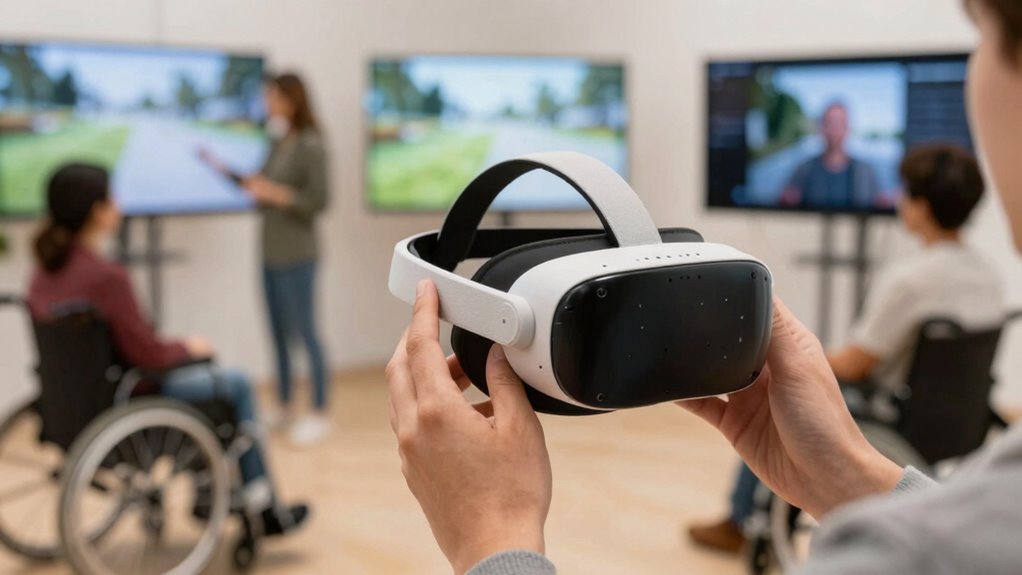
Have you ever wondered how accessible XR (extended reality) experiences can be for everyone? Accessibility in XR means designing your app so all users, regardless of abilities, can engage fully. It directly impacts user engagement by making experiences inclusive, encouraging more people to participate. Engaging in sound healing science research can provide insights into how sensory experiences influence user comfort and accessibility. Additionally, considering visual accessibility features, such as color contrast and text size adjustments, can greatly enhance usability for individuals with visual impairments.
Ethical considerations also come into play; creating accessible XR shows respect for diverse needs and promotes fairness. When you prioritize accessibility, you’re not just expanding your audience—you’re also demonstrating social responsibility. This approach helps prevent exclusion and ensures that everyone can benefit from the innovative potential of XR. By understanding what accessibility entails, you lay the groundwork for creating meaningful, engaging, and ethically sound experiences that everyone can enjoy. Additionally, considering security and compliance—similar to securing a Gold IRA—is essential to protect user data and build trust in your XR applications. Recognizing the importance of inclusive design can further enhance your development process and ensure broader usability.
As an affiliate, we earn on qualifying purchases.
Prioritizing Key Accessibility Aspects When Developing XR
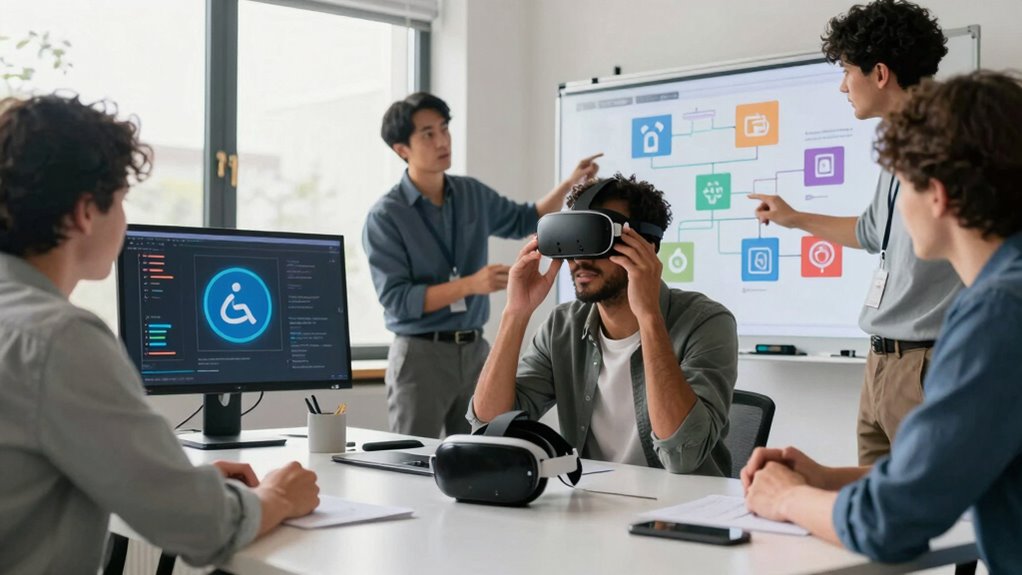
When developing XR applications, prioritizing key accessibility aspects guarantees that your experiences are inclusive and usable for a diverse range of users. Focus on reliable gesture recognition to accommodate users with different motor abilities, guaranteeing interactions are intuitive and responsive. Incorporate haptic feedback to provide tactile cues, helping users understand their actions and enhance immersion without relying solely on visual or auditory cues. Consider alternative input methods or adjustable sensitivity settings to support varied motor skills and preferences. Additionally, understanding special skin care routines for different user needs can inspire the integration of customizable interface options that adapt to individual preferences. Implementing environmental impact considerations can also lead to more sustainable development practices that minimize ecological footprints. Recognizing the importance of media literacy helps developers create clearer, more transparent content that fosters trust and understanding among users. Including user comfort and safety considerations, such as ergonomics and health guidelines, further enhances accessibility by reducing physical strain. By emphasizing these elements early in development, you create a more accessible environment where users can navigate and interact comfortably. Implementing accessible interaction techniques ensures your XR app is welcoming to all, fostering a truly inclusive experience that respects diverse needs and abilities.
spatial audio headset for hearing impairments
As an affiliate, we earn on qualifying purchases.
As an affiliate, we earn on qualifying purchases.
Assessing Visual Accessibility in XR Experiences?
To guarantee your XR experience is accessible, you need to evaluate visual contrast and clarity carefully. Consider how colors and visual elements work together to support users with different visual needs. Addressing these factors helps create a more inclusive and effective experience for everyone. Additionally, understanding personal finance planning principles can inform how you design visual cues and prompts to enhance user comprehension and engagement. Ensuring that visual elements also consider rendering lard techniques can improve clarity and texture perception, making the experience more intuitive. Paying attention to wall surface finishes, such as matte or gloss textures, can influence how light interacts with visual elements, further supporting visual accessibility. Recognizing differences in nail biology and how nails grow and respond to care can inspire innovative design approaches, such as tactile feedback or texture cues, to improve accessibility. Incorporating high-quality crystal glassware and decanters in visual design themes can add a layer of sophistication and clarity to virtual environments, subtly guiding user focus and enhancing overall visual hierarchy.
Visual Contrast and Clarity
Ensuring sufficient visual contrast and clarity is essential for making XR experiences accessible to users with visual impairments or color vision deficiencies. You should design interfaces with high contrast between text and backgrounds, making key elements easily distinguishable. Clear visual hierarchies help users navigate your app smoothly, especially during user onboarding. Incorporate haptic feedback to reinforce visual cues, providing an additional layer of accessibility for users who may struggle with visual information. Avoid cluttered visuals or overly complex backgrounds that can impair clarity. Test your design under various lighting conditions and with different visual impairments to ensure readability. Consistent contrast and clarity enable all users to engage confidently, reducing frustration and improving overall usability in your XR experience. Additionally, understanding content formats and how they influence user engagement can help you craft more accessible and effective digital content.
Color Accessibility Considerations
Color accessibility is essential for making XR experiences usable by everyone, especially users with color vision deficiencies. You should consider how color symbolism affects understanding—colors often carry cultural interpretations that influence user perception. For example, red might signify danger in one culture but good fortune in another. To guarantee clarity, avoid relying solely on color to convey critical information; integrate patterns or text labels as well. Test your app with different color vision simulations to identify potential issues. Being mindful of cultural interpretations helps prevent miscommunication and increases inclusivity. By thoughtfully considering color choices and their cultural meanings, you improve accessibility, allowing all users to navigate and interpret your XR experience confidently and comfortably. Understanding visual accessibility principles helps create more inclusive designs that accommodate diverse user needs. Additionally, incorporating color contrast considerations ensures that information remains distinguishable across various visual conditions. Recognizing color symbolism and its impact on user understanding is crucial for designing universally accessible XR content. Being aware of cultural interpretations of color can further enhance your app’s effectiveness across diverse user groups and inclusive design practices.
As an affiliate, we earn on qualifying purchases.
Designing Inclusive Auditory Features for XR?

To create inclusive auditory features in XR, you need to focus on clear sound cues that convey essential information without confusion. Incorporating spatial audio helps users locate sounds accurately, enhancing immersion and accessibility. Additionally, providing alternative audio descriptions ensures that users with hearing impairments can access crucial content effortlessly. Consideration of supportive audio features can further improve user experience by offering multiple ways to interpret auditory information. Ensuring that sound design adheres to accessibility standards can also promote more consistent and reliable auditory cues across different XR experiences. Paying attention to folklore-inspired sound design can add cultural depth and familiarity, making the experience more engaging for diverse users. Moreover, understanding and applying auditory accessibility guidelines is essential for creating truly inclusive XR environments. Implementing standardized audio cues can help users quickly recognize and respond to important sounds within the experience.
Clear Sound Cues
Clear sound cues are essential for making XR experiences accessible to users with visual impairments or hearing difficulties. They guide users through interactions and help them understand their environment. To improve accessibility, consider integrating distinct audio signals for different actions, like haptic feedback synchronized with sound cues. Using gesture recognition also allows users to trigger sounds or receive feedback through intuitive movements.
- Design sounds that are easily distinguishable and consistent.
- Use haptic feedback to reinforce audio cues, guaranteeing users feel the response.
- Incorporate clear, non-ambiguous sounds for critical notifications.
- Test sound cues with diverse users to ensure effectiveness and clarity.
Spatial Audio Integration
How can you guarantee that spatial audio in XR experiences is inclusive and immersive for all users? Start by designing with diverse auditory needs in mind. Assure your spatial audio delivers clear, accurate sound cues that help users navigate and interact naturally. Use immersive sound techniques to position audio sources realistically, enhancing the sense of presence. Incorporate adjustable volume and spatial parameters so users can customize their experience based on hearing ability or preference. Test with users who have different hearing profiles to identify potential barriers. Remember, inclusive spatial audio should support both immersive sound environments and accessibility, enabling everyone to fully engage with your XR experience without feeling excluded. Prioritize clarity, flexibility, and user feedback to create truly inclusive auditory environments.
Alternative Audio Descriptions
Building on the importance of spatial audio for immersion, incorporating alternative audio descriptions guarantees that users with visual impairments or those who prefer non-visual cues can fully experience your XR environment. These descriptions provide essential context, making the environment more accessible. To implement effective auditory accessibility tools, consider:
- Clearly describing visual elements and actions
- Using consistent language for familiar cues
- Incorporating layered descriptions for different user needs
- Testing with users who rely on alternative audio descriptions
Making XR Controls Motor-Friendly and Accessible?
Designing XR controls that are motor-friendly and accessible is essential to guarantee all users can engage comfortably and effectively. Incorporate haptic feedback to provide tactile cues, helping users understand interactions without relying solely on visual cues. This enhances engagement for those with limited motor control or coordination. Simplify gesture recognition by creating clear, deliberate gestures that minimize accidental inputs. Avoid complex or rapid movements that could cause fatigue or frustration. Make sure controls accommodate different physical abilities by offering alternatives, such as button presses or voice commands, alongside gestures. Test your controls with diverse users to identify potential challenges. Prioritizing these features makes your XR experience more inclusive, ensuring everyone can interact confidently and comfortably within your app.
Addressing Cognitive Accessibility in XR Apps?
Have you considered how cognitive accessibility affects user experience in XR apps? High cognitive load can overwhelm users, making navigation difficult and reducing engagement. To support diverse users, focus on simplifying interactions and aligning with natural user mental models. You can do this by:
- Reducing unnecessary visual clutter to lessen cognitive load
- Using familiar icons and metaphors for intuitive understanding
- Breaking complex tasks into smaller, manageable steps
- Providing clear, consistent instructions and feedback
These strategies help users process information more easily, improving overall accessibility. By addressing cognitive load and designing with user mental models in mind, you make your XR app more inclusive. Remember, thoughtful cognitive accessibility design can transform user frustration into seamless, enjoyable experiences.
Testing and Maintaining Accessibility in XR Before and After Launch?
Testing and maintaining accessibility in XR apps requires ongoing effort both before launch and throughout their lifecycle. Before launch, you should test features like haptic feedback to guarantee it provides meaningful, inclusive cues for users with different needs. Incorporate multilingual support into your testing process, verifying that all accessibility features work effectively across languages. After launch, continuously gather user feedback to identify barriers or issues in real-world scenarios. Regular updates help refine haptic feedback patterns, making them more intuitive and accessible. Monitoring multilingual support ensures users worldwide can access your app seamlessly. By prioritizing these aspects, you maintain an accessible experience that adapts as user needs evolve, reducing barriers and enhancing inclusivity for all XR users.
Frequently Asked Questions
How Can Developers Ensure XR Experiences Are Usable for Users With Disabilities?
You can guarantee XR experiences are usable for users with disabilities by integrating assistive technologies and adopting inclusive design principles. Test your app with tools like screen readers and voice commands, and consider alternative controls for those with motor impairments. Regularly gather feedback from users with diverse abilities, and prioritize accessibility features from the start. This approach creates more inclusive, user-friendly XR experiences that everyone can enjoy.
What Are Common Pitfalls in Designing Accessible XR Interfaces?
Designing accessible XR interfaces is like building a bridge; if you overlook key supports, it risks collapsing. Common pitfalls include relying solely on visual cues, which exclude visually impaired users, and neglecting gesture recognition variations, making interactions frustrating for those with motor disabilities. To avoid these, incorporate multi-sensory feedback and guarantee controls are adaptable, creating a seamless experience that welcomes everyone into your XR world.
How Do Hardware Limitations Impact Accessibility Features in XR?
Hardware constraints profoundly impact accessibility features in XR, especially when addressing sensory impairments. Limited processing power or sensor accuracy can restrict the implementation of features like haptic feedback or visual cues. You might struggle to create inclusive experiences for users with hearing or visual impairments if hardware doesn’t support necessary adjustments. Recognizing these limitations helps you design more realistic, adaptable solutions that accommodate diverse needs and improve overall accessibility.
Are There Industry Standards or Guidelines for XR Accessibility?
Imagine designing an XR app where gesture recognition and sensory feedback are tailored for users with disabilities; industry standards like the Web Content Accessibility Guidelines (WCAG) influence this. While specific XR accessibility standards are emerging, organizations like the XR Association are developing guidelines to make certain of inclusive experiences. You should stay informed about these evolving standards to create accessible, user-friendly XR apps that meet best practices and legal requirements.
How Can User Feedback Improve XR Accessibility Over Time?
You can improve XR accessibility over time by actively collecting user feedback on features like gesture customization and voice recognition. This feedback helps you identify barriers and refine controls to suit diverse needs. By listening to users’ experiences and suggestions, you can adapt your app’s accessibility features, ensuring they are intuitive and inclusive. Regular updates based on real user input create a more accessible, enjoyable XR experience for everyone.
Conclusion
By asking these vital accessibility questions, you guarantee your XR app is inclusive for everyone. Are you truly considering all users’ needs, or just the majority? Prioritize accessibility from the start, test thoroughly, and keep refining. Making your XR experiences accessible isn’t just good practice — it’s a way to reach more people and create meaningful, engaging environments for all. After all, isn’t creating an inclusive world what XR should be about?
Fall Picks
fall essentials
As an affiliate, we earn on qualifying purchases.