
📊 Full opportunity report: Build vs Buy a Prebuilt AI Workstation on ThorstenMeyerAI.com — validation score, market gap, and execution plan.

Get business pricing on monitors, keyboards and dev gear
- Business-only prices and quantity discounts
- Tax-exempt purchasing
- Multiple users, one account, clear invoices
TL;DR
In 2026, prebuilt AI workstations often match or beat DIY prices due to supply shortages and bulk purchasing. Buying offers faster deployment and validated reliability, while building provides maximum control. A hybrid approach is also viable.
In 2026, prebuilt AI workstations now often match or outperform DIY builds in cost due to global chip shortages and component price spikes, making buying a prebuilt system a more attractive option for many users seeking quick deployment and reliability.
Prebuilt AI workstations arrive ready to operate, with high-end GPUs, optimized cooling, pre-installed software, and warranties. Vendors like Lambda and Puget ship systems that undergo rigorous validation, including thermal testing and noise reduction, reducing setup time and hardware failure risk.
The decision to build or buy depends on priorities: prebuilt systems excel in speed, reliability, and minimal setup, making them ideal for time-sensitive projects. Conversely, building offers granular control over hardware, software, and security but requires significant technical expertise, time, and ongoing management.
Cost comparisons reveal that, in 2026, DIY builds are more expensive than before, often exceeding $1,250 for parts alone, whereas prebuilt systems can be priced competitively thanks to bulk purchasing. Hidden costs such as engineering time, maintenance, troubleshooting, and compliance further influence the total ownership expense.
Deployment timelines favor prebuilt systems, which can be operational within 1–2 weeks, versus DIY setups that may take a month or more. This speed advantage is critical for organizations needing rapid project initiation or market responsiveness.
Build vs buy
an AI workstation.
The real question behind this whole series: do you pull the five heat-and-noise levers yourself, or buy a prebuilt where the vendor pulled them for you? And in 2026, the old “building is cheaper” rule has broken. Match your situation in Part 3.
Why the 2026 Shift Changes AI Workstation Choices
This shift impacts organizations' operational efficiency, project timelines, and total costs. Faster deployment reduces time-to-market, while the reliability of prebuilt systems minimizes downtime and hardware failures. The increased cost of DIY builds and hidden expenses make prebuilt solutions more attractive, especially for smaller teams or those lacking extensive technical resources.
Choosing the right approach influences long-term control over hardware and software, security, and upgrade paths. The evolving landscape requires careful evaluation of these factors to optimize investments in AI infrastructure.
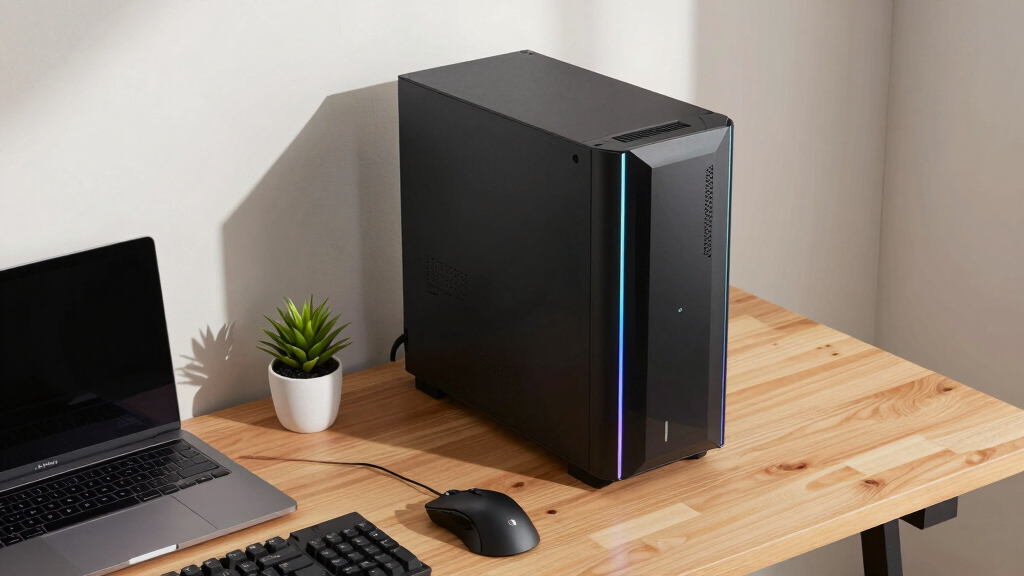
prebuilt AI workstation with high-end GPU
As an affiliate, we earn on qualifying purchases.
As an affiliate, we earn on qualifying purchases.
2026 Market Dynamics and Supply Chain Challenges
Historically, building a custom AI workstation was cheaper, but recent global chip shortages and component price spikes have increased costs for DIY systems. As a result, prebuilt vendors now leverage bulk buying and validated manufacturing processes to offer competitive or lower prices, with systems that are ready to deploy immediately.
Major vendors such as Lambda and Puget now provide systems that are tested for thermal performance, noise levels, and software compatibility, reducing the setup and troubleshooting burden for users. This shift reflects broader supply chain disruptions affecting hardware availability and pricing since late 2023.
"Our prebuilt systems undergo rigorous validation, ensuring reliability and performance right out of the box, saving clients time and reducing operational risks."
— A representative from Lambda
customizable AI workstation build kit
As an affiliate, we earn on qualifying purchases.
As an affiliate, we earn on qualifying purchases.
Unresolved Aspects of the Build vs Buy Decision
It remains unclear how ongoing supply chain disruptions will evolve and whether new component shortages or price spikes will alter the cost-effectiveness of prebuilt AI workstations. Additionally, long-term upgradeability and security considerations for prebuilt versus custom builds are still being evaluated, with some experts questioning how easily prebuilt systems can adapt to future hardware advancements.
professional AI workstation prebuilt
As an affiliate, we earn on qualifying purchases.
As an affiliate, we earn on qualifying purchases.
Future Trends and Market Developments in AI Workstations
Expect ongoing shifts in component supply and pricing, which will influence the cost dynamics of building versus buying. Vendors will likely continue refining prebuilt systems with enhanced performance, better thermal management, and expanded upgrade options. Organizations should monitor these developments and consider hybrid approaches that combine prebuilt reliability with customizability as a flexible long-term strategy.
As an affiliate, we earn on qualifying purchases.
Key Questions
Is building an AI workstation still cheaper in 2026?
Not necessarily. Due to supply shortages and rising component costs, prebuilt systems often match or beat DIY prices, especially when factoring in time and troubleshooting costs.
How quickly can I deploy a prebuilt AI workstation?
Most prebuilt systems can be operational within 1–2 weeks, whereas DIY builds may take a month or more due to sourcing and assembly time.
What are the main advantages of buying a prebuilt system?
Prebuilt systems offer validated performance, reduced setup time, warranties, and support, making them suitable for rapid deployment and mission-critical applications.
Can I upgrade a prebuilt AI workstation later?
Upgradability varies by system; many prebuilt systems allow certain upgrades, but they may be less flexible than custom builds, which are designed for maximum hardware customization.
What should I consider before choosing build or buy?
Assess your priorities regarding speed, control, long-term costs, technical expertise, and project timelines to determine the best approach for your organization.
Source: ThorstenMeyerAI.com
Fall Picks
fall essentials
As an affiliate, we earn on qualifying purchases.