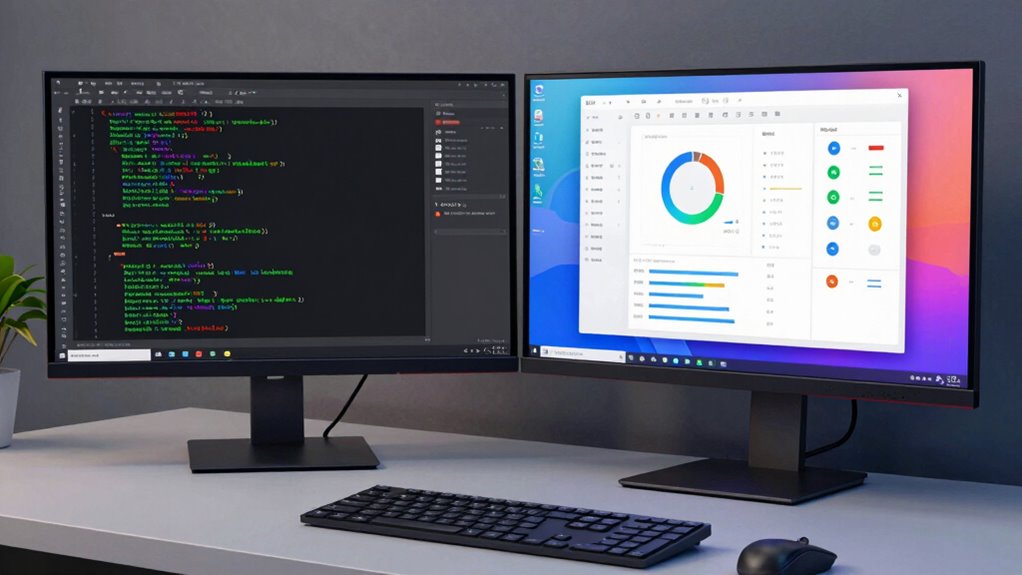

If you’re choosing between CLI tools and GUI apps, it depends on your workflow and preferences. Developers who value speed, automation, and precise control often favor CLI, especially for scripting and handling complex tasks. On the other hand, GUI apps are popular for visual design, easier navigation, and quick task execution, making them ideal for beginners or visual projects. Keep exploring to discover how to choose the best tool for your needs and boost your productivity.
Key Takeaways
- Developers seeking speed, automation, and scripting capabilities prefer CLI tools for efficiency and control.
- GUI apps are favored by designers and visual developers for ease of use and visual feedback.
- Power users and system administrators choose CLI for handling complex operations and remote management.
- Beginners and those working on visual projects benefit from GUI’s intuitive interface and visual cues.
- Combining CLI and GUI workflows enhances productivity by leveraging strengths of both environments.
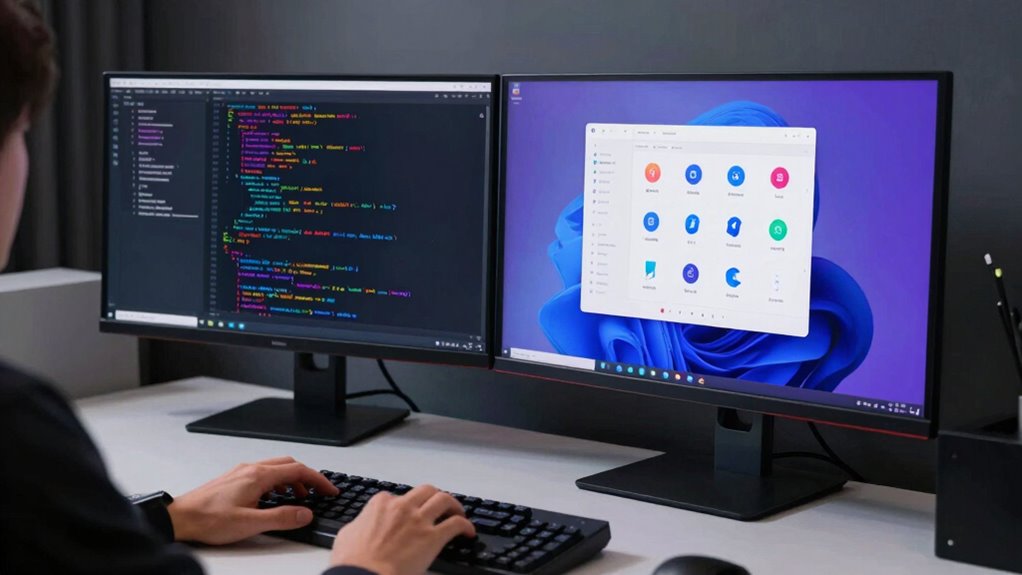
When choosing between command-line interface (CLI) tools and graphical user interface (GUI) apps, understanding their differences can help you pick the right tool for your needs. The command line offers a text-based environment where you input commands directly, giving you precise control over your tasks. On the other hand, a graphical interface presents visual elements like buttons, menus, and windows, making interactions more intuitive, especially for beginners. If you’re comfortable with text commands and want efficiency, the command line is often your best choice. It allows for quick automation, scripting, and handling complex operations without the need for navigating multiple screens. This is why many developers, system administrators, and power users prefer CLI tools—they value speed, flexibility, and the ability to customize workflows. Additionally, understanding the contrast ratio in visual tools can significantly influence the clarity and quality of your output, whether in GUI or CLI applications.
CLI tools offer precise control, automation, and speed—ideal for developers, system admins, and power users seeking efficiency.
In contrast, GUI apps are designed to be user-friendly and accessible. They reduce the learning curve by providing visual cues and reducing the need to memorize commands. For developers working on visual projects or those who prefer drag-and-drop interfaces, GUI applications simplify tasks like designing, editing, and managing files. These tools often come with features like visual debugging, real-time previews, and easy configuration options, making them ideal for tasks that benefit from immediate visual feedback. If you’re working on a project where visualization enhances productivity or clarity, a GUI app can significantly streamline your work. Recognizing the different user preferences for control and simplicity can guide you toward choosing the appropriate tool for each situation. Exploring user interface design principles can further help you decide when a GUI might be more effective than a CLI. Moreover, understanding how content formats influence usability can help in selecting the right visual or textual approach for your project.
However, the choice isn’t always clear-cut. Many developers use a combination of both, leveraging the command line for automation and scripting, while relying on graphical interfaces for tasks that benefit from visual interaction. For example, you might use a CLI to run batch scripts or manage servers, then switch to a GUI for editing graphics or designing user interfaces. The key is understanding your workflow and choosing the right tool for each task. CLI tools shine when speed, automation, and remote access are critical, while GUI apps excel for ease of use, visualization, and complex design tasks.
Ultimately, understanding the strengths of each approach helps you become more efficient. Whether you prefer the direct control of the command line or the visual clarity of a graphical interface, knowing when and why to use each can elevate your development process.
command line interface (CLI) tools for developers
As an affiliate, we earn on qualifying purchases.
As an affiliate, we earn on qualifying purchases.
Frequently Asked Questions
How Do CLI and GUI Tools Impact Developer Productivity?
You find that CLI tools boost your productivity through command efficiency, allowing you to automate tasks and navigate quickly. However, they can introduce interface complexity, making learning curve steeper. GUI apps offer a more intuitive interface, reducing complexity and easing use, especially for beginners. Ultimately, your productivity depends on balancing command efficiency with manageable interface complexity, choosing the tool that best fits your workflow and skill level.
Are There Specific Industries Favoring CLI Over GUI?
You’ll find that industries like software development, system administration, and data science favor CLI tools, with surveys showing over 70% of professionals in these fields prefer command-line interfaces for their speed and flexibility. Industry adoption often hinges on user preferences for automation, customizability, and efficiency. If you work in tech or IT, chances are you’ll lean toward CLI tools, especially for complex tasks where precision and control matter most.
Can Beginners Effectively Learn CLI Tools?
Yes, beginners can effectively learn CLI tools, but it depends on your willingness to navigate the command line and face the learning curve. Starting with simple commands helps you understand the basics of the command line environment. As you practice, the learning curve becomes less steep, and you’ll find using CLI tools more efficient and powerful. Patience and consistent practice are key to mastering command line skills early on.
Do CLI Tools Require More Technical Knowledge Than GUI Apps?
Think of the command line as a steep mountain trail. Yes, CLI tools require more technical knowledge, especially at the start, because they demand familiarity with commands and traversing the learning curve. You need to understand syntax and how different tools interact, unlike GUI apps that are more intuitive. This initial investment pays off with greater control and efficiency once you master the command line, but it’s definitely a steeper climb.
How Do User Preferences Influence Tool Choice in Development?
Your user preferences greatly influence your choice of development tools. If you value speed and efficiency, you might prefer CLI tools that offer extensive tool customization and scripting capabilities. Conversely, if you prioritize visual clarity and ease of use, GUI apps could be more appealing. Ultimately, your comfort, workflow needs, and desire for personalization guide whether you choose command-line interfaces or graphical environments.
As an affiliate, we earn on qualifying purchases.
Conclusion
Ultimately, whether you choose CLI tools or GUI apps depends on your workflow and preferences. CLI tools might seem intimidating at first, but they can make you feel like a coding superhero with superpowers at your fingertips. GUI apps are user-friendly and perfect for quick tasks. Remember, mastering the right tools can elevate your productivity to legendary levels—so immerse yourself, experiment, and find what transforms your development experience into an unstoppable force!
automation scripting tools for programmers
As an affiliate, we earn on qualifying purchases.
As an affiliate, we earn on qualifying purchases.
system administration GUI applications
As an affiliate, we earn on qualifying purchases.
As an affiliate, we earn on qualifying purchases.