To start with FPGA boards as a software developer, choose beginner-friendly, affordable options with essential features, such as small size and versatile I/O. Focus on easy-to-use development tools and languages like VHDL or Verilog, and begin with simple projects like blinking LEDs to build confidence. Setting up your environment step-by-step helps reduce overwhelm. Keep exploring practical projects and troubleshooting tips—you’ll discover more ways to advance your FPGA skills as you go.

Get business pricing on monitors, keyboards and dev gear
- Business-only prices and quantity discounts
- Tax-exempt purchasing
- Multiple users, one account, clear invoices
Key Takeaways
- Begin with beginner-friendly, affordable FPGA boards that support easy development tools and basic projects like LED blinking.
- Focus on boards with comprehensive documentation, tutorials, and active community support for smoother learning.
- Use simple hardware description languages (VHDL/Verilog) and visual programming tools to ease into hardware design.
- Start with small, practical projects to build confidence before tackling complex signal processing or high-performance tasks.
- Join online forums or courses to access guidance, troubleshoot issues, and stay motivated during your FPGA exploration.
As an affiliate, we earn on qualifying purchases.
Why Software Developers Should Explore FPGA Boards
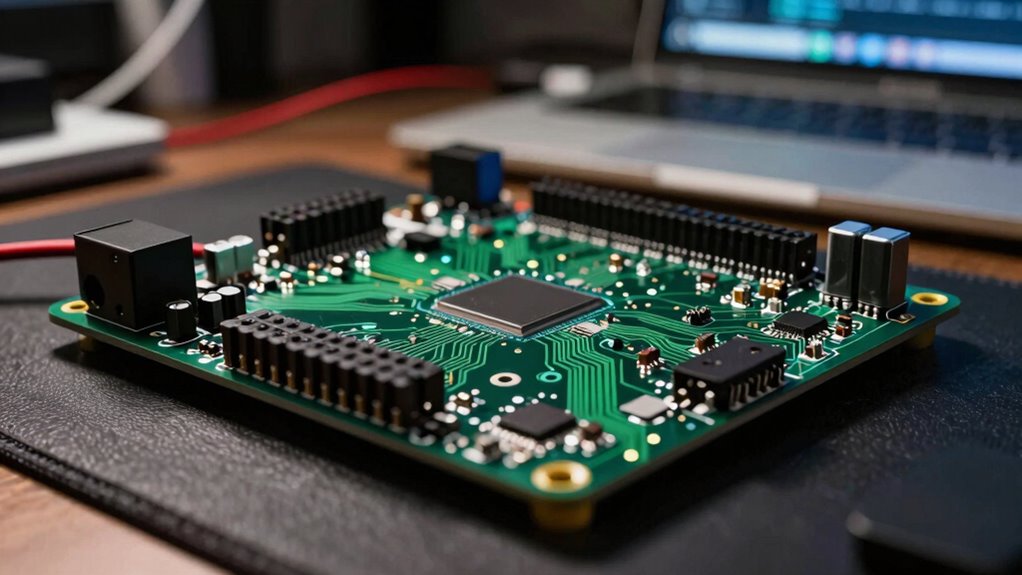
While FPGA boards have traditionally been associated with hardware engineers, they’re increasingly valuable tools for software developers too. Exploring FPGA boards allows you to gain firsthand experience with hardware integration, bridging the gap between software and physical systems. This knowledge is especially useful in industry applications such as telecommunications, automotive, and data centers, where real-time processing and high performance matter. By working with FPGAs, you can optimize algorithms at the hardware level, leading to faster execution and lower latency. Additionally, understanding hardware-software integration can enhance your ability to develop more efficient and innovative solutions. Exploring FPGA boards also helps you understand digital concepts, which are fundamental for developing complex, high-performance systems. Gaining a hands-on understanding of hardware design can significantly improve your problem-solving skills and technical versatility. As industries demand more efficient, customizable hardware solutions, understanding FPGA boards positions you at the forefront of industry innovation and practical application. Practical lifestyle upgrades can also include expanding your technical skills to stay competitive in evolving sectors.
As an affiliate, we earn on qualifying purchases.
How to Choose the Best FPGA Board for Beginners
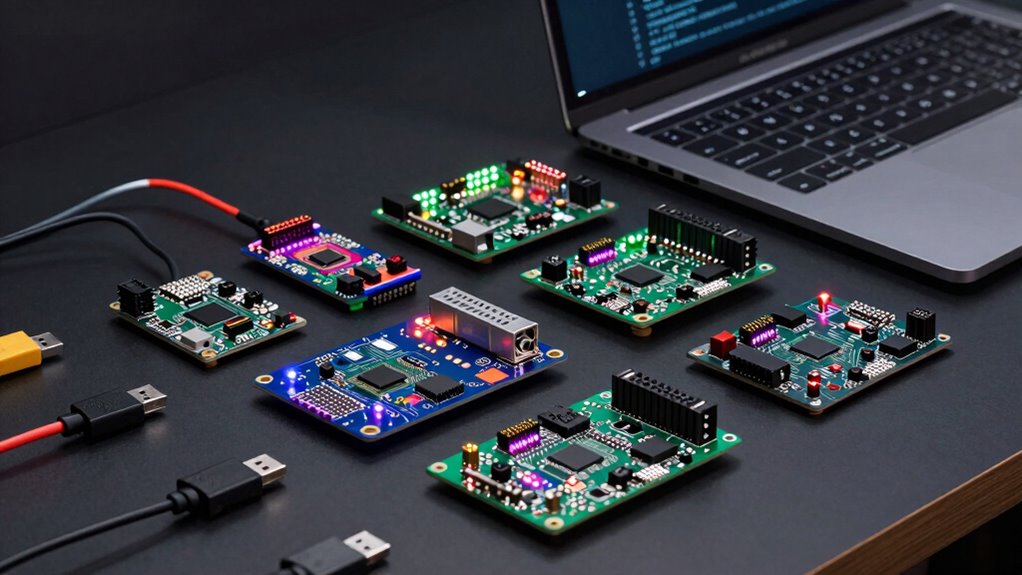
Choosing the right FPGA board as a beginner can seem overwhelming, but focusing on key features can simplify your decision. First, consider the FPGA cost—opt for a budget-friendly option that still offers essential features. Second, evaluate the FPGA size; smaller boards are easier to handle and perfect for learning. Third, think about your project scope—if you’re just starting, a board with versatile I/O options can keep your options open. Remember, a lower FPGA cost doesn’t mean sacrificing quality, and a manageable FPGA size helps you learn faster. Additionally, exploring free floating concepts can inspire creative and flexible design approaches. By narrowing your focus to affordability, size, and project needs, you’ll find it easier to select a board that sparks your curiosity without panic.
small FPGA development board for beginners
As an affiliate, we earn on qualifying purchases.
As an affiliate, we earn on qualifying purchases.
Key Features to Consider When Picking Your First FPGA Board
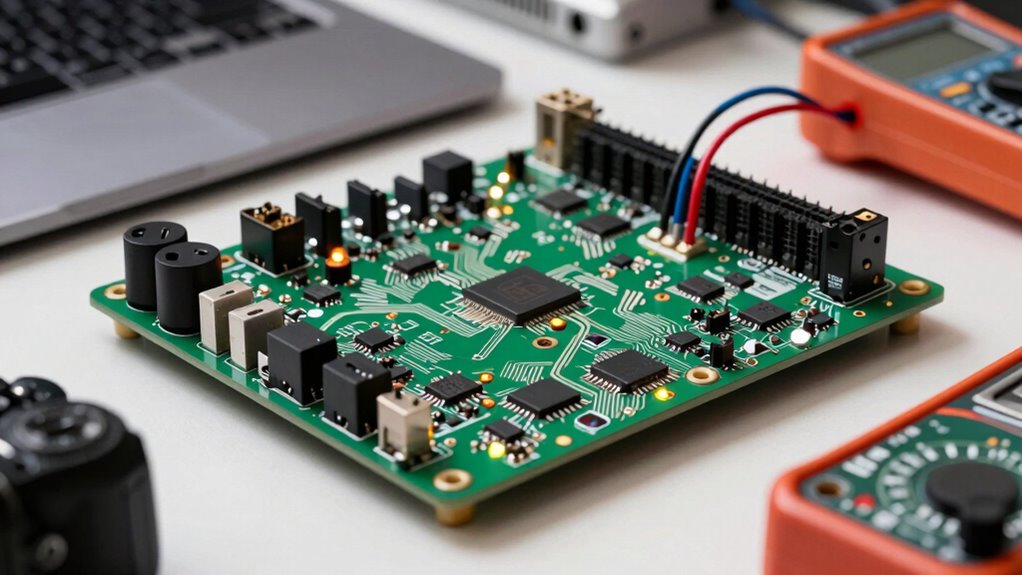
When selecting your first FPGA board, focusing on key features can make the process much smoother. Hardware compatibility is essential—you want a board that works seamlessly with your software tools and development environment. Check the supported interfaces, memory options, and expansion capabilities to verify it meets your project needs. Power efficiency is also important, especially if you plan to run your FPGA for extended periods or in portable setups. A board with optimized power consumption can save energy and reduce heat, making your development process more sustainable. Consider the overall design, including size and connectivity options, to match your workspace. Prioritizing these features helps you choose an FPGA board that’s reliable, easy to work with, and aligned with your goals. Additionally, understanding power management techniques can help you optimize energy use and extend the longevity of your development setup. Exploring energy-efficient FPGA designs can further enhance your project’s sustainability and performance. Being aware of Hardware compatibility ensures you select a board that integrates smoothly with your existing tools, streamlining your workflow. A thorough understanding of document safety practices can also prevent data loss and ensure your development environment remains secure. Moreover, considering thermal management techniques can help maintain optimal operating temperatures and improve overall system reliability.
As an affiliate, we earn on qualifying purchases.
Setting Up Your FPGA Environment Made Simple
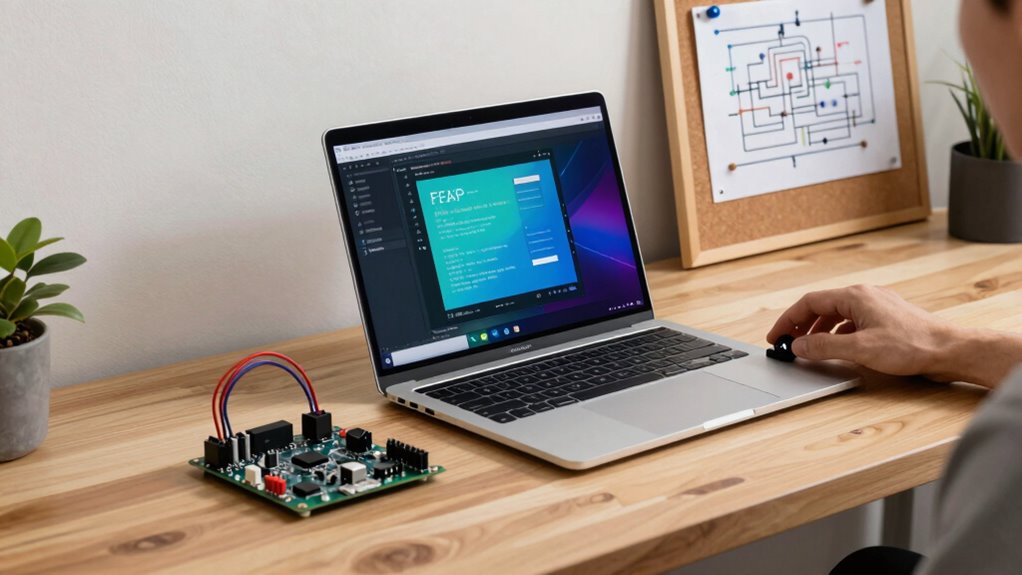
Getting your FPGA environment up and running doesn’t have to be complicated. With the right approach, you can seamlessly handle hardware integration and power management, making setup feel manageable. Start by choosing a user-friendly development platform that supports your FPGA board—this simplifies hardware connection. Next, install the necessary software tools, ensuring they’re compatible with your hardware to avoid frustration. Finally, test your setup with small projects, focusing on efficient power management and smooth hardware integration. Incorporating budget-friendly options can also make your setup more affordable and accessible. Understanding auditory processing skills can help you troubleshoot and optimize your environment more effectively. Being aware of software compatibility helps prevent conflicts that could delay your progress. Developing strong hardware integration skills is essential for a smooth setup process. This step-by-step process helps you stay confident while reducing overwhelm. Recognizing the importance of data analytics can guide you in monitoring your setup’s performance and identifying issues early. Remember, a clear environment setup sets the foundation for successful FPGA programming, so take your time and follow these steps carefully. Your confidence grows with each successful connection and configuration.
Easy Tools and Languages for FPGA Programming Beginners
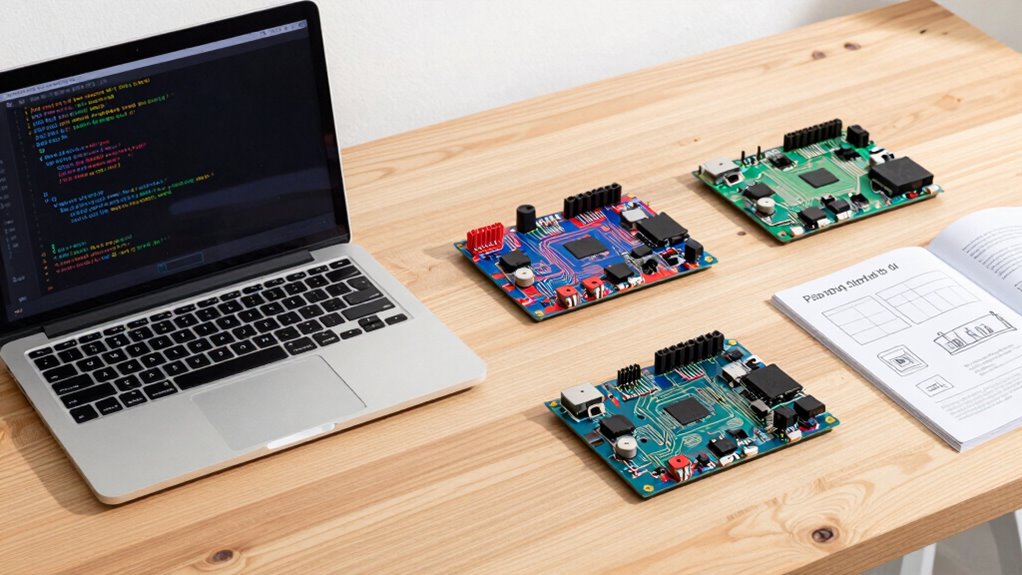
Starting with the right tools can make FPGA programming much more accessible for beginners. Easy-to-use hardware description languages like VHDL and Verilog are foundational, but beginner-friendly options like Vivado HLS enable you to work at a higher level with C or C++. These tools simplify hardware integration, allowing you to design complex systems without deep hardware expertise. Many of these environments also include features to optimize power consumption, helping you create efficient designs from the start. Visual programming platforms like LabVIEW or FPGA development environments with drag-and-drop interfaces can further reduce complexity. By choosing these accessible tools, you can focus on learning core concepts, build confidence, and avoid feeling overwhelmed by the technical details of FPGA development.
Beginner-Friendly FPGA Projects to Build Confidence
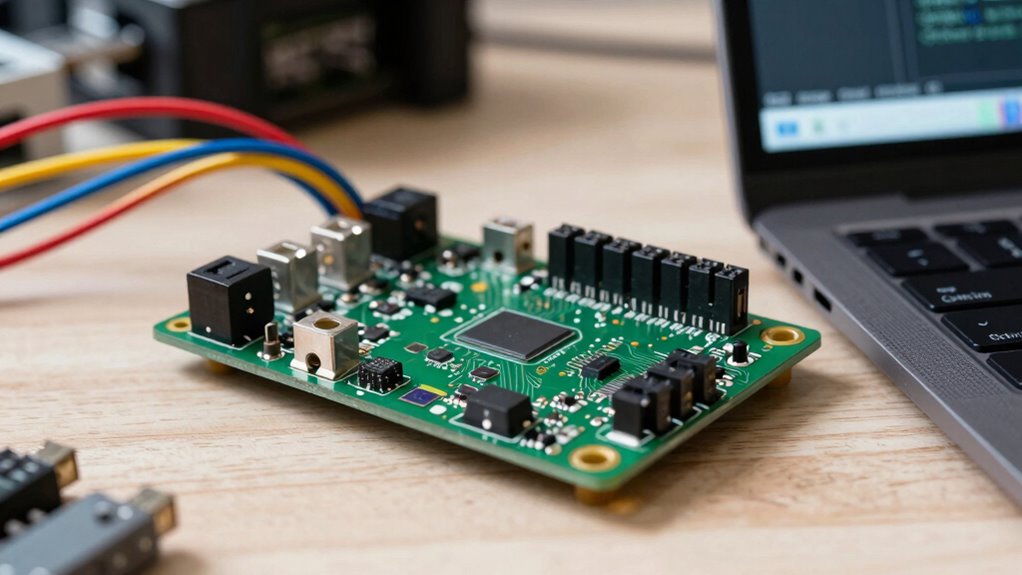
Starting with simple blinking LED projects is a great way to get comfortable with FPGA development. You can also explore basic digital signal processing to understand data handling, which boosts your confidence. Using beginner-friendly development tools makes these projects accessible and helps you build skills step by step.
Simple Blinking LED Projects
Even the simplest FPGA projects can be incredibly rewarding, especially when you see an LED blink on your board for the first time. This foundational step introduces you to LED blinking and hardware integration, building your confidence. To get started, consider these key milestones:
- Write your first HDL code to control the LED, understanding how digital signals operate.
- Configure your FPGA board to recognize your code, ensuring proper hardware integration.
- Upload and observe the blinking LED, witnessing your code come to life in real hardware.
These steps turn abstract concepts into tangible results. Seeing that LED blink is proof of your progress, fueling your enthusiasm for more complex projects ahead. This simple task paves the way for deeper exploration into FPGA development.
Basic Digital Signal Processing
Digital Signal Processing (DSP) is a fundamental area where FPGA boards truly shine, offering a hands-on way to understand how to manipulate and analyze real-world signals. With FPGA projects, you can experiment with signal filtering, removing noise or unwanted components from signals. You’ll also explore frequency analysis, breaking down signals into their constituent frequencies to better understand their characteristics. Building simple DSP projects helps you grasp concepts like filtering techniques and spectral analysis, essential in many applications. These beginner-friendly projects boost your confidence by providing practical experience in processing signals directly on FPGA hardware. As you develop these skills, you’ll see how FPGA boards can be powerful tools for real-time signal analysis and processing, laying a solid foundation for more advanced digital signal processing tasks.
Beginner-Friendly Development Tools
To build confidence in FPGA development, it’s essential to choose tools that are accessible and user-friendly for beginners. These tools simplify hardware integration and power management, making your first projects less intimidating. Here are three beginner-friendly options to get started:
- VHDL/Verilog Simulators – They help you understand hardware design without complex setup, boosting your confidence step-by-step.
- Integrated Development Environments (IDEs) – User-friendly IDEs like Xilinx Vivado or Intel Quartus streamline coding and simulation, reducing frustration.
- Starter FPGA Kits – Kits with pre-wired components and tutorials help you practice hardware integration and power management without feeling overwhelmed.
These tools make your first FPGA projects approachable, helping you build skills and confidence efficiently.
Troubleshooting Common FPGA Challenges
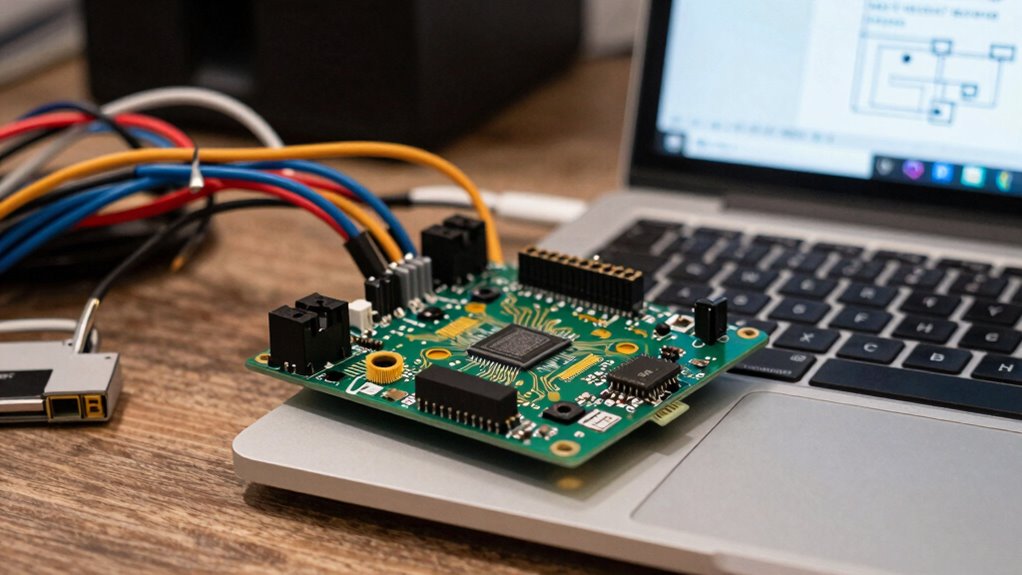
Troubleshooting common FPGA challenges often requires a systematic approach to identify and resolve issues quickly. Start by checking hardware integration—ensure all connections are secure and components are compatible. Faulty hardware or loose cables can cause unpredictable behavior. Next, examine power management; insufficient or unstable power supplies can lead to timing errors or device resets. Use dedicated tools to monitor voltage levels and power consumption during operation. If your FPGA isn’t responding as expected, verify configuration files and firmware are correctly loaded. Debugging tools like logic analyzers and simulation software can help pinpoint signal issues or timing violations. Keep documentation handy to cross-reference hardware specifications and troubleshooting tips. Addressing these areas methodically will help you resolve many common FPGA challenges with confidence. Additionally, understanding system-level design considerations can streamline the troubleshooting process and improve overall FPGA performance. Regularly reviewing hardware specifications can also prevent compatibility issues and save troubleshooting time. Being familiar with design constraints can further aid in diagnosing and fixing issues efficiently. Incorporating diagnostic techniques early in the troubleshooting process can help identify root causes more effectively. Moreover, understanding system-level interactions can assist in diagnosing complex problems that involve multiple components working together.
Next Steps: Tips to Grow Your FPGA Skills
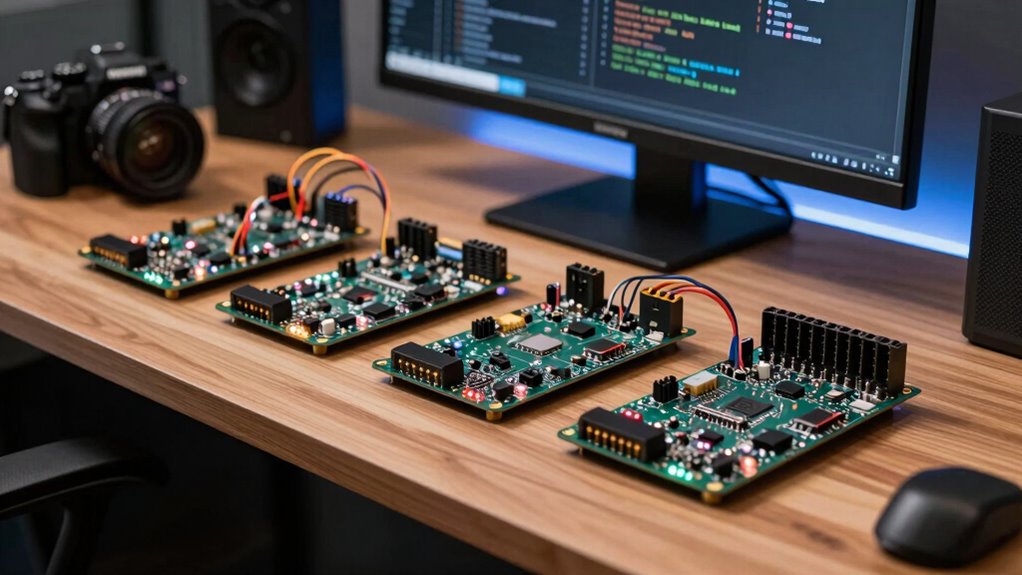
Building your FPGA skills requires deliberate practice and continuous learning. To deepen your expertise, focus on understanding advanced FPGA architectures, which enable more efficient designs and better performance. Explore FPGA security features to safeguard your projects against vulnerabilities, a vital skill as FPGA applications grow more complex. Here are three steps to elevate your skills:
Enhance your FPGA skills through advanced architectures, security, and active community engagement for continual growth.
- Experiment with complex designs that utilize advanced FPGA architectures to challenge yourself and discover new capabilities.
- Study FPGA security features to integrate security best practices into your development process.
- Join online communities or courses dedicated to FPGA development, enabling you to learn from others and stay updated on industry trends.
These steps will help you grow confident and proficient in FPGA design, pushing your skills to the next level.
Frequently Asked Questions
What Are the Main Differences Between FPGA and Microcontroller Boards?
FPGA boards differ from microcontroller boards mainly in hardware architecture and power consumption. FPGAs offer flexible hardware customization, allowing you to configure logic gates for specific tasks, which makes them more powerful but often more complex. Microcontrollers have a fixed architecture, making them simpler and more power-efficient. You’ll find FPGAs typically consume more power, but they excel in high-speed, parallel processing tasks, while microcontrollers suit basic, low-power applications.
How Much Does an Entry-Level FPGA Board Typically Cost?
An entry-level FPGA board typically costs between $50 and $150, making it an accessible option for beginners. You’ll find budget options that fit tight budgets, while more advanced boards offer extra features at higher prices. Think of it as choosing between a basic toolset and a professional-grade kit. This cost comparison helps you decide what fits your project needs without breaking the bank, easing your entry into FPGA development.
Are There Online Communities for FPGA Beginners?
Yes, plenty of online communities support FPGA beginners. You can join forums like Reddit’s r/FPGA or dedicated groups on platforms like Discord and Stack Overflow. These communities often discuss FPGA security, virtualization, and share project ideas. Engaging with others helps you learn best practices, troubleshoot issues, and stay updated. Connecting with experienced developers can boost your confidence and accelerate your understanding of FPGA design, security, and virtualization techniques.
Can FPGA Boards Be Used for AI and Machine Learning Projects?
Yes, FPGA boards can be used for AI and machine learning projects. You can leverage them for neural network acceleration, which speeds up training and inference processes. Plus, their hardware reconfiguration allows you to customize the FPGA to optimize specific algorithms or models. This flexibility makes FPGA ideal for deploying AI applications that require low latency and high throughput, giving you a powerful tool for advanced machine learning tasks.
What Are the Common Programming Languages for FPGA Development?
Think of FPGA development like choosing the right tool for a DIY project; your choice impacts hardware optimization. Common programming languages include VHDL and Verilog, which are essential for hardware description. Additionally, high-level languages like C/C++ and OpenCL are becoming popular, making hardware programming more accessible. Selecting the right language depends on your project needs and familiarity, ensuring you optimize performance without unnecessary complexity.
Conclusion
Getting started with FPGA boards might seem intimidating, but you’re not alone—over 60% of software developers who jump in report increased project versatility and creativity. By choosing the right beginner-friendly board, exploring simple tools, and tackling small projects, you’ll build confidence and skills. Remember, persistence pays off. So, take that first step today, and you’ll soon discover how FPGA technology can revolutionize your development capabilities and open doors to exciting new opportunities.
Fall Picks
fall essentials
As an affiliate, we earn on qualifying purchases.