
Choosing between Mac, Windows, or Linux depends on your workflow and software needs. If you prioritize creative apps and seamless Apple ecosystem integration, Mac suits you best. For extensive hardware customization, gaming, or business use, Windows offers flexibility. If you prefer open-source software, security, and deep control, Linux is ideal. Understanding your daily tasks and preferred tools helps find the right fit—stick around to discover more about each option.

Get business pricing on monitors, keyboards and dev gear
- Business-only prices and quantity discounts
- Tax-exempt purchasing
- Multiple users, one account, clear invoices
Key Takeaways
- Match your software needs: macOS for creative work, Windows for gaming and enterprise, Linux for development and customization.
- Consider hardware compatibility and upgrade flexibility based on your technical skills and budget.
- Evaluate ecosystem integration: Apple devices with macOS, Microsoft services with Windows, open-source options with Linux.
- Prioritize security features and privacy protocols aligned with your data protection preferences.
- Assess ease of use and workflow efficiency based on your familiarity and daily task requirements.
MacBook Pro for creative professionals
As an affiliate, we earn on qualifying purchases.
As an affiliate, we earn on qualifying purchases.
Comparing Mac, Windows, and Linux: Key Features and Use Cases
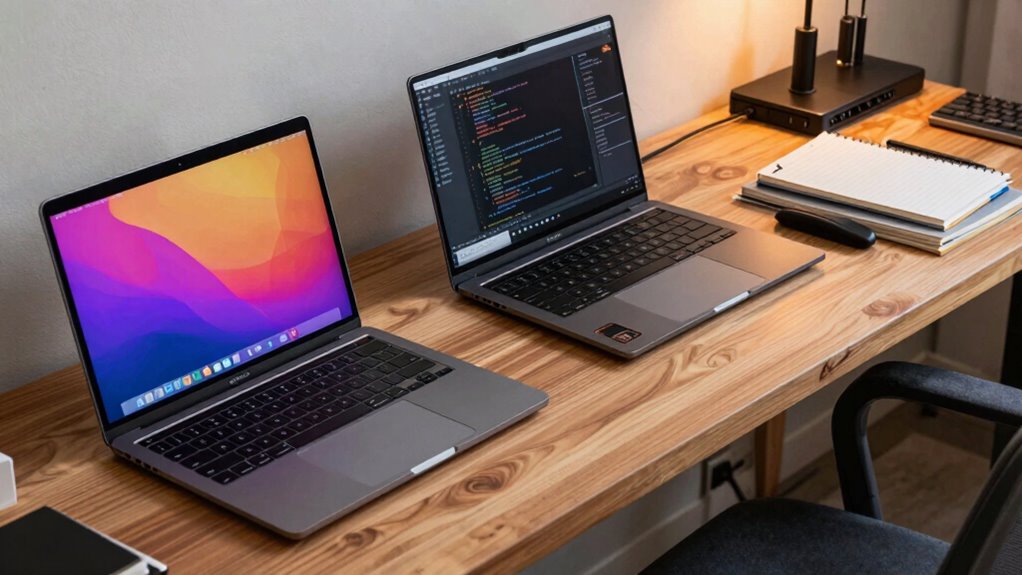
When choosing between Mac, Windows, and Linux laptops, understanding their key features and typical use cases can help you make an informed decision. Macs offer sleek design, strong hardware integration, and excellent software compatibility with creative and professional applications. Windows laptops excel in hardware customization, allowing you to upgrade components like RAM and storage easily, and they support a wide range of software for gaming, business, and everyday tasks. Linux laptops prioritize flexibility and security, making them ideal for developers and tech-savvy users who want extensive hardware customization and control over their software environment. Contrast ratio considerations can also influence display quality, especially for tasks that require detailed visuals. Additionally, the availability of software support differs across platforms, which can impact your workflow depending on your specific needs. Each platform has distinct strengths, so consider whether you need customization options, software support, or a balance of both to match your specific needs.
Windows gaming laptop with high performance
As an affiliate, we earn on qualifying purchases.
As an affiliate, we earn on qualifying purchases.
Which Laptop OS Fits Your Workflow and Software Needs?
Choosing the right operating system for your laptop depends largely on your workflow and the software you rely on daily. If your work involves cloud integration, consider which OS offers seamless access to services like Dropbox, Google Drive, or iCloud. Security protocols are also vital; some OSes provide built-in encryption and robust privacy features, making them more suitable for sensitive data. MacOS excels in tight ecosystem integration and consistent security updates, ideal for creative professionals. Windows offers broad software support and customization options, fitting diverse workflows. Linux provides flexibility and strong security, perfect for developers or users who prioritize control and privacy. Additionally, understanding ethical considerations in data privacy can help you choose an OS that aligns with your values. Moreover, evaluating open-source options can give you more control over your privacy and customization needs. For those concerned about transparency and user rights, Linux often leads in software freedom advocacy, ensuring you have access to source code and community-driven improvements. Ultimately, selecting an OS aligned with your workflow guarantees smoother productivity, better security, and efficient cloud collaboration.
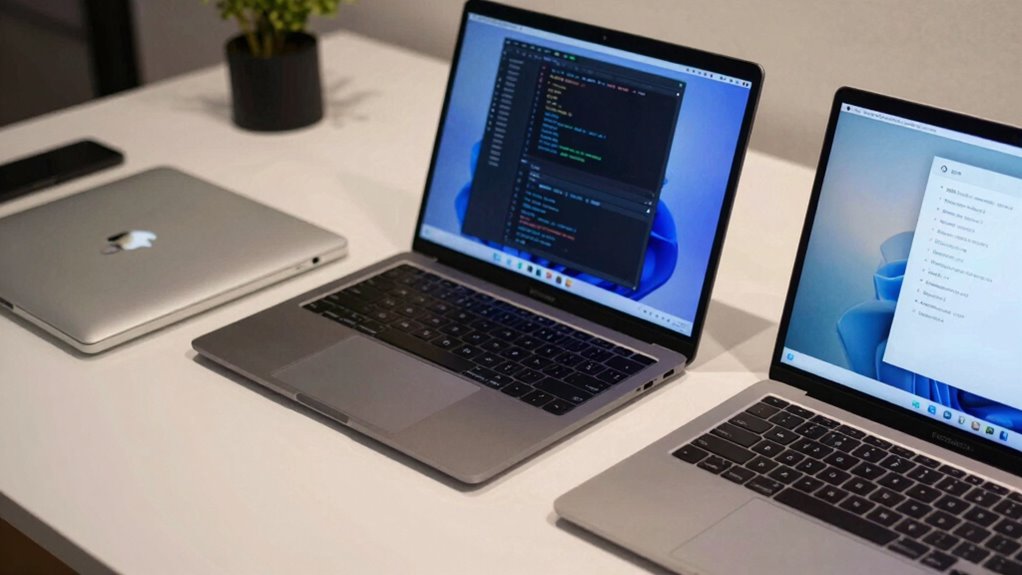
Linux-compatible developer laptop
As an affiliate, we earn on qualifying purchases.
As an affiliate, we earn on qualifying purchases.
Cost, Customization, and Hardware Compatibility of Each OS
The cost, customization options, and hardware compatibility of each operating system play a significant role in your decision-making process. Macs tend to be more expensive but offer seamless cloud synchronization and robust security protocols. Windows provides a wide range of hardware choices, letting you customize your setup while often being more affordable. Linux is open-source, highly customizable, and compatible with many hardware configurations, but may require technical knowledge. Consider your budget, need for hardware flexibility, and security requirements. A variety of user needs can be effectively met by each OS depending on individual preferences and technical expertise. Here’s a quick comparison:
| Aspect | Mac | Windows | Linux |
|---|---|---|---|
| Cost | High | Moderate to low | Free |
| Customization | Limited to Apple hardware | Extensive, many options | Highly customizable |
| Hardware Compatibility | Limited to Apple devices | Broad, extensive support | Varies, often flexible |
User Experience and Ecosystem Integration in Your Choice
User experience and ecosystem integration considerably influence how smoothly your daily tasks flow and how well your devices work together. Your choice of OS impacts the user interface, shaping how intuitive and efficient your interactions feel. macOS offers seamless ecosystem synergy with other Apple devices, enabling features like Handoff and AirDrop that keep you connected effortlessly. Windows provides a flexible user interface that adapts to your preferences, with good ecosystem integration through Microsoft services and compatible hardware. Linux offers customization options that can enhance user experience but may lack tight ecosystem synergy unless you set up specific tools. Overall, selecting an OS aligned with your ecosystem ensures a more cohesive, streamlined workflow, reducing friction and boosting productivity across your devices. Additionally, understanding media literacy helps you navigate online environments more effectively and securely. Recognizing how different operating systems support cross-platform compatibility can further optimize your overall setup. Being aware of security considerations across platforms can also help you choose an OS that best fits your safety needs.
Tips to Pick the Right Laptop OS for Your Workflow
Understanding your workflow is key to picking the right OS for your laptop. Consider how you use your device daily, especially if you rely on a mobile device for quick tasks or communication. Your choice should also reflect your need for robust security features—important whether you handle sensitive data or want peace of mind. Use this table to compare options:
| Feature | Mac | Windows | Linux |
|---|---|---|---|
| Mobile device sync | Seamless with iPhone/iPad | Good, but varies by app | Limited, customizable |
| Security features | Strong, with Gatekeeper | Improved with Windows Defender | Highly customizable, secure |
| Ease of use | Intuitive and user-friendly | Flexible, widely compatible | Technical, but flexible |
| Software support | Best for creative apps | Broad, enterprise-ready | Open-source, niche apps |
| Ecosystem | Integrated Apple ecosystem | Compatible with many devices | Highly customizable |
Additionally, some users prefer Linux for its customizability and security, making it a popular choice for developers and privacy-conscious individuals. This flexibility allows users to tailor their environment to specific needs, enhancing productivity and control. Moreover, Linux can be optimized for specific workflows, providing a tailored experience that can improve efficiency for certain tasks. When selecting an OS, it’s also essential to consider how well it integrates with your daily routines and existing tools, ensuring a smoother transition and better overall experience. Choosing the right OS ultimately depends on aligning its features with your specific workflow requirements and comfort level.
Frequently Asked Questions
How Secure Is Each Operating System Against Cyber Threats?
You might find that each operating system offers different levels of security against cyber threats. MacOS generally has strong malware resistance and effective antivirus measures, making it less targeted. Windows has improved security but still faces more threats, so staying vigilant with antivirus software is essential. Linux is highly customizable, often providing better control over security settings. Your choice depends on how well you manage antivirus effectiveness and your ability to prevent malware.
Which OS Offers the Best Support for Gaming and Multimedia Editing?
Windows offers the best support for gaming performance and multimedia editing. You’ll find a wide range of games optimized for Windows, and its powerful hardware compatibility guarantees smooth gameplay. For multimedia editing, Windows supports popular software like Adobe Creative Cloud and DaVinci Resolve effectively. Its extensive driver support and hardware options make it ideal for both gaming and editing tasks, giving you a versatile platform for your creative and entertainment needs.
Can I Run Multiple Operating Systems on a Single Laptop?
You can definitely run multiple operating systems on a single laptop, offering you a delightful blend of options. Dual booting allows you to install and choose between OSes at startup, while virtual machines let you run other systems simultaneously without rebooting. Both methods give you flexibility, letting you enjoy the best of different worlds. Just make certain your hardware is up to the task, and you’re ready for a versatile, multi-OS experience.
How Easy Is It to Upgrade Hardware Components on Each OS?
Upgrading hardware components varies by OS and device. On Windows, you typically find better hardware compatibility, making upgrades less complex, especially for RAM or storage. On Linux, upgrade complexity depends on your hardware and driver support, but it’s generally straightforward. Macs often have sealed units, making hardware upgrades challenging or impossible. Your experience depends on your device’s design, but Windows and Linux usually offer more flexible upgrade options than Macs.
What Are the Long-Term Maintenance and Support Differences Among the OS Options?
Long-term maintenance is a rollercoaster ride—you’ll find that Windows offers extensive software compatibility but requires frequent updates and support. Linux provides a stable, customizable experience with community-driven support, yet may lack some commercial software. Mac boasts a sleek user interface and solid support, but can be costly to maintain long-term. Your choice impacts ease of updates, software availability, and overall system longevity, shaping your workflow for years to come.
Conclusion
Choosing the right laptop OS can feel like choosing your destiny—Mac, Windows, or Linux could make or break your entire workflow! Get it wrong, and you might drown in a sea of incompatibility or miss out on game-changing features. So, pick wisely—your productivity, creativity, and sanity depend on it. Make the right choice now, and watch your workflow soar to legendary heights—your future self will thank you endlessly!
Fall Picks
fall essentials
As an affiliate, we earn on qualifying purchases.