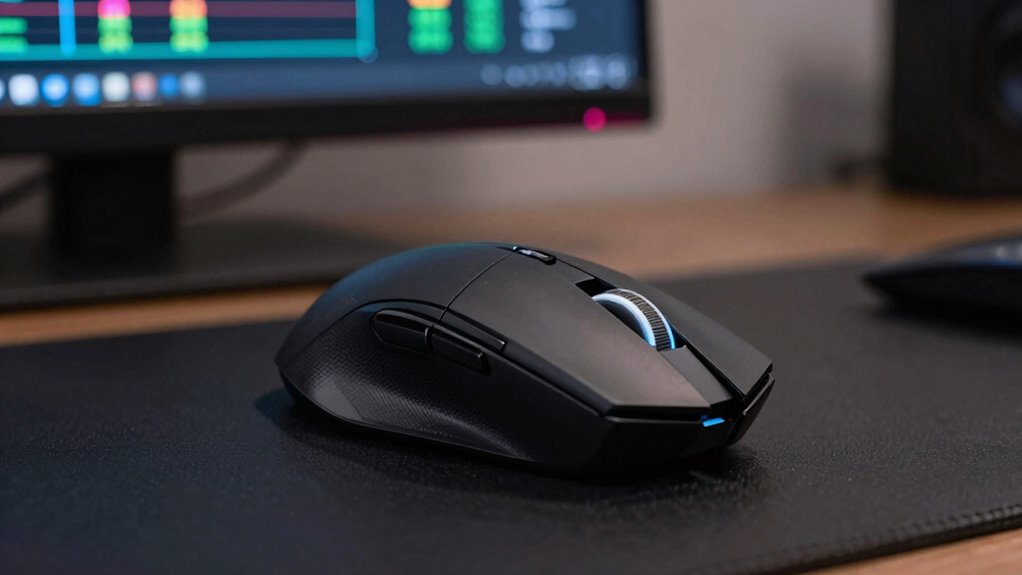

As a developer, you can generally ignore ultra-high DPI and polling rate settings, as they don’t considerably impact your productivity or precision. Most tasks like coding, browsing, and debugging don’t require super-responsive mice. Instead, focus on hardware build quality, comfort, and reliability, which help you stay comfortable during long sessions. If you want to understand which specs truly matter for your workflow and bust common myths, keep exploring the details ahead.

Get business pricing on monitors, keyboards and dev gear
- Business-only prices and quantity discounts
- Tax-exempt purchasing
- Multiple users, one account, clear invoices
Key Takeaways
- Basic productivity tasks like browsing or typing don’t require extremely high DPI or polling rates.
- Standard polling rates (around 500-1000Hz) are sufficient for most development work.
- High DPI settings are mainly beneficial for gaming or highly precise tasks, not coding.
- Hardware build quality and sensor reliability matter more than ultra-high sensitivity specs.
- Customization features like extra buttons and ergonomic design are often more important than DPI or polling rate.
ergonomic computer mouse for developers
As an affiliate, we earn on qualifying purchases.
As an affiliate, we earn on qualifying purchases.
What Do DPI and Polling Rate Mean for Developers
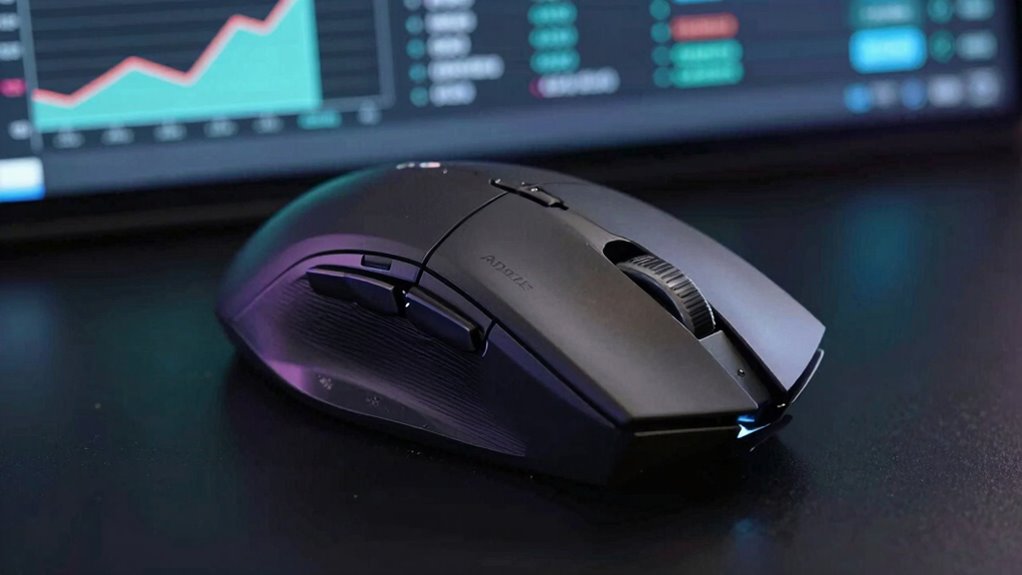
Understanding DPI and polling rate is essential for developers because these settings directly impact how a mouse communicates with a computer and how it responds to user input. DPI determines the sensitivity of the mouse, affecting how far the cursor moves with each inch of movement. Polling rate influences how often the mouse reports its position to the computer, affecting responsiveness. While higher DPI can improve sensor accuracy, it isn’t always necessary for precise tasks if software optimization is effective. Recognizing how these settings interact helps you create smoother, more reliable input experiences. Adjusting DPI and polling rate based on the application’s needs guarantees consistent performance. Ultimately, understanding these specifications allows you to balance hardware capabilities with your software’s ability to interpret input accurately. Additionally, the hardware specifications of a mouse can influence its overall performance, but understanding how to optimize settings ensures a tailored experience for your development needs. Moreover, sensor technology plays a crucial role in how these settings perform under different conditions, making it important to consider when customizing input solutions. Being aware of sensor precision can help developers better anticipate how different mice will behave in various scenarios, especially within the context of home theatre projectors, where precise control and responsiveness might be needed for certain setups.
high quality wired mouse with reliable sensor
As an affiliate, we earn on qualifying purchases.
As an affiliate, we earn on qualifying purchases.
Why Most Developers Can Ignore High DPI Settings
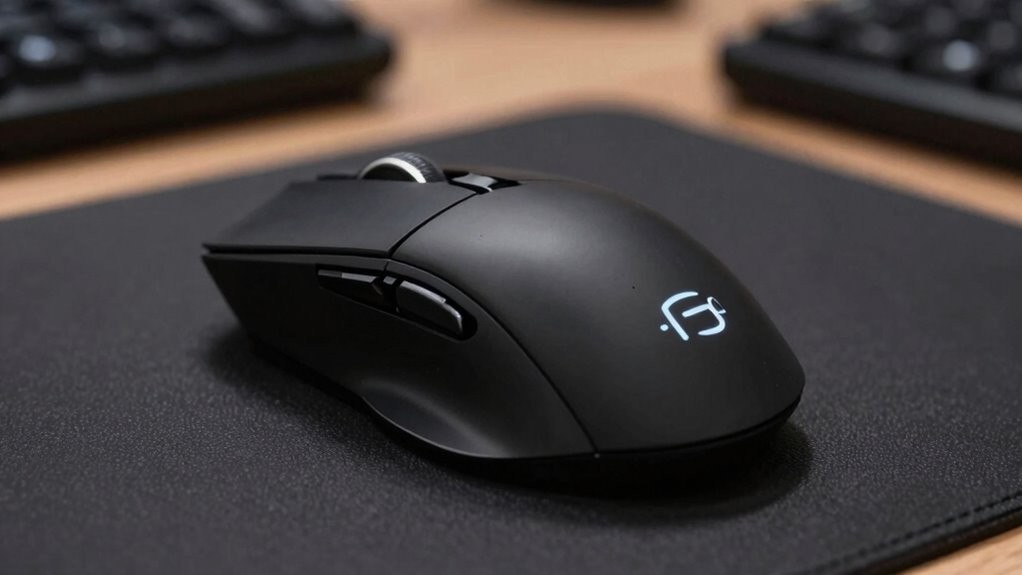
Most developers can safely ignore high DPI settings because these configurations primarily affect hardware and user experience, not the core functionality of the software. High DPI impacts how precisely your mouse moves on the screen, but it doesn’t change the software’s core operations. Your developer priorities focus on software precision, ensuring features work reliably across different systems. Additionally, incorporating landscaping to enhance natural beauty can be a visual enhancement but doesn’t influence software behavior. Developers don’t need to optimize for every DPI setting, just consistent input handling. User customization options can address high DPI concerns without disrupting software logic. In essence, most software tasks don’t need to be tuned for high DPI, allowing developers to focus on core functionality rather than hardware specifics. Understanding the Mental Wellbeing Index can also help developers maintain focus and clarity when working on complex features, especially considering that ear wax odor and other sensory perceptions are irrelevant to software development but can influence user experience in physical environments.
comfortable office mouse with extra buttons
As an affiliate, we earn on qualifying purchases.
As an affiliate, we earn on qualifying purchases.
When Does Polling Rate Matter Less for Software Tasks

When does polling rate become less critical for software tasks? For most productivity work, a high polling rate doesn’t substantially improve precision accuracy. Tasks like typing, browsing, or basic editing don’t rely on ultra-responsive input, so the benefits of a higher polling rate are minimal. Additionally, if your hardware isn’t fully compatible or optimized for very high polling rates, you might not see any real advantage. In fact, increasing the polling rate beyond a certain point can introduce unnecessary complexity or even reduce accuracy if your system struggles to process the data smoothly. Generally, unless you’re doing detailed design work or precision tasks requiring ultra-smooth input, a standard polling rate suffices. Focusing on hardware compatibility and overall stability can often be more beneficial than chasing the highest polling rate. System performance can also influence how effectively a high polling rate is utilized. For professional users, selecting the right gear involves balancing features and stability, especially considering hardware limitations that may restrict the benefits of higher polling rates.
best durable mouse for long coding sessions
As an affiliate, we earn on qualifying purchases.
As an affiliate, we earn on qualifying purchases.
How Hardware Specs Affect Gaming and Development
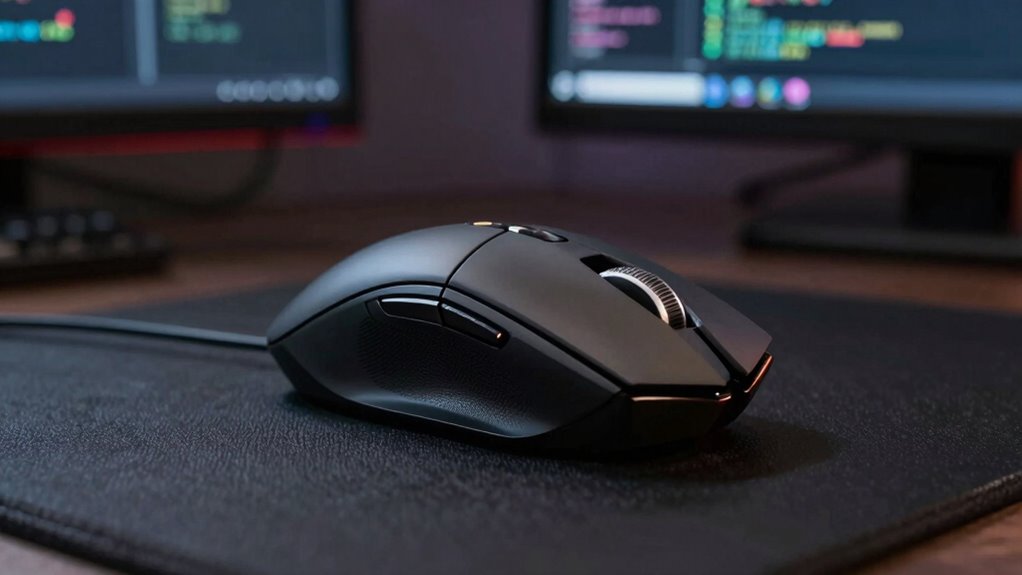
Hardware specs play a significant role in how smoothly you experience gaming and how efficiently you can develop software. High-quality components guarantee responsiveness, reducing lag and frustration. When choosing hardware, consider durability—stronger builds last longer, saving you money and hassle. Branding considerations also matter, as reputable brands often assure better reliability and support. For gaming, a powerful GPU and fast processor improve frame rates and reduce latency. For development, reliable hardware minimizes crashes and delays during intensive tasks. Additionally, selecting components with the right engine upgrades can further optimize system performance and longevity. Paying attention to hardware reliability is essential, especially in demanding development environments where stability is crucial. Moreover, understanding the importance of system optimization can help you fine-tune your setup for peak performance in both gaming and software development. For example, incorporating electric dirt bikes into your setup can offer sustainable transportation options for commuting or outdoor recreation, which can indirectly contribute to a more balanced and productive lifestyle. Incorporating well-designed peripherals can also enhance comfort and productivity during long development sessions.
Key Specs Developers Should Focus On Instead of DPI and Polling Rate
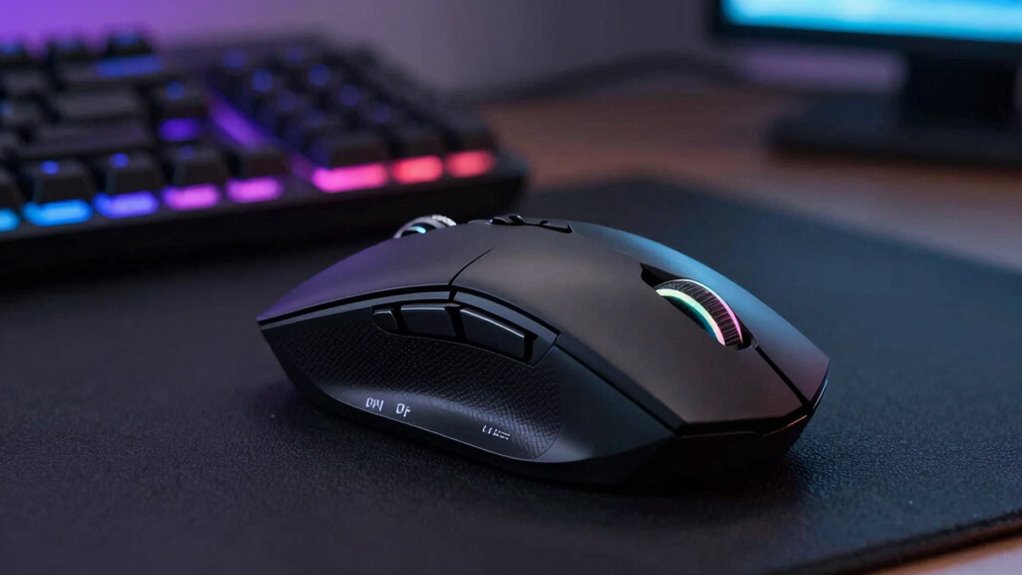
While DPI and polling rate often grab attention in gaming discussions, developers should prioritize other hardware specifications that directly impact performance and productivity. A key focus should be on precision, which affects how accurately you can execute detailed tasks. High precision focus ensures smoother cursor movements and better control, especially during intricate design or coding work. Additionally, build quality matters because a well-made mouse offers durability and consistent performance over time. A sturdy, reliable device reduces interruptions caused by hardware failures, allowing you to stay focused on your work. Instead of obsessing over DPI and polling rate, investing in a mouse with excellent build quality and attention to accuracy will enhance your overall workflow and hardware durability. Paying attention to the hardware specifications that influence precision and reliability is essential for long-term performance, especially considering the importance of Vetted – Perfect Fit Living in ensuring quality and dependable hardware choices.
Busting Myths About Gaming Mouse Specs
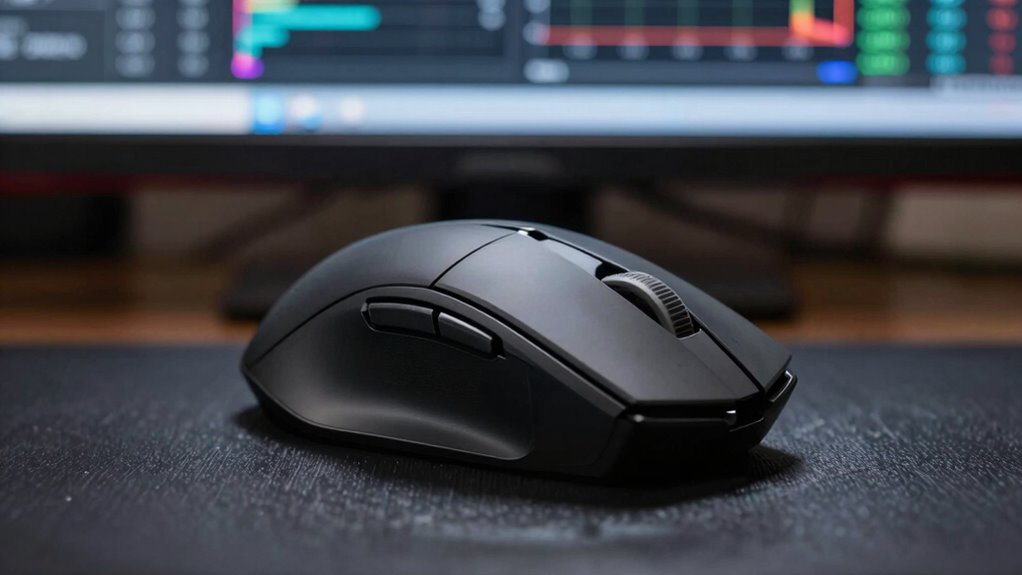
Many gamers believe that higher DPI or faster polling rates automatically translate to better performance, but these assumptions often lead to misconceptions. In reality, specs like DPI and polling rate are less critical than you think, especially if you focus on hardware compatibility and brand reputation. A high DPI won’t help if your mouse isn’t compatible with your system or if the brand’s quality is questionable. Similarly, a fast polling rate won’t improve accuracy if the sensor isn’t reliable. Instead, pay attention to factors like sensor quality, grip comfort, and software support. Avoid falling for myths that bigger numbers mean better performance; your overall experience depends on well-rounded, compatible hardware from reputable brands. Additionally, understanding how astrological signs and personal traits may influence preferences can help you choose a mouse that aligns with your unique style and needs. Recognizing the importance of software support further ensures that your device functions seamlessly with your workflow.
A well-chosen gaming mouse should also consider ergonomic design to prevent fatigue during extended use, which can significantly impact your performance and comfort.
Tips for Choosing a Mouse That Fits Your Development Workflow
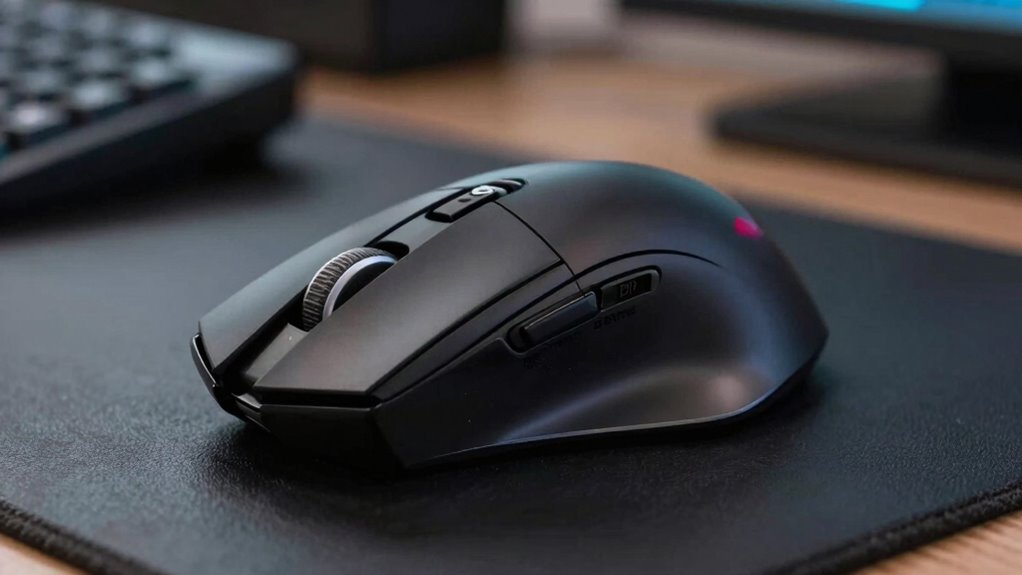
When selecting a mouse for your development work, comfort should be a top priority since you’ll be using it for long periods. Look for customizable buttons to streamline your workflow and adjustable sensitivity settings to match different tasks. Choosing a mouse that balances ergonomic support with these features can boost your productivity and reduce strain.
Ergonomic Comfort Matters
Have you ever experienced discomfort after a long coding session? Choosing a mouse with good ergonomic design is essential for comfort and productivity. Prioritize a shape that fits your hand naturally, reducing strain. Look for a mouse that offers solid wrist support to prevent fatigue and repetitive stress injuries. Your workflow benefits when your mouse supports your wrist, allowing for smoother, more natural movements.
- Opt for a design that matches your grip style, whether palm, claw, or fingertip.
- Confirm the mouse has enough space to rest your hand comfortably.
- Check for adjustable features like thumb rests or height options.
- Test different shapes and sizes to find what feels most natural for extended periods.
Focusing on ergonomic comfort helps you work longer without pain, keeping your development smooth and efficient.
Customizable Button Options
Customizable button options can considerably streamline your development workflow by allowing you to assign frequently used commands or shortcuts to easily accessible buttons. With effective button mapping, you can reduce reliance on keyboard shortcuts and keep your focus on coding. Look for mice with programmable buttons that support shortcut customization, so you can tailor them to your specific needs. For example, you might assign compile commands, debugging controls, or code navigation shortcuts to these buttons. This setup speeds up repetitive tasks and minimizes interruptions. Make certain the mouse’s software is intuitive and flexible, making it easy to customize button functions. By optimizing your button options, you create a more efficient development environment, saving time and reducing strain during long coding sessions.
Sensitivity Settings Flexibility
Choosing a mouse with flexible sensitivity settings allows you to tailor your cursor response to your specific development tasks, enhancing precision and comfort. The ability to adjust sensitivity on-the-fly helps you switch between detailed code editing and quick navigation effortlessly. Look for mice with customizable precision adjustment options that work seamlessly with your software. Compatibility is key—ensure the mouse’s software supports fine-tuning settings without hassle. This flexibility minimizes wrist strain and maximizes accuracy during intense coding sessions.
- Opt for mice with easy-to-access DPI switches for instant sensitivity adjustments
- Check for software compatibility with your operating system and development tools
- Prioritize models with smooth, precise sensitivity control for detailed work
- Consider ergonomic design to complement sensitivity flexibility for long-term comfort
Frequently Asked Questions
Can DPI Settings Improve Software Development Productivity?
DPI settings can enhance your software development productivity by improving ergonomic comfort, reducing strain during long coding sessions. When you customize DPI, you can find a comfortable sensitivity that minimizes repetitive movements. Additionally, an aesthetic design tailored to your preferences can boost your focus and motivation. While DPI doesn’t directly impact coding skills, choosing the right settings and a visually pleasing mouse can make your work more comfortable and enjoyable.
Is There an Ideal Polling Rate for Coding Tasks?
The ideal polling rate for coding tasks is typically around 125Hz to 500Hz, balancing responsiveness and battery life. Higher rates might seem better, but they can impact ergonomic comfort and drain your battery faster. You should choose a polling rate that feels smooth without causing discomfort or frequent charging. Adjusting to your personal workflow guarantees you maintain productivity and comfort during long coding sessions.
Do Mouse Specs Affect Graphic Design or 3D Modeling?
Mouse specs do impact graphic design and 3D modeling, especially regarding ergonomic comfort and software compatibility. A comfortable mouse helps you work longer without strain, boosting productivity. Additionally, choosing a mouse compatible with your design software guarantees smooth, precise control. While DPI and polling rate matter less for these tasks, prioritize ergonomic features and software support to improve your overall workflow and reduce fatigue during intensive projects.
How Do Different Mouse Sensors Impact Precision for Developers?
Different mouse sensors considerably impact your precision as a developer. High-quality sensors offer better sensor calibration, ensuring accurate tracking even with fast or complex movements. Your grip ergonomics also matter, as a comfortable grip reduces fatigue and improves control, enhancing precision. Choosing a mouse with a reliable sensor and ergonomic design allows you to work more accurately and comfortably, especially during long coding sessions or intricate tasks.
Are Gaming Mice Suitable for Professional Software Development?
Gaming mice can be suitable for professional software development if they feature ergonomic design, reducing strain during long coding sessions. Their precision and customizable buttons can boost productivity. However, pay attention to battery life, especially if you prefer wireless models, so you won’t be interrupted by recharging. Ultimately, choose a mouse that offers comfort, reliability, and the features you need to work efficiently, whether for gaming or development tasks.
Conclusion
While it’s tempting to chase the latest high DPI and polling rate specs, remember that most development tasks won’t benefit from them. Focus instead on comfort, durability, and precision suited to your workflow. Don’t get caught up in the hype—your perfect mouse isn’t about the numbers but how it feels in your hand and supports your productivity. After all, even the fanciest gear won’t turn you into a coding wizard overnight!
Halloween Picks
halloween
As an affiliate, we earn on qualifying purchases.


![Competitive Programmer's Handbook (2018) [Pdf]](https://coderfacts.com/wp-content/uploads/2026/10/competitive-programmer-s-handbook-2018-pdf-featured-560x300.jpg)