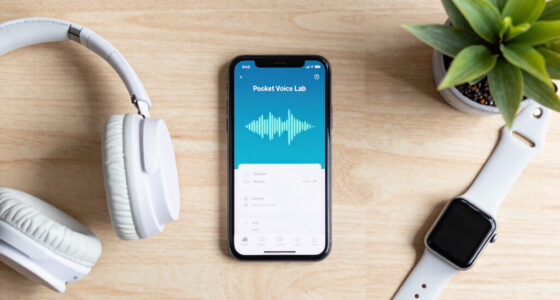
Your portable SSD speed isn’t as simple as what the box claims because many factors influence performance. Connection type, cable quality, device compatibility, and firmware all play a role. File size and data type also matter, with larger files transferring faster. Even brand reputation and thermal management impact sustained speed. If you want to understand what really affects your SSD’s performance and how to get the best out of it, there’s a lot more to discover.

Get business pricing on monitors, keyboards and dev gear
- Business-only prices and quantity discounts
- Tax-exempt purchasing
- Multiple users, one account, clear invoices
Key Takeaways
- Real-world transfer speeds are affected by connection type, cable quality, and device compatibility, often falling short of marketing claims.
- Firmware, controller quality, and NAND type significantly influence SSD performance and can cause variability.
- File size and data type impact transfer rates; larger files generally transfer faster than small or compressed data.
- Thermal management and sustained workload conditions can cause speed fluctuations and reduce overall performance.
- Benchmark results provide useful insights but may not reflect actual performance during prolonged or diverse usage scenarios.
As an affiliate, we earn on qualifying purchases.
Why Your Portable SSD Speed Might Not Match the Box
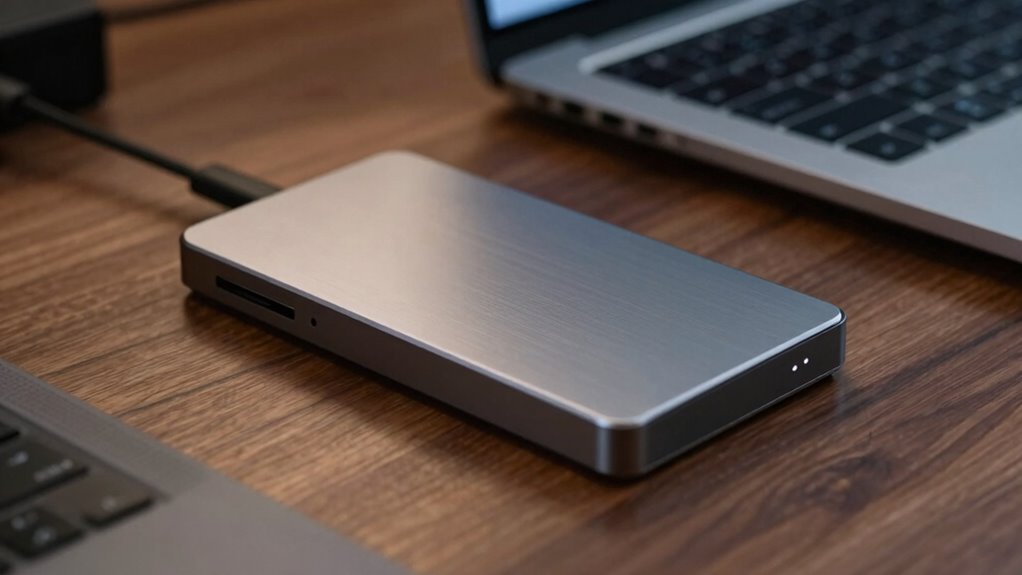
Even though your portable SSD might specify blazing-fast speeds on the box, real-world performance often falls short. One reason is that brand reputation plays a role; well-known brands tend to deliver more consistent user experiences because they invest in quality components and testing. However, even trusted brands can have models that underperform due to manufacturing variances or outdated firmware. Your user experience can also be affected by factors like connection type, cable quality, and your device’s compatibility. Just because a box claims impressive speeds doesn’t guarantee you’ll see those numbers in daily use. It’s vital to take into account reviews and real-world tests rather than relying solely on marketing claims. This ensures your expectations align with actual performance, avoiding frustration. Manufacturing Variances can also lead to discrepancies between advertised and actual speeds.
High-speed Thunderbolt external SSD
As an affiliate, we earn on qualifying purchases.
As an affiliate, we earn on qualifying purchases.
How Do Portable SSDs Achieve Their Speed?
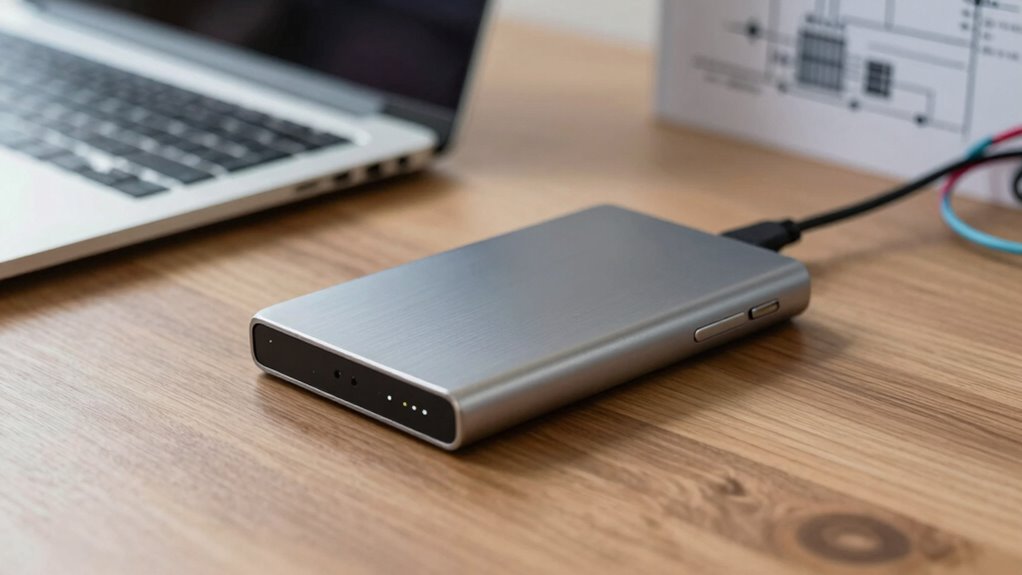
You can understand how portable SSDs achieve their speed by looking at the data transfer protocols they use, like NVMe and SATA, which determine how quickly data moves. The controller and NAND flash quality also play vital roles in ensuring fast and reliable performance. Together, these components work to maximize transfer speeds and minimize lag.
Data Transfer Protocols
Portable SSDs achieve their impressive speeds primarily through advanced data transfer protocols that optimize how data moves between the drive and your device. These protocols, like NVMe and Thunderbolt, markedly reduce latency and increase transfer rates. They also incorporate encryption protocols, ensuring data security without sacrificing speed. Power management features help balance performance with energy efficiency, preventing overheating and conserving battery life during intensive use.
- NVMe protocol minimizes data bottlenecks with direct PCIe connections.
- Thunderbolt protocols enable rapid data transfer over high-speed ports.
- Encryption protocols work seamlessly in the background, maintaining speed while securing your data.
Together, these protocols enable your portable SSD to deliver faster, more reliable performance.
Controller and NAND Quality
The internal hardware components of a portable SSD, particularly the controller and NAND flash memory, play a significant role in determining its speed. Controller technology manages data flow, optimizing how quickly information moves between your computer and the storage. A high-quality controller reduces bottlenecks and improves read/write speeds. NAND durability also matters; more durable NAND can handle frequent data writes without slowing down or failing, maintaining performance over time. Modern SSDs often feature advanced controllers with caching algorithms and error correction, which enhance speed and reliability. The type and quality of NAND chips directly influence sustained performance, especially during intensive tasks. Ultimately, choosing an SSD with a robust controller and resilient NAND ensures faster, more consistent speeds, making your storage not just quick but reliable over the long run.
As an affiliate, we earn on qualifying purchases.
What Factors Really Affect SSD Performance?
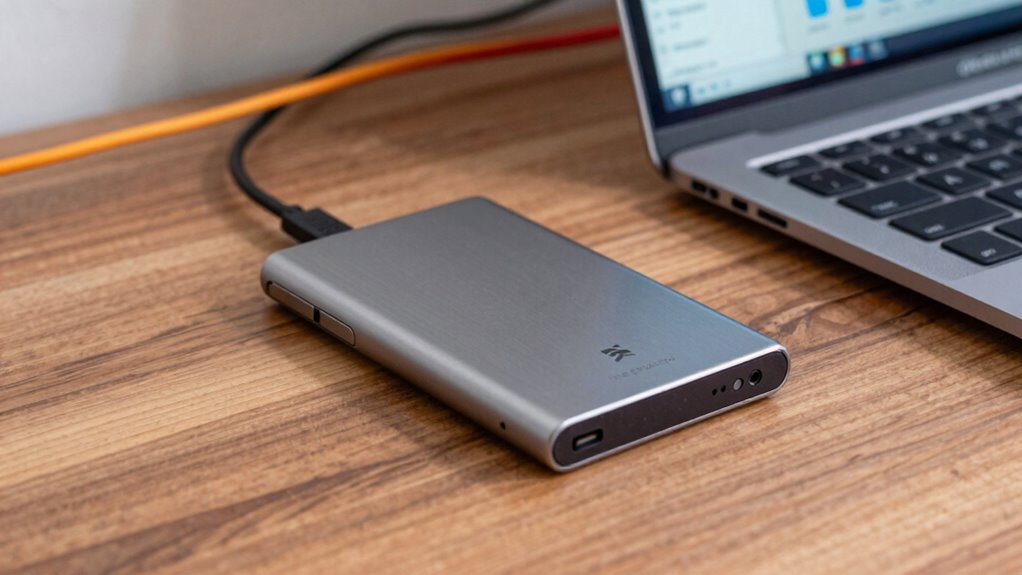
Several key factors directly influence SSD performance, shaping how fast data can be read or written. First, the drive’s controller and NAND quality determine speed and reliability. Second, battery life impacts performance in portable devices, as low power levels can throttle speeds or cause instability. Third, physical durability affects performance over time; a rugged design helps prevent damage that could slow or impair data transfer. Additionally, the SSD’s firmware optimizations and thermal management play roles in maintaining consistent speeds. Keep in mind, even a fast drive can underperform if it’s not properly powered or protected from physical shocks. Controller technology and NAND type are crucial components that influence overall performance. Understanding these factors helps you choose a portable SSD that maintains ideal speeds and longevity, beyond just what the box claims. For example, testing accuracy can reveal real-world performance deviations caused by uncontrolled variables. Moreover, proper battery management can ensure sustained performance and prevent unexpected speed drops during use, especially when thermal throttling occurs due to overheating. In addition, firmware updates can optimize the drive’s performance and fix bugs that might hinder speed or stability.
Best portable SSD for large file transfer
As an affiliate, we earn on qualifying purchases.
As an affiliate, we earn on qualifying purchases.
How Do File Size and Data Type Impact Transfer Speeds?
While the hardware factors set the potential for your SSD’s speed, actual transfer performance depends heavily on the size and type of files you’re moving. Larger files, like videos or disk images, typically transfer faster because they involve fewer read/write operations, reducing overhead. Smaller files, however, can slow things down due to increased data fragmentation, which forces the SSD to perform multiple small transfers instead of one continuous stream. Data compression also plays a role; highly compressed files transfer more efficiently because they take up less space. Conversely, uncompressed or already compressed data, such as JPEG images or ZIP archives, don’t benefit much from compression during transfer. Understanding these factors helps you optimize your transfer speeds by managing file size and data type effectively. Additionally, media literacy can help users better interpret and manage the information they transfer and store.
Why Does Device Compatibility Matter for SSD Speed?
Device compatibility directly influences your SSD’s transfer speeds because not all devices support the latest protocols or interfaces. If your device lacks support for features like NVMe or USB 3.2, you won’t reach maximum speeds. Additionally, firmware optimization plays a role; outdated firmware can limit performance even on compatible hardware. Power management settings also matter—some devices prioritize energy saving over speed, reducing transfer rates. To get the best performance, verify your device supports current standards, has up-to-date firmware, and allows for ideal power management. Ensuring your device supports modern hardware standards can significantly impact your SSD’s performance. Being aware of compatibility issues and protocol support can help you troubleshoot potential bottlenecks and improve transfer speeds, especially as AI discoveries continue to advance new technologies that influence hardware capabilities.
Tips to Maximize and Maintain Your Portable SSD’s Speed
To keep your portable SSD running at peak speeds, you need to regularly perform maintenance and follow best practices. Keep the firmware updated to guarantee superior performance and compatibility. Manage your files by avoiding excessive fragmentation, which can slow transfer speeds. Protect your device’s battery life by unplugging it when not in use and avoiding frequent deep discharges, preserving portability features. Additionally, use the right cables and ports to maximize data transfer rates. Monitoring your device’s performance metrics can help identify issues before they affect speed. Understanding the symbolism of clocks and time in your device’s operation can also provide insights into its overall health and longevity.
What Do SSD Benchmark Tests Tell You About Performance?
SSD benchmark tests provide valuable insights into your drive’s performance by measuring key aspects like read and write speeds, latency, and input/output operations per second (IOPS). These tests reveal how well your SSD handles data under different conditions, but they don’t tell the whole story. For example, thermal throttling can cause your drive to slow down during sustained use, impacting real-world performance. Firmware updates often improve speed and stability, so keeping your SSD’s firmware current can prevent bottlenecks. Additionally, early warning signs can help identify potential issues before they significantly affect your drive’s performance or lifespan. Monitoring thermal management and understanding how it affects sustained workloads can provide a clearer picture of your SSD’s performance factors and overall reliability.
Frequently Asked Questions
Can Using Multiple Devices Slow Down SSD Transfer Speeds?
Yes, using multiple devices can slow down SSD transfer speeds because it affects data transfer efficiency and device compatibility. When you connect several devices at once, your SSD may have to manage multiple data streams, which can cause congestion or bottlenecks. Guarantee your device supports your setup and avoid excessive simultaneous connections to maintain maximum transfer speeds. Properly managing connections helps keep your SSD running smoothly and efficiently.
How Does Encryption Impact SSD Performance?
Encryption can impact your SSD’s performance because of encryption overhead, which adds extra processing time. However, if your SSD supports hardware acceleration for encryption, it can reduce this impact substantially. You might notice a slight slowdown when encryption is active, but hardware acceleration helps keep speeds high. Overall, using encryption adds some overhead, but with the right hardware, the performance difference remains minimal.
Do Different Operating Systems Affect SSD Speed?
Imagine you’re transferring large files on a Mac versus a Windows PC; you’ll notice speed differences. Different operating systems affect SSD speed mainly through file system compatibility and power management settings. For example, macOS’s APFS offers optimized performance, while Windows might slow down due to aggressive power-saving modes. Adjusting power management settings and choosing compatible file systems can considerably improve your SSD’s speed across different OSes.
Is There a Significant Speed Difference Between SSD Brands?
Yes, there’s often a noticeable speed difference between SSD brands, mainly due to variations in data transfer protocols and NAND flash types. Some brands use faster protocols like NVMe over PCIe, while others rely on slower ones like SATA. Additionally, the type of NAND flash—such as TLC or QLC—affects speed and endurance. So, researching these factors helps you choose an SSD that truly meets your performance needs.
How Often Should I Update SSD Firmware for Optimal Speed?
You should check for firmware updates whenever you notice performance issues or when the manufacturer releases new versions. Firmware updates often include performance optimization, bug fixes, or compatibility improvements, so staying current helps keep your SSD running smoothly. While there’s no strict timeline, regular checks—every few months or after new updates—ensure you’re getting the best speed and reliability. Keep an eye on the manufacturer’s website for updates.
Conclusion
Remember, your portable SSD’s advertised speeds often don’t tell the whole story—real-world performance can vary based on multiple factors. Did you know that data transfer speeds can drop by up to 50% depending on file types and device compatibility? To get the most out of your drive, keep it updated and optimize how you transfer files. By understanding these elements, you’ll guarantee your SSD performs at its best whenever you need it most.
Fall Picks
fall essentials
As an affiliate, we earn on qualifying purchases.