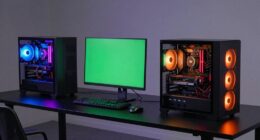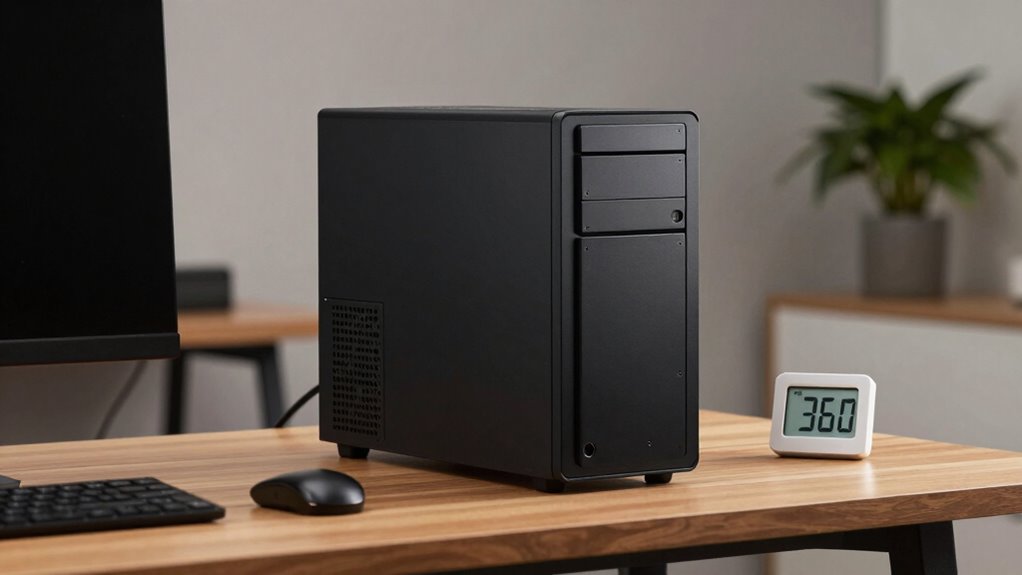

To choose a small form factor PC without thermal regret, focus on cases with good airflow, ventilation, and space for high-quality, low-profile cooling components. Avoid models that prioritize aesthetics over function, and guarantee internal layout supports unobstructed airflow. Opt for efficient fans, proper cable management, and components designed for compact builds. Regular maintenance like cleaning filters is essential. If you want to know more about optimizing your small PC’s cooling, keep exploring these tips.
Key Takeaways
- Select a case with good ventilation, multiple fan mounts, and mesh panels for optimal airflow and heat dissipation.
- Prioritize components designed for small form factors, ensuring compatibility and efficient thermal performance.
- Maintain proper cable management to prevent airflow obstruction and hotspots inside the case.
- Regularly clean dust filters and vents to sustain effective cooling over time.
- Avoid overclocking and choose high-efficiency power supplies to reduce heat generation and thermal stress.

GSCOLER X1 USB Cooling Fan, 18dB Ultra Quiet 120mm USB Computer Fan with Built-in Cable, Portable Fast Cooling Suitable for Router, Receiver, Amplifier, DVR, PlayStation, Xbox, Computer Cabinet More
【Universal Compatibility】This USB cooling fan works seamlessly with Mini PC, PS5, routers, Apple TV, modems, PlayStation, receivers, Rokus,…
As an affiliate, we earn on qualifying purchases.
As an affiliate, we earn on qualifying purchases.
Why Do Small Form Factor PCs Overheat?
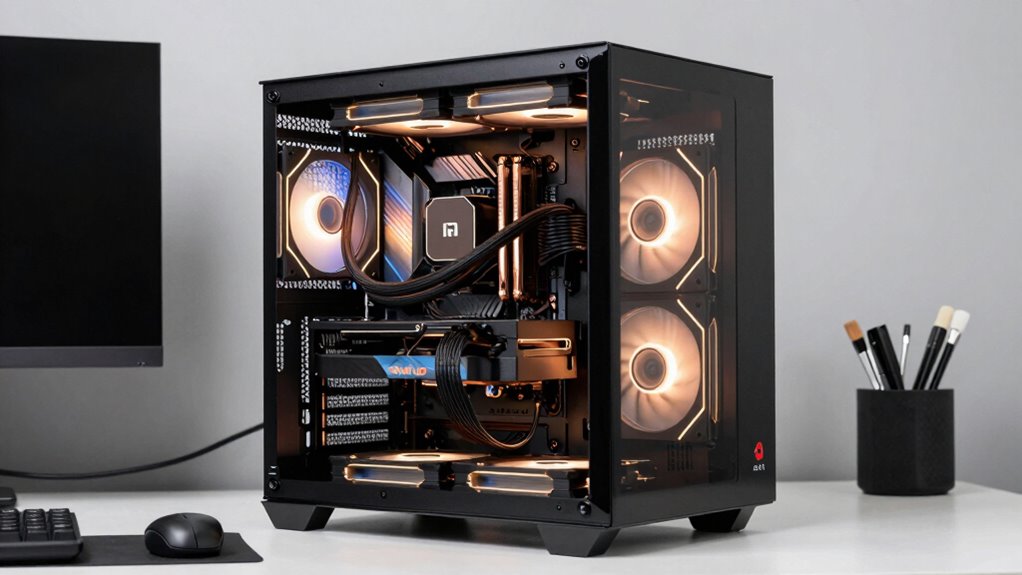
Small form factor PCs often overheat because their compact size limits airflow and makes it harder for cooling components to do their job effectively. Without enough space for proper ventilation, heat quickly builds up. Overclocking risks increase in these tight spaces, as pushing components beyond standard speeds generates extra heat that’s difficult to dissipate. Dust accumulation is another major issue, clogging vents and settling on fans and heatsinks, further reducing cooling efficiency. As dust blocks airflow pathways, temperatures rise faster, risking thermal throttling or hardware damage. Proper cable management and regular cleaning can help maintain airflow and prevent dust buildup, ensuring your system stays cool. Additionally, choosing a compact cooling solution designed specifically for small spaces can significantly improve heat dissipation and prevent overheating. Implementing dust filters can also trap airborne particles before they settle inside your system, further safeguarding against dust buildup. To further protect your system, consider using dust filters and ensuring unobstructed airflow around your PC. Understanding these risks helps you maintain ideal performance and longevity for your compact system.
![MoKo 400x300mm DIY PC Case Dust Mesh Filter, [2 Pack] PVC Dustproof Magnetic Dust Filter Cover, PC Mesh Grill with Magnetic Frame Strip Computer Cooler Fan Dust Filter for Computer PC Case, Black](https://m.media-amazon.com/images/I/61aJ1rreFkL._SL500_.jpg)
MoKo 400x300mm DIY PC Case Dust Mesh Filter, [2 Pack] PVC Dustproof Magnetic Dust Filter Cover, PC Mesh Grill with Magnetic Frame Strip Computer Cooler Fan Dust Filter for Computer PC Case, Black
400 x 300mm DIY Filter: This DIY PC case dust mesh filter provides you a wide range of…
As an affiliate, we earn on qualifying purchases.
As an affiliate, we earn on qualifying purchases.
Key Components That Affect Cooling in Compact PCs
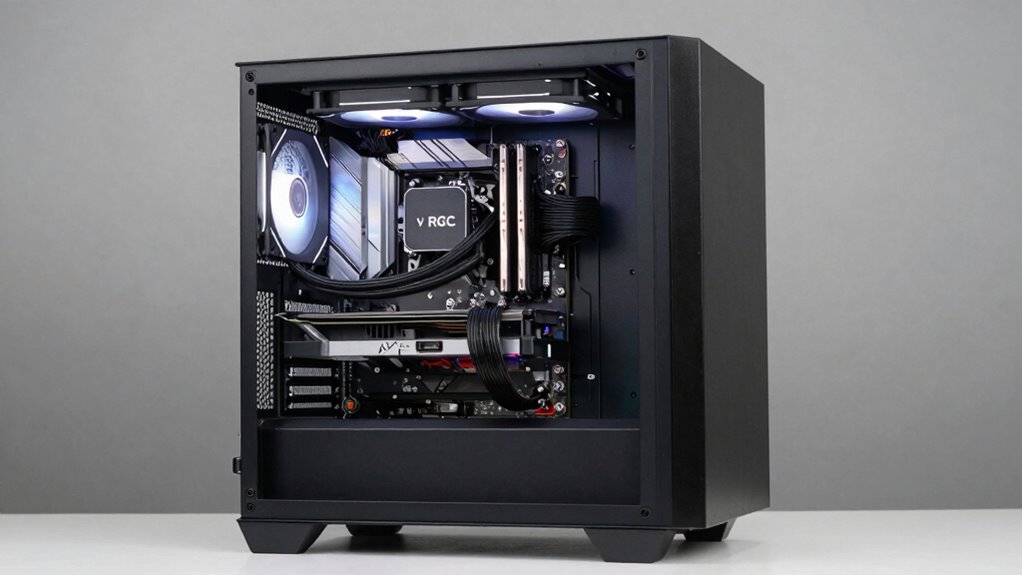
Optimizing airflow is essential in small form factor PCs, as limited space can quickly lead to heat buildup. You should consider compact cooling solutions that fit within tight spaces without sacrificing performance. By focusing on airflow strategies and efficient cooling options, you can keep your system cool and reliable. Incorporating essential DIY tools like small screwdrivers or thermal paste applicators can make installing these cooling solutions easier and more effective. Additionally, understanding indoor air quality can help you identify potential sources of dust and microplastics that may accumulate inside your PC, affecting cooling efficiency. Being aware of precious metal investments can also remind you of the importance of safeguarding valuable components, especially in densely packed systems. Proper component placement and thermal management are crucial for preventing hotspots and ensuring consistent performance over time.
Airflow Optimization Strategies
Effective airflow is essential in compact PCs because limited space can quickly lead to overheating if heat isn’t managed properly. To optimize airflow, consider both intake and exhaust placement, ensuring cool air flows directly over key components like the CPU and GPU. Using aesthetic customization options like custom fans or filters can improve airflow without sacrificing style. Maintaining a clear internal layout prevents obstructions that hinder cooling. Also, choose components that prioritize power efficiency, which generate less heat and reduce the cooling burden. Proper cable management minimizes airflow disruption, helping cool air reach critical parts effectively. Small tweaks, like adding or repositioning fans, can notably improve thermal performance, ensuring your compact PC runs cool without compromising its sleek design. Incorporating home design principles, such as strategic component placement, can further enhance airflow efficiency. Additionally, staying informed about market trends and insights can help in selecting components that offer better thermal performance and energy efficiency. Being aware of cooling solutions available on the market enables you to choose the most effective options for your specific build. To further enhance cooling, selecting high-quality thermal paste can improve heat transfer between the CPU and heatsink. Moreover, understanding the thermal dynamics within small enclosures allows for more precise cooling strategies, reducing the risk of thermal regret over time.
Compact Cooling Solutions
Have you ever wondered which key components play the biggest role in keeping a compact PC cool? Your cooling solution depends heavily on the quality of your heatsinks, fans, and overall layout. Smaller cases limit airflow, making efficient cooling essential to prevent overheating. Overclocking hazards increase the risk of thermal stress, so you need reliable cooling to maintain stability. Additionally, power supply efficiency influences heat output; inefficient PSUs generate more heat, adding to thermal challenges. To optimize cooling in small form factor builds, choose high-quality, low-profile heatsinks, strategically position fans, and guarantee unobstructed airflow paths. Investing in components designed for compact environments helps prevent thermal regret, allowing you to push performance without risking overheating or damaging your system. Proper thermal management techniques are crucial for maintaining system longevity and performance in confined spaces. Incorporating advanced cooling solutions, such as liquid cooling or specialized airflow designs, can further enhance thermal performance in tight cases. Furthermore, selecting high-efficiency power supplies can significantly reduce heat generation and ease cooling demands. Understanding the importance of component placement can also improve airflow efficiency and cooling effectiveness in small cases.

JONSBO C6-ITX Black Mini ITX Handled Mesh PC Case, Simple Compact Desktop Chassis, SP MB mini-ITX/Mini-DTX, ATX Power Bite (L140mm Max.), 170mm Tower Cooler,Tool-Free Open SFF Case, Black
【Simple Compact Desktop ITX handled mesh PC case】 Desktop ITX chassis,simple &compact,easy to place,SFF case,Easier to build your…
As an affiliate, we earn on qualifying purchases.
As an affiliate, we earn on qualifying purchases.
Choosing a Small PC Case With Good Airflow
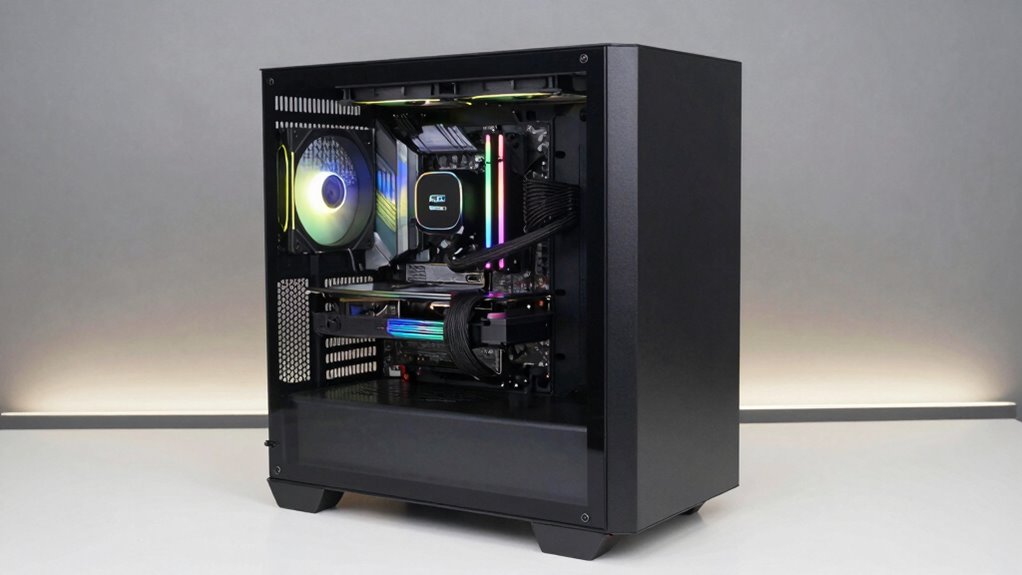
When choosing a small PC case, prioritizing good airflow is essential to keep your components cool and maintain performance. Good airflow ensures heat dissipates efficiently, preventing thermal issues. Look for cases with multiple fan mounting options and mesh panels for superior ventilation. Also, consider the aesthetic design—your case should match your style without sacrificing function. Brand compatibility matters too; confirm your chosen case supports your CPU, GPU, and cooling solutions. Additionally, selecting a case with proper ventilation can significantly impact thermal performance and component longevity. Ensuring your case supports adequate airflow is crucial for maintaining optimal temperatures during intensive use. Here’s a quick comparison:
| Feature | Importance |
|---|---|
| Mesh panels | Enhance airflow and cooling |
| Multiple fan mounts | Flexibility for cooling configurations |
| Compact size | Balance compactness with ventilation |
| Aesthetic design | Matches your style and workspace |
| Brand compatibility | Ensures components fit and work smoothly |
Additionally, selecting a case with Victorian-inspired design can add a unique aesthetic touch to your setup while maintaining necessary airflow.

Thermalright AXP90 X36 Low Profile ITX CPU Cooler, 36mm Height, TL-9015 Slim PWM CPU Fan, Computer ITX Heatsink Cooler, for AMD:AM4 AM5/Intel LGA1150/1151/1200/1700/1851
Compact, premium-quality low-profile CPU cooler (36mm total height)
As an affiliate, we earn on qualifying purchases.
As an affiliate, we earn on qualifying purchases.
Features That Prevent Overheating in Small PCs
Are you aware of the key features that can prevent your small PC from overheating? Good ventilation is essential. Look for designs with efficient airflow paths and vents that promote heat dissipation. Some small PCs include heat sinks or liquid cooling options, which help manage thermal loads more effectively. Avoid overclocking your CPU or GPU unless the system is specifically built for it, as overclocking risks generating extra heat and increasing failure chances. Regularly check for dust accumulation inside your PC, as dust can block airflow and trap heat. Using filters or cleaning your system periodically keeps airflow unobstructed. Ensuring proper thermal management is crucial for maintaining optimal temperatures. Paying attention to piercing care and hygiene and keeping piercings clean can also prevent infections that might cause additional heat and inflammation. Additionally, understanding airflow principles can help you optimize your setup for better cooling efficiency. Being aware of how thermal regulation functions can also assist in designing or choosing systems with better heat dissipation features. These features work together to maintain ideal temperatures, preventing overheating and ensuring your small PC runs smoothly and reliably.
How to Optimize Your Small PC’s Internal Layout for Better Cooling
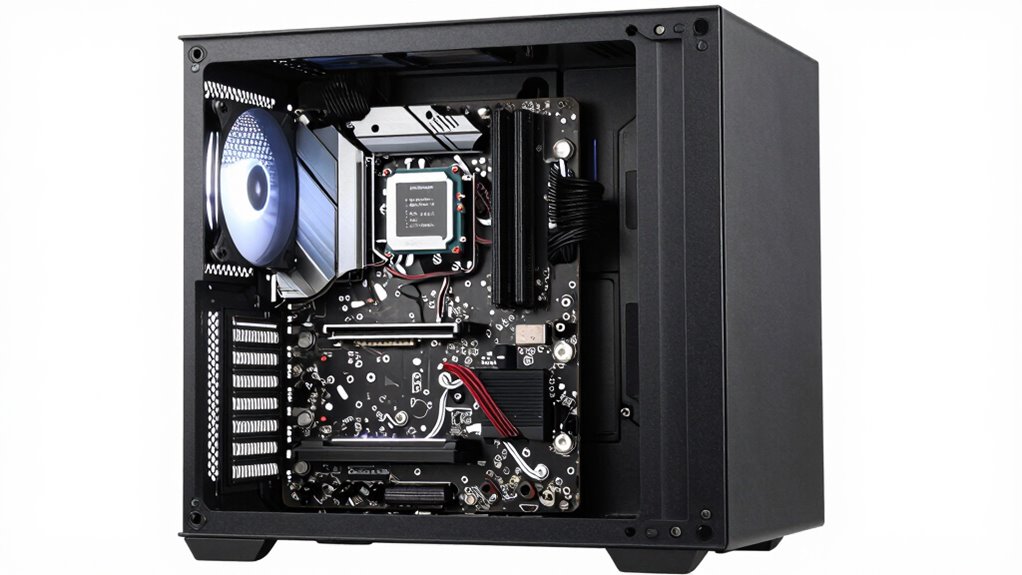
Optimizing your small PC’s internal layout is essential for effective cooling, especially given the limited space. Proper arrangement guarantees airflow reaches critical components and prevents hotspots. Start by organizing cables with good cable management; tidy cables reduce airflow obstruction and improve cooling efficiency. Next, position heat-generating parts like the CPU and GPU for ideal airflow paths, avoiding clutter that can trap heat. Finally, incorporate aesthetic enhancements, such as custom brackets or colored cables, to keep the interior visually appealing while maintaining functionality. Consider these steps:
Optimize your small PC’s layout with organized cables, strategic component placement, and stylish yet functional enhancements for better cooling.
- Use cable management solutions to minimize clutter and improve airflow.
- Arrange components to promote unobstructed airflow paths.
- Incorporate aesthetic enhancements that don’t compromise cooling efficiency.
This approach guarantees your small PC stays cool without sacrificing style or performance.
Cooling Options for Small Form Factor PCs
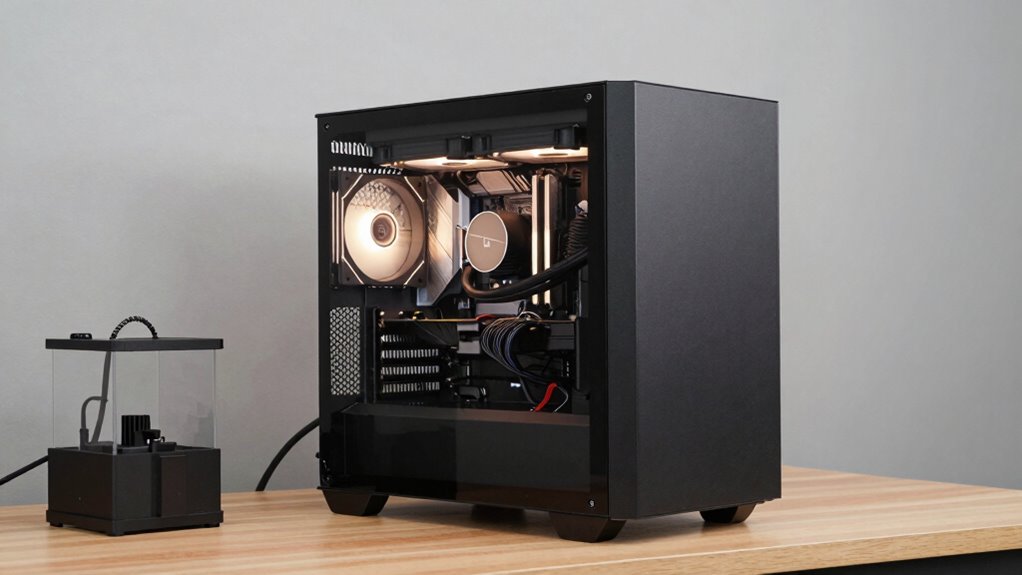
When choosing cooling options for your small form factor PC, you need to take into account passive methods like heat sinks, as well as active solutions such as small fans or liquid cooling. Implementing effective thermal management strategies can help optimize airflow and keep temperatures down. Balancing these options will ensure your PC runs smoothly without overheating in a compact space.
Passive Cooling Methods
Passive cooling methods offer a quiet and energy-efficient way to keep small form factor PCs from overheating, especially in environments where noise levels matter. These methods focus on heat dissipation without moving parts, enhancing aesthetic appeal and power efficiency. To maximize passive cooling, consider:
- Heat sinks: Large, well-designed heat sinks increase surface area, improving heat dissipation while adding sleek aesthetic enhancements.
- Thermal pads and compounds: Proper application ensures efficient heat transfer between components and heat sinks, boosting overall thermal performance.
- Case design: Choosing cases with strategic ventilation, open layouts, or natural airflow pathways helps maintain ideal temperatures without fans, preserving power efficiency and visual simplicity.
These approaches support a quieter, more visually appealing setup while preventing thermal issues.
Active Cooling Solutions
Are active cooling solutions necessary to keep small form factor PCs running smoothly under demanding workloads? If you’re pushing your system with high-performance tasks, active cooling can prevent overheating, ensuring stability and performance. While active cooling consumes more power, it can help preserve battery longevity by maintaining excellent temperatures, reducing thermal stress. Software optimization also plays a role, allowing you to manage fan speeds and thermal thresholds effectively. Here’s a quick overview:
| Cooling Type | Power Consumption | Suitability |
|---|---|---|
| Fans | Moderate | High workloads, thermal management |
| Liquid | Higher | Overclocking, minimal space |
| Hybrid | Variable | Balanced performance and noise |
| Peltier | High | Specialized, limited use |
Choosing the right active cooling depends on balancing thermal needs with power and space constraints.
Thermal Management Strategies
Effective thermal management is essential for small form factor PCs, especially since their compact design leaves limited space for traditional cooling solutions. To maximize airflow and prevent overheating, pay attention to cable management, ensuring cables are tidy and don’t block airflow paths. Consider your power supply’s placement, as a well-ventilated power supply can help reduce heat buildup. Here are three key strategies:
- Use low-profile, high-efficiency fans to improve airflow without adding bulk.
- Incorporate heat sinks or liquid cooling options designed for small spaces to enhance heat dissipation.
- Position components thoughtfully, maintaining clear pathways for air circulation and minimizing heat accumulation around the CPU and GPU.
Implementing these strategies helps maintain ideal temperatures and extends component longevity.
Common Mistakes That Cause Your Small PC to Overheat
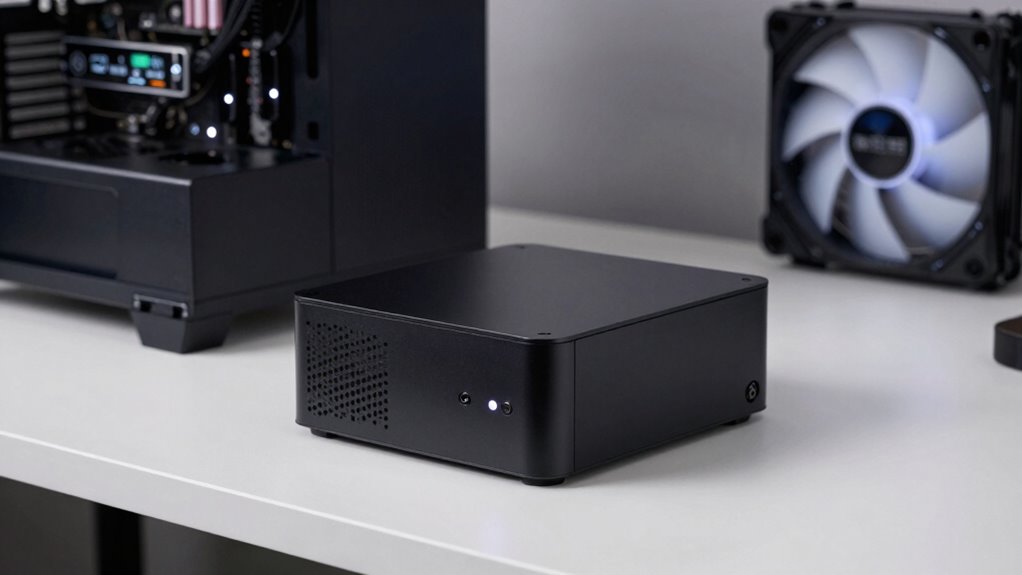
One common mistake that leads to overheating in small PCs is neglecting proper airflow and ventilation. When you ignore these factors, you risk creating hotspots that can cause thermal issues. Overclocking hazards are often overlooked in small form factor builds, as pushing components beyond their limits generates extra heat that your case may not dissipate effectively. Additionally, prioritizing aesthetic considerations over airflow can trap warm air inside, reducing cooling efficiency. Many users try to fit larger or more powerful components into tiny cases without considering whether the case’s design supports adequate ventilation. This oversight can lead to persistent overheating, system instability, or even hardware failure. Ensuring good airflow and avoiding overclocking hazards are essential steps to keep your small PC running cool and reliable.
Tips to Keep Your Small PC Cool Over Time
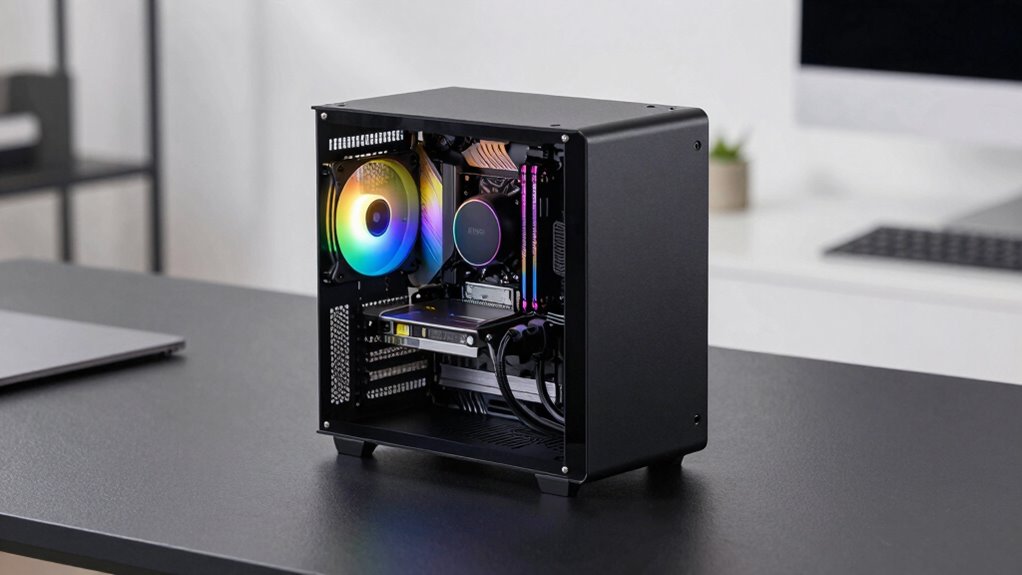
To keep your small PC cool over time, maintaining proper airflow is essential. Good airflow prevents heat buildup that can damage components and reduce performance. Additionally, optimizing your device’s wireless connectivity ensures stable data transfer without overheating caused by network issues. When considering aesthetic design, choose a case with ventilation features that blend style with function. Here are three tips to help keep your small PC cool:
Proper airflow and ventilation keep your small PC cool and performing reliably over time.
- Ensure unobstructed vents and consider adding small, quiet fans if needed.
- Position your PC in a well-ventilated area, away from direct sunlight or heat sources.
- Regularly clean dust from vents and filters to maintain efficient airflow and prevent overheating.
These steps keep your small PC running cool, reliable, and visually appealing over time.
Frequently Asked Questions
How Do I Test a Small Pc’s Thermal Performance Before Buying?
To test a small PC’s thermal performance before buying, ask to see it run during intensive tasks to observe temperature and noise levels. Check the power supply’s capacity and efficiency, ensuring it can handle peak loads without overheating. Listen for excessive noise, which indicates cooling issues. If possible, review reviews or ask the seller for thermal testing results to confirm the system stays cool and quiet under load.
Are Liquid Cooling Solutions Practical for Small Form Factor PCS?
Liquid cooling can be practical for small form factor PCs, especially if you prioritize quieter operation and better thermal management. However, it requires careful planning and installation, making thermal testing essential before committing. You should test your small PC’s thermal performance with existing cooling solutions first, then consider liquid cooling if temperatures are high or noise becomes an issue. Just guarantee your case supports liquid cooling components properly.
What Are the Best Thermal Interface Materials for Compact PCS?
In a world where thermal management is king, using high-quality thermal interface materials (TIMs) like thermal compound or thermal pads is essential for compact PCs. You should focus on TIMs that promote GPU optimization and enhance airflow management, such as premium thermal pastes with high thermal conductivity. These materials guarantee efficient heat transfer from components, preventing overheating and maintaining performance. Always choose TIMs compatible with your CPU and GPU for the best results.
Can Undervolting or Underclocking Improve Cooling in Small PCS?
Yes, undervolting or underclocking can improve cooling in small PCs by reducing power consumption and heat output. These cooling strategies enhance power efficiency, making it easier for compact cases to stay cool. By lowering voltage or clock speeds, you minimize thermal stress on components, which helps prevent overheating. Just make certain you find a balance that maintains performance while maximizing cooling benefits, keeping your small PC running smoothly.
How Does Ambient Room Temperature Impact Small PC Cooling Efficiency?
Higher ambient room temperature decreases your small PC’s cooling efficiency because it limits heat dissipation. You should focus on airflow optimization inside the case, ensuring unobstructed airflow paths. When the room is warm, your fans work harder, increasing fan noise. To maintain ideal cooling, keep the room cool and well-ventilated, and consider upgrading your cooling solutions if you notice temperature spikes or excessive fan noise during heavy loads.
Conclusion
As you build your small PC, imagine a quiet, cool sanctuary where every component breathes freely, undisturbed by the chaos of heat. By choosing the right case, optimizing your layout, and employing effective cooling strategies, you create a sleek, efficient machine that stays chill even under pressure. Think of your compact PC as a finely-tuned engine—when cooled properly, it runs smoothly and reliably, ready to power your passions without the fear of thermal regret.