Choosing between ultra-short-throw projectors and big TVs depends on your room size, lighting, and how you want to display content. Projectors save space and can deliver vibrant visuals, but they need controlled lighting and external speakers. Large TVs are easier to set up, offer consistent image quality from different angles, and are great for bright environments. To find out which fits your needs best and get tips for setup, keep exploring the details below.
Key Takeaways
- Big TVs provide higher resolution and consistent image quality, ideal for clear, vibrant team presentations in well-lit rooms.
- Ultra-short-throw projectors save space and create immersive visuals, suitable for large or flexible room layouts.
- TVs are easier to set up, with minimal calibration, while projectors require precise mounting and image adjustments.
- Built-in smart features and wireless connectivity are more common and straightforward with large TVs.
- Projectors need controlled lighting conditions and external speakers, whereas TVs perform reliably in various ambient light environments.

AWOL VISION LTV-3000 Pro 4K 3D Ultra Short Throw Triple Laser Projector, Dolby Vision & Atmos, HDR10+, 150" UST Laser TV Home Theater Projector
- Built-in Center Channel Speaker: Clear dialogue from the screen
- Ultra Short Throw Design: Fixed 0.25:1 throw ratio
- 4K 3D Triple Laser Technology: Vibrant images with Dolby Vision
As an affiliate, we earn on qualifying purchases.
As an affiliate, we earn on qualifying purchases.
What’s the Difference Between Projectors and TVs?
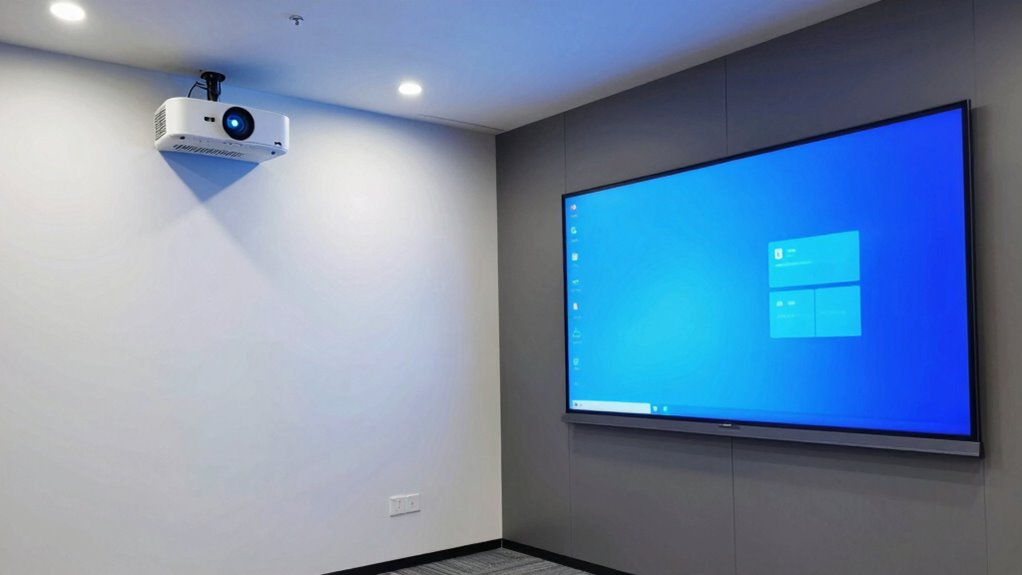
Have you ever wondered how projectors and TVs differ? One key difference is screen resolution. TVs usually offer higher resolutions, like 4K or even 8K, providing sharp, detailed images. Projectors, especially ultra-short-throw models, can sometimes lag behind in resolution but are improving steadily. Another factor is viewing angles. TVs generally deliver consistent picture quality from almost any angle, so everyone sees the same clear image. Projectors, however, often have more limited viewing angles; if you sit off to the side, the picture might appear dimmer or distorted. This makes TVs more suitable for large, multi-viewer spaces where everyone needs a clear view. Additionally, contrast ratio plays a significant role in image quality, especially in dark room environments, making projectors capable of deeper blacks and brighter whites. Understanding these differences helps you choose the right display for your team demo room.

INSIGNIA 75-inch Class QF Series LED 4K UHD QLED Smart Fire TV with Alexa Voice Remote (NS75-UQFL26)
- Resolution: 4K UltraHD for detailed images
- Display Technology: QLED with Quantum Dot Technology
- Backlight: Direct LED for uniform brightness
As an affiliate, we earn on qualifying purchases.
As an affiliate, we earn on qualifying purchases.
How Room Size and Layout Affect Your Choice
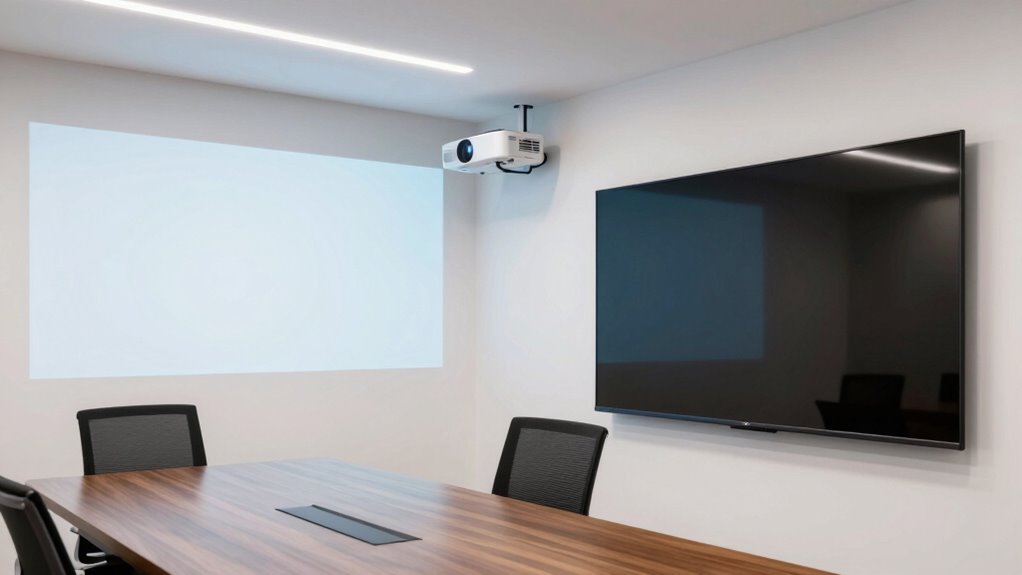
The size and layout of your room play a crucial role in determining whether a projector or a TV is the better fit. If your space has a large, open layout, a big TV might feel overwhelming, and an ultra-short-throw projector could provide a more immersive experience without cluttering the room. Consider room acoustics—hard surfaces can cause echo, making audio less clear, so choose equipment that suits your sound environment. Furniture placement also matters; bulky furniture might block views or limit projector screen size, while a TV can be positioned more flexibly. Smaller or irregularly shaped rooms may benefit from a TV’s straightforward setup, whereas larger, well-organized spaces can maximize a projector’s potential. Tailoring your choice to your room’s size and layout guarantees ideal visibility and sound. Additionally, understanding room acoustics is essential for optimizing audio clarity in your setup. Properly assessing room size and layout can help you select the most suitable display technology for your needs, especially when considering the space constraints that influence your overall setup. Gaining insight into room design can further refine your decision, ensuring your demo room remains both functional and comfortable.

HAPPRUN 2000 ANSI Google TV Built-in Outdoor Video Projector with WiFi 6 and Bluetooth 5.2, Smart Projector, 4K Decoding, Auto Focus, Dolby Sound, Built-in Speakers, Home Theater Projector with Apps
- Built-in Google TV: Stream apps without extra devices
- Bright 2000 ANSI Lumens: Vivid images in any lighting
- Large 300-Inch Screen: Transform walls into big screens
As an affiliate, we earn on qualifying purchases.
As an affiliate, we earn on qualifying purchases.
Image Quality: Brightness, Resolution, and Color
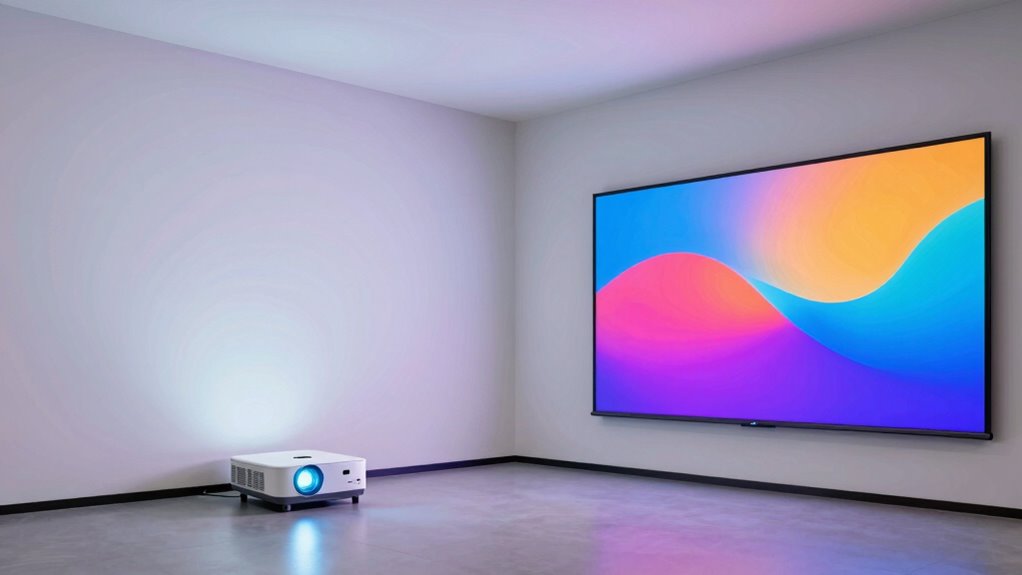
When comparing ultra-short-throw projectors and big TVs, paying attention to image quality is essential, especially regarding brightness, resolution, and color accuracy. Brightness determines how well your content remains visible in well-lit rooms, affecting overall image clarity. Higher resolution, like 4K, offers sharper details, making visuals clearer for everyone. Color accuracy is vital for vibrant, true-to-life images that engage your audience. Big TVs typically provide consistent brightness and excellent color fidelity, ensuring clear, vibrant images. Ultra-short-throw projectors can deliver impressive resolution but may struggle with brightness and color accuracy in brighter environments. Your choice should prioritize the display’s ability to produce crisp, bright images with accurate colors, ensuring your team demos are visually compelling and easily understood.
As an affiliate, we earn on qualifying purchases.
Space Needs and Installation Tips for Demo Rooms
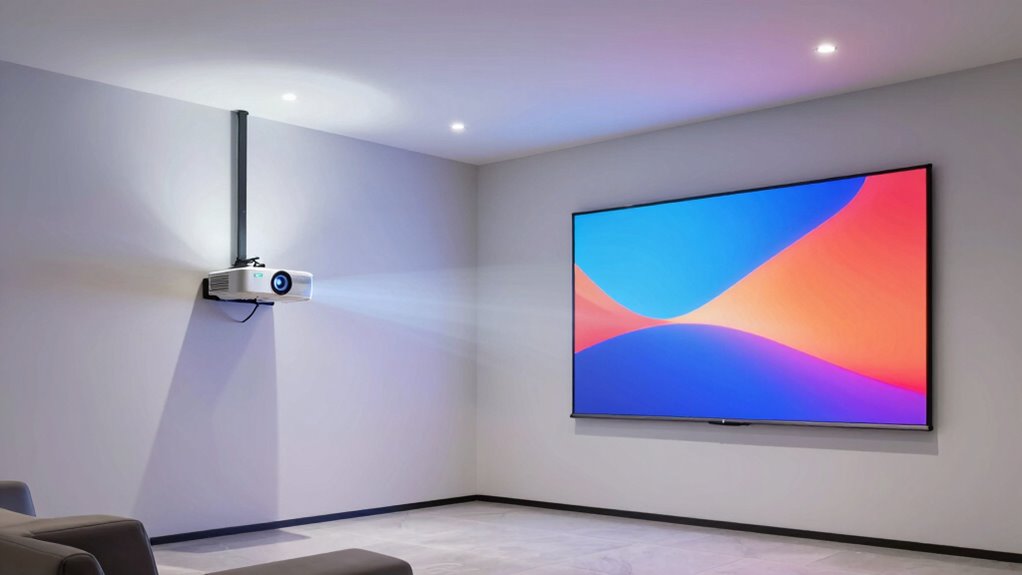
To create an effective demo room, you need to optimize your space to guarantee clear sightlines and unobstructed views. Proper installation practices, like choosing the right mounting height and cable management, can make a big difference. By focusing on space-efficient strategies, you’ll set up a demonstration that’s both functional and impressive.
Space Optimization Strategies
Maximizing space in demo rooms requires careful planning to guarantee your display setup fits comfortably without sacrificing functionality. To optimize space effectively, consider these strategies:
- Choose equipment with adjustable brightness to adapt to lighting conditions, reducing glare and enhancing visibility.
- Opt for compact displays that minimize footprint, freeing up room for movement and additional features.
- Position screens away from windows or direct light sources to control lighting conditions and prevent reflections.
- Monitor power consumption to prevent overloads and ensure efficient use of electrical outlets, especially when adding multiple devices.
Installation Best Practices
Effective installation of demo room displays hinges on understanding space requirements and following best practices to guarantee ideal viewing experiences. First, consider acoustic considerations; avoid placing speakers or noisy equipment near displays to prevent sound interference. Ensure the room has enough space for viewers to sit comfortably at the optimal viewing distance, whether you’re installing a big TV or an ultra-short-throw projector. Adequate power supply is essential—plan for sufficient outlets and proper cable management to prevent tripping hazards and maintain a tidy setup. Mount displays securely, accounting for weight and wall strength, and double-check alignment for a seamless image. Properly managing acoustics and power supply ensures your demo room functions smoothly, maximizing the impact of your visual presentation.
How Much Do Projectors and TVs Cost?
The cost difference between ultra-short-throw projectors and big TVs can be significant, influencing your decision depending on your budget. Ultra-short-throw projectors typically range from $2,000 to $8,000, with premium models costing more. In contrast, large TVs often start around $1,000 for basic models and can exceed $10,000 for high-end screens. When considering budget considerations, keep these points in mind:
- Brand comparisons affect overall price and quality.
- Projectors may require additional costs for screens or mounts.
- TVs often include built-in features that can add value.
- Long-term expenses like maintenance and upgrades vary, especially since credit card payments are common for such purchases.
- Additionally, proper safety precautions should be taken when setting up and operating electronic display equipment to prevent hazards. Being aware of cost-effective options can help you make smarter purchasing decisions and optimize your investment. Conducting thorough research on technology costs can provide further insights into making a balanced choice.
Setting Up and Using Projectors vs. TVs Easily
Setting up a big TV is straightforward—you just mount it or place it on a stand and connect your devices. Projectors, especially ultra-short-throw models, can be more involved but still manageable with clear instructions, especially for connecting sources. Daily use is usually simpler with TVs, thanks to their dedicated interfaces, while projectors may require occasional adjustments for ideal picture quality. Additionally, understanding astrophotography principles can help optimize image clarity when calibrating projector settings for presentations. When selecting between these display options, considering battery inverter generators can be helpful for portable setups or in locations without reliable power sources. Proper calibration ensures the best image quality, which is particularly important for waterproofing and maintaining projector longevity.
Setup Complexity and Ease
While both ultra-short-throw projectors and big TVs aim to deliver an immersive viewing experience, their setup processes differ markedly. Setting up a projector involves more steps, but it offers flexibility. You’ll need to:
- Choose the right mounting options, like a ceiling mount or table placement.
- Adjust the projector for proper image size and placement, often requiring trial and error.
- Fine-tune color calibration to ensure vibrant, accurate visuals.
- Position the projector to minimize shadows and glare.
In contrast, big TVs typically come with straightforward mounting options, often just a wall mount or stand, and require less adjustment. While projectors demand more effort initially, they can be more adaptable once set up.
Connectivity Options Available
When it comes to connectivity options, ultra-short-throw projectors and big TVs differ considerably in how straightforward they are to set up and use. Big TVs often feature built-in wireless connectivity, allowing you to connect smartphones, tablets, or laptops effortlessly via Wi-Fi or Bluetooth. This simplifies streaming and screen sharing without extra equipment. Ultra-short-throw projectors typically require wired connections for video input, but many now include wireless options, enabling you to mirror devices wirelessly. Audio options also vary; TVs usually have integrated speakers, providing immediate sound, while projectors might need external speakers for peak audio. Overall, TVs tend to offer more seamless, all-in-one connectivity, whereas projectors may involve additional setup steps for wireless streaming and audio.
Daily Usage Simplicity
Ultra-short-throw projectors generally require more effort to set up and start using compared to big TVs. You’ll need to position the projector accurately, adjust focus, and often fine-tune color calibration for the best** image quality. Once set up, using a projector involves turning it on, waiting for the lamp to warm up, and managing ambient light to maximize visibility. In contrast, big TVs are more straightforward: plug in, turn on, and start presenting. When it comes to daily use**:
- Setup Time: Projectors need precise placement; TVs are ready instantly.
- Color Calibration: Projectors often need periodic calibration for consistent color accuracy.
- Power Consumption: Projectors typically consume more power, especially during operation.
- Ease of Use: TVs offer simpler controls and faster startup, making daily use more convenient.
Collaboration and Flexibility Features to Look For
Choosing a projector or TV with strong collaboration and flexibility features can considerably enhance your viewing experience and productivity. Look for models with interactive features that allow seamless annotation, touch capabilities, or screen sharing, enabling everyone to participate easily. An ergonomic design is also essential, ensuring the device is user-friendly and adaptable to different room setups. Adjustable mounts, flexible input options, and easy connectivity support dynamic meetings and quick setup changes. These features foster engagement, streamline collaboration, and accommodate various working styles. Incorporating ergonomic design and achievements into your presentation tools can also create a more engaging and informative environment. By prioritizing interactive features and ergonomic design, you create a versatile environment that encourages active participation and efficient teamwork during your demo sessions.
Pros and Cons of Ultra-Short-Throw Projectors
Are ultra-short-throw projectors worth the investment? They can be, but weigh the pros and cons carefully.
- Lighting conditions matter; these projectors perform best in controlled lighting, so bright rooms may reduce image clarity.
- Space flexibility is a plus—they need minimal distance from the screen, saving room.
- Sound integration can be tricky; you’ll often need external speakers for clear audio.
- Image quality is generally good, but some models may struggle with detailed visuals compared to large TVs.
- Cultural appeal can enhance the viewing experience, especially when displaying vibrant visuals, similar to the lively colors found in Italian gelato culture.
While they save space and can work well in various lighting, they demand proper sound setup and may not match the sharpness of big screens. Consider your room’s lighting and sound needs before choosing.
Pros and Cons of Large TVs for Team Presentations

Large TVs are a popular choice for team presentations because they deliver clear, vibrant visuals that everyone in the room can see easily. However, lighting conditions can affect visibility; bright ambient light may wash out the display, so controlling room lighting is essential. Sound requirements vary depending on the room size—larger spaces might need external speakers for clear audio, since built-in speakers can be limited. Large TVs also tend to be stationary, reducing flexibility in room arrangement. On the plus side, they offer high-resolution images with minimal setup, and no need for complex calibration like projectors. Still, their size can be costly and may dominate the room’s aesthetics. Overall, large TVs are a straightforward solution but require careful planning for lighting and sound.
Frequently Asked Questions
Which Option Offers Better Energy Efficiency for Long-Term Use?
Big TVs generally offer better energy efficiency for long-term use compared to ultra-short-throw projectors. They consume less power per hour, thanks to their consistent LED or LCD technology, which is more power-efficient than projectors’ lamps and bulbs. Over time, this lower energy consumption reduces operating costs and environmental impact, making big TVs a smarter choice if you’re prioritizing power efficiency and long-term savings in your team demo rooms.
How Do Maintenance and Repair Costs Compare Between Projectors and TVS?
Think of maintenance and repair costs as tending a garden—some plants need regular care, others last longer. TVs often have a longer lifespan, meaning fewer repairs and lower ongoing costs. Projectors, however, may require more frequent bulb replacements and delicate handling, increasing maintenance expenses. So, for projection durability and overall longevity, TVs generally cost less to maintain over time, making them a more reliable choice for long-term use.
Are There Any Health or Eye Strain Concerns With Prolonged Use?
Prolonged use of projectors or big TVs can cause eye fatigue if you’re not careful. You might experience visual discomfort from bright screens or flickering images. To minimize this, make sure to maintain proper lighting, adjust screen brightness, and take regular breaks. Choosing a display with good resolution and flicker-free technology can also enhance visual comfort, reducing the risk of eye strain during extended team demo sessions.
Can These Display Options Be Integrated With Existing Conferencing Systems?
Yes, both ultra-short-throw projectors and big TVs can be integrated with your existing conferencing systems. You should check their integration compatibility and connectivity options, such as HDMI, USB, or wireless connections. Most modern devices support seamless integration, allowing you to connect your preferred conferencing platform easily. Make certain your chosen display option has the necessary ports or wireless features to match your current setup for smooth, hassle-free meetings.
What Are the Best Options for Portable or Mobile Demo Room Setups?
You’ll love a portable setup, especially since 65% of professionals prefer mobile display options for on-the-go demos. For your mobile display options, consider lightweight projectors or foldable screens that easily fit into a carrying case. A compact, battery-powered projector paired with a small tripod gives you flexibility, while portable monitors provide crisp visuals on the move. These options guarantee you can set up quickly and impress any audience anywhere.
Conclusion
Choosing between ultra-short-throw projectors and big TVs boils down to your room, budget, and how you want your team to collaborate. Don’t be a Scrooge—consider the space constraints, image quality, and features that matter most. Remember, whether you opt for a projector or a TV, the goal is seamless teamwork, not just a shiny object. With a little vintage wisdom, you’ll pick what makes your demo room truly shine—no time machine needed.