
If you’re a remote developer, upgrading from Wi-Fi 6E to Wi-Fi 7 can greatly improve your internet experience. Wi-Fi 7 offers faster speeds, lower latency, and better stability, making it easier to handle video calls, large file transfers, and multiple devices simultaneously. While Wi-Fi 6E already provides strong performance, Wi-Fi 7 pushes these capabilities even further. To understand if the upgrade fits your setup and future needs, explore the details below.

Get business pricing on monitors, keyboards and dev gear
- Business-only prices and quantity discounts
- Tax-exempt purchasing
- Multiple users, one account, clear invoices
Key Takeaways
- Wi-Fi 7 offers higher speeds and lower latency, improving remote work performance for data-intensive tasks.
- Wi-Fi 6E provides faster, more reliable connections in congested environments, benefiting remote developers in busy settings.
- Compatibility and device support are crucial; Wi-Fi 7 may require hardware upgrades for optimal use.
- Enhanced security features in both standards protect sensitive remote work data.
- Upgrading to Wi-Fi 7 future-proofs networks for growing device ecosystems and high-demand applications.
As an affiliate, we earn on qualifying purchases.
What Are Wi-Fi 6E and Wi-Fi 7? An Overview of Wireless Standards
Wi-Fi 6E and Wi-Fi 7 are the latest wireless standards designed to enhance your internet experience by offering faster speeds, lower latency, and greater capacity. These standards improve wireless security, making your connections more resistant to threats, which is essential for remote work. Device compatibility is also key, as newer devices support these standards, ensuring you get the best performance. Wi-Fi 6E extends Wi-Fi 6 into the 6 GHz band, reducing congestion and increasing reliability. Wi-Fi 7 aims to push speeds even higher with advanced technologies. Upgrading means your devices stay compatible, but older hardware may not support these new standards yet. Overall, understanding these standards helps you optimize your network security and device compatibility for a seamless online experience. Additionally, projector technology advancements can complement your entertainment setup by providing high-quality visuals to match your improved wireless connectivity.
As an affiliate, we earn on qualifying purchases.
Speed and Latency: How Wi-Fi 6E and Wi-Fi 7 Compare
Both Wi-Fi 6E and Wi-Fi 7 are designed to markedly boost your internet speed and reduce latency, but they do so through different technological advancements. Wi-Fi 7 offers faster peak speeds thanks to enhanced bandwidth optimization, delivering data rates up to 30 Gbps. It also improves signal stability, reducing lag during intensive tasks like streaming or gaming. Wi-Fi 6E, while slightly slower, still notably reduces latency and increases capacity by utilizing the 6 GHz band. Here are three key benefits:
- Faster Data Transfer: Wi-Fi 7 surpasses Wi-Fi 6E in speed, empowering your remote work with quick uploads and downloads.
- Lower Latency: Both standards reduce lag, but Wi-Fi 7’s advancements make real-time communication smoother.
- Enhanced Signal Stability: Wi-Fi 7’s improved technology maintains a steady connection even in crowded environments.
Additionally, Wi-Fi 7 employs advanced modulation techniques, which further enhance overall network efficiency and performance.
As an affiliate, we earn on qualifying purchases.
How Wi-Fi 6E Boosts Connectivity for Remote Developers
Wi-Fi 6E offers faster data transfer rates, helping you upload and download files quickly. It also reduces network interference, so your connection stays stable even in busy environments. This means a smoother, more reliable experience for your remote work. Additionally, smart thermostat setup can optimize your home network for better device management and energy efficiency. Properly configuring your network with router placement can further enhance signal strength and coverage throughout your space. Staying aware of market trends can also help you make informed decisions about your technology investments. Keeping up with AI advancements can provide insights into emerging tools that improve your productivity and security. Incorporating natural pool designs can also create a more sustainable and aesthetically pleasing environment for your backyard.
Faster Data Transfer Rates
As remote developers rely heavily on seamless, high-speed internet connections, Wi-Fi 6E markedly enhances data transfer rates, ensuring your workflows stay uninterrupted. This upgrade means faster uploads, downloads, and real-time collaboration. With improved Wi-Fi security, your sensitive data remains protected even during rapid transfers. Plus, the stronger signal strength reduces lag and connection drops, giving you a more reliable experience. Imagine these benefits:
- Increased efficiency for large file transfers and cloud syncing
- Smoother streaming of high-resolution videos and live demos
- Enhanced stability, minimizing frustrating disconnections during critical tasks
These advancements empower you to work more confidently, knowing your connection can handle demanding workloads without compromise. Faster data transfer rates keep your productivity high, keeping you focused on what matters most.
Reduced Network Interference
Although crowded environments often cause wireless interference, Wi-Fi 6E markedly reduces this problem by operating on the new 6 GHz band. This expansion offers interference mitigation by providing more spectrum, which minimizes signal congestion from nearby devices. As a remote developer, you’ll notice improved signal stability, even in busy spaces like coffee shops or shared offices. Wi-Fi 6E’s wider channels help prevent signal clashes, ensuring your connection remains steady during critical tasks. Additionally, the interference mitigation capabilities of Wi-Fi 6E contribute to a more reliable connection overall. This reduction in interference means fewer dropped connections and smoother workflows. You won’t have to worry about lag or buffering when working remotely, especially in environments crowded with multiple Wi-Fi networks. Overall, Wi-Fi 6E enhances connectivity reliability, making it a significant upgrade for remote developers seeking consistent, high-quality internet access.
As an affiliate, we earn on qualifying purchases.
Why Wi-Fi 7 Is a Game-Changer for Remote Work and Home Networking
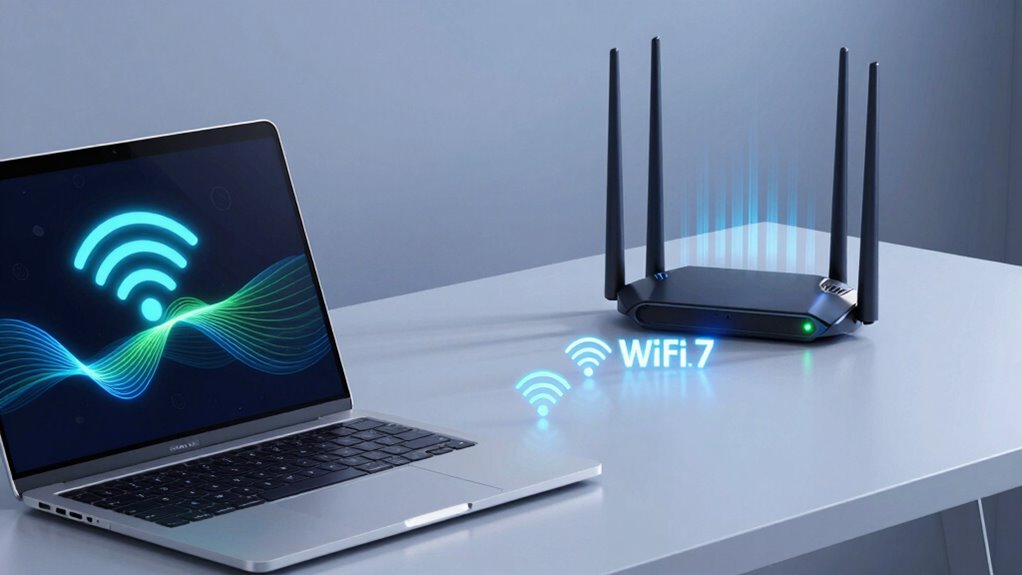
Wi-Fi 7 offers faster speeds and greater bandwidth, making it easier for you to stream, work, and game simultaneously without interruptions. It also reduces latency and buffering, so your video calls and online tasks stay smooth and responsive. Plus, its improved network capacity supports more devices, ensuring your smart home and remote work setup run seamlessly.
Enhanced Speed and Bandwidth
Have you ever wondered how your home network can support multiple devices streaming, gaming, and working simultaneously without lag? Wi-Fi 7 dramatically boosts speed and bandwidth, making this possible. With increased data rates, you’ll experience smoother video calls, faster downloads, and seamless multitasking.
Key benefits include:
- Enhanced Device Compatibility – Connect more gadgets effortlessly, ensuring everyone’s needs are met.
- Increased Speed – Enjoy lightning-fast connections that reduce waiting times.
- Security Enhancements – Advanced security features keep your network protected while delivering superior performance.
This upgrade isn’t just about faster internet; it’s about creating a reliable, secure environment for all your remote work and home entertainment needs.
Reduced Latency and Buffering
As remote work becomes more essential, reducing latency and buffering has never been more critical for a smooth online experience. Wi-Fi 7 introduces advanced interference mitigation techniques, which notably lower latency by minimizing signal disruptions. This means your connection remains stable even in crowded environments, ensuring smoother video calls and quicker data transfers. Improved signal stability reduces the chances of buffering during streaming or lag during online collaboration. With Wi-Fi 7, you’ll notice faster response times, less jitter, and fewer interruptions, making remote work more efficient. These enhancements specifically benefit bandwidth-intensive applications and real-time communication, helping you stay productive without frustrating delays. Essentially, Wi-Fi 7’s focus on reducing latency and buffering makes remote work more seamless and reliable.
Improved Network Capacity
Ever wondered how your home network can support more devices without slowing down? Wi-Fi 7 dramatically boosts network capacity, making it a game-changer for remote work and home use. It improves device compatibility, allowing multiple gadgets—laptops, smart home devices, and VR headsets—to operate seamlessly. Plus, it offers security enhancements, keeping your data safe even with increased traffic. Imagine the relief of streaming, gaming, and video conferencing all at once, without lag or dropouts. Here’s what makes Wi-Fi 7 stand out:
- Higher Data Rates: Supports faster speeds for busy households.
- More Simultaneous Connections: Handles dozens of devices efficiently.
- Enhanced Security: Protects your network amid growing device diversity.
With Wi-Fi 7, your home network becomes more reliable, secure, and ready for the future.
Should You Upgrade to Wi-Fi 7? Key Factors to Think About
Deciding whether to upgrade to Wi-Fi 7 depends on several key factors that can impact your overall connectivity experience. If you rely on a smart home setup or multiple IoT devices, faster speeds and lower latency could be beneficial. Wi-Fi 7 offers improved performance, especially with high-bandwidth tasks or multiple device connections. Consider your current network needs and future plans—if you’re expanding your smart home or working remotely with demanding applications, an upgrade makes sense. However, compatibility and cost are important. Here’s a quick overview:
| Factor | Consideration |
|---|---|
| Device Compatibility | Will your devices support Wi-Fi 7? |
| Network Speed Needs | Do you need faster, more reliable internet? |
| Smart Home & IoT | Will new tech benefit from improved connectivity? |
| Cost of Upgrade | Is the investment justified for your usage? |
| Future Proofing | Are you planning long-term improvements? |
Will Your Devices Support Wi-Fi 6E and Wi-Fi 7? Compatibility Tips

Before upgrading your network, it’s important to check whether your current devices can support Wi-Fi 6E or Wi-Fi 7. Device compatibility is essential to make sure you get the most out of these new standards. First, verify if your device’s hardware supports these Wi-Fi protocols—older devices may not, regardless of firmware updates. Second, check for firmware updates from the manufacturer; sometimes, updates add support for newer Wi-Fi standards. Third, consider upgrading your devices if they lack support; compatibility issues can limit your network’s potential. Ignoring these steps might leave you stuck with slower speeds or connection problems. Staying informed about device compatibility and firmware updates helps you maximize performance and future-proof your setup.
Real-World Benefits: Faster Downloads, Smoother Video Calls, Less Lag
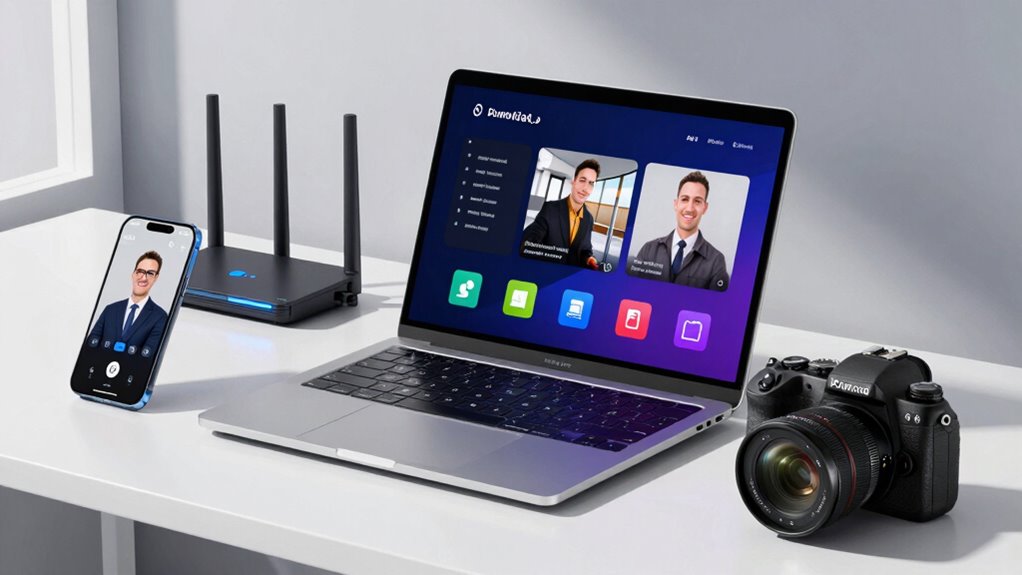
Upgrading to Wi-Fi 6E or Wi-Fi 7 can substantially enhance your everyday internet experience by delivering faster downloads, smoother video calls, and less lag during online gaming or streaming. With these newer standards, you’ll notice quicker file transfers and improved real-time communication, making remote work more efficient. Enhanced wireless security features also protect your data during these activities. Device compatibility guarantees your existing gadgets can benefit from the upgrade, though some older devices might need replacements. The increased bandwidth and reduced latency contribute to a seamless online experience, especially when multiple devices are connected simultaneously. Additionally, Flautas recipes and other culinary delights can be enjoyed more efficiently with faster Wi-Fi, allowing for quick access to online recipes and streaming cooking videos. Overall, investing in Wi-Fi 6E or Wi-Fi 7 can elevate your digital life, providing faster, more reliable connectivity for work and entertainment alike.
Investing in Future-Proof Wi-Fi: Costs and Availability
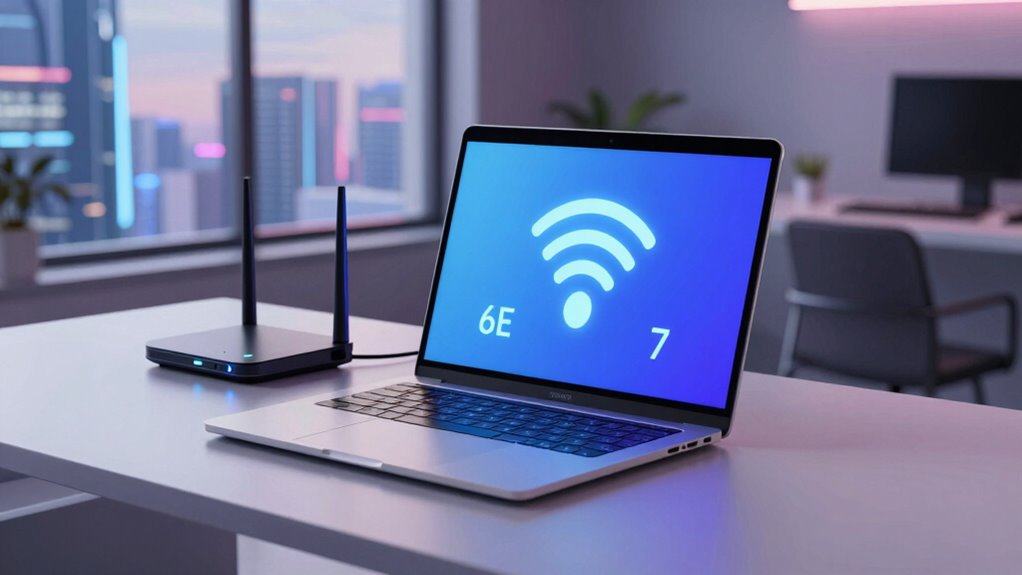
Considering the costs and availability of Wi-Fi 6E and Wi-Fi 7 is essential as you plan your upgrade. A thorough cost analysis helps you understand the investment needed for new equipment and potential future savings. Availability concerns may delay your upgrade if hardware isn’t widely accessible yet. Keep in mind:
Assess Wi-Fi 6E and 7 costs and availability to plan a future-proof upgrade effectively.
- You might face higher initial costs with Wi-Fi 7, but long-term benefits could outweigh this.
- Limited availability could mean waiting for supplies or dealing with higher prices.
- Future-proofing now can prevent frequent upgrades, saving you money and frustration later.
- Monitoring household guides can help you stay informed about best practices for home technology improvements.
- Staying aware of hardware availability issues can help you time your upgrade more effectively and avoid unnecessary delays.
How to Safely Upgrade From Wi-Fi 6E to Wi-Fi 7
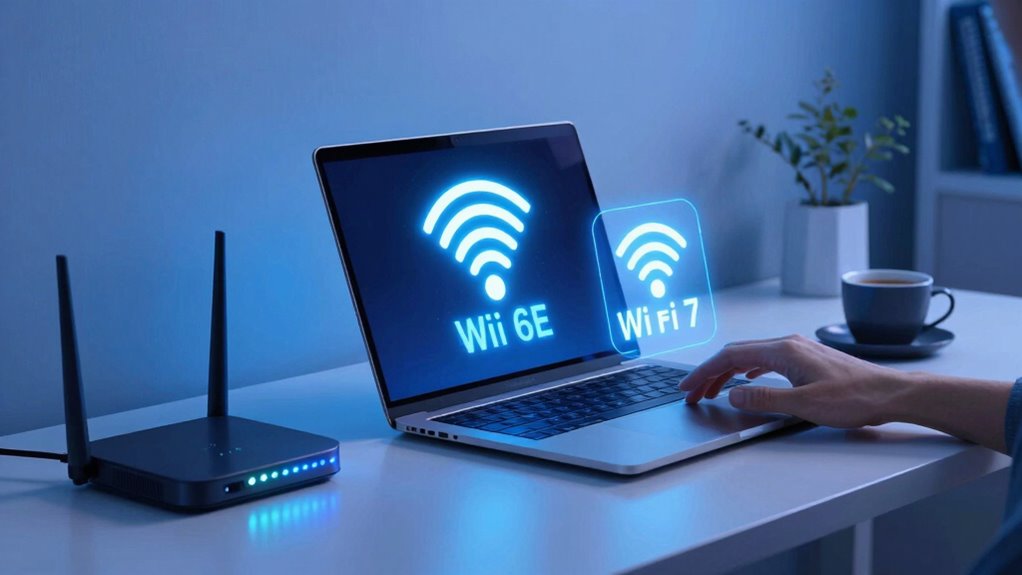
Before upgrading from Wi-Fi 6E to Wi-Fi 7, make certain your devices are compatible with the new standard. You’ll also want to update your network security measures to protect your data during the shift. Finally, check that your firmware and software are current to guarantee a smooth and safe upgrade process.
Compatibility With Devices
Since Wi-Fi 7 introduces new technology standards, ensuring your devices are compatible is essential before making the switch. If your gadgets don’t support the latest wireless standards, you risk connectivity issues or limited performance. To prevent frustration, check device compatibility first. Here are three critical steps to help you upgrade safely:
- Verify your device specifications for Wi-Fi 7 support.
- Update firmware or software to enhance compatibility.
- Consider replacing outdated devices that can’t meet new standards.
Network Security Measures
Upgrading from Wi-Fi 6E to Wi-Fi 7 requires careful attention to network security to protect your data and devices. You should review your encryption protocols, guaranteeing they’re up to date and support WPA3, which offers stronger security. Good password management is essential; use complex, unique passwords for your network and change them regularly. Avoid default passwords that hackers can easily guess. To visualize, here’s a quick overview:
| Security Step | Action | Benefits |
|---|---|---|
| Encryption Protocols | Upgrade to WPA3 or latest standards | Better data protection |
| Password Management | Use strong, unique passwords | Prevent unauthorized access |
| Regular Updates | Keep router firmware current | Close security gaps |
Focusing on these measures helps ensure your upgrade remains secure.
Firmware and Software Updates
Are you ready to guarantee your network stays secure during the shift? Upgrading from Wi-Fi 6E to Wi-Fi 7 requires careful attention to firmware and software updates. First, verify your firmware security is up-to-date; outdated firmware can expose vulnerabilities. Second, confirm software compatibility—your devices and network tools must support Wi-Fi 7 to avoid glitches. Third, back up your current settings; this step safeguards against data loss if something goes wrong. Staying proactive during this process minimizes risks and facilitates a smooth transition. Keep your firmware updated from trusted sources, and check compatibility before upgrading. Additionally, understanding wireless technology fundamentals can help you better grasp potential challenges. By doing so, you’ll maintain security, performance, and stability—all essential for remote work success.
Final Thoughts: Is Upgrading to Wi-Fi 7 Worth It for Remote Developers?
Deciding whether to upgrade to Wi-Fi 7 depends on how much you rely on fast, stable internet for your remote work. If your current setup meets your needs, the upgrade might not be urgent. However, Wi-Fi 7 promises higher speeds and lower latency, which can boost productivity and seamless video calls. Consider your device compatibility—many older devices may not support Wi-Fi 7, so you might need new hardware. Additionally, think about your device’s battery life; some Wi-Fi 7 features could impact battery consumption. If you frequently work with large files or stream high-quality media, the benefits could justify the upgrade. Ultimately, weigh the advantages against the costs and compatibility factors to determine if moving to Wi-Fi 7 is worth it for your remote work setup.
Frequently Asked Questions
How Does Wi-Fi 6E and Wi-Fi 7 Impact Security Features for Remote Developers?
Wi-Fi 6E and Wi-Fi 7 enhance security for remote developers through advanced encryption protocols like WPA3, making your data more secure. They also improve network segmentation, allowing you to isolate sensitive projects from less secure devices. This reduces risks of cyberattacks and unauthorized access. Overall, both Wi-Fi versions bolster your security, giving you peace of mind while working remotely, especially with stronger encryption and better network management.
Are There Specific Hardware Requirements for Upgrading to Wi-Fi 7?
You’ll need new hardware compatible with Wi-Fi 7, obviously, since your current devices are stuck in Wi-Fi 6E’s era. Upgrading requires hardware that supports the latest frequency bands, especially the 6 GHz band, and advanced chipsets. Compatibility is key—if your device doesn’t support the new standards, no magic upgrade will happen. So, prepare for a hardware overhaul if you want to ride the Wi-Fi 7 wave.
How Do Wi-Fi 6E and Wi-Fi 7 Affect Battery Life of Remote Devices?
Wi-Fi 6E and Wi-Fi 7 can impact your device’s battery life through their power consumption and battery optimization features. Wi-Fi 6E offers improved efficiency, helping extend battery life during regular use. Wi-Fi 7 introduces advanced power management, reducing power consumption even further during idle and low-activity periods. To maximize battery life, make certain your device supports these features and enable power-saving modes, so you get longer usage between charges.
What Are the Environmental Impacts of Adopting Wi-Fi 7 Technology?
Wi-Fi 7’s adoption could revolutionize your environment, but it comes with notable impacts. You might see increased energy consumption, as cutting-edge tech often demands more power. Manufacturing impact also rises, given the need for advanced components and production processes. While it offers faster, more reliable connections, you should consider the environmental footprint, including resource extraction and e-waste, as these factors could outweigh the benefits in the long run.
Can Wi-Fi 7 Improve Connectivity in Densely Populated Areas?
Yes, Wi-Fi 7 can improve connectivity in densely populated areas by better handling urban congestion and reducing signal interference. It uses advanced technologies like wider channels and improved modulation, which help deliver faster, more reliable connections despite the crowded environment. As a remote developer, you’ll notice less lag and dropped signals, making it easier to work seamlessly even in crowded city spaces where many devices compete for bandwidth.
Conclusion
Upgrading to Wi-Fi 7 is like giving your remote work setup a shot of adrenaline — it promises faster speeds, lower latency, and a more reliable connection. If you’re serious about seamless video calls, quick downloads, and staying ahead in your field, the jump might be worth it. But weigh your current needs and budget carefully. In the end, staying connected isn’t just a convenience — it’s your work’s lifeline.
Fall Picks
fall essentials
As an affiliate, we earn on qualifying purchases.