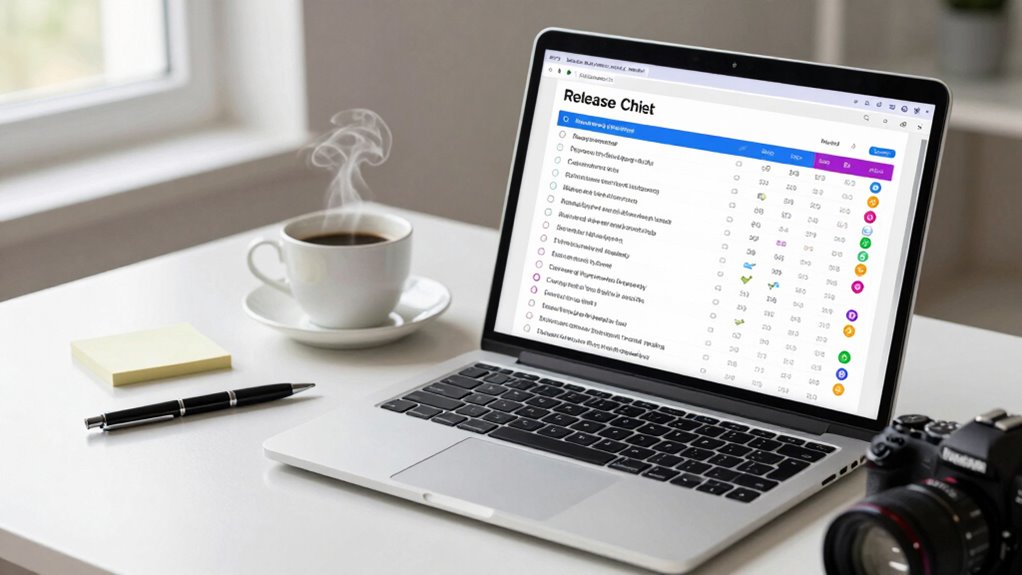

To catch bugs before users do, you should create a thorough release checklist that combines automated testing, manual checks, and phased deployment strategies like canary releases. Use automated tests to verify core functionalities and identify regressions early. Incorporate monitoring tools to catch issues after deployment and adjust your rollout gradually to minimize impact. Keep refining these processes; if you stick with these practices, you’ll discover more ways to improve your release quality.

Get business pricing on monitors, keyboards and dev gear
- Business-only prices and quantity discounts
- Tax-exempt purchasing
- Multiple users, one account, clear invoices
Key Takeaways
- Implement comprehensive automated testing (unit, integration, end-to-end) to verify core functionalities early.
- Use a detailed release checklist to ensure all testing and quality controls are completed before deployment.
- Incorporate manual UI and user experience checks alongside automated tests for thorough coverage.
- Employ deployment strategies like canary releases and phased rollouts to detect issues in real-world environments.
- Continuously monitor post-deployment performance to identify and resolve bugs before they impact users.
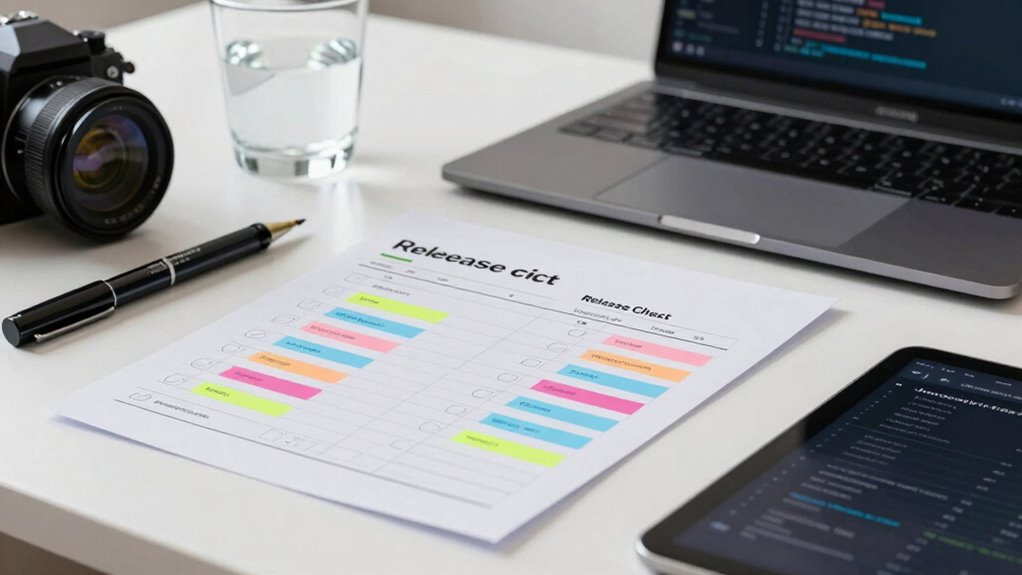
Deploying software without thorough testing can lead to costly bugs slipping into users’ hands. To prevent this, you need a solid release checklist that catches issues early. Automated testing plays a vital role in this process. It allows you to run extensive tests quickly and consistently, reducing the risk of human error. By automating tests for core functionalities, you guarantee that each build meets quality standards before it moves forward in your deployment pipeline. Automated testing also helps you identify regressions—those sneaky bugs that reappear after fixes—so you can fix them before release.
But automation alone isn’t enough. You must also carefully plan your deployment strategies. Different strategies, like blue-green deployments or canary releases, give you controlled ways to roll out updates. These approaches allow you to monitor how the new software performs in real-world conditions, catching issues that automated tests might miss. For example, with a canary release, you deploy the update to a small subset of users first. If no significant bugs are detected, you gradually expand the rollout. This phased approach minimizes user impact and makes bug detection more manageable.
Your release checklist should include specific steps for integrating automated testing into your deployment process. Before any release, run your full suite of automated tests—unit, integration, and end-to-end—to verify that everything works as expected. Guarantee that tests cover critical paths and edge cases, so no major bugs slip through. After passing automated tests, perform manual quality checks, especially on user interface elements and user experience flows. This combination of automated and manual testing creates a layered defense against bugs. Incorporating test coverage analysis ensures all critical areas are thoroughly tested, reducing the chance of overlooked issues. Additionally, establishing feedback loops from monitoring tools helps you quickly identify and address unexpected problems post-deployment, enhancing overall reliability. Implementing automated monitoring can further streamline the detection of anomalies early, preventing issues from escalating. Regularly reviewing deployment strategies and adapting them based on real-world results can further improve your bug detection and resolution process.
automated testing tools for software
As an affiliate, we earn on qualifying purchases.
As an affiliate, we earn on qualifying purchases.
Frequently Asked Questions
How Often Should Release Checklists Be Updated?
You should update your release checklists regularly, ideally after each release, to incorporate user feedback and improve processes. Updating them before each release guarantees you’re prepared for the release timing, catching potential bugs early. As user feedback reveals new issues or areas for improvement, your checklists should evolve accordingly. This ongoing adjustment helps maintain high quality, minimizes bugs, and aligns your release process with real-world experiences.
Who Should Be Responsible for Maintaining the Checklist?
You should assign team accountability for maintaining the checklist to guarantee checklist ownership remains clear. Usually, a project manager or QA lead takes responsibility for updates, but involving the entire team fosters shared accountability. Regularly review and update the checklist together, so everyone stays aware of their roles and current requirements. This approach helps catch bugs early, improves release quality, and keeps the process efficient through consistent ownership.
How Do You Prioritize Which Bugs to Fix First?
You should prioritize bugs based on bug prioritization during release planning, focusing first on critical issues that impact user experience or cause system failures. Address high-severity bugs promptly to make certain stability, then work down to less impactful ones. Use clear criteria like severity, frequency, and affected features to guide your decisions. This structured approach helps you deliver a reliable release and minimizes user disruptions.
Can Automation Replace Manual Testing in Checklists?
Automation testing can’t fully replace manual verification in checklists. While automation accelerates repetitive tasks and catches many bugs early, manual testing is essential for exploring user experience, visual issues, and complex scenarios automation might miss. You should use automation to handle routine checks, but keep manual verification in your process to guarantee thorough coverage. Combining both approaches offers a more reliable release checklist, reducing bugs before users encounter them.
What Tools Are Best for Tracking Checklist Completion?
Did you know 85% of teams find tracking checklist completion challenging? You should look for tools that offer robust checklist customization and seamless tool integration, making it easier to monitor progress. Platforms like Jira, Trello, or Asana excel here, allowing you to tailor checklists to your workflow and connect with other tools. This guarantees you catch bugs early and keep everyone on the same page, boosting release quality.
As an affiliate, we earn on qualifying purchases.
Conclusion
So, next time you skip your release checklist, remember—you’re basically inviting users to find your bugs first. Who needs thorough testing when you can just cross your fingers and hope for the best, right? Or, you could be smart, catch those bugs early, and save yourself from the embarrassment of a user-claimed “surprise feature.” After all, you didn’t spend all that time coding just to hand over the debugging to your users, did you?
As an affiliate, we earn on qualifying purchases.
monitoring tools for software deployment
As an affiliate, we earn on qualifying purchases.
As an affiliate, we earn on qualifying purchases.
Halloween Picks
halloween
As an affiliate, we earn on qualifying purchases.