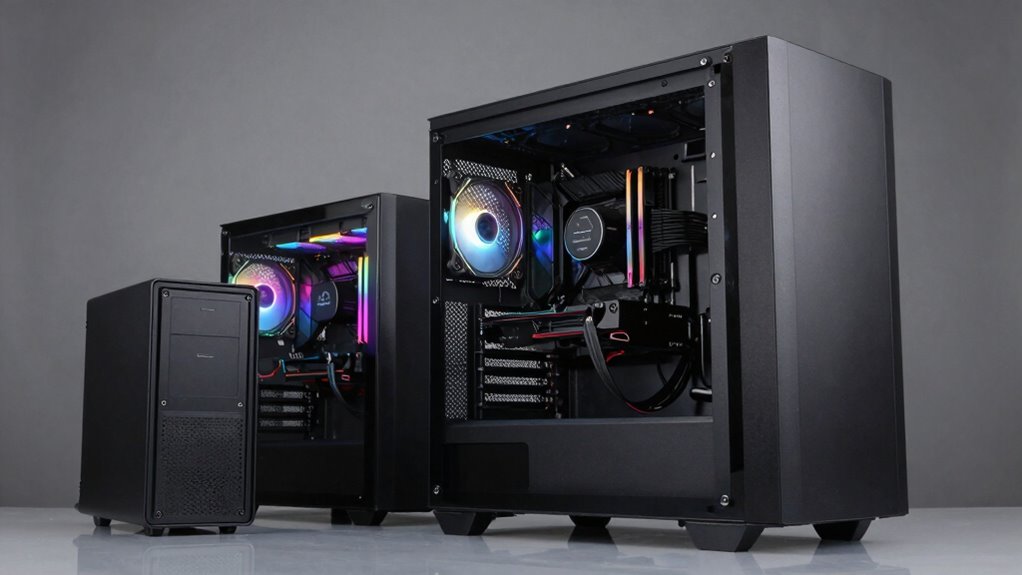

When considering a massive tower, you need to think about the extra space it offers for large components, multiple GPUs, and advanced cooling options. These cases provide excellent airflow, better cable management, and future upgrade room, but they also require more room on your desk and are heavier to handle. Make sure your workspace fits it and that your components are compatible. If you’re curious about how to choose the right size for your needs, keep exploring.

Get business pricing on monitors, keyboards and dev gear
- Business-only prices and quantity discounts
- Tax-exempt purchasing
- Multiple users, one account, clear invoices
Key Takeaways
- Understand the different case sizes (full tower, mid-tower, mini ITX) and their suitability for your build needs.
- Larger cases offer better airflow and cooling options but require more space and are heavier.
- Ensure compatibility with your components, especially GPU length, CPU cooler height, and drive bays.
- Consider future upgrades, as bigger cases provide more room for additional hardware and cooling solutions.
- Balance the benefits of increased size against space constraints, portability, and budget limitations.
As an affiliate, we earn on qualifying purchases.
Why Your PC Case Size Matters for Your Build
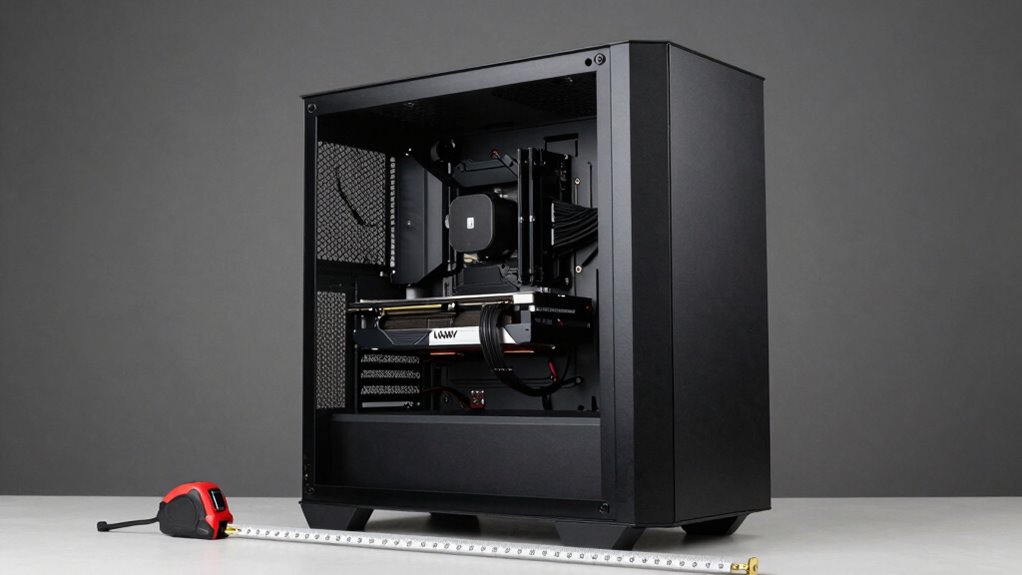
Your PC case size directly impacts your build’s compatibility, airflow, and overall performance. Choosing the right size guarantees your components fit comfortably and function efficiently. Smaller cases might limit your options for larger GPUs, cooling systems, or storage drives, while bigger cases provide more space for upgrades and better airflow. Additionally, the case size influences your aesthetic design, especially when coordinating color schemes. A smaller case offers a sleek, minimalist look, while larger cases can showcase intricate lighting and custom modifications. By selecting the appropriate size, you create a balanced build that meets your performance needs and reflects your personal style. Ultimately, understanding how case size affects component compatibility and aesthetics helps you build a more functional and visually appealing PC. Considering the case form factor is essential for ensuring your build aligns with your specific requirements, as it also impacts airflow management and cooling options. Proper case sizing also plays a crucial role in thermal performance, helping to maintain optimal component temperatures during operation.
As an affiliate, we earn on qualifying purchases.
An Overview of Full Tower Cases: Pros and Cons
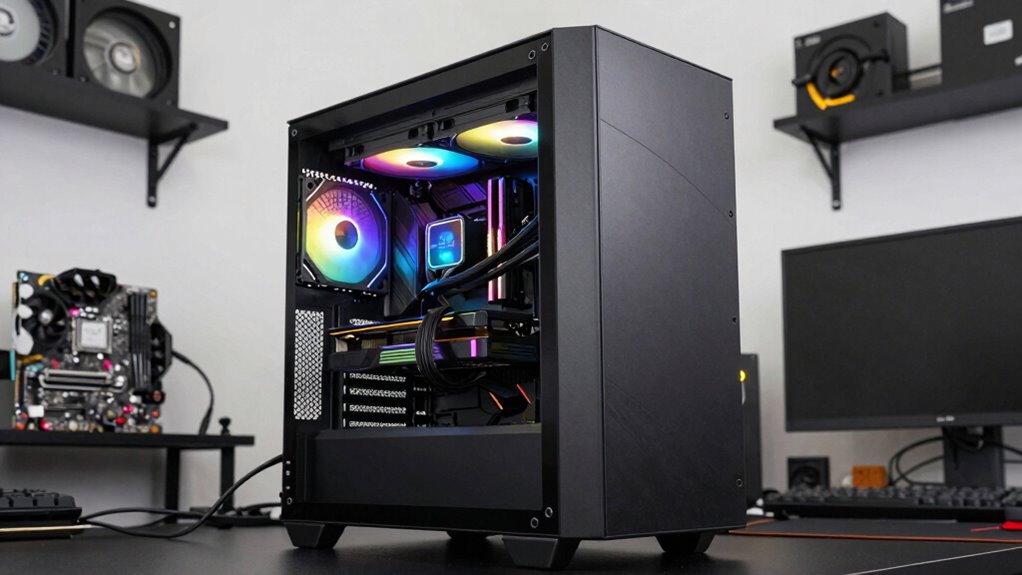
Full tower cases are the largest standard PC cases, offering extensive space for components and upgrades. This size allows you to customize your build with aesthetic flair, from lighting to case panels, enhancing your system’s look. This ample interior space can also facilitate better airflow management for optimal cooling performance. Their spacious interior makes cable management easier and supports advanced cooling solutions, keeping your system cool under heavy loads. Material durability is a key advantage, as full towers are usually built with sturdy materials like steel or aluminum, ensuring long-lasting protection. Additionally, their inclusive design can promote more diverse representation in the industry by accommodating a wider range of customizations and styles. Their size can also support sustainable practices by allowing for easier upgrades and repairs, reducing electronic waste over time. Moreover, the expandability of full tower cases makes them ideal for future upgrades, ensuring your system remains relevant longer. The larger size also helps in achieving better color accuracy and contrast ratios by providing more space for cooling and airflow, which can improve overall performance. However, their size can be a drawback if space is limited, and they tend to be heavier and more cumbersome to move. While they excel in customization and durability, their bulkiness might not suit everyone’s setup or aesthetic preferences.
As an affiliate, we earn on qualifying purchases.
Mid-Tower Cases: The Most Versatile Choice
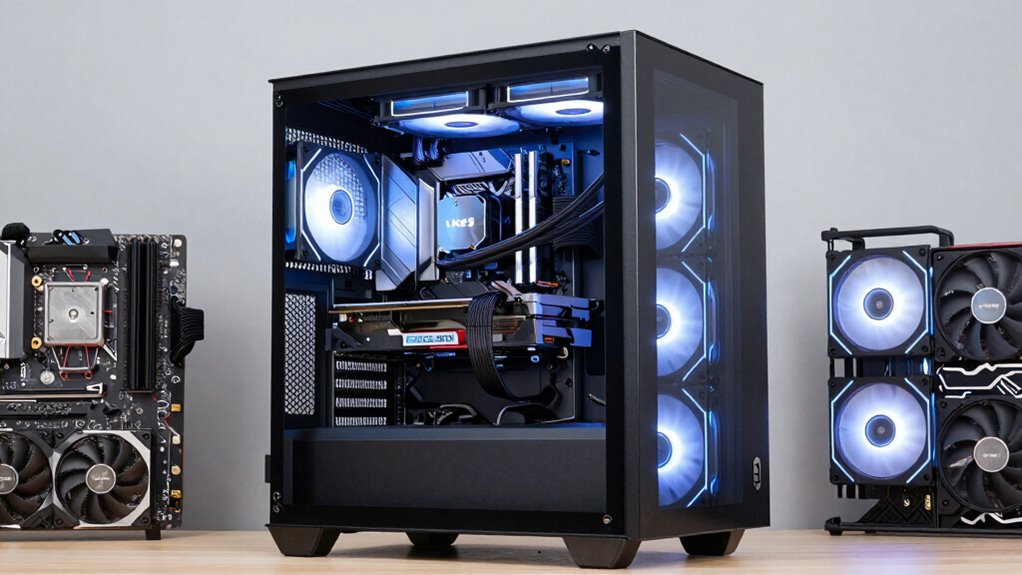
Mid-tower cases strike a balance between size and functionality, making them the most popular choice for a wide range of builds. They offer ample space for high-end components, multiple storage drives, and advanced cooling solutions without overwhelming your desk. With a variety of color options, you can customize the look to match your style, whether you prefer sleek black, vibrant hues, or subtle finishes. Material durability is also key—most mid-tower cases are built with sturdy steel or tempered glass panels, ensuring longevity and resistance to daily wear. This blend of versatility, aesthetic variety, and robust construction makes mid-tower cases ideal whether you’re building a gaming rig, workstation, or general-purpose PC. They provide the perfect mix of expandability and practicality. Incorporating vehicle accessories such as protective covers and upgrades can also enhance your overall experience by safeguarding your investment and optimizing performance. Additionally, the customization options available allow you to personalize your setup further, making it uniquely yours. Moreover, selecting a case with modular design can simplify future upgrades and maintenance, especially when considering the expandability of your system.
large PC case with cooling options
As an affiliate, we earn on qualifying purchases.
As an affiliate, we earn on qualifying purchases.
Micro-ATX and Mini ITX Cases: Compact Builds That Pack a Punch
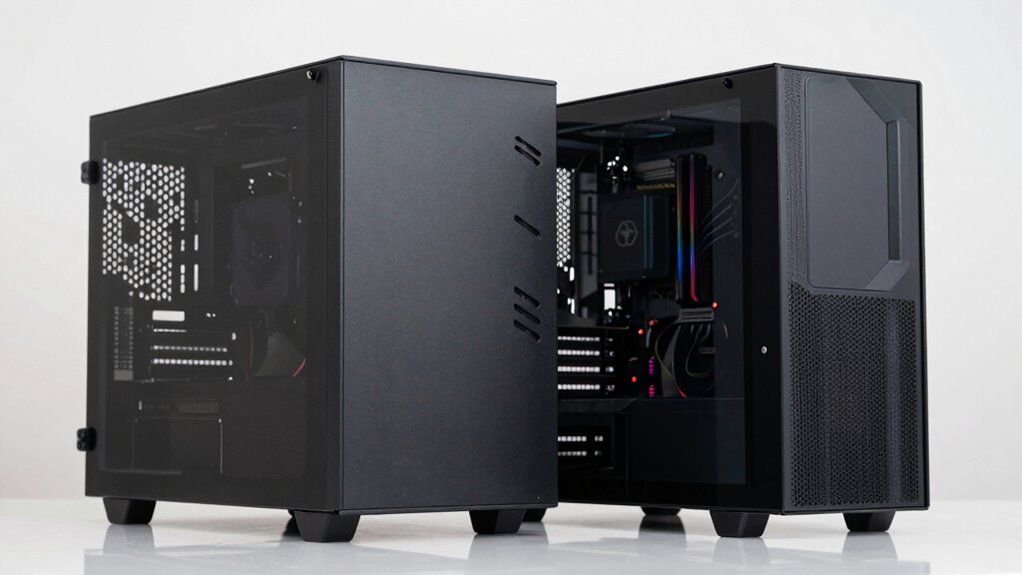
Micro-ATX and Mini ITX cases are perfect for building compact, space-saving PCs without sacrificing performance. Despite their smaller size, these cases offer smart layouts that make cable management easier, helping you keep everything neat and organized. They’re designed with aesthetic appeal in mind, often featuring sleek, modern looks that enhance your setup’s visual appeal. You can find models with transparent panels, RGB accents, or minimalist styles, so your build looks sharp. Although space is limited, these cases still support high-performance components, making them ideal for gaming, streaming, or workstations. Their smaller footprint means you’ll save desk space and enjoy a cleaner, more streamlined setup without compromising on power or style. Additionally, understanding component compatibility ensures you select the right parts that fit well within these compact cases. Incorporating aesthetic features like tempered glass panels and customizable lighting can elevate the overall look of your build, blending form and function seamlessly. Many of these cases also come with smart layout designs that maximize airflow and cooling efficiency, crucial for maintaining performance in confined spaces.
How Case Size Affects Cooling and Airflow
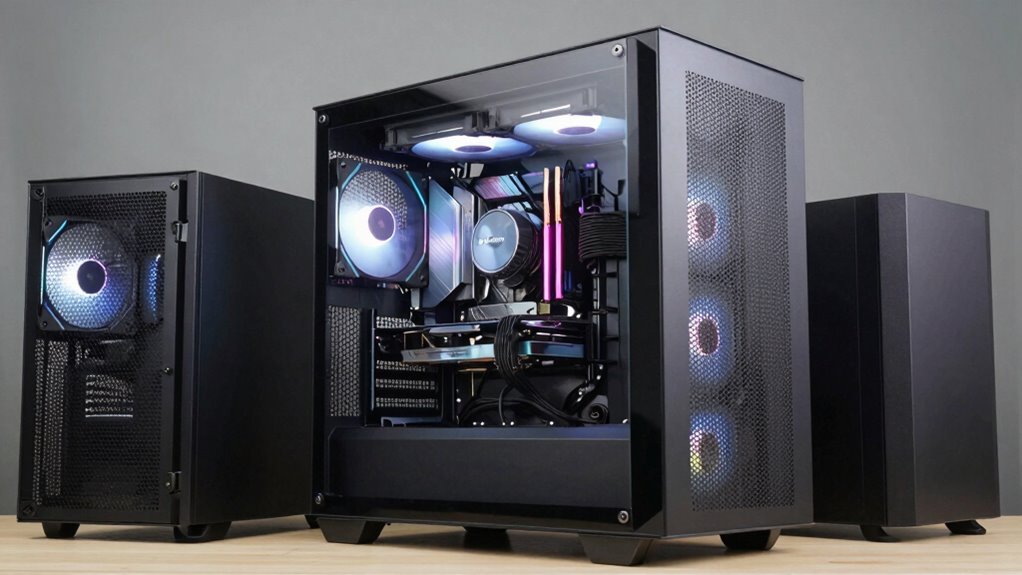
Your case size directly impacts airflow capacity, influencing how well your components stay cool. Larger cases often support better cooling components and more fans, while smaller ones can restrict airflow and ventilation. Obstructions and limited space in compact cases can hinder airflow, making effective cooling more challenging. Choosing the right case size also involves considering DIY tools and safety tips, ensuring proper installation and maintenance for optimal airflow. Additionally, understanding case airflow dynamics can help you make informed decisions to improve overall cooling performance. Proper airflow management also depends on understanding the impact of case size on internal airflow pathways. Recent AI discoveries have shown how innovative solutions can optimize airflow management in various environments, further emphasizing the importance of proper case selection. Recognizing the role of case design can further enhance airflow efficiency and cooling effectiveness.
Airflow Capacity Differences
Have you ever wondered how case size impacts airflow and cooling performance? Larger cases generally allow for better airflow capacity because they offer more space for fans, airflow paths, and cooling components. This helps maintain lower temperatures, especially under heavy loads. Bigger cases also support advanced lighting effects and aesthetic design choices, making your build visually striking without sacrificing airflow. Incorporating natural materials in case components can further enhance sustainability and overall airflow efficiency. Additionally, larger cases often provide more room for customization options, giving enthusiasts the flexibility to optimize their cooling setup. A larger case gives you flexibility for airflow enhancements, but it’s important to balance size with your aesthetic and lighting design preferences.
Cooling Component Compatibility
Larger cases naturally accommodate a wider range of cooling components because they provide more space for various fans, radiators, and liquid cooling setups. This means you can install bigger radiators or multiple fans for enhanced cooling performance. With more room, managing cables becomes easier, improving overall airflow and aesthetics. You can also incorporate RGB lighting to customize your build without worrying about space constraints. Proper cable management not only keeps your system tidy but also prevents airflow obstructions, ensuring your cooling components work efficiently. Larger cases support diverse cooling configurations, making it easier to upgrade or modify your cooling setup later. Overall, choosing a bigger case offers flexibility for advanced cooling options, better airflow, and a cleaner build aesthetic.
Ventilation and Obstructions
Since case size directly influences ventilation, larger cases generally promote better airflow by reducing obstructions and allowing more space for fans and vents. This enhances airflow optimization, helping cool components more efficiently. To maximize benefits:
- Ensure ample space for intake and exhaust fans to prevent airflow bottlenecks.
- Arrange components strategically to avoid obstruction prevention, keeping airflow paths clear.
- Install filters and vents thoughtfully to maintain unobstructed airflow while minimizing dust buildup.
A bigger case makes it easier to manage cables, components, and airflow paths, reducing hot spots. This overall improvement in ventilation minimizes thermal issues and prolongs your system’s lifespan. With obstruction prevention and airflow optimization, a larger case offers significant cooling advantages over smaller enclosures.
Will Your Space Fit the PC Case You Want?
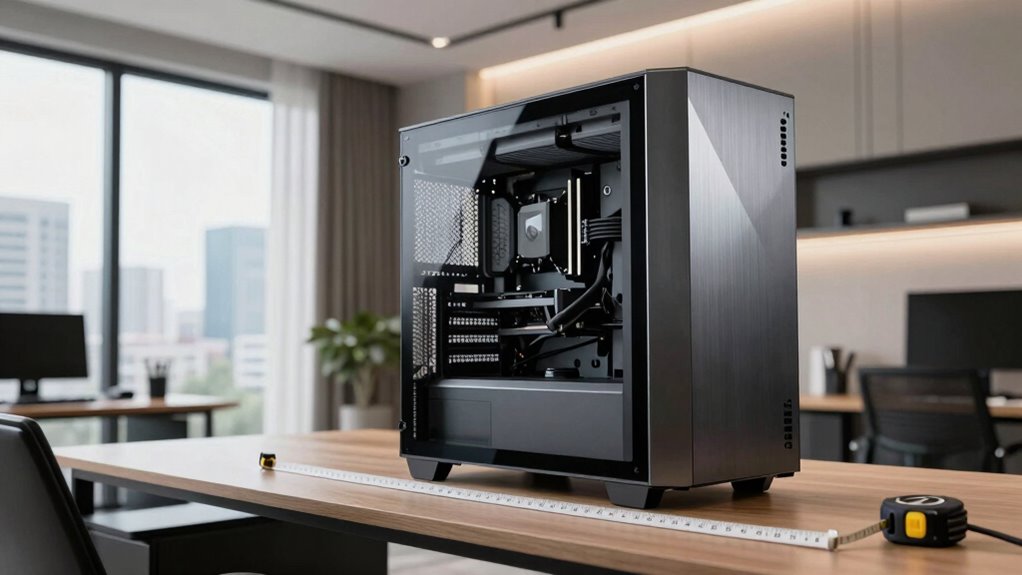
Before choosing a PC case, determining your available space carefully is essential. Measure your desk, shelf, or wherever you plan to place the PC to confirm the case fits comfortably. Consider not just the case’s dimensions but also room for aesthetic customization, like airflow or lighting. If the case is too large, it might crowd your workspace or limit access to cables. Conversely, a too-small case could restrict cable management options, making your build look cluttered and less organized. Think about the clearance needed for vents, ports, and handles if you plan to move the system often. Making sure your space accommodates the case helps you avoid frustration and makes the building process smoother, ultimately leading to a cleaner, more functional setup.
Choosing the Best Case Size Based on Your Upgrades and Budget
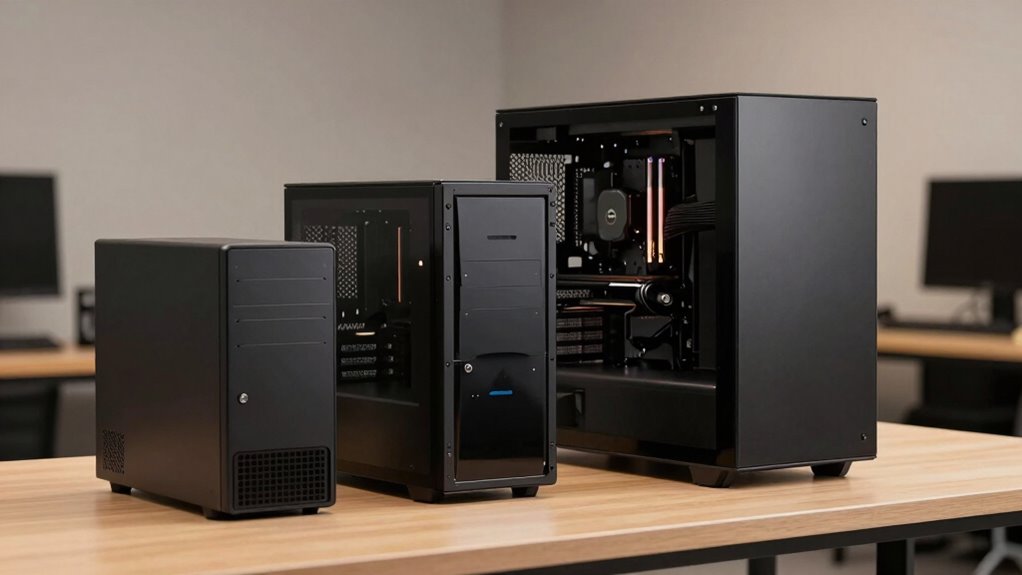
Choosing the right case size depends heavily on your upgrade plans and budget constraints. Smaller cases are typically cheaper and easier to move but limit upgrades. Larger cases, like full towers, offer more space for components and aesthetic customization but come with higher costs. When selecting a size, consider:
Select case size based on upgrade plans and budget for optimal performance and flexibility.
- Future upgrades—if you plan to add multiple GPUs or custom cooling, opt for a mid or full tower.
- Budget—smaller cases are generally more affordable, but investing in a larger case can improve airflow and noise reduction.
- Noise reduction—larger cases often feature better sound insulation and space for quiet fans, enhancing your build’s acoustics.
Balancing these factors guarantees you pick a case that aligns with your upgrade ambitions and budget, while also considering aesthetics and noise control.
How to Pick the Right PC Case Size for Your Needs
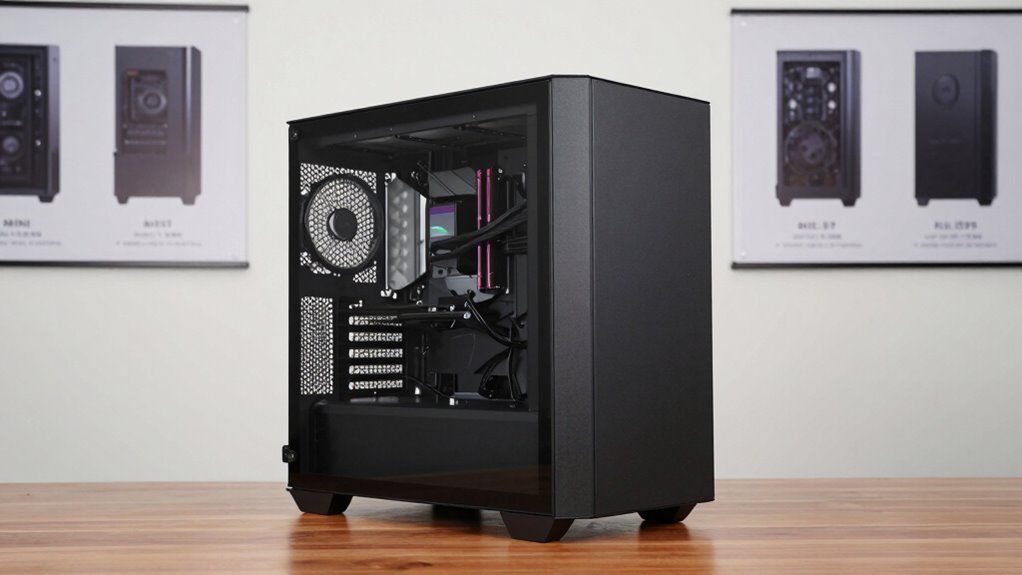
When choosing a case size, make certain it’s compatible with your components and offers enough space for future upgrades. Consider how accessible your ports are and whether their placement suits your setup. This helps ensure your build is both functional and easy to maintain.
Compatibility With Components
Selecting a case size that fits your components is crucial to building a functional and efficient PC. To guarantee compatibility, consider these factors:
- Check the maximum GPU length and CPU cooler height supported by the case to accommodate your hardware.
- Confirm the case has enough drive bays and PCIe slots for your storage devices and expansion cards.
- Look for features like good cable management options and RGB lighting support to keep your build tidy and visually appealing.
Choosing the right size helps prevent bottlenecks and ensures your components fit comfortably. Proper cable management not only improves airflow but also simplifies future upgrades. Make sure your case can support your specific components to avoid compatibility issues and to maximize your build’s potential.
Space for Upgrades
Wondering how to guarantee your PC case can handle future upgrades? Focus on space for upgrades when choosing your case size. Larger cases, like full towers, offer plenty of room for additional components, extra cooling, and advanced lighting options. This flexibility makes upgrades easier and more straightforward over time. Also, consider material durability; sturdier materials ensure your case can support heavier components and withstand frequent modifications. Smaller cases may limit your upgrade options, forcing you to replace the entire unit sooner. Think about your long-term needs and whether you’ll want room for future GPUs, storage drives, or custom lighting. Picking a case with ample space and durable materials helps you future-proof your build, saving you time and money down the line.
Port Accessibility and Placement
Choosing the right PC case size isn’t just about space for components; it also involves considering how easily you can access and connect your peripherals. Port accessibility and placement are essential for a seamless setup. Larger cases often offer front I/O panels with multiple USB ports, audio jacks, and card readers, making connections straightforward. When selecting a case size, think about:
- The number and type of ports you need regularly
- The ease of cable management to keep your setup tidy
- How the port placement complements your aesthetic design
A well-placed I/O panel minimizes cable clutter and enhances the overall look of your build. Ensuring you have easy access to ports, especially in larger cases, can save you frustration and improve your user experience.
Final Tips for Selecting the Perfect PC Case
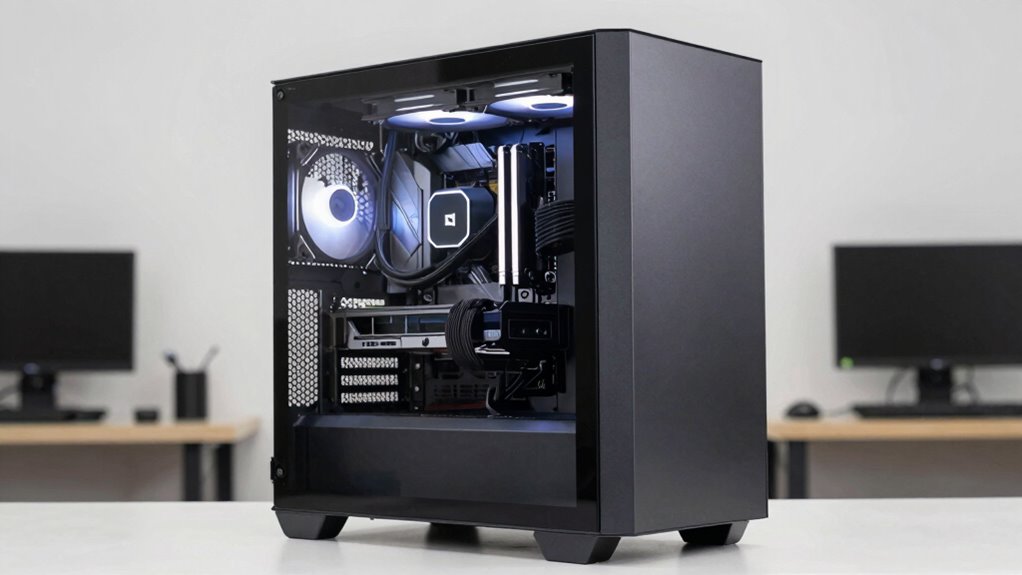
To find the perfect PC case, prioritize your specific needs and preferences, such as size, airflow, and aesthetics. Consider lighting options—whether you want RGB lighting or subtle illumination—that can enhance your build’s aesthetic designs. Think about how much space you’ll need for components and future upgrades, especially if you plan to add large GPUs or multiple drives. Pay attention to airflow to keep your system cool and perform at its best. Also, choose a case with a style that matches your personal aesthetic, whether sleek and minimal or bold and eye-catching. Don’t forget to check for features like cable management, dust filters, and front panel connectivity. These small details can make a big difference in creating a functional, visually appealing PC build.
Frequently Asked Questions
Can a Smaller Case Still Support High-End GPUS?
Yes, a smaller case can support high-end GPUs, but you need to check GPU compatibility carefully. Make certain the case has enough room for the GPU’s length and width. Also, consider airflow considerations; smaller cases might restrict airflow, which can affect performance. Look for cases with good ventilation and sufficient space for fans or liquid cooling. Proper planning guarantees your high-end GPU runs smoothly without overheating.
How Does Case Size Impact Noise Levels?
Imagine you’re using a small case, like the NZXT H510, where limited space can increase noise levels. Smaller cases often lack sound insulation and have less airflow, reducing acoustic performance. This makes fans work harder, producing more noise. Larger cases typically offer better sound insulation and airflow, resulting in quieter operation. So, case size directly impacts noise levels by influencing sound insulation efficiency and overall acoustic performance.
Are Larger Cases Harder to Transport?
Larger cases can be harder to transport because their size affects their portable design. They tend to be heavier, making them less convenient to carry around. If you often move your computer, consider the weight considerations and whether a smaller, more portable case might suit your needs better. While bigger cases offer more space, they may require more effort to handle and transport comfortably.
Do Case Sizes Affect Cable Management Options?
Larger cases often provide more space, making cable management easier and more organized. With extra room, you can route cables neatly, improving airflow optimization and reducing clutter, which boosts cooling performance. Plus, bigger cases allow for aesthetic considerations like custom cable sleeves and clean builds. So, if you want a visually appealing setup with efficient airflow, choosing a larger case gives you more options for managing cables effectively.
Can I Upgrade Components Easily in Different Case Sizes?
Yes, upgrading components is easier in cases with a modular design, regardless of size. Larger cases often provide more space for advanced airflow optimization and better cable management, making upgrades straightforward. Smaller cases might limit your options, but a well-designed case still allows for component upgrades. Always check if the case supports your new parts, especially regarding space and cooling, before upgrading.
Conclusion
Choosing the right PC case size isn’t just about aesthetics; it’s about creating a harmonious balance between your ambitions and your space. By understanding the nuances of each size, you’ll navigate your build with a confident touch, ensuring your system’s elegance and functionality flourish together. With thoughtful selection, your setup can become a refined masterpiece that perfectly complements your needs and dreams, all while gently respecting the limits of your environment.
Fall Picks
fall essentials
As an affiliate, we earn on qualifying purchases.