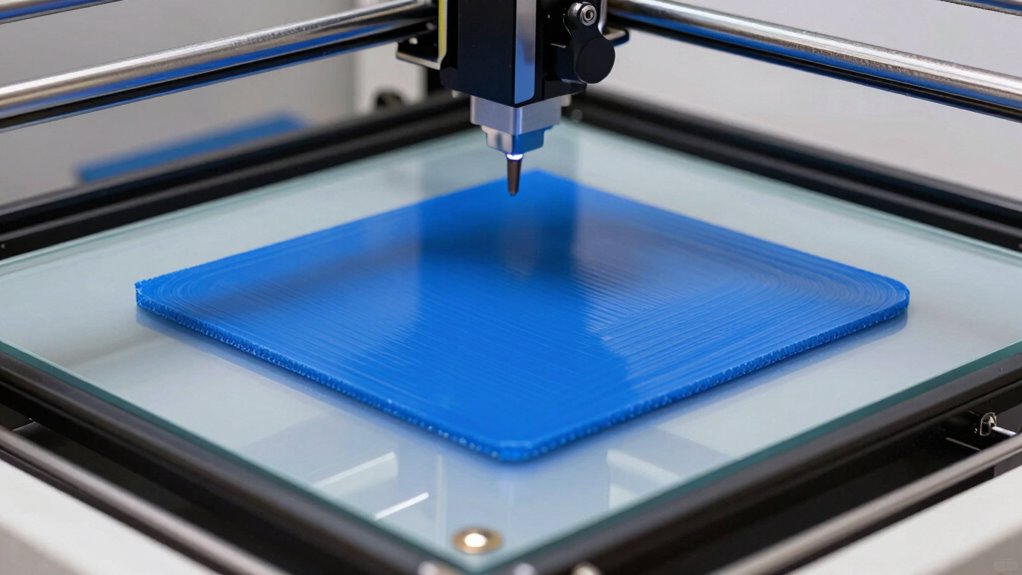
To fix your first layer, start by leveling and calibrating your bed carefully, ensuring it’s flat at all corners and the center. Use proper surfaces like glass or PEI, and clean them with isopropyl alcohol. Adjust your nozzle height and print settings such as temperature and speed for ideal adhesion. If issues persist, check your filament quality and make small tweaks over time. Keep exploring these tips to master perfect first layers every time.

Get business pricing on monitors, keyboards and dev gear
- Business-only prices and quantity discounts
- Tax-exempt purchasing
- Multiple users, one account, clear invoices
Key Takeaways
- Properly level and calibrate the bed to ensure an even, flat surface for the first layer.
- Select and prepare the build surface with cleaning or adhesives suited for your filament.
- Adjust nozzle height and print settings like speed and temperature for optimal adhesion.
- Clean the build plate thoroughly to remove dust, oils, and residues before printing.
- Monitor and fine-tune first-layer parameters regularly for consistent, high-quality prints.
As an affiliate, we earn on qualifying purchases.
How Can I Level My Bed for a Perfect First Layer?
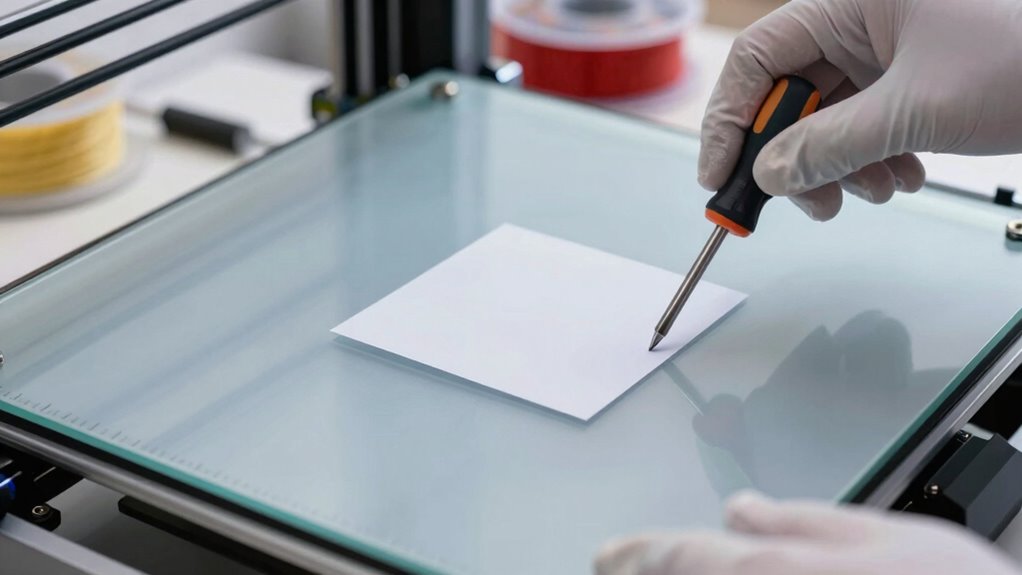
Leveling your bed properly is essential for a perfect first layer, and it’s easier than you might think. Start by using calibration techniques like manual bed leveling or automatic bed leveling features on your printer. Confirm the bed is level in all four corners and the center, adjusting the screws or knobs accordingly. Proper calibration creates an even surface for the filament to adhere to, reducing failed prints. Also, consider filament storage—storing filament in a dry, sealed environment prevents moisture absorption, which can cause uneven extrusion. Regularly check your bed’s level before each print, especially after changing filaments or long breaks. With consistent calibration and good filament storage, you’ll achieve a smooth, well-adhered first layer every time. Maintaining your printer’s calibration over time helps explore new digital concepts and optimize your printing results. Additionally, understanding material properties can improve your ability to troubleshoot adhesion issues and enhance print quality over the long term.
As an affiliate, we earn on qualifying purchases.
What Are the Best Surfaces and Adhesives for 3D Printing?
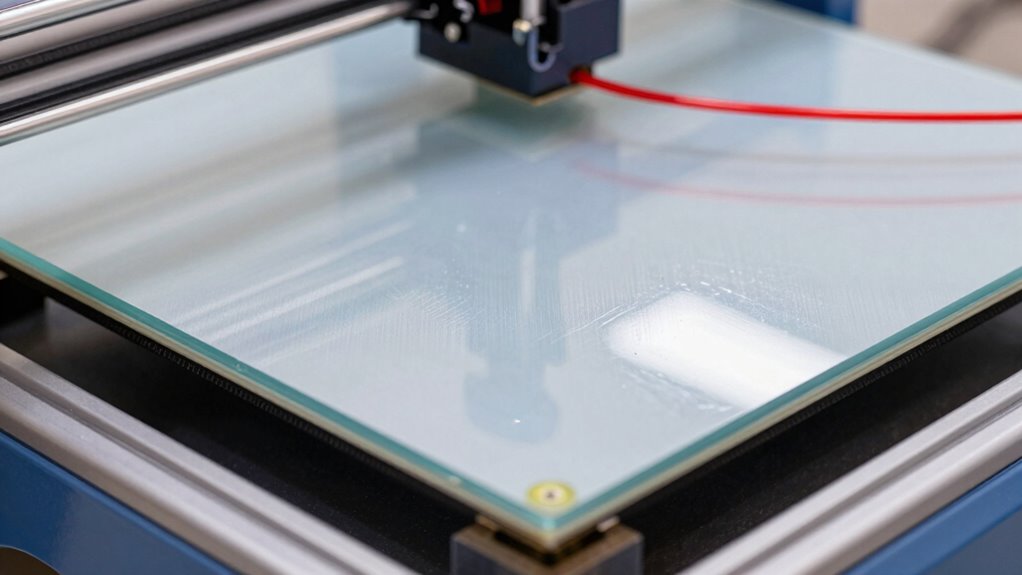
Choosing the right print bed material and adhesive can make or break your first layer. You need surfaces that promote good adhesion and adhesives that keep prints secure without damaging the bed. Proper surface preparation also plays a vital role in achieving consistent, high-quality results. Additionally, considering work-life harmony can help maintain a balanced approach to troubleshooting and optimizing your 3D printing setup. Understanding the importance of contrast ratio in projectors can also inspire you to select the right display for your home cinema, ensuring vibrant images and immersive viewing experiences.
Optimal Print Bed Materials
Have you ever struggled with print adhesion or warping on your 3D printer? Choosing the right print bed material is essential for success. Materials like glass, PEI sheets, and BuildTak offer excellent surface compatibility, helping your prints stick better and reduce warping. Glass is durable and easy to clean, making it a popular choice, while PEI sheets provide strong adhesion and material durability over time. BuildTak surfaces are designed for easy removal and consistent performance. When selecting a surface, consider your filament type and print temperature, as these factors affect adhesion. The right bed material not only enhances first-layer adhesion but also guarantees your print surface stays intact through multiple prints, saving you time and frustration.
Effective Adhesive Types
Are you struggling to get your 3D prints to stick properly to the bed? Using the right adhesive types can make a huge difference. Common options include glue sticks, painter’s tape, or hairspray, which act as effective adhesive alternatives. These adhesives improve bed adhesion without damaging the surface. These options are especially useful when working with different printing surfaces, which may require specific adhesives for optimal results. Remember, surface cleaning is essential; remove dust, grease, or residue before printing. A clean bed ensures your chosen adhesive performs at its best, providing a reliable first layer. Additionally, understanding your printing surface and how different adhesives interact with it can help optimize your results. Incorporating backyard transformation essentials such as landscaping or seating areas can create a comfortable environment for working on your 3D printer outdoors, if space permits. If one adhesive doesn’t work well, try another suited for your filament and bed material. Consistent surface cleaning combined with the right adhesive type will boost your print success rate and keep your first layer firmly in place.
Surface Preparation Tips
What surfaces work best for achieving reliable adhesion in 3D printing? Smooth, clean build plates like glass, PEI, or magnetic beds typically provide excellent layer adhesion when prepared correctly. Before printing, verify the surface is free of surface contaminants such as dust, oils, or fingerprints, which can weaken adhesion and cause failed first layers. Lightly sanding or cleaning with isopropyl alcohol helps improve the bond between the filament and the bed. Using appropriate adhesives—like glue stick, painter’s tape, or specialized print surfaces—can further enhance layer adhesion, especially for tricky materials. Regularly check and maintain your build surface to prevent warping or detachment during printing. Additionally, understanding adhesion techniques can help troubleshoot common issues and optimize print success. Proper surface preparation, including selecting the right print bed surface, is essential for consistent results and minimizing print failures. Ensuring your bed surface is compatible with your filament type can significantly improve print quality and reduce failures. Moreover, choosing the correct print surface material can contribute to better adhesion and easier print removal. Incorporating surface treatment methods can also help in achieving more reliable first layers.
isopropyl alcohol for 3D printing bed
As an affiliate, we earn on qualifying purchases.
As an affiliate, we earn on qualifying purchases.
How Do I Adjust Print Settings for Better First Layers?
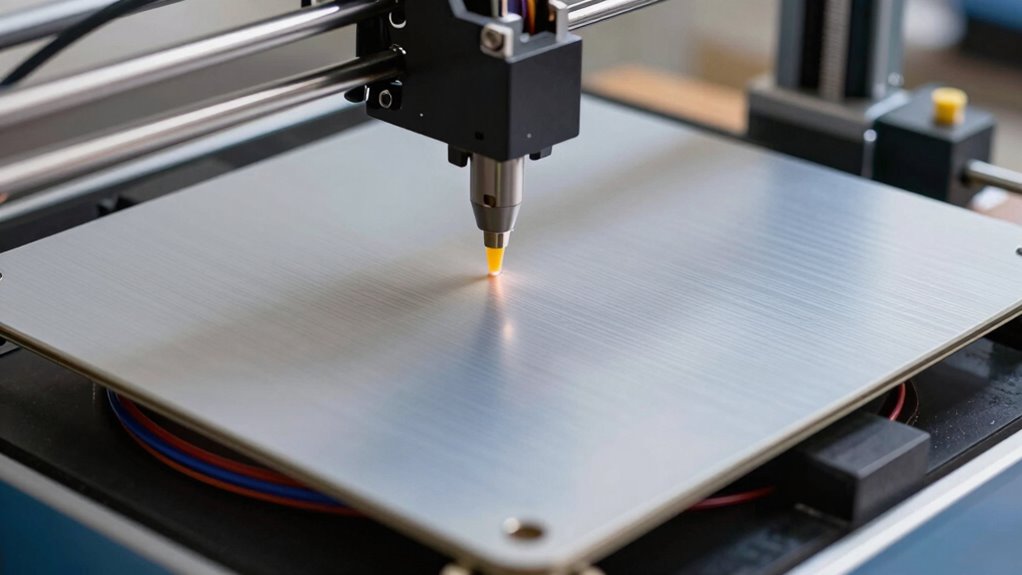
To improve your first layer, start by properly adjusting your bed leveling to guarantee a flat surface. Then, set your nozzle height just right—too close can cause sticking issues, while too far leads to poor adhesion. Finally, tweak your print speed and temperature settings to achieve a smooth, well-adhered first layer. Incorporating supportive bedding can also enhance adhesion and prevent warping during printing. Additionally, understanding adhesion techniques can help you select the best method for your specific filament and print environment. Ensuring your print surface is clean and free of debris is also vital for optimal print bed adhesion. Regularly inspecting your print bed and maintaining proper bed leveling can further ensure consistent first layers across multiple prints. Proper z-axis calibration, as seen in many 3D printing setups, is crucial for achieving the perfect first layer.
Adjust Bed Leveling Properly
Proper bed leveling guarantees your first layer adheres well and produces a smooth foundation for the entire print. To achieve this, use calibration techniques like the paper method or bed leveling screws, ensuring even spacing across the bed. Regularly check and adjust the bed at multiple points to avoid unevenness. Keep filament selection in mind; some materials require a slightly different bed height or surface preparation. For example, flexible filaments may need a slightly closer nozzle distance, while ABS benefits from a heated bed and consistent leveling. Take your time during calibration, as small adjustments can markedly improve adhesion and print quality. Properly leveled beds reduce issues like warping or poor adhesion, setting a solid base for successful 3D printing.
Optimize Nozzle Height
Adjusting your nozzle height is a key step in guaranteeing your first layer sticks well and produces smooth prints. Proper nozzle calibration helps you set the right distance between the nozzle and the bed, preventing issues like poor adhesion or scratches. To do this, lower the nozzle until it just touches a piece of paper placed on the bed, then slightly tighten the adjustment screw. Incorrect nozzle height can affect filament flow, causing under- or over-extrusion on the first layer. Once set, check the first layer’s appearance—should be evenly spread and slightly squished for good adhesion. Regular nozzle calibration ensures consistent filament flow and ideal print quality, making your first layer reliable and smooth every time.
Tweak Print Speed and Temperature
When setting up your 3D printer for the best first layer, tweaking the print speed and temperature can make a significant difference. Lowering your print speed helps the filament adhere better, reducing issues caused by filament tension inconsistencies. Adjust the temperature to guarantee the filament flows smoothly without warping or stringing—sometimes a slight increase or decrease can improve adhesion. Proper extruder calibration ensures filament is extruded accurately, which is vital for a solid first layer. If your filament isn’t feeding evenly, it can cause uneven prints or layer separation. Regularly check and fine-tune your extruder tension and calibration, then tweak your print speed and temperature accordingly. These adjustments help create a strong, well-adhered first layer, setting a solid foundation for your entire print.
automatic bed leveling sensor for 3D printer
As an affiliate, we earn on qualifying purchases.
As an affiliate, we earn on qualifying purchases.
Why Is My First Layer Not Sticking? Common Fixes
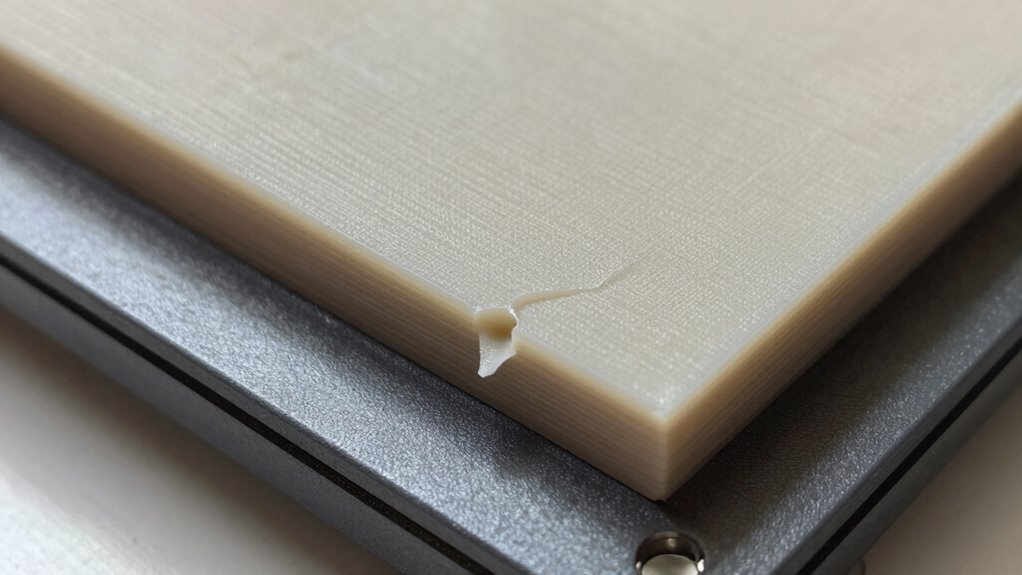
If your first layer isn’t sticking to the build plate, it’s likely due to issues with bed leveling, surface cleanliness, or temperature settings. Ensuring proper printer calibration helps achieve a flat, even surface, which is vital for adhesion. Additionally, consider material compatibility, as some filaments need specific bed surfaces or adhesives. Here are common fixes:
- Recalibrate your printer to make certain the bed is level and at the right distance from the nozzle.
- Clean the build plate thoroughly to remove oils, dust, or residue that hinder adhesion.
- Adjust temperature settings according to the filament manufacturer’s recommendations for best bonding.
Addressing these factors improves first-layer adhesion and sets a solid foundation for successful prints.
How Can I Fine-Tune My First Layer Over Time?
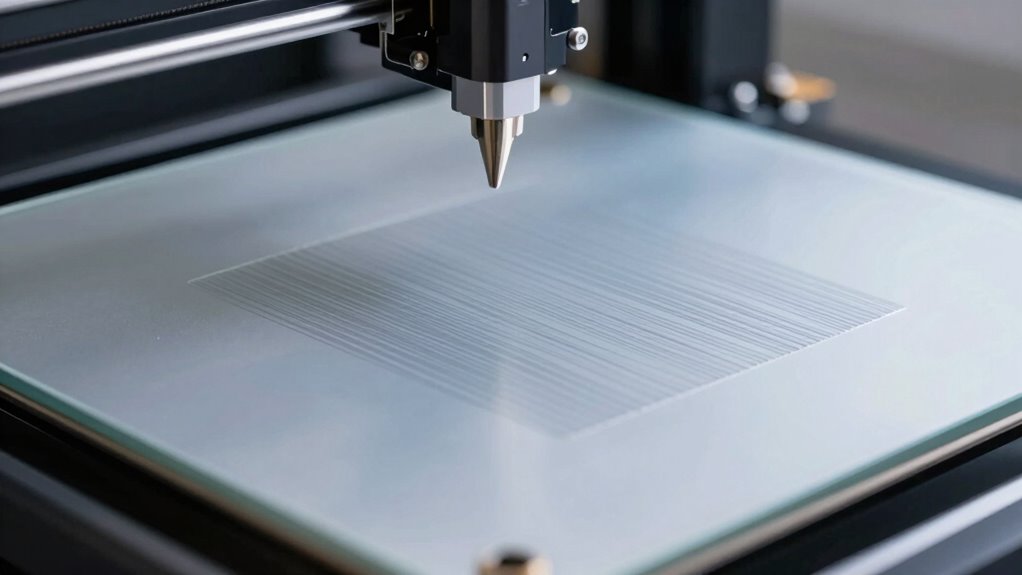
Over time, fine-tuning your first layer involves making small, incremental adjustments based on your print results. Pay close attention to layer adhesion—if prints lift or warp, you might need to slightly increase bed temperature or adjust the nozzle height. Different filament compatibility can also impact adhesion; some materials require a more heated bed or a different surface. Keep track of your settings and note what works best for each filament type. Gradually tweak the bed leveling and extrusion parameters to improve consistency. Remember, small changes matter—over-adjusting can cause issues. Consistently monitor your first layer, and over time, you’ll develop a feel for the ideal settings that guarantee perfect adhesion and smooth prints.
What Are Quick Tips to Improve Your First Layer Now?
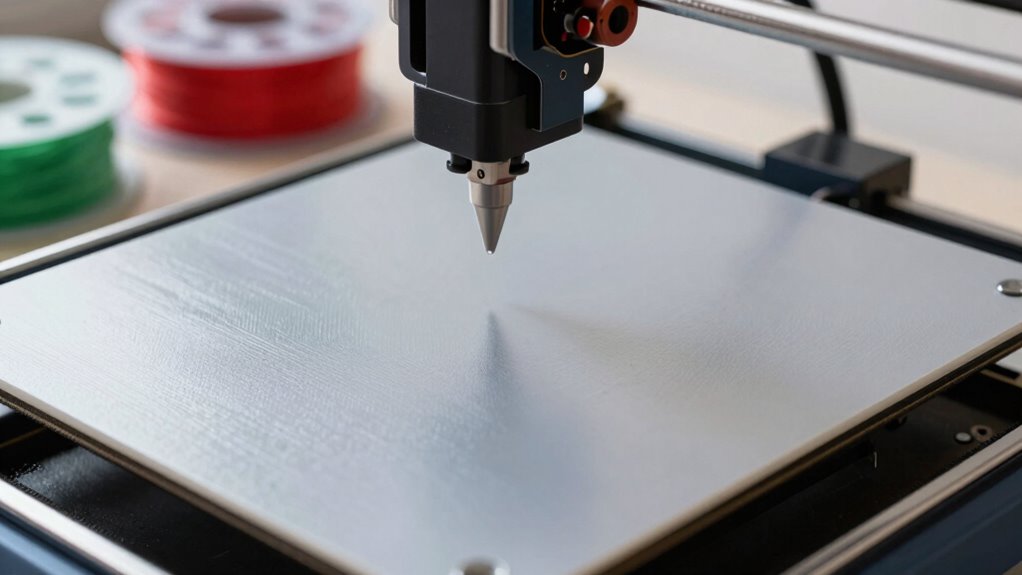
To quickly improve your first layer, start by checking the bed level and ensuring it’s as flat as possible. Proper printer calibration is essential for a smooth first layer, so recheck your Z-offset and bed tension. Additionally, consider these tips:
Ensure bed is level and calibrated for a smooth, successful first layer.
- Adjust filament storage: Use dry, high-quality filament to prevent clogs and uneven extrusion.
- Clean the build surface: Wipe the bed with isopropyl alcohol to improve adhesion.
- Optimize print settings: Lower the initial layer speed and increase the extrusion temperature slightly for better flow.
- Enhance your setup with reliable office gear to keep your workspace organized and efficient during your printing sessions.
- For better print quality, understanding the nail biology/hygiene of your equipment, such as maintaining clean and well-maintained components, can also make a difference, especially since printer maintenance directly affects print success. Regularly inspecting your printer parts and filament storage practices can help prevent issues before they start.
Frequently Asked Questions
How Often Should I Recalibrate My 3D Printer’s Bed?
You should recalibrate your 3D printer’s bed regularly, ideally after every 10-15 print jobs or if you notice adhesion issues. Follow a consistent calibration schedule to maintain ideal bed leveling. Changes in temperature, moving parts, or transporting your printer can affect bed leveling, so check and re-calibrate as needed. Proper bed leveling ensures the first layer adheres well, leading to successful prints and fewer failures.
What Are Signs of a Misaligned Extruder?
You’ll notice signs of a misaligned extruder when your prints have uneven layers, gaps, or stringing issues. Check your extruder calibration and nozzle height—if the nozzle is too high, filament won’t stick properly, and if it’s too low, it can cause clogging. Regularly adjust these settings to guarantee smooth filament flow, which results in cleaner, more accurate prints and reduces the need for reprints or fixes.
How Do I Troubleshoot Inconsistent Extrusion During the First Layer?
To troubleshoot inconsistent extrusion during the first layer, start by checking your nozzle height; it should be just right for proper adhesion. Then, examine your extrusion flow—ensure it’s steady and consistent. Adjust the Z-axis if needed to maintain ideal nozzle distance. Also, inspect your filament for any tangles or clogs. These steps help achieve a smooth, even first layer, preventing issues early on.
Which Filament Types Require Special First-Layer Settings?
Did you know that over 60% of failed prints result from improper first-layer adhesion? Some filament types, like ABS and flexible filaments, require special first-layer settings for the best results. To guarantee success, store your filament properly to prevent moisture absorption, which can cause issues, and always clean your nozzle before printing. Adjust temperature and speed settings specifically for these filaments to get a strong, consistent first layer.
How Can Ambient Temperature Affect My First Layer Adhesion?
Ambient temperature can substantially impact your first layer adhesion by affecting temperature stability. If it’s too cold, your filament may not adhere properly, leading to warping. High ambient humidity can also cause issues, as moisture in the air can lead to inconsistent extrusion. To improve adhesion, keep your printing area consistent in temperature and humidity, and consider using an enclosure or a heated bed to maintain ideal conditions.
Conclusion
Mastering your first layer might seem minor, but it makes a monumental difference in mastering your prints. By balancing beds, boosting bed adhesion, tweaking settings, and tackling troubles head-on, you’ll transform trial into triumph. With patience and practice, you’ll perfect your process and produce pristine prints, proving that persistence and precision pave the path to printing perfection. Remember, small steps lead to spectacular success—so stay steady, stay sharp, and let your skills soar!
Fall Picks
fall essentials
As an affiliate, we earn on qualifying purchases.