
TL;DR

Get business pricing on monitors, keyboards and dev gear
- Business-only prices and quantity discounts
- Tax-exempt purchasing
- Multiple users, one account, clear invoices
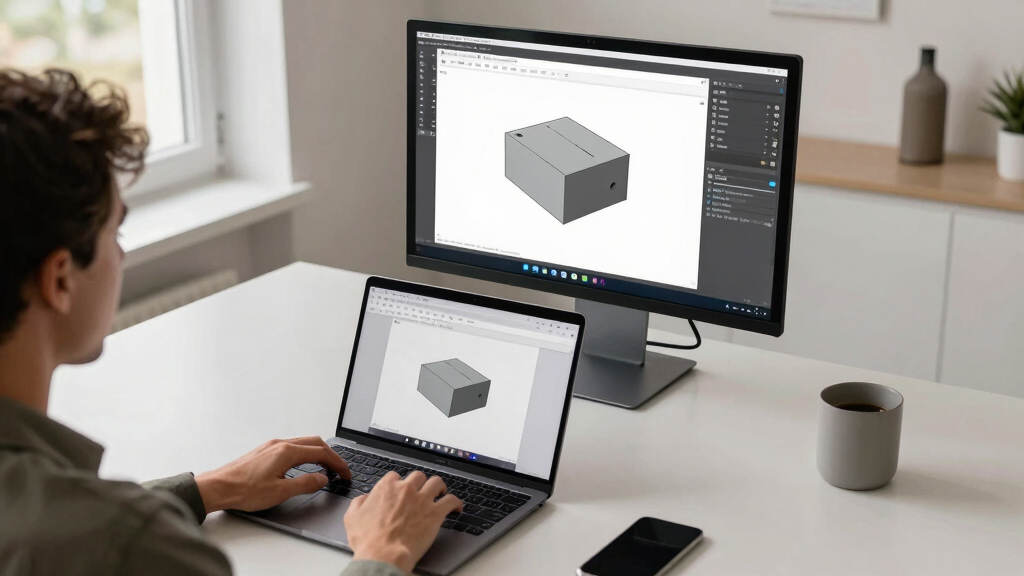
FreeCAD has introduced a new version accessible directly through web browsers, removing the need for local installation. This development aims to broaden access and streamline workflow for CAD users.
FreeCAD has launched a browser-based version of its open-source CAD software, enabling users to run the application entirely within a web browser. This marks a significant shift in accessibility, allowing users to access CAD tools without installing software locally. The development is confirmed by the FreeCAD team and is currently in a testing phase.
The new browser version of FreeCAD is built on modern web technologies, aiming to provide a seamless CAD experience directly through browsers like Chrome, Firefox, and Edge. The project was announced on the official FreeCAD forums and GitHub repository, with developers emphasizing ease of access and collaboration.
According to the FreeCAD development team, the browser version supports core features such as parametric modeling, assembly, and basic rendering. However, it is still in the testing stage, with some advanced functionalities and performance optimizations expected to follow in future updates.
Implications for CAD Accessibility and Collaboration
This development could significantly lower barriers to entry for CAD users, especially students, educators, and professionals who lack powerful hardware or prefer cloud-based workflows. It also opens new avenues for collaborative design, where multiple users can access and modify models in real-time via a web platform. The move aligns with broader trends toward cloud computing and software-as-a-service models in CAD.
As an affiliate, we earn on qualifying purchases.
Background on FreeCAD and Web-Based CAD Tools
FreeCAD is an open-source parametric CAD software widely used by hobbyists, students, and professionals. Historically, it has been a desktop application requiring installation on Windows, macOS, or Linux systems. While web-based CAD tools have existed, most are proprietary or limited in features. The introduction of a full-featured browser version by FreeCAD represents a notable shift in open-source CAD development, following a growing interest in cloud-based design tools.
“The browser-based version of FreeCAD aims to make CAD more accessible and facilitate collaboration across different platforms and devices.”
— FreeCAD Development Team
As an affiliate, we earn on qualifying purchases.
Unconfirmed Aspects and Development Challenges
It is not yet clear how the browser version will perform with complex models or in resource-constrained environments. The full feature set, including advanced simulation or rendering capabilities, remains to be tested and confirmed. Additionally, questions about security, data privacy, and integration with existing workflows are still under discussion.
As an affiliate, we earn on qualifying purchases.
Upcoming Milestones and User Access Expansion
The FreeCAD team plans to release a public beta in the coming months, inviting wider user testing and feedback. Future updates are expected to include performance improvements, expanded feature support, and enhanced collaboration tools. Monitoring user adoption and technical feedback will be key to assessing long-term viability.
As an affiliate, we earn on qualifying purchases.
Key Questions
Is the browser-based FreeCAD fully functional?
It is currently in testing, supporting core features like parametric modeling and assembly, but some advanced features are still under development.
Can I use FreeCAD in the browser now?
The browser version is available for testing through the official FreeCAD channels, but it is not yet officially released for general use.
Will this replace the desktop version?
There are no official plans to replace the desktop version; the browser version is intended to complement existing tools and improve accessibility.
What are the potential benefits of a browser-based FreeCAD?
Benefits include easier access without installation, cross-platform compatibility, and improved collaboration, especially for remote teams and educational settings.
Are there any security concerns with running CAD in the browser?
Security considerations are still being evaluated, but the team emphasizes data privacy and secure hosting as priorities for future development.
Source: hn
Halloween Picks
halloween
As an affiliate, we earn on qualifying purchases.