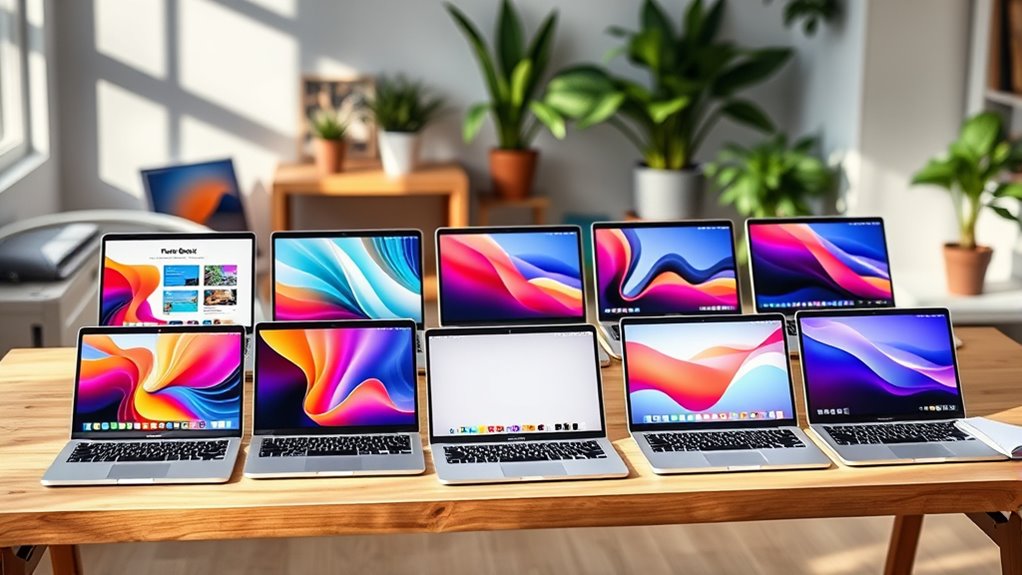

If you’re looking for the best MacBook Airs for students and creators in 2025, I recommend considering models with the powerful M4 chip, bright Liquid Retina displays, and lightweight design. The 15-inch offers big visuals, while the 13-inch is perfect for portability. With long battery life, sleek finishes, and seamless Apple ecosystem integration, these laptops handle multitasking, creative work, and everyday tasks effortlessly. Keep exploring to find out which options stand out for your needs.
Key Takeaways
- Focus on models with the M4 chip for optimal performance in multitasking, creative work, and media editing.
- Prioritize high-resolution Liquid Retina displays supporting vivid color and True Tone technology.
- Consider lightweight, ultra-portable designs weighing around 2.7 to 3.3 pounds for easy mobility.
- Check battery life of up to 18 hours for all-day productivity and creative sessions.
- Evaluate connectivity options like Thunderbolt 4 ports and external display support for versatile setup needs.

Apple 2025 MacBook Air 15-inch Laptop with M4 chip: Built for Apple Intelligence, 15.3-inch Liquid Retina Display, 16GB Unified Memory, 512GB SSD Storage, 12MP Center Stage Camera, Touch ID; Midnight
- Display: 15.3-inch Liquid Retina Display
- Processor: Powered by M4 chip for speed
- Memory: 16GB Unified Memory
As an affiliate, we earn on qualifying purchases.
Apple 2025 MacBook Air 15-inch Laptop with M4 Chip
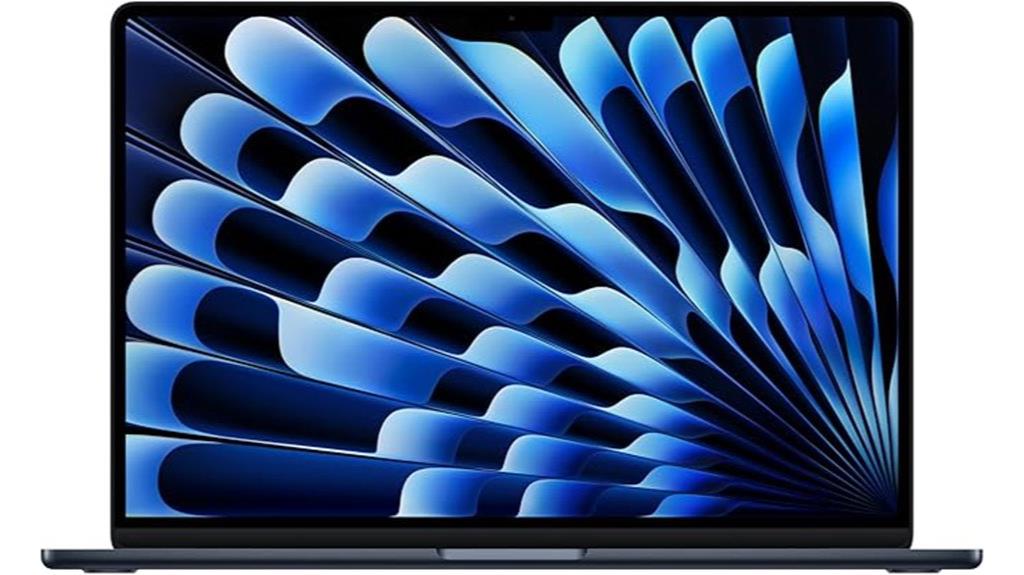
If you’re a student or creator looking for a powerful yet portable laptop, the Apple 2025 MacBook Air 15-inch with M4 chip is an excellent choice. Its stunning 15.3-inch Liquid Retina display supports a billion colors, delivering vibrant contrast, sharp details, and crisp text. The sleek Midnight finish makes it stylish and lightweight for on-the-go use. Powered by the efficient M4 chip, it handles multitasking, video editing, and gaming seamlessly, with up to 18 hours of battery life. Coupled with 16GB of memory and 512GB SSD storage, it offers speed, power, and portability—perfect for students and creators alike.
Best For: students and creators seeking a powerful, portable, and stylish laptop with excellent display quality and long battery life.
Pros:
- Stunning 15.3-inch Liquid Retina display with vibrant colors and sharp details
- Powerful M4 chip for smooth multitasking, editing, and gaming
- Long-lasting battery life of up to 18 hours
Cons:
- Premium price point may be a barrier for some users
- Limited to two external displays, which might be restrictive for certain workflows
- Slightly heavier than smaller ultrabooks, impacting portability for some users

Apple 2025 MacBook Air 15-inch Laptop with M4 chip: Built for Apple Intelligence, 15.3-inch Liquid Retina Display, 24GB Unified Memory, 512GB SSD Storage, 12MP Center Stage Camera, Touch ID; Silver
- Display: 15.3-inch Liquid Retina Display
- Processor: Powered by M4 chip for speed
- Memory: 24GB Unified Memory
As an affiliate, we earn on qualifying purchases.
Apple 2025 MacBook Air 15-inch Laptop with M4 Chip
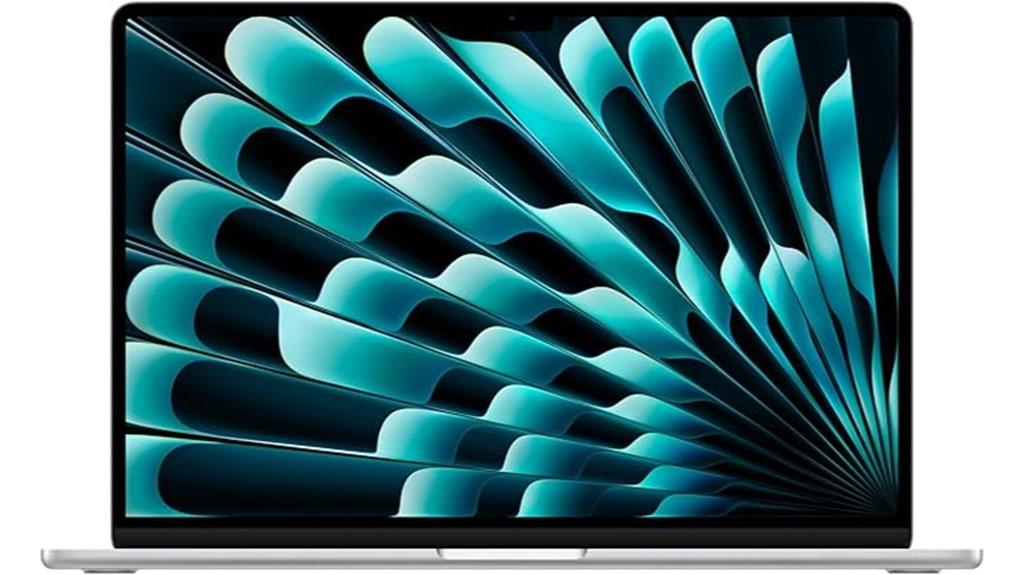
The Apple 2025 MacBook Air 15-inch with M4 Chip stands out as the ideal choice for students and creators who need a powerful, portable device with stunning display quality. Its 15.3-inch Liquid Retina screen supports a billion colors, delivering vibrant contrast and sharp details. Powered by the M4 chip, it offers smooth multitasking, fast video editing, and seamless gaming. With up to 18 hours of battery life, MagSafe charging, and a sleek, lightweight design, it’s perfect for on-the-go use. The advanced camera, spatial audio, and robust connectivity ensure peak video calls and media experiences, making it a versatile tool for work and play.
Best For: students and creators seeking a powerful, portable laptop with stunning display quality and long battery life.
Pros:
- Vibrant 15.3-inch Liquid Retina display with a billion colors for rich visuals
- Powerful M4 chip delivers fast multitasking, editing, and gaming performance
- Up to 18 hours of battery life ensures all-day productivity and entertainment
Cons:
- Limited to two Thunderbolt 4 ports, which may require additional adapters for peripherals
- Premium price point might be a barrier for budget-conscious users
- No mention of dedicated GPU, which could affect performance for highly demanding graphics tasks
Apple 2025 MacBook Air 15-inch Laptop with M4 chip: Built for Apple Intelligence, 15.3-inch Liquid Retina Display, 24GB Unified Memory, 512GB SSD Storage, 12MP Center Stage Camera, Touch ID; Midnight
- Display: 15.3-inch Liquid Retina Display
- Processor: Powered by M4 chip for speed
- Memory: 24GB Unified Memory
As an affiliate, we earn on qualifying purchases.
Apple MacBook Air 15-inch Laptop with M4 Chip
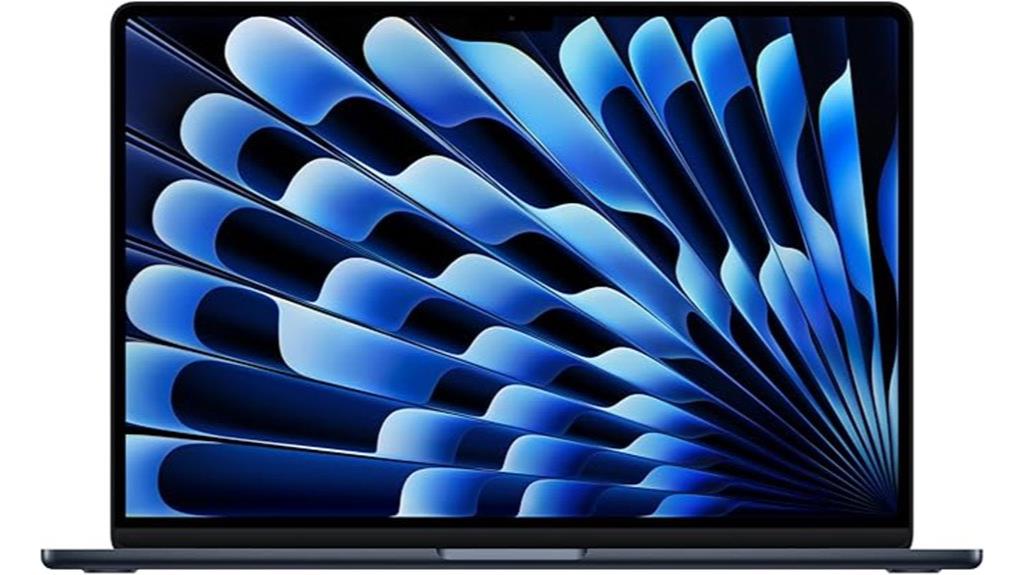
For students and creators who need a large, vibrant display, the Apple MacBook Air 15-inch Laptop with M4 Chip is an excellent choice. Its 15.3-inch Liquid Retina screen supports a billion colors, delivering stunning contrast, sharp detail, and supercrisp text. The sleek Midnight color makes it highly portable and stylish. Powered by the M4 chip, it offers fast, fluid performance for multitasking, video editing, and even gaming. With up to 18 hours of battery life, it keeps you going all day. Plus, its advanced privacy protections and Apple’s intelligent features enhance your productivity while keeping your data secure.
Best For: students and creators who need a large, vibrant display, powerful performance, and long battery life for multitasking, editing, and entertainment.
Pros:
- Stunning 15.3-inch Liquid Retina display with support for a billion colors for rich visuals
- Powered by the efficient M4 chip, ensuring fast and fluid multitasking and creative workflows
- Up to 18 hours of battery life for all-day productivity and entertainment
Cons:
- Limited to two Thunderbolt 4 ports, which may require adapters for some peripherals
- No dedicated graphics card, which might impact high-end gaming or intensive 3D work
- Midnight color may show fingerprints more easily, requiring regular cleaning

Apple 2025 MacBook Air 13-inch Laptop with M4 chip: Built for Apple Intelligence, 13.6-inch Liquid Retina Display, 16GB Unified Memory, 512GB SSD Storage, 12MP Center Stage Camera, Touch ID; Sky Blue
- Processor: Powered by Apple M4 chip for speed
- Battery Life: Up to 18 hours of use
- Display: 13.6-inch Liquid Retina display
As an affiliate, we earn on qualifying purchases.
Apple 2025 MacBook Air 13-inch Laptop with M4 Chip
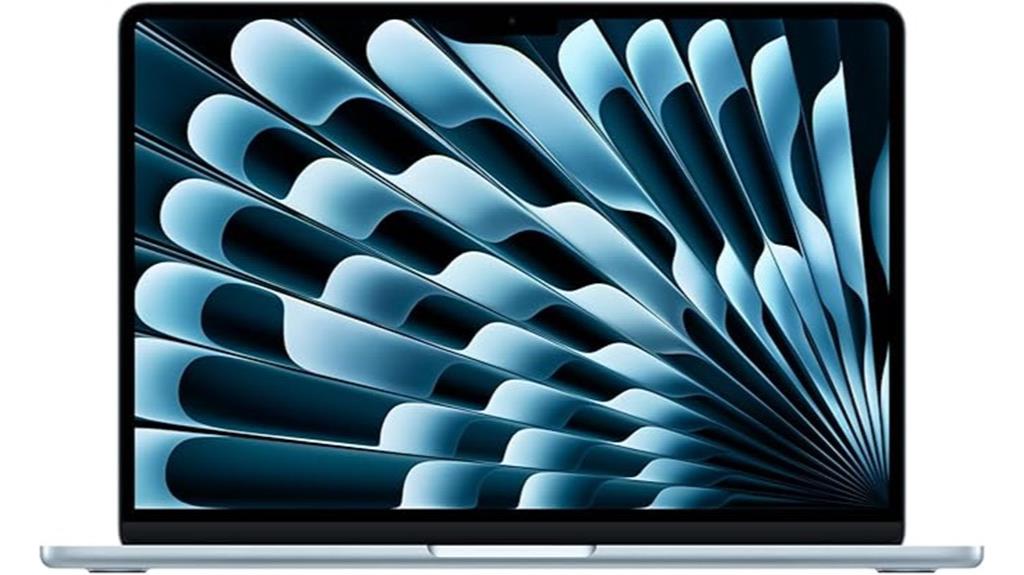
Designed for students and creators who need a portable powerhouse, the Apple 2025 MacBook Air 13-inch with M4 chip combines sleek design with exceptional performance. Its 13.6-inch Liquid Retina display supports a billion colors, delivering vivid contrast, sharp detail, and crisp text. Powered by the M4 chip, it handles demanding tasks like video editing and multitasking smoothly, all while offering up to 18 hours of battery life. With 16GB of unified memory and 512GB SSD storage, it guarantees fast, seamless performance. Additional features like a 12MP Center Stage camera, Spatial Audio, and advanced privacy protections make it a versatile, secure choice for students and creators alike.
Best For: students and creators seeking a portable, powerful laptop with exceptional display and performance capabilities.
Pros:
- Bright, vivid 13.6-inch Liquid Retina display with support for a billion colors
- Powerful M4 chip ensures smooth multitasking and demanding task handling
- Long-lasting battery life of up to 18 hours for all-day use
Cons:
- Limited to two external displays, which may restrict multi-monitor setups
- No dedicated GPU, potentially affecting high-end graphic tasks
- Premium price point might be a consideration for budget-conscious buyers
Apple MacBook Air 13-inch Laptop with M4 Chip
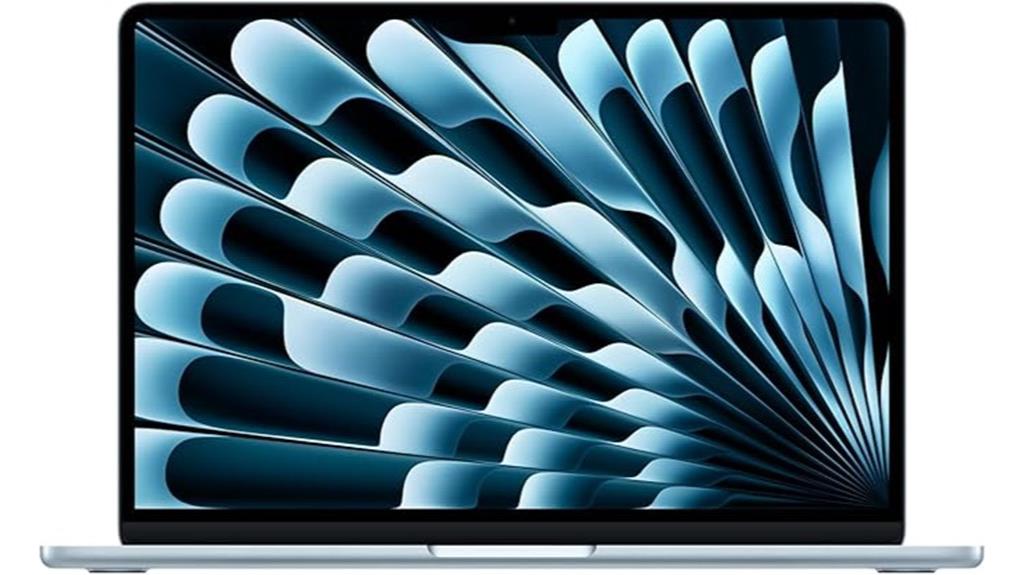
If you’re seeking a lightweight yet powerful laptop that handles creative tasks effortlessly, the Apple MacBook Air 13-inch with M4 chip stands out as an ideal choice. Its sleek, thin design weighs just 2.73 pounds and features a stunning 13.6-inch Liquid Retina display supporting a billion colors, perfect for multimedia and editing. Powered by the M4 chip with a 10-core CPU and 8-core GPU, it delivers fast multitasking and smooth performance. The 16GB RAM and 256GB SSD assure quick data access, while the long-lasting battery offers up to 18 hours of video streaming, making it a versatile and stylish option for students and creators alike.
Best For: students, professionals, and creators seeking a lightweight, stylish, and high-performance laptop for multimedia, editing, and everyday tasks.
Pros:
- Sleek, lightweight design weighing only 2.73 pounds for maximum portability
- Stunning 13.6-inch Liquid Retina display with vivid color support and True Tone technology
- Powered by the efficient M4 chip with a 10-core CPU and 8-core GPU for fast multitasking and creative workflows
Cons:
- 256GB SSD storage may be limited for extensive multimedia files, requiring external solutions
- Limited to two external 6K displays via Thunderbolt 4, which might be insufficient for some professional setups
- Higher price point compared to some Windows ultrabooks with similar specs
Apple 2025 MacBook Air 15-inch Laptop with M4 Chip
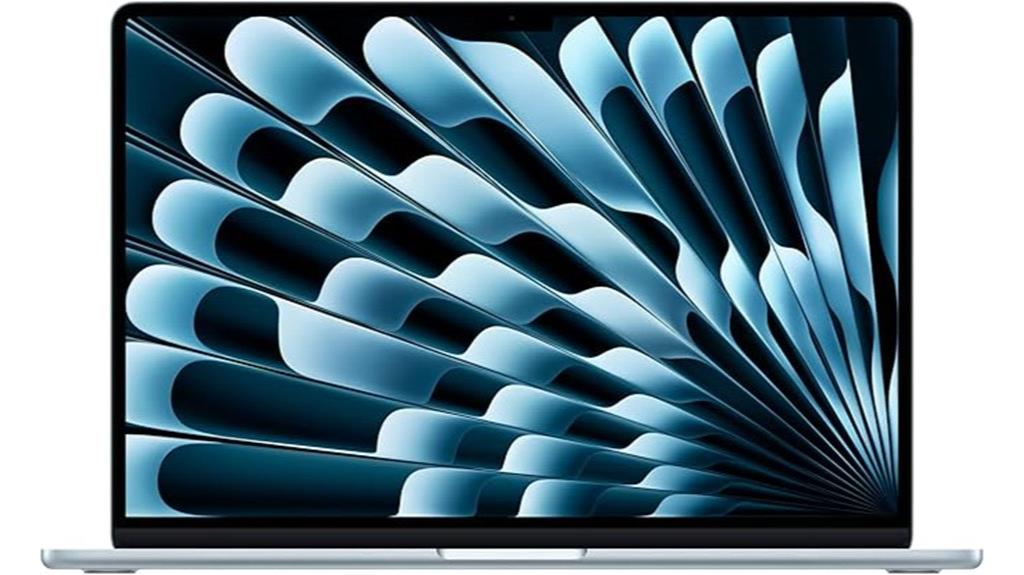
The Apple 2025 MacBook Air 15-inch with M4 chip stands out as an excellent choice for those seeking a powerful yet portable laptop that can handle demanding tasks with ease. Its lightweight design, weighing just 3.32 pounds, makes it perfect for on-the-go use. The 15.3-inch Liquid Retina display offers vibrant visuals with 1 billion colors and sharp detail. Powered by the M4 chip, it delivers exceptional speed, multitasking, and creative performance, all in a fanless, silent operation. With up to 18 hours of battery life, fast charging, and advanced connectivity options, this MacBook Air combines size, power, and portability seamlessly.
Best For: users seeking a sleek, lightweight, and powerful ultraportable laptop for work, creative tasks, and entertainment on the go.
Pros:
- Ultra-lightweight design weighing only 3.32 pounds for maximum portability
- Vibrant 15.3-inch Liquid Retina display with 1 billion colors and high resolution
- Powerful M4 chip with 10-core CPU and GPU ensures smooth multitasking and creative performance
Cons:
- Limited to 512GB SSD storage, which may be insufficient for some users with large files
- No dedicated GPU options, potentially limiting high-end gaming or intensive graphics work
- Higher price point compared to some other ultraportables with less advanced hardware
Apple 2025 MacBook Air 13-inch Laptop with M4 Chip
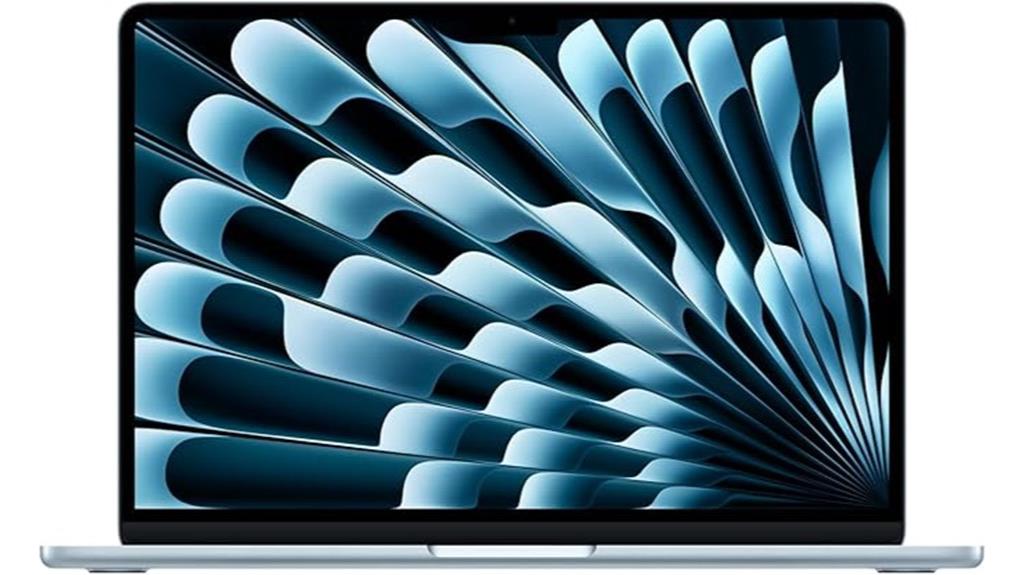
With its powerful M4 chip and vibrant Liquid Retina display, the Apple 2025 MacBook Air 13-inch is an ideal choice for students and creators who need performance on the go. The M4 chip provides seamless multitasking, quick video editing, and smooth gaming, while Apple Intelligence helps bolster productivity with privacy protection. Its 13.6-inch display supports a billion colors, making images and videos pop with vivid detail. The 12MP Center Stage camera ensures sharp video calls, complemented by spatial audio and immersive sound. With up to 18 hours of battery life, a sleek Sky Blue design, and ample storage, this MacBook Air balances power, style, and portability perfectly.
Best For: students, creators, and professionals seeking a lightweight, high-performance laptop with vibrant display and long battery life.
Pros:
- Powerful M4 chip delivers seamless multitasking, video editing, and gaming performance
- Stunning 13.6-inch Liquid Retina display with support for a billion colors for vivid visuals
- Up to 18 hours of battery life ensures all-day usage without worry
Cons:
- Limited to two external displays, which may not suffice for some multi-monitor setups
- Only 512GB SSD storage might be insufficient for users with large files or extensive media libraries
- Premium Sky Blue design may not appeal to those preferring classic or neutral colors
Apple MacBook Air 13-inch Laptop with M4 Chip
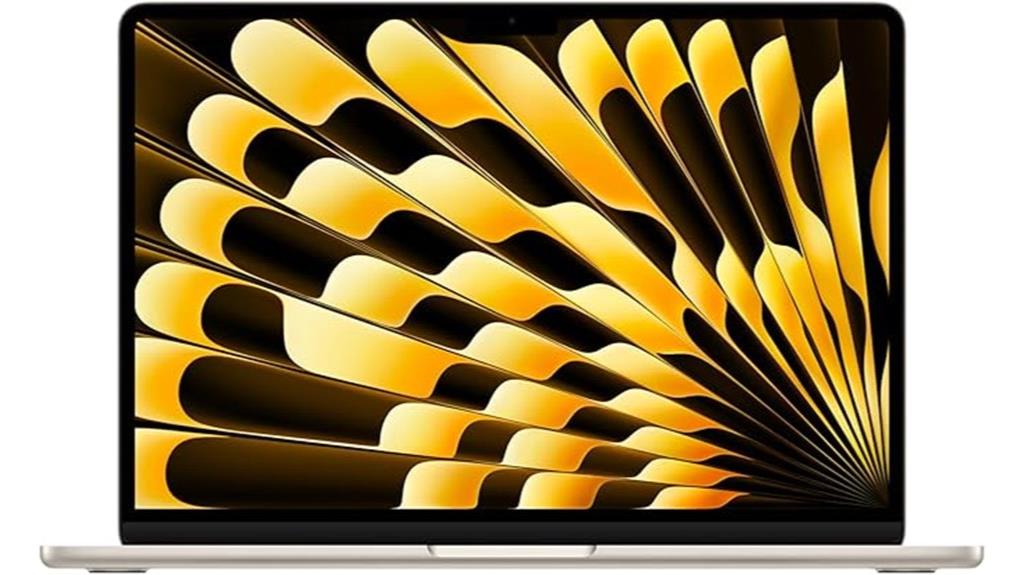
The Apple MacBook Air 13-inch with M4 chip stands out as a top choice for students and creators who need powerful performance in a highly portable design. Its 13.6-inch Liquid Retina display supports a billion colors, delivering stunning visuals and sharp text. Powered by the M4 chip, it offers fast, smooth multitasking, ideal for video editing and demanding apps. With up to 18 hours of battery life, you can work all day without worry. The device features advanced privacy protections, a 12MP Center Stage camera, and excellent audio quality. Its lightweight form and versatile connectivity make it perfect for on-the-go productivity and creative projects.
Best For: students and creators seeking a powerful, portable laptop with a stunning display and long battery life for multitasking, editing, and on-the-go productivity.
Pros:
- Bright, vivid 13.6-inch Liquid Retina display with a billion colors for excellent visuals
- Powerful M4 chip delivers fast performance and efficiency for multitasking and demanding tasks
- Up to 18 hours of battery life ensures all-day use without needing to recharge
Cons:
- Limited 256GB SSD storage may be insufficient for large media files or extensive data
- Only two Thunderbolt 4 ports could restrict connectivity options
- Higher price point compared to some other ultrabooks with similar specs
Apple 2025 MacBook Air 13-inch Laptop with M4 Chip
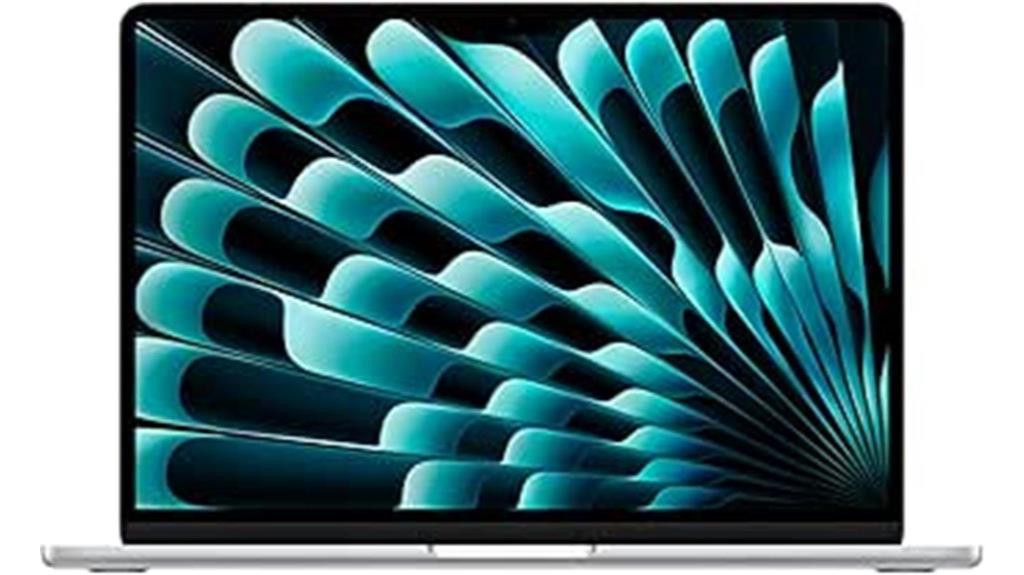
If you’re looking for a lightweight yet powerful laptop that can handle creative projects and everyday tasks, the Apple 2025 MacBook Air 13-inch with M4 chip is an excellent choice. Its sleek, ultra-portable design and stunning 13.6-inch Liquid Retina display deliver vibrant colors and sharp visuals, perfect for multimedia work. Powered by the M4 chip, it offers fast performance, smooth multitasking, and excellent efficiency. With up to 18 hours of battery life, fast charging, and seamless Apple ecosystem integration, this MacBook Air is ideal for students and creators alike. Its premium build, advanced camera, and high-quality audio make it a versatile, reliable companion for work and entertainment.
Best For: students, creative professionals, and casual users seeking a lightweight, high-performance laptop with excellent display quality and long battery life.
Pros:
- Sleek, ultra-portable design ideal for on-the-go use
- Stunning 13.6-inch Liquid Retina display with vibrant colors and sharp visuals
- Long battery life up to 18 hours with fast charging capability
Cons:
- Limited 256GB SSD storage may require external solutions over time
- No touch-enabled display for direct interaction
- Premium features come at a relatively higher price point
Apple 2025 MacBook Air 15-inch Laptop with M4 Chip
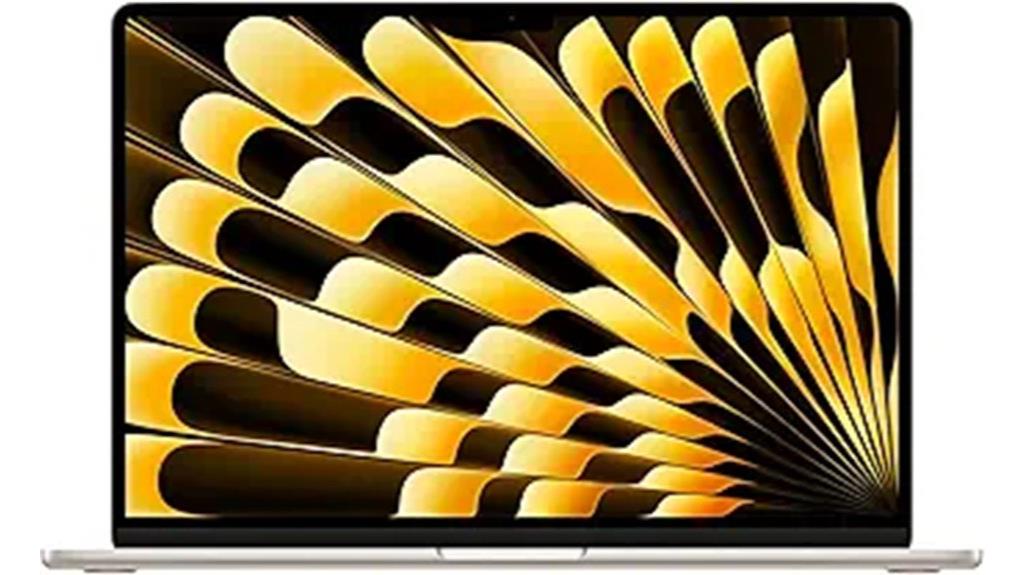
Anyone searching for a highly portable yet powerful laptop will find the Apple 2025 MacBook Air 15-inch with M4 chip to be an ideal choice, especially for students and creators who need a device that can handle demanding tasks without sacrificing portability. It features a sleek, lightweight design weighing just 3.32 pounds, with a stunning 15.3-inch Liquid Retina display supporting 1 billion colors, True Tone, and wide P3 color. Powered by the M4 chip, it offers exceptional speed, multitasking, and creative capabilities, along with up to 18 hours of battery life. Its silent, fanless design, advanced audio, and robust connectivity make it perfect for work, streaming, and editing on the go.
Best For: students, creative professionals, and casual users seeking a lightweight, powerful, and long-lasting laptop for work, streaming, and editing tasks.
Pros:
- Exceptional performance with the M4 chip, handling multitasking and creative workflows smoothly
- Stunning 15.3-inch Liquid Retina display with vibrant colors and True Tone technology
- Long battery life of up to 18 hours, ideal for all-day use on the go
Cons:
- Premium price point may be a barrier for some budget-conscious buyers
- Limited to two external displays at 6K resolution, which might restrict multi-monitor setups for power users
- No active cooling fan, so it may run at higher temperatures under intense workloads
Apple 2025 MacBook Air 13-inch Laptop with M4 Chip
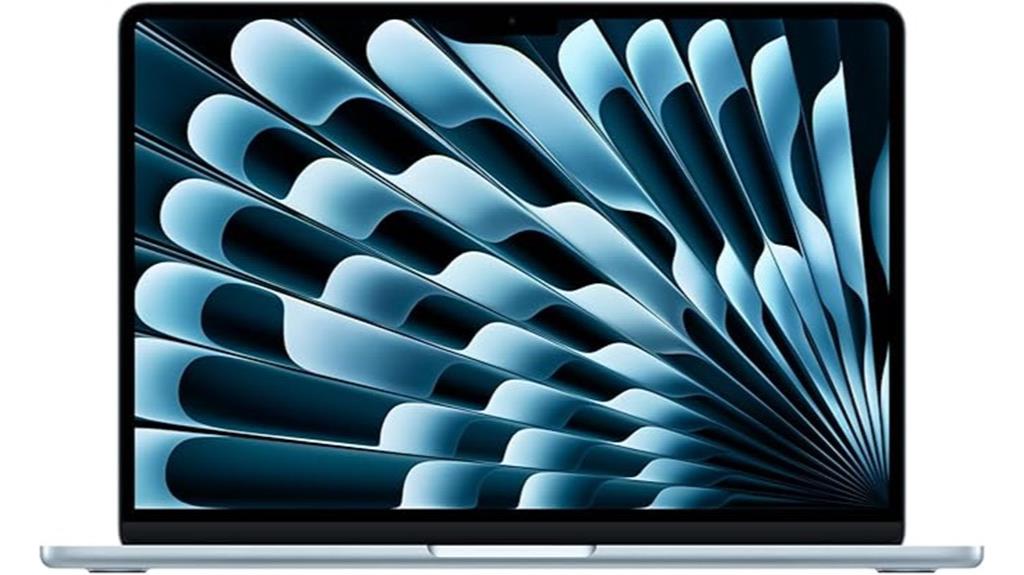
For students and creators seeking a powerful yet portable device, the Apple 2025 MacBook Air 13-inch with M4 chip stands out with its impressive performance and sleek design. Its thin, lightweight build (2.73 pounds) and elegant Midnight finish make it perfect for on-the-go use. The 13.6-inch Liquid Retina display supports a billion colors and offers sharp visuals with vibrant brightness, ideal for multimedia tasks. Powered by the M4 chip with a 10-core CPU and 8-core GPU, it handles multitasking, editing, and gaming effortlessly. With up to 18 hours of battery life, fast charging, and seamless Apple ecosystem integration, it’s a versatile choice for students and creators alike.
Best For: students, professionals, and creators seeking a powerful, portable, and stylish laptop for multitasking, multimedia, and everyday use.
Pros:
- Sleek, lightweight design weighing only 2.73 pounds for ultimate portability
- Vibrant 13.6-inch Liquid Retina display with true-to-life color and high brightness
- Powered by the advanced M4 chip, offering fast performance and efficient multitasking
Cons:
- 256GB SSD storage may be limited for extensive multimedia files and large projects
- Limited to two external display support, which might restrict multi-monitor setups for some users
- The premium price point may be a consideration for budget-conscious buyers
Apple 2025 MacBook Air 15-inch Laptop with M4 Chip
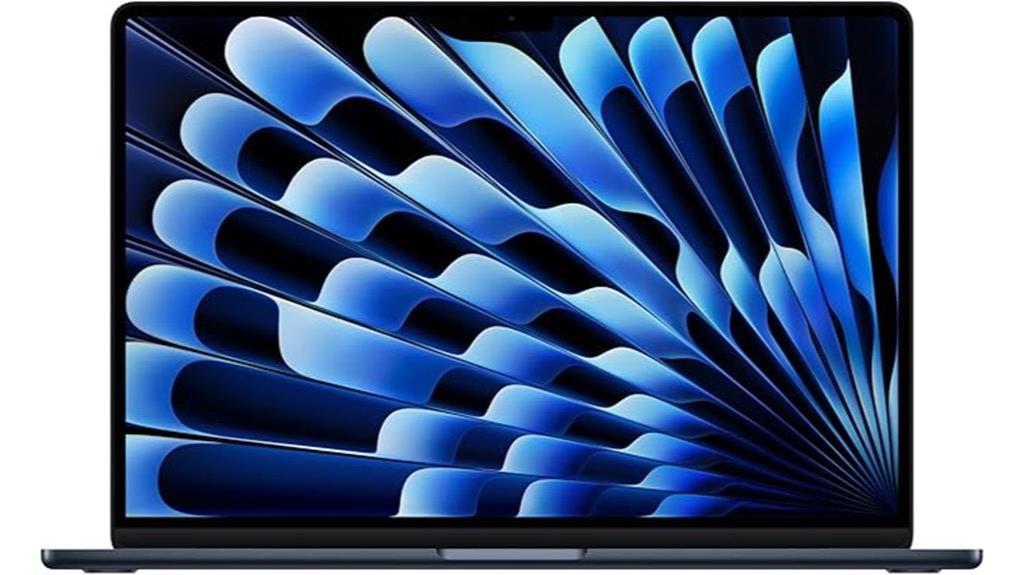
The Apple 2025 MacBook Air 15-inch with the M4 chip stands out as an excellent choice for those who need a larger, vibrant display without sacrificing portability. Its 15.3-inch Liquid Retina screen supports a billion colors, delivering stunning contrast and sharp detail. Powered by the M4 chip, it offers increased speed, smooth multitasking, and impressive efficiency, with up to 18 hours of battery life. The design remains incredibly portable, perfect for work or play on the go. With advanced privacy features, a 12MP Center Stage camera, high-quality audio, and fast connectivity, this MacBook Air balances power and portability beautifully.
Best For: those seeking a large, vibrant display with powerful performance in a portable design for work, creative tasks, or entertainment.
Pros:
- Stunning 15.3-inch Liquid Retina display with vivid colors and sharp detail
- Powered by the efficient M4 chip for smooth multitasking and long battery life of up to 18 hours
- Compact and lightweight design ideal for on-the-go use without sacrificing performance
Cons:
- Limited storage options starting at 256GB SSD, which may be insufficient for some users
- Only two Thunderbolt 4 ports, potentially limiting peripheral connectivity
- Higher price point compared to other laptops with similar specifications
Factors to Consider When Choosing a MacBook Air for Students and Creators

When choosing a MacBook Air, I consider what kind of performance power I need for my tasks, whether it’s light browsing or demanding creative work. Display quality is also key, especially for editing or design, along with portability to fit my on-the-go lifestyle. Finally, I think about battery life, storage capacity, and how much memory is enough to keep everything running smoothly without frustration.
Performance Power Needs
Choosing the right MacBook Air for students and creators hinges on its processing power and memory capacity. A powerful processor like the Apple M4 chip guarantees high-speed performance, essential for multitasking and demanding creative tasks. Aim for 16GB or more of unified memory to smoothly run creative software and handle multiple applications without lag. Hardware-accelerated media engines that support formats like ProRes, HEVC, and AV1 are vital for efficient video editing and playback. Battery life also matters—look for models offering up to 18 hours to support long study sessions or extended creative work without frequent recharging. Additionally, verify the device has ample fast storage, such as a 512GB SSD or higher, to store large files, projects, and multimedia content seamlessly.
Display Quality Importance
A high-quality display is crucial for anyone using a MacBook Air for creative work or detailed tasks, as it directly impacts visual clarity and accuracy. A true color support with high resolution makes photo editing, graphic design, and media consumption much more precise and enjoyable. Support for 1 billion colors and wide P3 color gamuts ensures vibrant, accurate visuals, which are essential for professional work. Brightness levels of 500 nits or higher improve outdoor visibility and viewing comfort in various lighting conditions. Additionally, IPS technology offers wide viewing angles and consistent color accuracy from different perspectives, which is indispensable for collaborative projects and detailed editing. A sharp, crisp display also reduces eye strain during long work sessions, making it more comfortable for students and creators alike.
Portability and Size
The size and weight of a MacBook Air play a crucial role in how easily I can carry it around for classes, meetings, or creative sessions. The 13.6-inch model strikes a great balance, offering a smaller, lighter form factor that’s easy to slip into my bag and carry all day. For those needing a larger workspace, the 15.3-inch version provides more screen real estate without sacrificing portability, thanks to its slim profile. Weighing between 2.7 and 3.3 pounds, these laptops are designed for effortless transport, reducing fatigue during long hours on the move. Their thin, sleek designs—less than half an inch thick—make packing quick and comfortable, whether I’m heading to campus or a coffee shop. Portability truly makes a difference in my daily productivity.
Battery Endurance Expectations
Long battery life is vital when selecting a MacBook Air, especially for students and creators who need to stay productive throughout the day without constantly searching for an outlet. Ideally, a MacBook Air should offer at least 15 hours of battery life to cover long study sessions or creative projects. Modern models with the M4 chip can deliver up to 18 hours of video playback or web browsing, making them highly reliable for all-day use. Keep in mind, actual endurance varies based on activity—video editing or gaming drains power faster than simple browsing or document work. Features like fast charging and energy-efficient processors help extend battery life during extended sessions. Many users report experiencing battery performance close to the advertised hours, emphasizing how essential long-lasting power is for portability.
Storage and Memory Capacity
Choosing the right storage and memory capacity is essential because these features directly impact your MacBook Air’s performance and your ability to handle large files or multitask smoothly. For students and creators dealing with high-resolution videos or big datasets, I recommend at least 512GB SSD storage to avoid relying heavily on external drives. Adequate storage guarantees you can store applications, media, and project files without constant management. Higher RAM, such as 16GB or 24GB, enables seamless multitasking and efficient use of demanding creative software. Sufficient memory and storage also extend your device’s lifespan, reducing the need for upgrades. Balancing these capacities with your budget can optimize performance for your specific academic or creative needs, ensuring your MacBook Air remains capable and responsive over time.
Frequently Asked Questions
How Does the M4 Chip Improve Battery Life?
The M4 chip boosts battery life by using more efficient cores that consume less power while still delivering excellent performance. It intelligently manages tasks, reducing energy use during lighter activities, which extends usage between charges. Plus, its advanced architecture minimizes power drain during idle times. As a result, I notice my MacBook Air lasts much longer on a single charge, making it perfect for all-day work or creative sessions without constantly searching for an outlet.
Are There Upgrade Options for Storage and RAM?
Yes, you can upgrade storage options, but RAM is soldered and not user-upgradable. When choosing a MacBook Air, I recommend selecting the highest storage capacity you might need, as it’s not expandable later. For RAM, it’s best to opt for the maximum amount at purchase because you won’t be able to add more later. This way, you avoid limitations down the line and ensure your device meets your needs.
What Accessories Are Recommended for Optimal Use?
Think of accessories like the perfect seasoning for your MacBook Air. I recommend a protective case to safeguard your device, a USB-C hub for expanded connectivity, and a quality external keyboard or mouse for comfort. A portable SSD helps with extra storage, and a good pair of headphones makes focusing easier. These additions turn your MacBook into a versatile tool, ready to tackle any project or study session seamlessly.
How Does the Macbook Air Compare to Other Apple Laptops?
I find the MacBook Air to be incredibly portable and perfect for everyday tasks, but it doesn’t match the power of the MacBook Pro, especially for intensive creative work. It’s lighter and more affordable, making it ideal for students and casual users. If you need raw power for editing or coding, I’d recommend a MacBook Pro. Otherwise, the Air offers a sleek, efficient experience that’s hard to beat for portability.
Is the New Macbook Air Suitable for Gaming or Heavy Editing?
The new MacBook Air isn’t ideal for gaming or heavy editing. While it handles light tasks and everyday use well, its integrated graphics and limited cooling system mean it struggles with intense gaming and demanding editing software. If you’re into serious gaming or professional editing, I’d recommend a MacBook Pro or a desktop with more power. The Air’s perfect for portability and casual work, but not for heavy-duty tasks.
Conclusion
No matter if you’re a student or a creator, these MacBook Airs in 2025 offer incredible power and portability. With the M4 chip and sleek designs, you’ll be ready to tackle anything—no need to channel your inner Merlin, just pick the one that fits your needs best. Remember, choosing the right MacBook Air is like selecting your own Excalibur—empowering you to conquer your goals with style and speed.