Owning a 3D printer at home can cost more than just the initial purchase. You’ll spend on filament, software updates, replacement parts like nozzles, and maintenance to keep it running smoothly. Troubleshooting and repairs take time and patience, adding to hidden expenses. Power costs and ongoing upgrades also add up over time. If you want to understand all the additional costs and how to manage them, keep exploring this topic.

Get business pricing on monitors, keyboards and dev gear
- Business-only prices and quantity discounts
- Tax-exempt purchasing
- Multiple users, one account, clear invoices
Key Takeaways
- Ongoing expenses for filament, replacement parts, and software updates can significantly increase overall costs.
- Maintenance and upgrades, such as hotend or nozzle replacements, add unexpected expenses over time.
- Troubleshooting and calibration require time, skill, and patience, potentially leading to hidden labor costs.
- Power consumption during extended prints can raise electricity bills unexpectedly.
- Material waste and over-usage, influenced by print settings, can inflate filament costs beyond initial estimates.
As an affiliate, we earn on qualifying purchases.
Is 3D Printing at Home Worth the Investment?
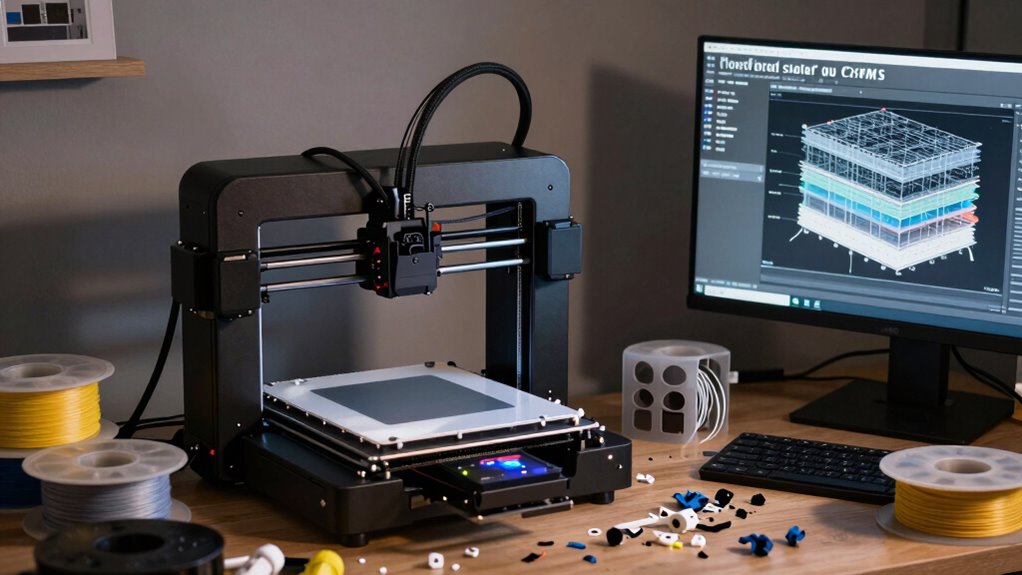
Is investing in a 3D printer at home truly worthwhile? If you’re passionate about creative applications, a 3D printer can unlock endless possibilities, from custom jewelry to prototypes. It offers hands-on control, letting you bring ideas to life with precision. However, consider the environmental impact—many printers use plastics that contribute to waste and pollution. While 3D printing can reduce the need for mass-produced items, it also generates material scraps and consumes energy. Think about whether your creative projects justify the costs and environmental footprint. If you’re committed to experimenting and sustainable practices, owning a 3D printer could be a rewarding investment. But if convenience and minimal impact matter most, it might be worth exploring other options first. Additionally, understanding the digital concepts behind 3D printing can help you make more informed decisions about its long-term viability.
3D printer nozzle replacement kit
As an affiliate, we earn on qualifying purchases.
As an affiliate, we earn on qualifying purchases.
What Are the Upfront Costs of Buying a 3D Printer?
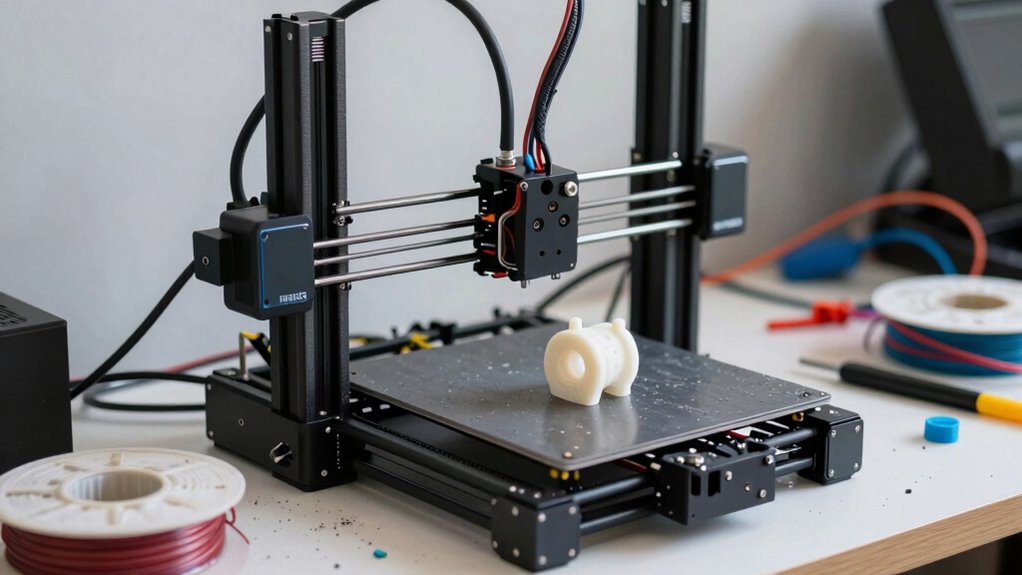
When considering whether a home 3D printer is a good fit, understanding the initial financial commitment is key. The upfront costs, or purchase costs, vary depending on the printer’s features and quality. Here’s a quick breakdown of what you might expect:
- Basic entry-level 3D printers: $200–$500
- Mid-range models with better precision: $500–$1,500
- High-end printers with advanced features: $1,500–$3,000+
- Additional setup costs, like a workspace or tools: $50–$200
The initial investment can add up quickly, so it’s important to weigh these purchase costs against your budget and expectations. This will help determine if owning a 3D printer is a worthwhile investment for you.
As an affiliate, we earn on qualifying purchases.
How Much Do Materials, Software, and Accessories Cost Over Time?
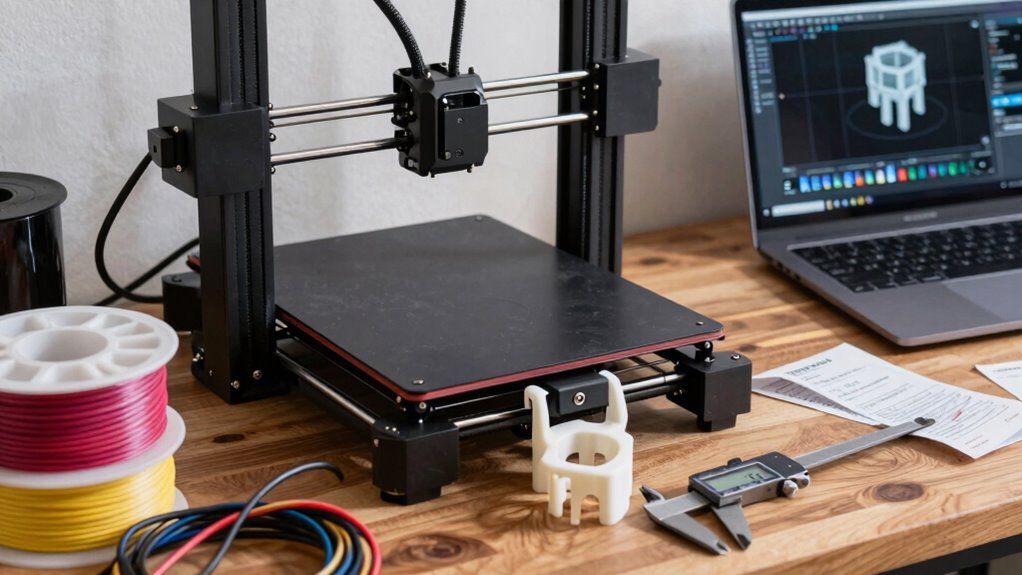
Even after purchasing a 3D printer, ongoing costs for materials, software, and accessories can considerably add up over time. The amount you spend on filament types varies depending on quality and material, with options like PLA, ABS, or specialty filaments affecting your budget. Expect to replace or upgrade software periodically, especially as manufacturers release updates that improve functionality or fix bugs. These software updates may be free or require a fee, adding to your expenses. Accessories such as nozzles, build plates, or storage solutions also wear out or become obsolete, requiring replacements. Over time, these costs can accumulate, making your hobby more expensive than initially anticipated. Keeping track of these ongoing expenses helps you plan your budget and avoid surprises down the road.
As an affiliate, we earn on qualifying purchases.
What Maintenance, Upgrades, and Hidden Expenses Keep a 3D Printer Running?

Maintaining a 3D printer involves more than just occasional cleaning; it requires regular upkeep and timely upgrades to keep it functioning smoothly. You’ll need to address several hidden expenses to guarantee peak performance. Proper filament storage is essential to prevent moisture absorption, which can cause print defects and nozzle clogs. Upgrading the extruder or hotend may become necessary if clogs persist or print quality declines. Replacing worn-out nozzles regularly helps avoid print failures and maintains precision. Budget for occasional parts replacement, like belts or rollers, to prevent mechanical issues that can emerge over time. Additionally, understanding the importance of preventive maintenance can help prolong your printer’s lifespan and ensure consistent quality. Recognizing upgrades and modifications can also enhance your 3D printing experience and address evolving needs. These expenses, often overlooked, are crucial to keeping your 3D printer running efficiently and producing high-quality prints.
How Much Time and Effort Does Troubleshooting Take?
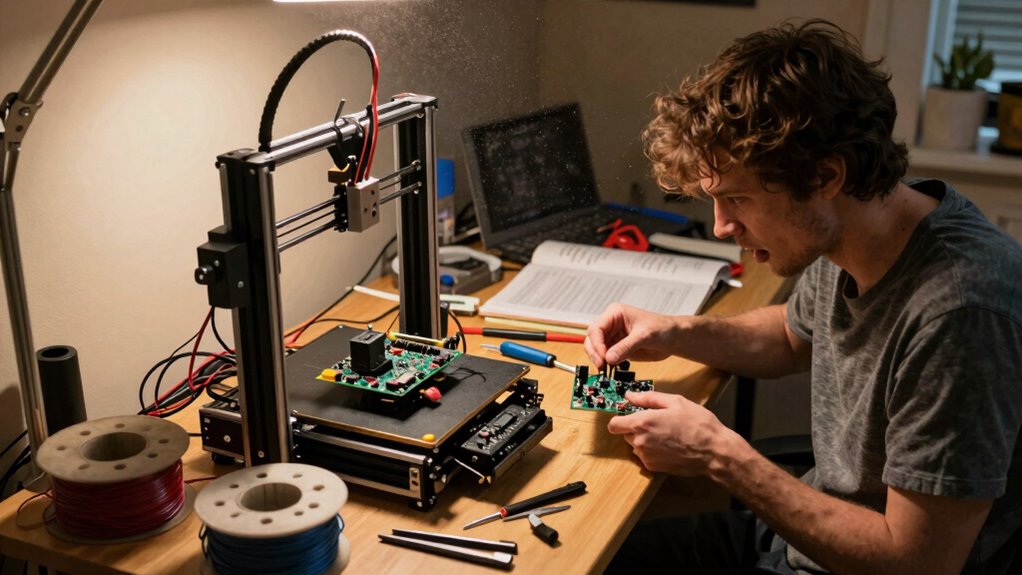
Troubleshooting your 3D printer can be time-consuming and sometimes frustrating, especially when issues arise unexpectedly. Calibration challenges are common, requiring you to repeatedly adjust and fine-tune settings to achieve quality prints. The troubleshooting complexity varies depending on the problem, from simple filament jams to more intricate hardware failures. You might spend hours diagnosing issues, testing different solutions, and waiting for parts or updates. Sometimes, resolving one problem uncovers another, extending the process further. If you’re new to 3D printing, it can take even longer to understand the root cause of issues. Overall, troubleshooting demands patience, technical skills, and time—sometimes taking up a significant portion of your overall printing efforts.
What Factors Affect the Long-Term Cost of 3D Printing at Home?
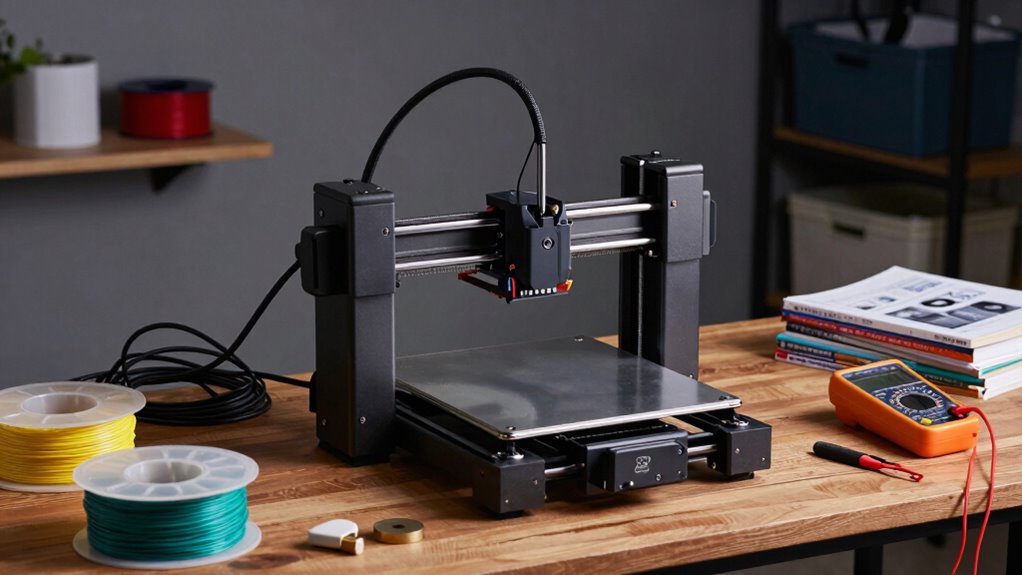
Your long-term 3D printing costs depend on how much you spend on materials, maintenance, and electricity. As you continue printing, these expenses can add up, affecting your budget. Understanding these factors helps you manage costs and avoid surprises down the road. Additionally, the quality of your filament can influence both the durability of your prints and the frequency of replacements needed. Being aware of material quality is essential for predicting how often you’ll need to buy new supplies.
Material Expenses Over Time
Several factors influence the long-term cost of 3D printing at home, especially when it comes to material expenses. First, filament waste can notably increase costs, as failed prints or over-usage lead to more material consumption. Second, cost fluctuations happen when filament prices vary due to supply chain issues or material quality differences. Third, your choice of filament type impacts expenses: some materials are pricier but offer better results or durability. Fourth, print settings affect material use; higher resolutions or infill percentages can use more filament than necessary. Being mindful of filament waste and tracking price changes helps you manage costs effectively. Planning your prints and choosing the right materials can curb long-term expenses and make 3D printing more affordable over time.
Maintenance and Repairs Costs
Regular maintenance and repairs are essential to keep your 3D printer functioning smoothly and can substantially impact your long-term costs. Frequent issues like filament jams and nozzle clogs can lead to costly repairs if not addressed promptly. You might need to replace worn-out parts, such as the hotend or extruder components, which can add up over time. Regularly cleaning the nozzle and performing routine calibrations help prevent these problems, saving you money on repairs. Additionally, keeping spare parts on hand can reduce downtime and avoid expensive emergency fixes. Neglecting maintenance may result in print failures and increased material waste, further raising costs. Staying proactive with maintenance guarantees your printer runs efficiently, ultimately lowering your long-term expenses.
Power Consumption Impact
Ever wondered how much your 3D printer’s power usage adds to your long-term costs? The energy efficiency of your printer and your power management habits play a big role. To understand the impact, consider these factors:
- Printer wattage – Higher wattage models consume more power during operation.
- Print duration – Longer prints mean more energy used over time.
- Standby power – Some printers draw power even when idle, increasing overall costs.
- Power management – Using timers or turning off the printer when not in use can reduce energy consumption.
Frequently Asked Questions
What Are the Environmental Impacts of Frequent 3D Printing at Home?
Frequent 3D printing at home can negatively impact the environment by generating material waste and releasing chemical emissions. You might find yourself discarding excess filament or failed prints, which contributes to waste. Additionally, the melting process emits volatile chemicals that can harm indoor air quality. To minimize these impacts, you should optimize your designs, reuse materials when possible, and guarantee proper ventilation during printing sessions.
How Does Electricity Consumption Vary With Different 3D Printer Models?
Power efficiency varies considerably across different 3D printer models, impacting your energy costs. More advanced or larger printers tend to consume more electricity during operation, while compact, energy-efficient models use less power. If you prioritize saving on energy costs, look for printers with better power efficiency ratings. Regularly monitoring your printer’s energy consumption can help you identify and reduce unnecessary electricity use, saving you money in the long run.
Are There Safety Risks Associated With Home 3D Printing?
You should be aware of safety risks when home 3D printing, like filament fumes and fire hazards. If you neglect proper ventilation, fumes can cause respiratory issues, and overheating components might ignite fires. Imagine leaving your printer unattended, unaware of these dangers—it’s vital to keep a fire extinguisher nearby and guarantee good airflow. Staying vigilant minimizes risks and keeps your creative space safe.
What Are the Long-Term Durability Concerns for Printed Objects?
You might worry about the long-term durability of your printed objects. Material degradation over time can weaken them, especially if exposed to sunlight or moisture. Design flaws also play a role, causing cracks or breakage under stress. To improve longevity, choose high-quality materials, optimize your designs for strength, and store your prints properly. Regularly inspecting and maintaining your printer helps guarantee your objects stay durable over time.
How Does the Learning Curve Affect Ongoing Costs and Time Investment?
Like climbing a steep hill, mastering your 3D printer takes time, affecting ongoing costs and effort. As you develop your skills, you’ll reduce material waste and improve print quality, saving money long-term. However, initial skill development demands patience and extra time investment. Material costs can fluctuate based on filament choices, so the learning curve directly influences how efficiently you manage resources and keep expenses in check.
Conclusion
Thinking about diving into 3D printing at home? While it offers endless creative possibilities, don’t forget the hidden costs that can add up over time. From ongoing expenses to maintenance and troubleshooting, it’s not just a one-time investment. Are you prepared to weigh these factors against the satisfaction of bringing your ideas to life? Ultimately, understanding the true costs helps you decide if 3D printing is worth your time, effort, and money.
Fall Picks
fall essentials
As an affiliate, we earn on qualifying purchases.