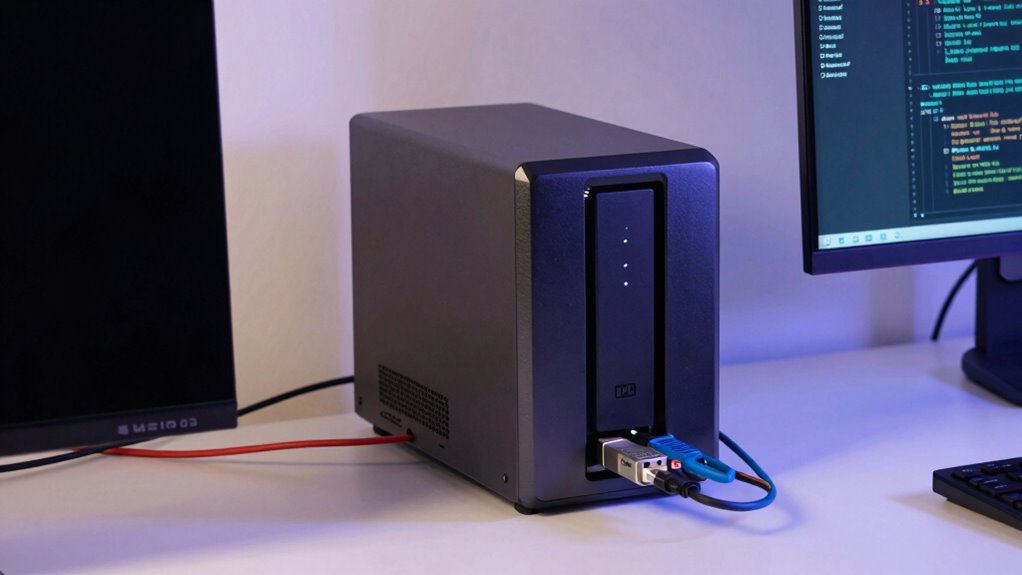
You should choose DAS over NAS when you need low latency, direct control, and high performance for demanding tasks like video editing, database management, or real-time data processing. DAS offers faster data access and reliability for workloads that require immediate, consistent performance. It’s also cost-effective for small teams or individual developers who want simple setup and dedicated storage. If you keep these needs in mind, you’ll find DAS the perfect fit—stick around to learn more about its benefits.
Key Takeaways
- Developers need low latency and high performance for tasks like real-time data processing or video editing.
- When maximum control and data security are essential, especially for sensitive projects or regulated environments.
- For cost-effective, simple setup without complex network configuration, ideal for small teams or individual developers.
- When working with large databases or virtual machines requiring dedicated, predictable storage performance.
- In scenarios where fast, local access outweighs the benefits of network-based storage solutions like NAS.
external direct-attached storage drive
As an affiliate, we earn on qualifying purchases.
As an affiliate, we earn on qualifying purchases.
What Are DAS and NAS?
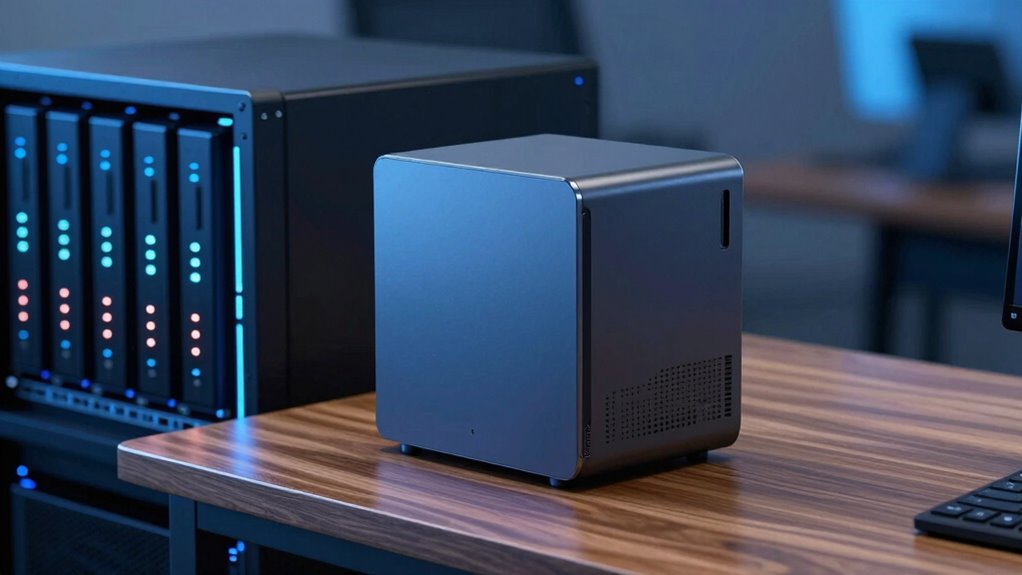
Have you ever wondered how developers store and access their data efficiently? DAS (Direct-Attached Storage) connects directly to your computer or server, offering fast, reliable performance without relying on network connections. It’s ideal for tasks needing quick access and simple setup. It also often features high data transfer speeds, making it suitable for intense workloads. NAS (Network-Attached Storage), on the other hand, connects to your network, allowing multiple users and devices to access files simultaneously. It provides better cloud scalability, making it easier to expand storage as your needs grow. Additionally, NAS systems often incorporate data redundancy features like RAID, protecting against data loss. While DAS is straightforward and fast for individual workstations, NAS offers shared access and enhanced data redundancy, making it well-suited for collaborative environments. Both serve different needs, depending on your project requirements. For those interested in storage solutions, understanding the differences between DAS and NAS can help optimize your data management strategies. It’s also important to consider enterprise USB backups when evaluating your overall data protection approach. Knowing the specific performance characteristics of DAS and NAS can greatly influence your choice for different workloads.
high performance DAS storage
As an affiliate, we earn on qualifying purchases.
As an affiliate, we earn on qualifying purchases.
When Is DAS Faster Than NAS for Critical Tasks?
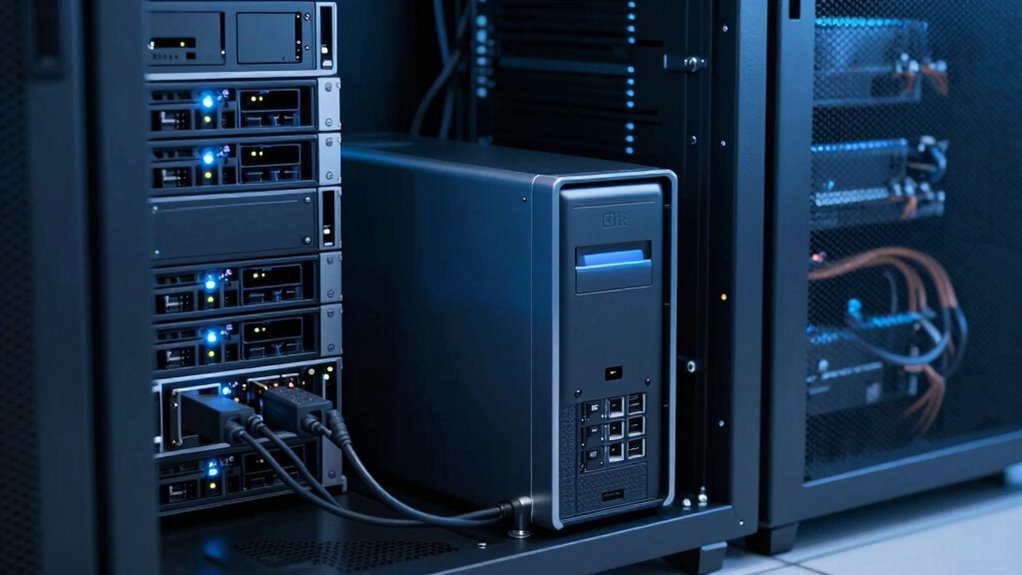
When your critical tasks require rapid data transfer, DAS often outperforms NAS due to its direct access speeds. With no network involved, you experience lower latency and faster read/write times. This makes DAS the better choice when speed is essential for your workflow. Additionally, solar system safety considerations can influence your decision, especially when minimizing potential hazards during data handling. Understanding Free Floating storage options can also help optimize performance in specific scenarios. Recognizing the importance of testing accuracy can further ensure reliable results in critical applications. Incorporating direct-attached storage principles can also enhance overall efficiency and responsiveness in high-demand environments. Moreover, the simplicity of support breakfast options can streamline setup and maintenance, further benefiting your data management strategies.
Direct Data Access Speeds
Direct data access speeds become essential when you need rapid read and write performance for crucial tasks. DAS offers direct connection to storage devices, resulting in faster data transfer rates compared to NAS. This is especially important when handling large files or real-time processing, where delays can hinder productivity. If your workflows require frequent, high-volume data access without cloud integration, DAS outperforms NAS. Additionally, security concerns can push you toward DAS, as it allows you to keep sensitive data on local drives, reducing exposure to network vulnerabilities. When speed is critical—such as in video editing, database management, or computational tasks—DAS provides the raw performance you need. It guarantees quick data access without the overhead of network latency, making it the ideal choice for time-sensitive, security-conscious projects.
Reduced Network Latency
Why does network latency matter so much in critical tasks? Because delays can slow down workflows, increase errors, and hamper productivity. DAS offers reduced network latency since data is stored directly on your local device, making it faster for time-sensitive operations. This local storage advantage is essential when integrating with cloud services that require quick data exchanges or when you need immediate access for editing and processing. Additionally, DAS minimizes data redundancy issues caused by network disruptions, ensuring consistent performance. It also supports high-speed data transfer, which is crucial for maintaining efficiency during large file operations. Moreover, the performance impact of network latency becomes particularly evident during real-time data processing where every millisecond counts. Here’s a quick comparison:
| Feature | DAS | NAS |
|---|---|---|
| Network Latency | Low, local access | Higher, depends on network |
| Cloud Integration | Less seamless, local focus | Easier for remote/cloud access |
| Data Redundancy | Limited, local backup needed | Built-in redundancy options |
Choose DAS when speed and low latency are essential for your tasks, especially in environments where network performance directly impacts productivity.
low latency SSD for video editing
As an affiliate, we earn on qualifying purchases.
As an affiliate, we earn on qualifying purchases.
Is DAS More Cost-Effective Than NAS for Small Teams?

You’ll find that DAS often requires a lower initial investment compared to NAS, especially for small teams with limited budgets. However, ongoing operational costs like maintenance and upgrades can tip the scales in favor of NAS over time. Considering both upfront expenses and long-term expenses helps determine which option is more cost-effective for your team. Additionally, understanding filter sizing/flow and how it impacts system efficiency can help optimize your choice between DAS and NAS. Proper planning of system scalability can also influence the overall cost-effectiveness as your team’s storage needs grow.
Initial Investment Differences
Is choosing between DAS and NAS primarily a matter of initial costs? Not entirely. DAS typically requires a lower upfront investment because it’s directly connected to your device, meaning you only buy the hardware you need. NAS, however, involves purchasing a dedicated network-attached device, which can be more expensive initially. When considering cost-effectiveness, hardware compatibility is crucial—DAS often integrates seamlessly with existing setups, reducing setup costs. Additionally, understanding technology compatibility can help small teams make more informed decisions about their storage solutions. Moreover, evaluating storage scalability** can be essential for growing teams planning future expansion. However, if you prioritize cloud security and plan to expand storage later, NAS might need additional investments in security features or compatibility upgrades. Small teams should weigh these initial costs carefully against long-term needs**. While DAS can seem cheaper upfront, factors like scalability and future growth might influence whether it truly offers better value compared to NAS.
Ongoing Operational Costs
For small teams, ongoing operational costs can substantially influence the overall value of DAS versus NAS. With DAS, you often face lower maintenance expenses and fewer licensing fees, making it more cost-effective long-term. However, data security remains a concern, especially if your team handles sensitive information without robust measures. NAS systems tend to incur higher ongoing costs due to licensing, hardware upgrades, and increased power consumption. Scalability challenges also come into play; expanding a NAS can require significant investment, whereas DAS typically offers simpler, more predictable growth. If your team prioritizes control over data security and seeks easier scalability, DAS might save you money over time. Conversely, if operational expenses are a concern, weigh these factors carefully before choosing.
dedicated storage for database management
As an affiliate, we earn on qualifying purchases.
As an affiliate, we earn on qualifying purchases.
Does DAS Offer the Low Latency Needed for High-Performance Apps?

When it comes to high-performance applications, low latency is critical, and Direct-Attached Storage (DAS) often claims to deliver it. DAS provides direct connectivity to your server or workstation, reducing data transfer delays and ensuring quick access. This setup typically offers lower latency compared to NAS, making it suitable for tasks like real-time analytics or high-frequency trading. Additionally, proper gear care tips can help maintain optimal performance and prevent unnecessary downtime. However, consider how cloud integration might impact latency if you need remote access or collaboration. Also, ensure your data security measures are robust, as DAS’s direct connection can pose risks if not properly managed. While DAS can meet the low latency demands of demanding applications, it’s essential to evaluate your specific workload and security needs before choosing it over other storage options.
When Do You Need Exclusive Storage Access?
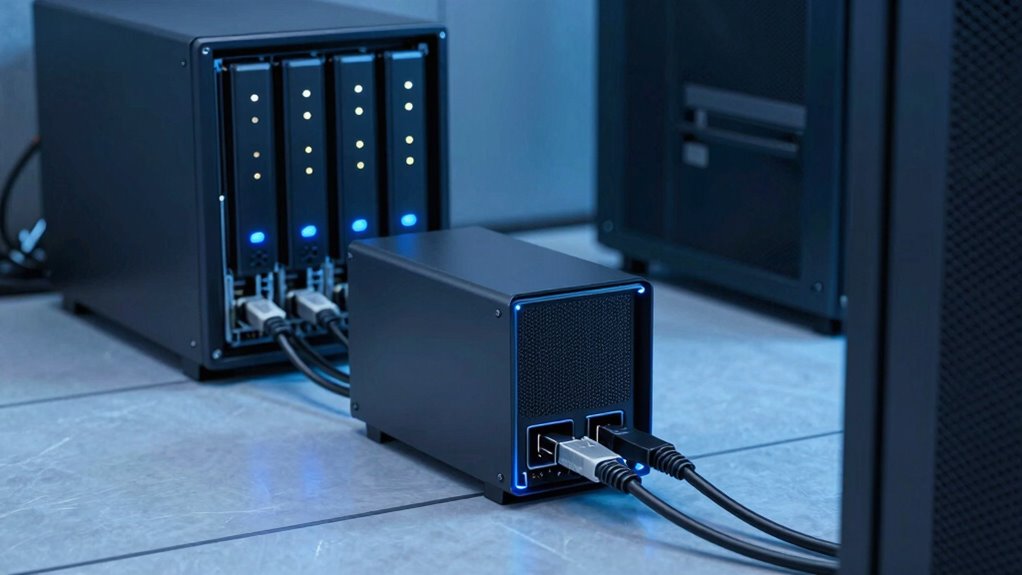
Exclusive storage access becomes essential when you require maximum performance and control over your data, especially for intensive workloads like large-scale databases, virtual machines, or high-speed trading platforms. With exclusive access, you prevent other users or systems from sharing the storage, guaranteeing consistent speed and low latency. This setup also enhances data security, allowing you to implement robust data encryption practices without interference. Additionally, if you rely on cloud backup solutions, exclusive access ensures your data remains intact and easily recoverable, without conflicts from other users. You gain the ability to optimize performance, tailor security measures, and streamline data management. When these factors matter most, choosing dedicated storage makes a significant difference in reliability and efficiency. Secure data handling is crucial for maintaining trust and compliance in sensitive environments. Understanding the importance of storage protocols can further help in making an informed decision. Moreover, understanding halal data practices can be beneficial if your organization aligns with specific ethical standards. Ensuring proper data governance can also help maintain integrity and compliance across your storage environment.
How DAS Simplifies Data Management for Small Environments
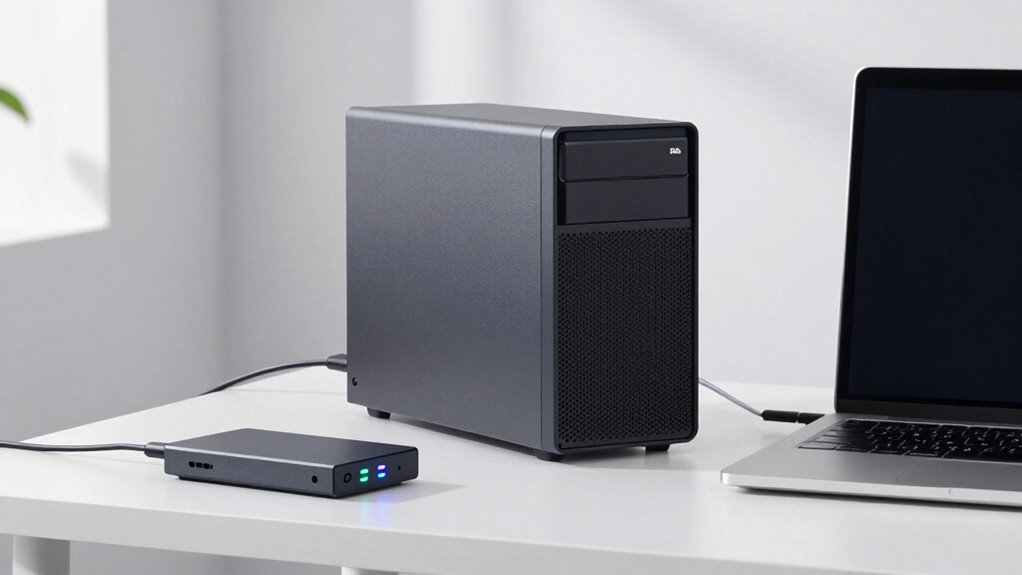
DAS makes data management straightforward for small environments by offering an easy setup process that doesn’t require complex network configurations. It’s a cost-effective solution that saves you money compared to other storage options. Plus, it provides simplified data access, so you can quickly find and use your files without hassle. Additionally, DAS can be integrated into a luxury lifestyle setup, enhancing both efficiency and elegance in your data management. Because of its direct-attached nature, DAS eliminates cabling issues that can often complicate network-attached storage solutions.
Easy Setup Process
Setting up a direct-attached storage (DAS) device is often straightforward, making it an appealing choice for small environments. You usually connect the device directly to your computer via USB or Thunderbolt, with minimal configuration needed. This simplicity means you can get up and running quickly without complex network setups. Many DAS solutions now offer cloud integration options, allowing you to back up data seamlessly to cloud services. Additionally, data redundancy features, like RAID configurations, help protect your data without adding complexity. The setup process is designed to be user-friendly, so you won’t need extensive technical knowledge. This ease of installation and management makes DAS a practical, hassle-free solution for developers who want reliable storage without the complexity often associated with NAS systems.
Cost-Effective Solution
For small environments with limited budgets, DAS offers an affordable storage solution that keeps costs manageable. Unlike more complex systems, DAS doesn’t require extensive infrastructure or licensing fees, making it a cost-effective choice. You can easily integrate DAS with cloud services, allowing seamless backups and remote access without significant expense. Additionally, DAS provides data redundancy options, helping protect your critical data from hardware failures without the need for costly enterprise setups. Its straightforward setup reduces maintenance costs and minimizes the need for specialized IT staff. Overall, DAS simplifies data management by delivering reliable storage at a lower price point, making it an ideal solution for small teams seeking efficient, budget-friendly data solutions.
Simplified Data Access
By streamlining data access, DAS makes managing storage straightforward and efficient for small environments. With DAS, you connect directly to a single storage device, removing the complexity of network configurations. This simplifies data management, allowing you to quickly access and modify files without browsing through multiple servers. DAS also enhances cloud security by reducing potential vulnerabilities associated with network-based systems. Additionally, data backup becomes easier, as you can implement local backup strategies without relying on complex network setups. This setup minimizes downtime and guarantees your data remains protected. Overall, DAS provides a simple, reliable way to handle storage needs, making it ideal for small teams or individual developers who want quick, secure access to their data without extra hassle.
Why DAS Is Ideal for Video Editing and Data-Heavy Tasks

When handling video editing or other data-heavy tasks, Direct-Attached Storage (DAS) often proves to be the best choice because it offers fast, reliable access to large files. DAS provides low latency, essential for editing high-resolution videos smoothly. It’s ideal for tasks demanding quick read/write speeds and consistent performance. Plus, DAS can be configured for data redundancy, minimizing risks of data loss. Unlike NAS, DAS setups typically avoid network bottlenecks, ensuring uninterrupted workflows. You can also integrate cloud services for backup and collaboration, but the core speed remains unmatched. Imagine this setup:
| Fast Data Access | Reliable Data Storage |
|---|---|
| Low latency | Data redundancy |
| High throughput | Seamless backups |
DAS delivers the speed and reliability needed for intensive editing tasks.
Are Network Constraints Making NAS Unreliable?

Could network constraints be compromising the reliability of NAS for your workflow? If your team relies heavily on cloud integration, network issues can cause significant delays or data access problems. Slow or unstable connections lead to increased latency, making real-time collaboration difficult. This impacts data security, as interruptions might compromise sensitive information or cause data corruption. Additionally, bandwidth limitations can hinder large file transfers, reducing overall productivity.
Network constraints can threaten NAS reliability, causing delays, security risks, and productivity setbacks in cloud-dependent workflows.
- Network congestion can cause inconsistent data access, affecting project timelines.
- Reliance on stable internet connections makes NAS vulnerable to outages.
- Cloud integration, while useful, adds dependency on network quality, risking data security breaches if not managed properly.
Understanding these constraints helps you evaluate whether NAS suits your needs or if alternative storage like DAS might be more reliable.
When Is DAS Better for Temporary Storage Needs?
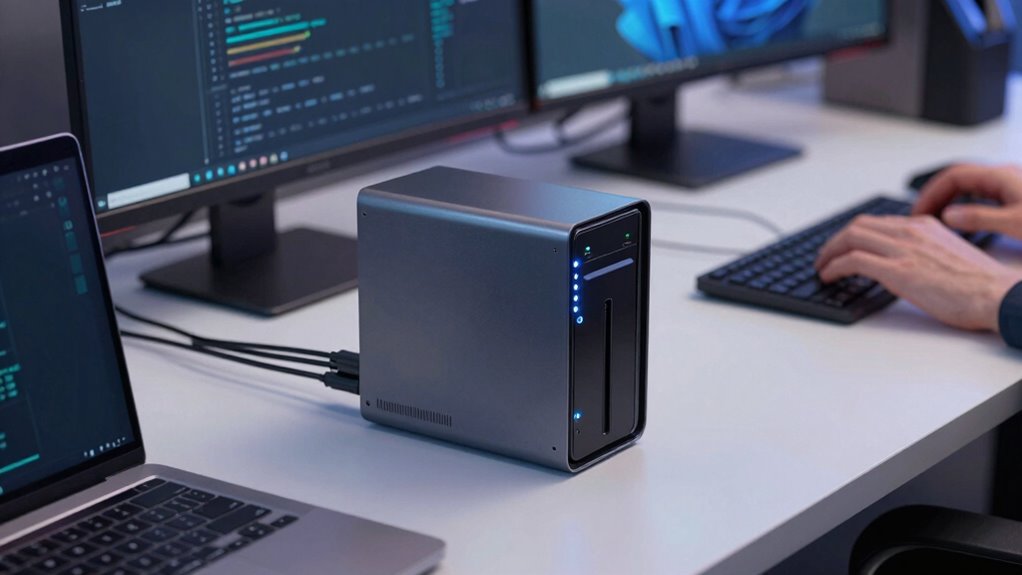
Network constraints can make relying on NAS for temporary storage problematic, especially when quick, short-term solutions are needed. DAS offers immediate access, bypassing network bottlenecks and reducing latency. When you need fast data processing without cloud integration delays, DAS shines. It’s ideal for tasks requiring high I/O performance and temporary data manipulation. Plus, DAS guarantees data redundancy is managed locally, minimizing the risk of data loss during short-term projects. Imagine this setup:
| Source Data | Processing Speed | Storage Type |
|---|---|---|
| Raw files | High | Direct-attached |
| Quick edits | Instant access | Temporary storage |
| Data redundancy | Local backup | DAS |
In these cases, DAS provides a reliable, fast, and secure temporary storage solution without network constraints.
Supporting Specialized Hardware With DAS

Supporting specialized hardware with DAS guarantees that your storage setup can directly connect to and enhance performance for high-performance devices like GPU arrays, RAID systems, or FPGA accelerators. This direct connection minimizes latency and maximizes data throughput, crucial for intensive tasks. With DAS, you can easily implement data redundancy measures to protect critical data during hardware failures. Additionally, DAS offers better cloud integration options for real-time data synchronization and remote access, which is essential for hybrid workflows. You can customize configurations tailored to your hardware needs, ensuring peak performance. Plus, the dedicated nature of DAS allows you to fine-tune settings for specific devices, reducing bottlenecks and enhancing overall system efficiency. This makes DAS a compelling choice for supporting specialized hardware in demanding environments.
Frequently Asked Questions
Can DAS Be Scaled Easily for Growing Data Requirements?
Yes, DAS can be scaled, but it often faces scalability challenges as your data grows. You may need to perform hardware upgrades, such as adding more drives or replacing existing ones, which can be disruptive and costly. Unlike NAS, DAS isn’t inherently designed for easy expansion, so if your data requirements increase rapidly, you might find scaling DAS more complex and less flexible. Planning ahead helps mitigate these challenges.
How Secure Is DAS Compared to NAS?
DAS generally offers strong security through data encryption and user authentication, but it depends on your setup. Since DAS connects directly to your computer, you control access tightly, reducing external threats. However, it might be less secure in shared environments or if proper encryption isn’t implemented. NAS typically provides more advanced security features, like centralized management and network security protocols, but DAS can be secure if you maintain robust encryption and authentication controls.
What Are the Maintenance Differences Between DAS and NAS?
You’ll find DAS demands less maintenance fuss—fewer components mean less data redundancy to worry about and simpler setup. Meanwhile, NAS needs regular updates, network management, and more power consumption, making it the diva of ongoing care. With DAS, you just plug in, forget about it, and enjoy straightforward data access. NAS, on the other hand, demands your attention like a high-maintenance pet, constantly needing updates and power to keep it happy.
Is DAS Suitable for Remote Access or Only Local Use?
DAS is mainly suitable for local use, as it connects directly to your computer, making remote access difficult. If you need remote access, NAS is a better choice because it connects to your network, allowing multiple users to access data from anywhere. So, if remote access is essential for your work, you should opt for NAS. DAS is best when you prioritize high-speed local data transfer.
How Does DAS Integrate With Cloud Storage Solutions?
You’ll be amazed how DAS can seamlessly integrate with cloud storage solutions, almost like magic! It offers robust cloud integration, allowing you to synchronize data effortlessly across platforms. With real-time data synchronization, your files stay updated everywhere, boosting productivity. Whether you’re backing up critical data or collaborating across devices, DAS’s cloud compatibility guarantees smooth, immediate access, making your workflow faster and more efficient than ever imagined.
Conclusion
Imagine your data as a bustling highway—DAS is like a dedicated lane, zooming past congestion and delays, perfect for urgent tasks and high-speed editing. NAS, on the other hand, is a shared road, ideal for broader access but slower during peak hours. When speed and exclusivity matter, choosing DAS keeps your workflow smooth and responsive, ensuring your creative engine never stalls. Sometimes, a direct, high-performance route is all you need to keep your projects on the fast track.