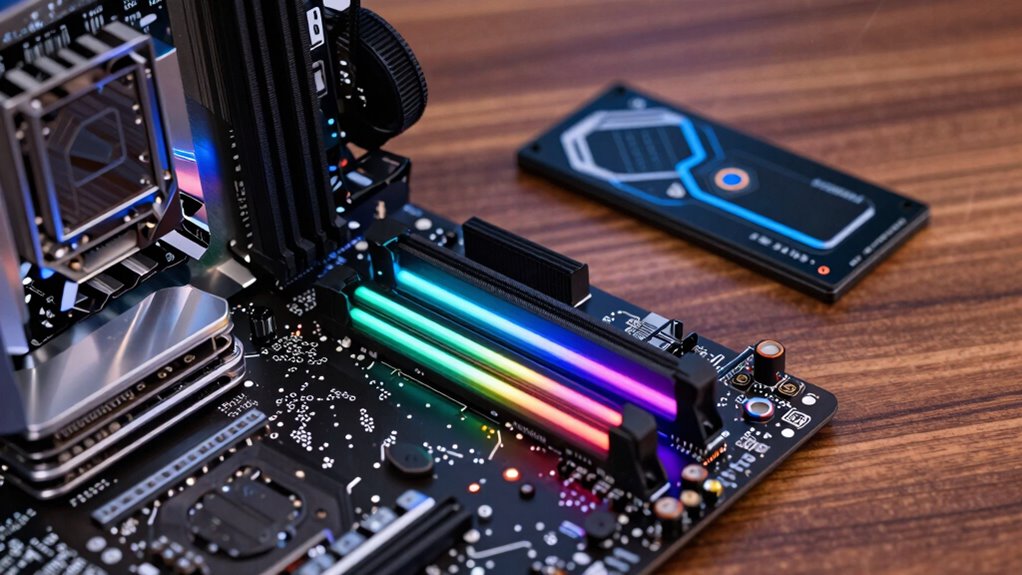

If you’re prioritizing your programming performance, focus on your workload: a faster CPU boosts compile times and multitasking, an SSD speeds up project loads and file transfers, and sufficient RAM keeps things smooth when running multiple applications or VMs. Usually, balancing these components offers the best results. To make the most of your investment, understanding when and why to upgrade each part can make a big difference—explore further to find out more.

Get business pricing on monitors, keyboards and dev gear
- Business-only prices and quantity discounts
- Tax-exempt purchasing
- Multiple users, one account, clear invoices
Key Takeaways
- Prioritize upgrading the CPU for faster compile times and multitasking with large codebases.
- Invest in a reliable SSD to significantly reduce load times and improve file transfer speeds.
- Allocate sufficient RAM to handle multiple applications and virtual machines without performance bottlenecks.
- Balance your budget among CPU, SSD, and RAM based on your specific workflow and workload demands.
- Focus on cost-effective upgrades that offer the most noticeable performance gains for your programming tasks.
As an affiliate, we earn on qualifying purchases.
Which Hardware Matters Most for Programmers’ Performance?
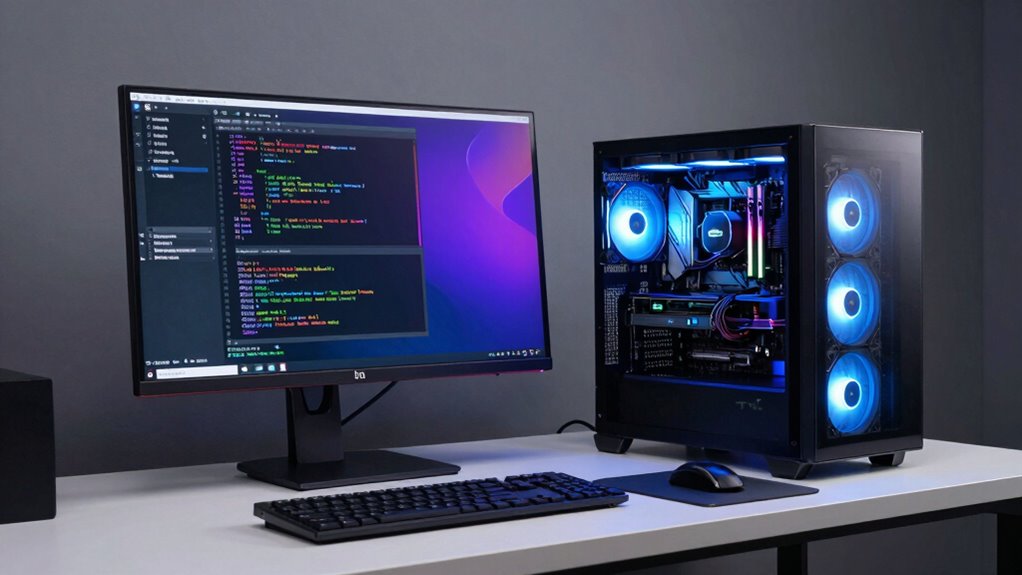
When it comes to boosting your programming performance, understanding which hardware component makes the biggest difference can save you time and frustration. Typically, CPU speed and core count are crucial, but hardware compatibility matters too, ensuring your system runs smoothly without bottlenecks. Upgrading peripherals, like a faster monitor or keyboard, can improve your workflow, but they don’t directly impact processing power. Instead, focus on the core components—CPU, SSD, and RAM—since they influence how efficiently programs compile, run, and debug. A balanced setup prevents slowdowns, so don’t overlook compatibility issues that could limit hardware potential. Investing in compatible hardware ensures seamless performance, making your coding sessions more productive and less frustrating. Peripheral upgrades enhance comfort but won’t replace the need for a solid core system.
As an affiliate, we earn on qualifying purchases.
When Should You Invest in RAM for Better Coding?
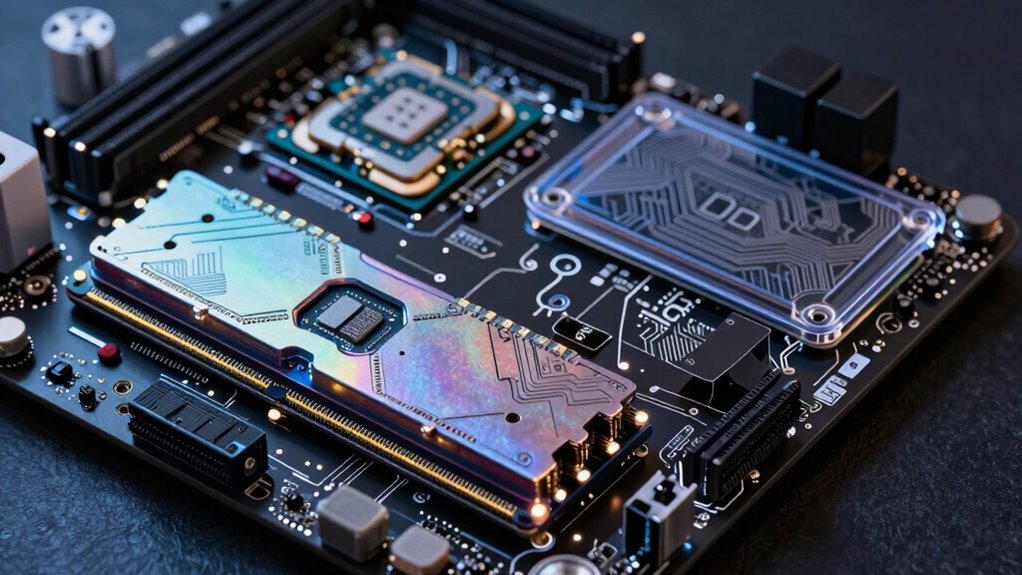
If you often run multiple applications or work with virtual machines, upgrading your RAM can markedly improve your coding experience. When managing large data sets or complex projects, having enough memory prevents slowdowns and crashes. Consider investing in more RAM when these tasks become common in your workflow. Additionally, sufficient RAM can enhance your overall system responsiveness, making it easier to switch between tasks smoothly, similar to how color accuracy impacts image quality in projectors. To optimize your setup, pay attention to Free Floating concepts like balancing hardware components to create a seamless development environment. Incorporating a holistic view of your system’s mental wellbeing index can also guide you in maintaining an efficient and stress-free coding environment. Understanding the capacity of your system’s components can further help you make informed decisions about upgrades, especially since having enough memory can also reflect the legacy of your system’s ability to handle evolving software demands.
Handling Multiple Applications
Have you ever noticed your computer slowing down when juggling multiple applications? If so, it’s a clear sign you need more RAM. When handling several programs simultaneously—like cloud integration tools or web browsers—your system needs sufficient memory to avoid sluggish performance. Upgrading RAM allows your computer to manage multiple tasks smoothly, preventing constant swapping between disk and memory. Additionally, choosing high-quality RAM enhances hardware durability, ensuring your investment lasts longer under heavy use. Adequate RAM not only improves multitasking but also stabilizes your system during demanding coding sessions. When you frequently work with several applications, prioritizing RAM helps you stay productive without bottlenecks. Ultimately, investing in sufficient memory is essential for efficient handling of multiple applications and maintaining a stable, responsive development environment.
Running Virtual Machines
Running virtual machines requires a significant amount of RAM, especially if you plan to run multiple VMs simultaneously or use resource-intensive configurations. Adequate RAM guarantees smooth virtual machine optimization and reduces performance bottlenecks. When allocating resources, prioritize RAM if you notice sluggishness or lag during VM operation, as insufficient memory hampers performance. Investing in more RAM improves your ability to allocate resources effectively across multiple environments, making multitasking more efficient. If your workflow involves running several VMs or complex setups, upgrading RAM becomes essential to maintain stability and responsiveness. Remember, no matter how powerful your CPU or SSD, limited RAM will hinder your virtual machine experience. Additionally, assessing your application requirements can help you make informed upgrade decisions to enhance overall performance. Recognizing that system bottlenecks often occur due to insufficient RAM can guide you toward more effective investments, especially when considering the balance between hardware resources and workload demands. Understanding RAM capacity and how it influences VM performance can help optimize your entire setup for better coding efficiency.
Managing Large Data Sets
Managing large data sets efficiently becomes challenging when your system lacks sufficient RAM, as it forces your computer to depend heavily on slower storage options like your SSD. When working with big data, investing in more RAM allows you to process and analyze datasets directly in memory, improving speed and performance. Data compression techniques can reduce dataset sizes, but they still require enough RAM to decompress and handle the data effectively. Additionally, cloud integration can offload some processing or storage tasks, easing RAM demands. If you notice frequent lag, slow data access, or bottlenecks during data-heavy tasks, it’s a clear sign that upgrading your RAM will boost your productivity and coding efficiency. Prioritizing RAM ensures smoother handling of large datasets without constant reliance on slower storage solutions. Moreover, understanding hardware components helps you make informed decisions about which upgrades will have the most significant impact on your programming workflow. Selecting the right system configuration is crucial, especially when considering battery capacity and power management, to ensure your hardware resources are balanced for handling large datasets efficiently. Incorporating memory management techniques can also enhance your system’s ability to handle extensive data loads effectively. Being aware of your system’s resource allocation can further optimize performance during intensive data processing tasks.
As an affiliate, we earn on qualifying purchases.
CPU or SSD: Which Hardware Upgrade Gives the Biggest Boost?
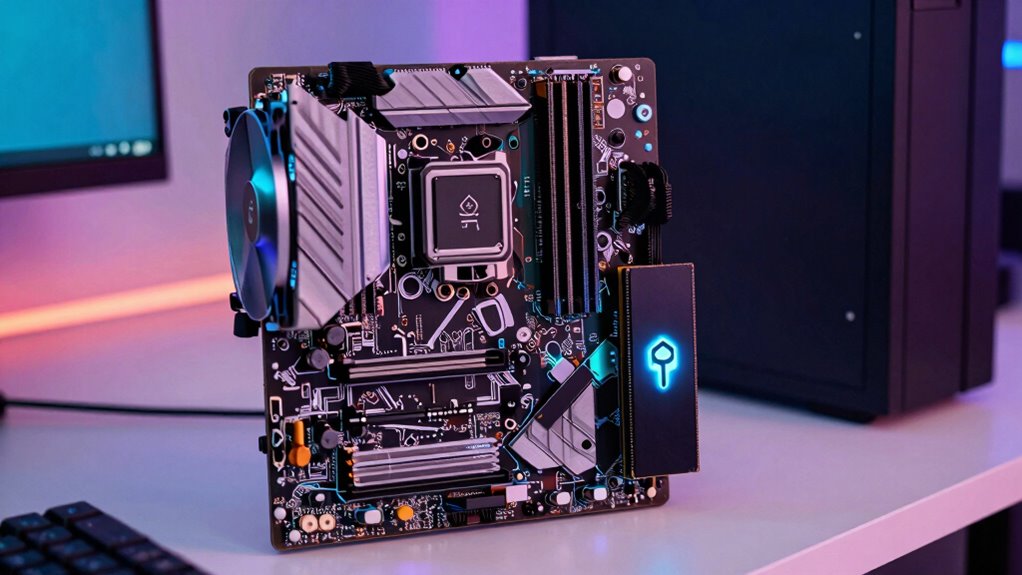
When deciding between upgrading your CPU or SSD, you’ll want to contemplate which offers the most noticeable boost in coding speed. Generally, a faster CPU improves compile times and multitasking, while an SSD speeds up file access and project loading. Cost-effectiveness matters too, so weighing the performance gains against price can help you choose the best upgrade for your needs. Additionally, considering the emerging High-Tech Vaping Innovations reflects a broader trend toward smarter, more efficient devices, much like choosing the right hardware upgrade for programming. Incorporating environmentally conscious choices, such as using eco-friendly craft materials, can also align with a sustainable approach to technology and lifestyle improvements. Staying aware of technology trends in hardware can help you make more informed upgrade decisions that maximize your programming efficiency. Being mindful of hardware longevity can ensure your investment remains valuable over time.
Impact on Coding Speed
Deciding whether to upgrade your CPU or SSD can markedly impact your coding speed, but understanding which offers the biggest boost depends on your workflow. If your tasks involve compiling large codebases or running resource-intensive software, a faster CPU improves processing speed and reduces wait times. In contrast, upgrading your SSD enhances data transfer rates, greatly cutting down load times and speeding up file access. Hardware compatibility is essential—ensure your system supports the upgrade. Additionally, software optimization plays a role; some IDEs and development tools benefit more from CPU improvements, while others rely heavily on quick disk access. Overall, for most coding workflows, a faster CPU offers a more noticeable boost, but if you frequently work with large files, an SSD upgrade can also provide substantial gains.
Cost-Effectiveness Analysis
Choosing between upgrading your CPU or SSD depends largely on which provides the best value for your specific needs, as both can substantially improve your coding experience. To determine cost-effectiveness, consider how hardware compatibility and software optimization influence performance gains. Upgrading your CPU benefits tasks that demand high processing power, especially when software is optimized for multi-core performance. Conversely, an SSD significantly speeds up data access and load times, especially if your current storage is a bottleneck. Additionally, understanding power consumption insights can help you evaluate the energy efficiency benefits of each upgrade. Upgrading your storage may also reduce wear and tear on other components by decreasing overall system stress.
- Prioritize CPU upgrades if your projects involve compiling large codebases or running complex simulations.
- Opt for SSD upgrades if you notice long load times and sluggish file transfers.
- Evaluate your existing hardware and software to identify which upgrade offers the most noticeable boost for your workflow.
upgrade kit for gaming and programming
As an affiliate, we earn on qualifying purchases.
As an affiliate, we earn on qualifying purchases.
How Does Upgrading to an SSD Speed Up Your Development Workflow?
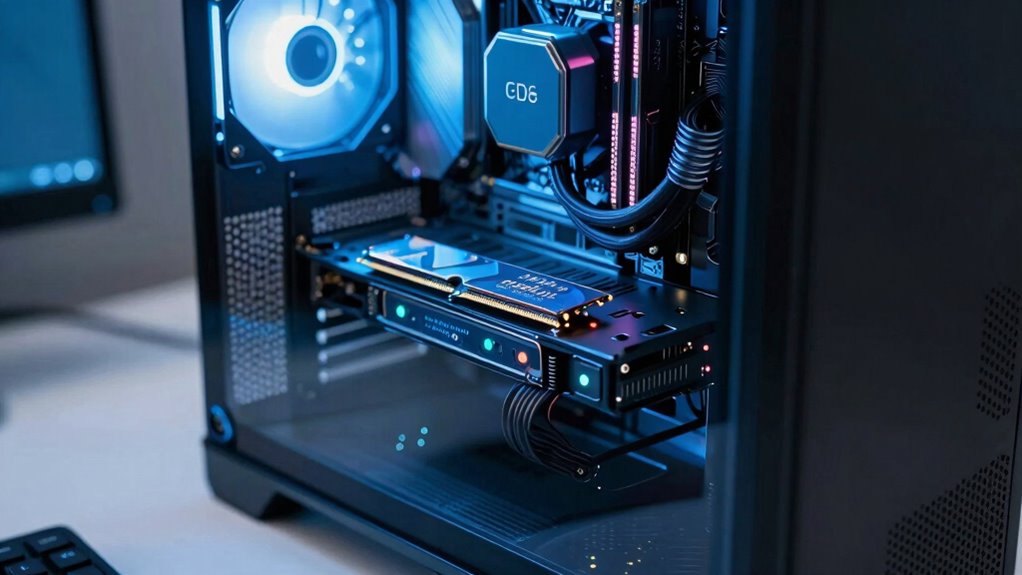
Upgrading to an SSD can considerably boost your development workflow by reducing the time it takes to load projects, compile code, and transfer files. This enhances storage optimization and speeds up data transfer, allowing you to focus more on coding than waiting. Additionally, understanding storage hardware types can help you make more informed upgrade choices, especially when considering different performance benefits of various drives. This knowledge is crucial for selecting the right drive to maximize your system’s reliability and longevity. The table below highlights key benefits:
A newer technology in SSDs offers improved durability and faster data access speeds, which can further enhance your productivity.
Balancing Cost and Performance: The Best Hardware Mix for Developers
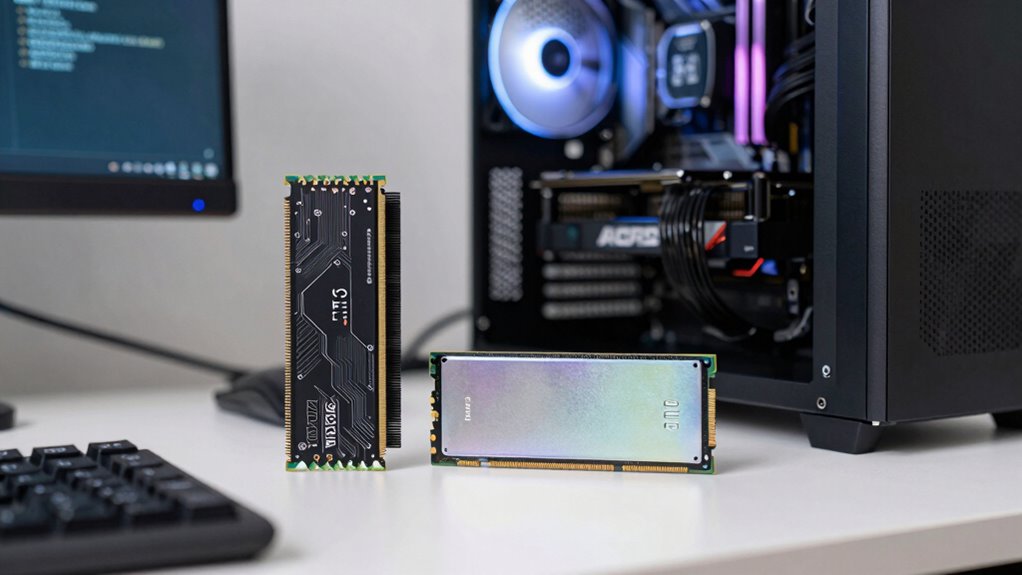
To get the most out of your development setup without overspending, it’s essential to find the right balance between cost and performance when selecting hardware. Prioritize hardware compatibility to ensure all components work seamlessly together and avoid costly upgrades later. Focus on energy efficiency to reduce long-term operating costs and minimize environmental impact. Achieving an optimal mix means investing in a mid-range CPU for processing power, sufficient RAM for multitasking, and a reliable SSD for fast data access. Keep these factors in mind:
- Choose hardware that balances performance with affordability
- Opt for energy-efficient components to lower power bills
- Ensure compatibility to prevent bottlenecks and future upgrades
Common Hardware Budgeting Mistakes Developers Make
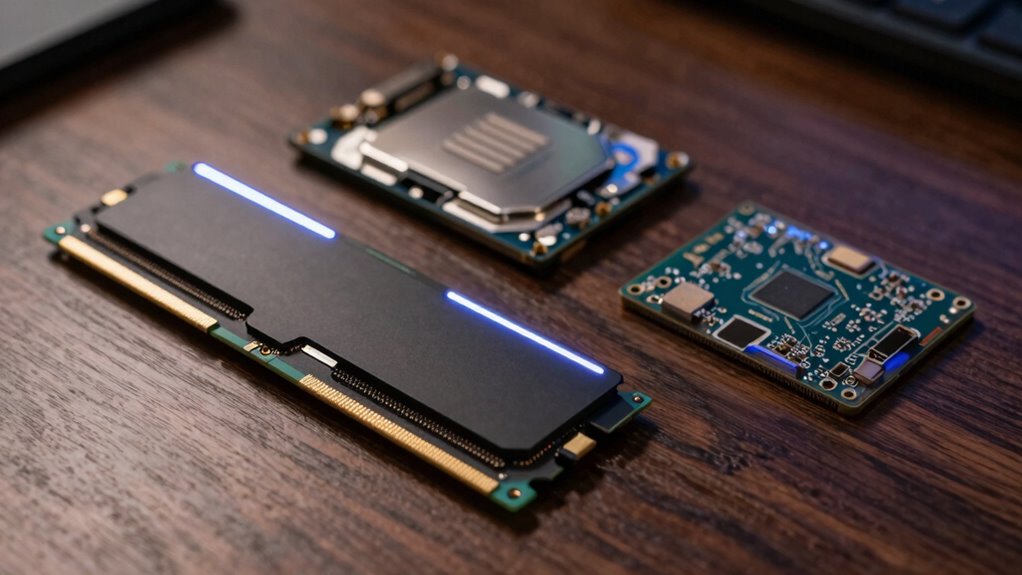
Many developers fall into the trap of overspending on high-end hardware, thinking it will automatically boost their productivity, but this often leads to wasted money and unnecessary complexity. Poor budget planning causes you to prioritize flashy specs over actual needs, resulting in overspending on components that don’t provide real value. Ignoring hardware compatibility can also create bottlenecks, forcing you to upgrade multiple parts later. Instead, focus on a balanced approach that considers your specific projects. You don’t need the fastest CPU or most expensive SSD if your workload doesn’t require it. Matching hardware to your actual requirements guarantees efficient use of your budget, avoiding costly mistakes and unnecessary upgrades down the line. Proper planning keeps your system streamlined and effective.
How to Choose the Right Hardware for Your Programming Needs
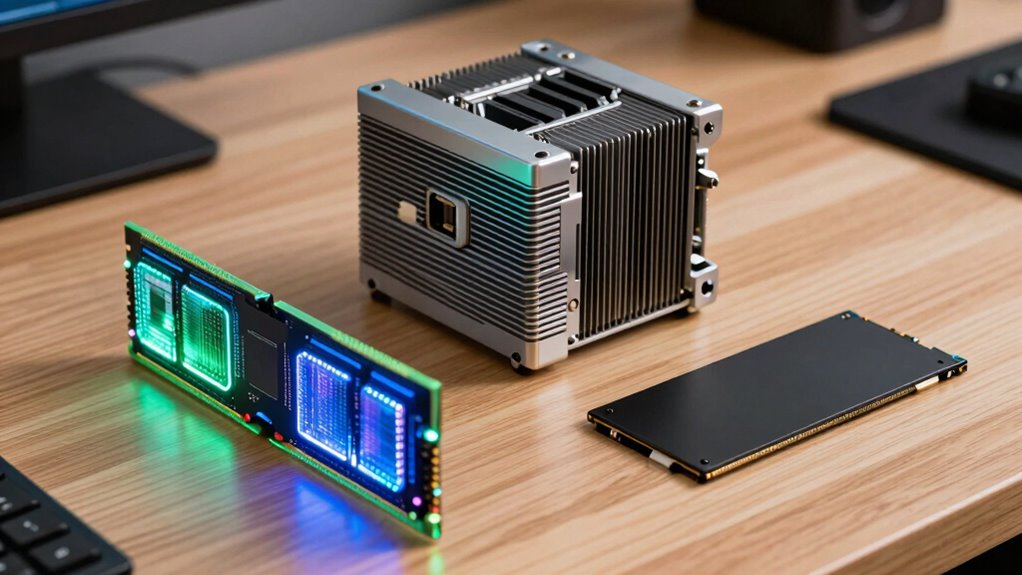
Choosing the right hardware for your programming needs starts with understanding the specific tasks you’ll be performing. Focus on balancing your budget between components like RAM, CPU, and SSD based on those tasks. Consider hardware compatibility to guarantee upgrades, such as additional RAM or faster storage, will work smoothly with your existing system. Peripheral upgrades can boost productivity without replacing entire systems, so think about monitors, keyboards, or external drives that enhance your workflow. Additionally, prioritize components that match your development environment, whether it’s compiling code, running virtual machines, or managing large datasets. By evaluating your workload and future upgrade options, you can allocate your budget more effectively and build a system tailored to your programming requirements.
Frequently Asked Questions
How Does Hardware Choice Affect Compile Times?
Your hardware choice considerably impacts compile times through hardware bottlenecks. A slow CPU can delay processing, while insufficient RAM causes frequent disk swapping, slowing down memory access. Prioritize memory optimization by ensuring enough RAM for your project’s needs, and choose a CPU with strong processing power. An SSD also speeds up file access, reducing compile time. Balancing these components helps minimize bottlenecks and streamlines your development workflow.
Is Investing in a GPU Beneficial for Programmers?
Investing in a GPU can be beneficial for programmers, especially if your work involves machine learning, data processing, or graphics-intensive tasks. GPU benefits include significant programming acceleration, reducing training times, and speeding up simulations. If your projects rely on parallel processing or heavy computation, a GPU can boost your productivity. However, for general programming tasks, a powerful CPU and sufficient RAM often provide better overall value.
Can Hardware Upgrades Improve Debugging Efficiency?
Like a well-tuned symphony, hardware upgrades can boost your debugging efficiency. Upgrading your CPU or RAM speeds up processing, while ensuring hardware cooling prevents overheating during intensive tasks. Peripheral optimization, such as better monitors or faster input devices, streamlines your workflow. These enhancements work together, reducing lag and frustration, so you can focus on solving problems faster. Ultimately, investing wisely in hardware makes debugging smoother and more efficient.
How Does Storage Type Impact Project Version Control?
Storage type greatly influences your project version control. Cloud storage offers easy access and automatic backups, enhancing data redundancy and reducing risks of data loss. It streamlines collaboration, allowing you to share and update projects seamlessly. Local SSDs provide fast read/write speeds, speeding up versioning processes. Choosing the right storage depends on your needs, but prioritizing reliable cloud solutions ensures your project history stays safe and accessible, even if hardware fails.
What Hardware Features Are Essential for Mobile Development?
You can’t build a mobile development powerhouse without top-tier mobile hardware and battery optimization. Prioritize a fast processor, ample RAM, and a high-quality display to test apps effectively. Don’t overlook battery life—your device needs to run all day without draining instantly. These features guarantee smooth coding, testing, and deployment. Without them, your productivity crashes faster than a bug in your code. Invest wisely, and your mobile projects will thrive!
Conclusion
Think of your hardware as the foundation of your castle—each piece plays a role, but the strength depends on where you build wisely. Prioritize what truly elevates your craft, whether it’s RAM, CPU, or SSD, like choosing the right stones for your fortress. Invest smartly, balancing speed and cost, so your development castle stands tall and resilient. After all, a well-built foundation turns your programming dreams into a lasting legacy.
Evergreen bestsellers Picks
bestsellers
As an affiliate, we earn on qualifying purchases.