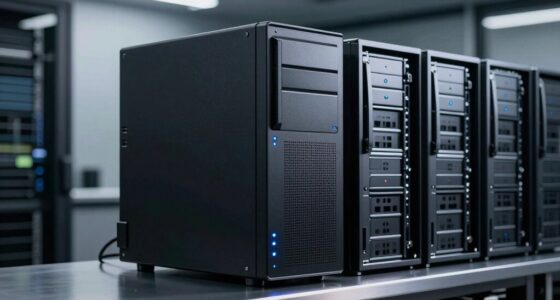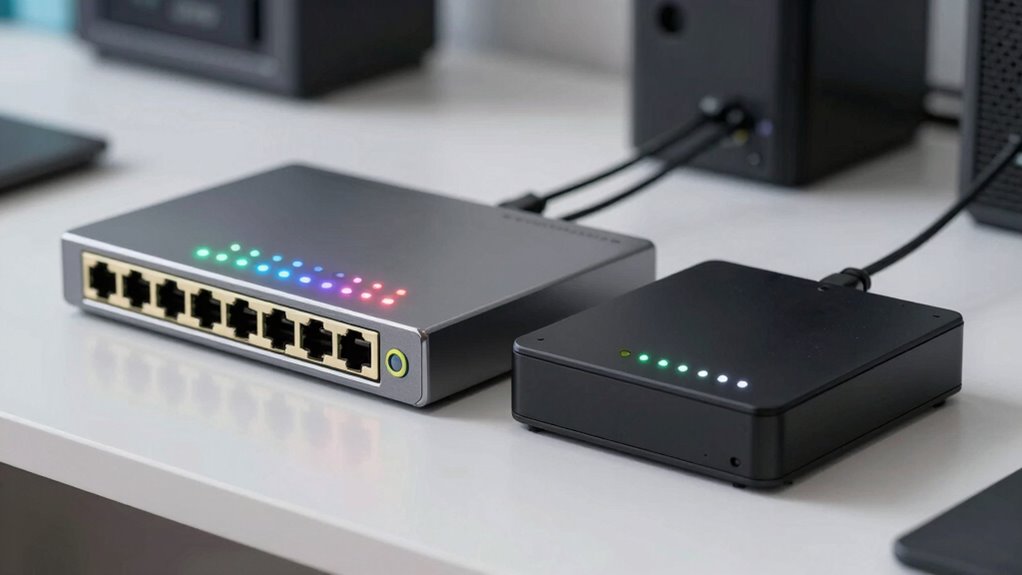

Choosing between managed and unmanaged switches for your home lab is tricky because many overlook your network’s future needs. Managed switches give you more control, better security, and scalability, which is ideal as your network grows. Unmanaged switches are simple and affordable but lack advanced features. Understanding these differences helps you make smarter choices. Stick around to discover how to pick the best option tailored to your home setup and avoid common mistakes.
Key Takeaways
- Managed switches offer advanced features like traffic management, security, and remote configuration, suitable for growing or complex networks.
- Unmanaged switches are simple, plug-and-play, cost-effective options ideal for small or static home networks.
- Many home labs choose unmanaged switches incorrectly, ignoring future scalability and network complexity needs.
- Overlooking the importance of PoE, wireless support, or firmware updates can lead to suboptimal network performance.
- Proper assessment of current and future network requirements ensures the right switch type, avoiding costly mistakes.

NETGEAR 8-Port Gigabit Ethernet Easy Smart Managed Essentials Switch (GS308E) – Desktop or Wall Mount, Home Network Hub, Office Ethernet Splitter, Silent Operation
- High-Speed Gigabit Ports: 8 x 1.0Gbps Ethernet ports
- Smart Managed Network: Configure VLANs, QoS, monitor ports
- Flexible Mounting: Desktop or wall-mount options
As an affiliate, we earn on qualifying purchases.
As an affiliate, we earn on qualifying purchases.
Why Choosing the Right Switch Matters for Your Home Lab
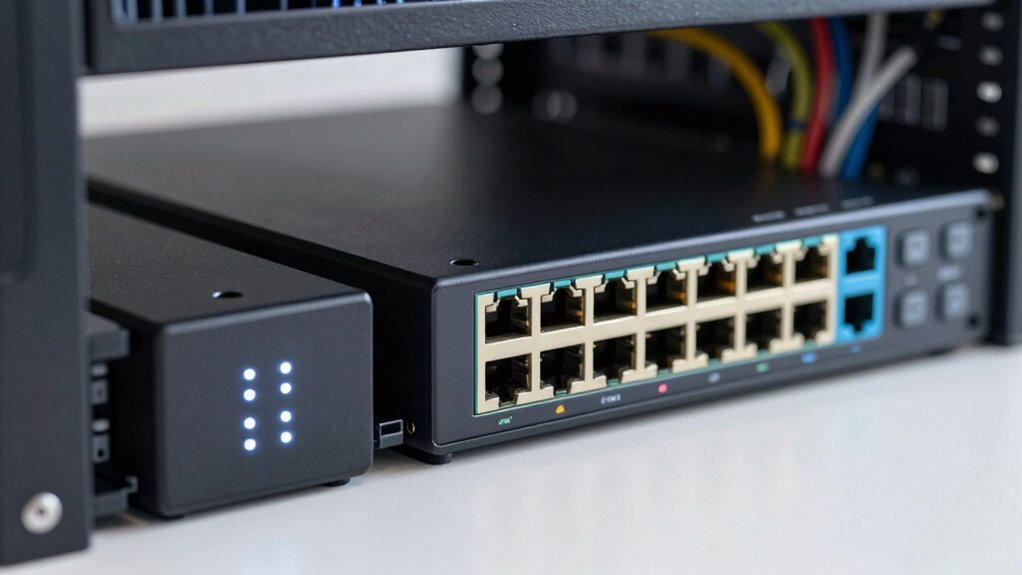
Choosing the right switch for your home lab is essential because it directly impacts your network’s performance, reliability, and scalability. A switch that supports wireless connectivity lets you connect devices without extra cables, providing flexibility for your setup. If you plan to expand or add new devices, look for switches that offer Power over Ethernet (PoE). PoE simplifies wiring by delivering power and data through a single cable, reducing clutter and making installation easier. The right switch guarantees smooth data flow, minimizes downtime, and allows for future growth. Skipping this step or choosing poorly can lead to slow connections and unreliable network performance, hampering your home lab’s efficiency. Investing in the proper switch sets a strong foundation for your network’s success. Digital concepts and network design principles also play a crucial role in ensuring your setup remains adaptable over time.

TP-Link TL-SG105, 5 Port Gigabit Unmanaged Ethernet Switch, Network Hub, Ethernet Splitter, Plug & Play, Fanless Metal Design, Shielded Ports, Traffic Optimization
- Number of Ports: 5 Gigabit Ethernet ports
- Network Speed: Supports 10/100/1000Mbps
- Auto Features: Auto Negotiation and MDI/MDIX
As an affiliate, we earn on qualifying purchases.
As an affiliate, we earn on qualifying purchases.
What Are Managed Switches and How Do They Work?
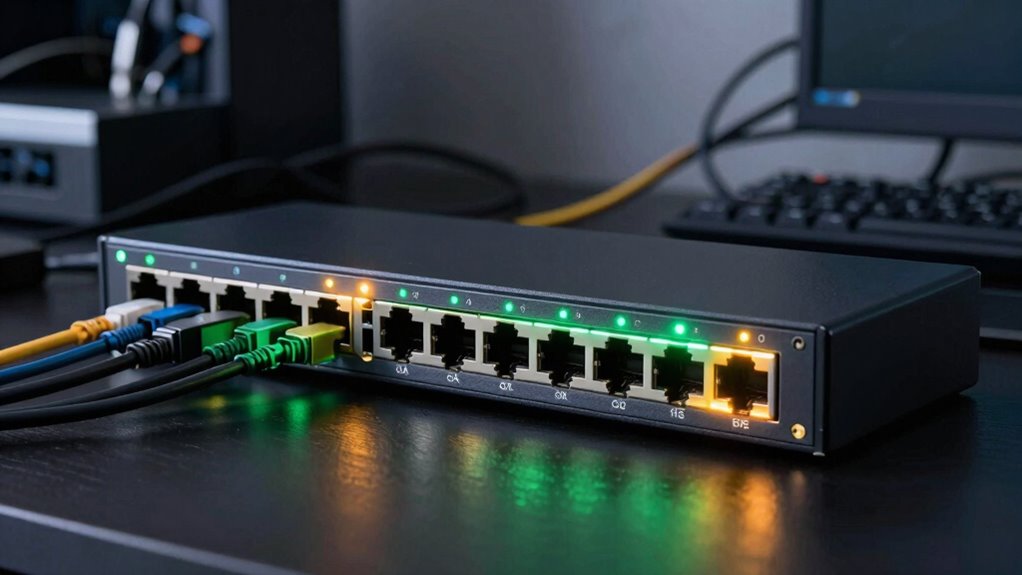
Managed switches give you more control over your network, allowing you to configure and monitor device connections. They handle data traffic more efficiently by directing packets precisely where they need to go. This control helps optimize performance and improves your network’s overall reliability. Proper configuration is essential to maximize these benefits and ensure safe, efficient operation. Additionally, understanding cabling solutions can prevent common issues such as cable failures that disrupt network performance. Incorporating knowledge about network performance factors can further enhance your ability to troubleshoot and fine-tune your network setup effectively. Being aware of network security practices is also crucial to protect your network from potential threats and unauthorized access. Knowing how device management impacts network stability can help you make better decisions when setting up or upgrading your network infrastructure.
Switch Functionality and Control
Ever wondered how managed switches give you greater control over your network traffic? They do this through advanced switch functionality and control features. With managed switches, you can configure each switch port to optimize performance or security, tailoring the network to your needs. You also gain the ability to create VLANs, which segment your network into different broadcast domains, enhancing security and reducing congestion. Managed switches allow you to monitor traffic, troubleshoot issues, and adjust settings remotely. This control helps prevent bottlenecks and unauthorized access. By customizing switch port configurations and VLAN setups, you enhance your network’s efficiency and security, making managed switches a powerful tool for any home lab or enterprise environment seeking granular control.
Data Traffic Management
Data traffic management is at the core of what makes managed switches essential for modern networks. With these switches, you can control bandwidth allocation, ensuring that critical devices receive the necessary speed without congestion. Managed switches enable network segmentation, dividing your network into smaller, isolated sections for improved security and performance. This allows you to prioritize traffic and reduce collisions, making your network more efficient. You can also monitor traffic patterns in real-time, identifying bottlenecks and adjusting settings as needed. By managing data flow effectively, managed switches help maintain ideal network performance, reduce downtime, and enhance security. In contrast, unmanaged switches lack these capabilities, which can lead to slower speeds and less control over your network’s traffic.

TP-Link TL-SG1005P, 5 Port Gigabit PoE Switch, 4 PoE+ Ports @65W, Desktop, Plug & Play, Sturdy Metal w/ Shielded Ports, Fanless, QoS & IGMP Snooping
- Full Gigabit 5-Port PoE Configuration: 4 PoE+ ports with 65W power budget
- High-Speed Non-PoE Port: 1 Gigabit port for fast connections
- Plug and Play Setup: Easy installation without software
As an affiliate, we earn on qualifying purchases.
As an affiliate, we earn on qualifying purchases.
Unmanaged Switches: Simple but Limited at Home
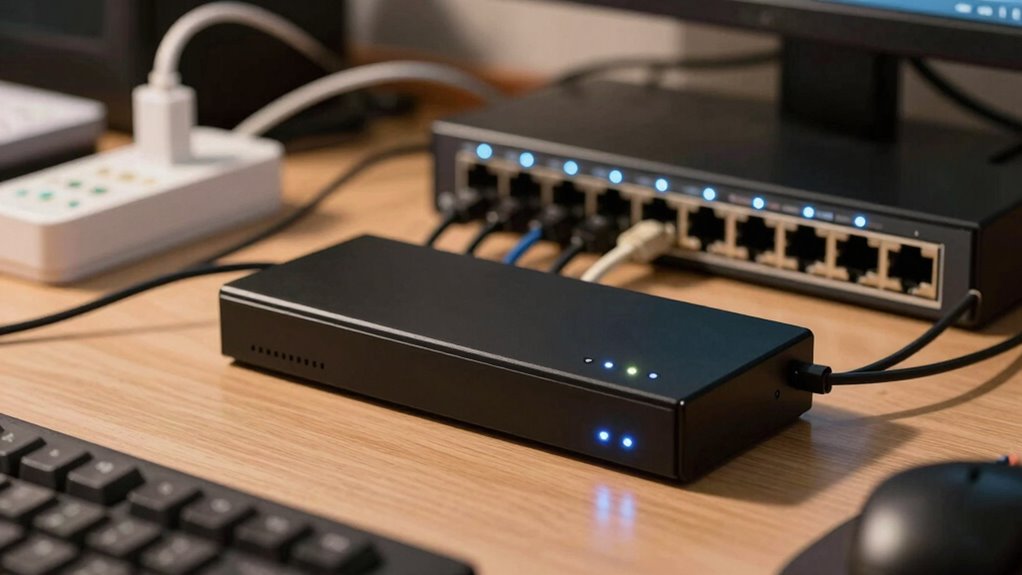
Unmanaged switches are a straightforward and affordable option for home networks, offering plug-and-play simplicity without the need for configuration. They work well with standard Ethernet cabling and are ideal if you want to connect multiple devices quickly. However, they’re limited in features, making them less flexible for advanced setups. You won’t have control over traffic or security settings, and Power over Ethernet (PoE) isn’t usually supported, so powering devices through the switch isn’t an option.
| Feature | Benefit | Limitation |
|---|---|---|
| Ethernet cabling | Easy device connection | No advanced traffic management |
| Power over Ethernet | Simplifies device power needs | Not supported in most models |
| Plug-and-play | Quick setup | Limited customization |

Controller for Switch, Replacement Wireless Controllers Support Dual Vibration/Wake-up/Motion Control
- Compatibility: Compatible with Switch, Lite, OLED
- Advanced Chip: Stable, low-latency connection
- Anti-Interference: Strong anti-interference ability
As an affiliate, we earn on qualifying purchases.
As an affiliate, we earn on qualifying purchases.
Top Features of Managed Switches for Better Home Networks
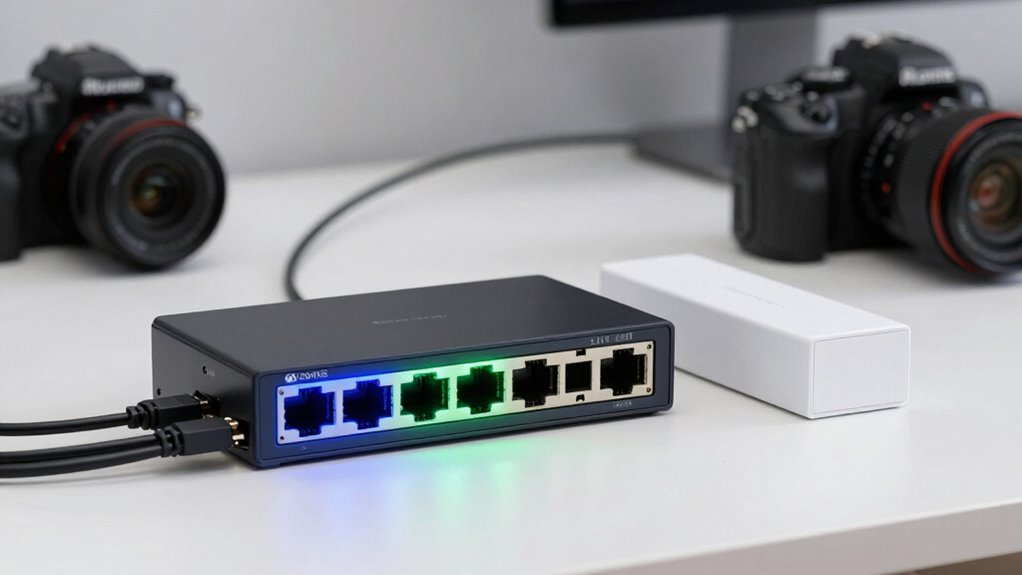
Managed switches offer advanced network management tools that give you greater control over your home setup. They also come with enhanced security features to protect your devices and data. Understanding these top features can help you optimize your home network for performance and safety. Incorporating gear care tips can prolong the lifespan of your equipment and ensure consistent performance. Paying attention to network security protocols can further safeguard your digital environment from potential threats. Regularly testing your network performance with reliable measurement tools can help identify issues early and maintain optimal operation. Additionally, considering hive health principles such as proper airflow and monitoring system activity can improve overall network stability. Proper firmware updates are essential to keep your network devices secure and functioning efficiently, much like maintaining a high-performance engine.
Advanced Network Management
Advanced network management features are what set managed switches apart, giving you greater control and visibility over your home network. These features enable you to optimize performance and streamline setup. You can prioritize traffic for streaming or gaming, ensuring smooth experiences. Managed switches support wireless integration, allowing seamless connection with your Wi-Fi devices for better network coordination. Power over Ethernet (PoE) simplifies device deployment by delivering power and data through a single cable, reducing clutter. Additionally, you can monitor network activity in real-time, identify bottlenecks, and troubleshoot issues quickly. These capabilities make your home network more reliable, versatile, and easier to manage, especially as your connected devices multiply and demand grow.
Enhanced Security Features
Enhanced security is a key advantage of managed switches, providing you with tools to protect your home network from threats and unauthorized access. With features like security protocols and regular firmware updates, you can stay ahead of cyber risks. Managed switches allow you to set access controls, monitor traffic, and quickly respond to suspicious activity. Firmware updates keep your device protected against newly discovered vulnerabilities, ensuring your network stays secure. Imagine a home network where your data remains private, and unauthorized users are kept out. The following table highlights emotional benefits of these security features:
| Security Feature | Emotional Impact |
|---|---|
| Security protocols | Peace of mind knowing your network is protected |
| Firmware updates | Confidence in staying ahead of threats |
| Access controls | Control over who connects to your network |
| Monitoring alerts | Security that feels proactive, not reactive |
Additionally, regular maintenance and awareness of potential cyber threats can further enhance your network’s resilience. Staying informed about emerging cybersecurity challenges helps you adapt your defenses and maintain a secure environment.
Should You Use Managed or Unmanaged Switches?
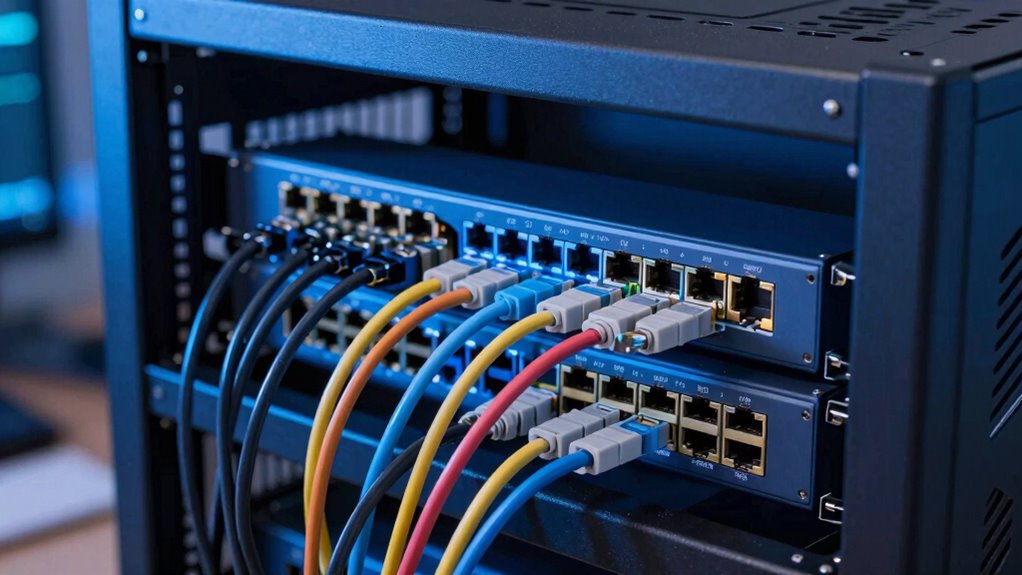
Deciding whether to use managed or unmanaged switches depends largely on your network’s complexity and future needs. Managed switches offer advanced features like wireless compatibility, Power over Ethernet (PoE), and remote configuration, making them ideal for growing or complex setups. Unmanaged switches are simpler, plug-and-play options suited for small networks with basic needs. If you want control over traffic, security, and easy integration of devices like wireless access points, a managed switch is the better choice. Conversely, if your network remains static and simplicity is key, unmanaged switches save you money and effort. Consider your current requirements and future expansion plans to determine if the added features of managed switches justify their cost or if unmanaged switches will suffice.
Common Mistakes When Picking a Home Network Switch
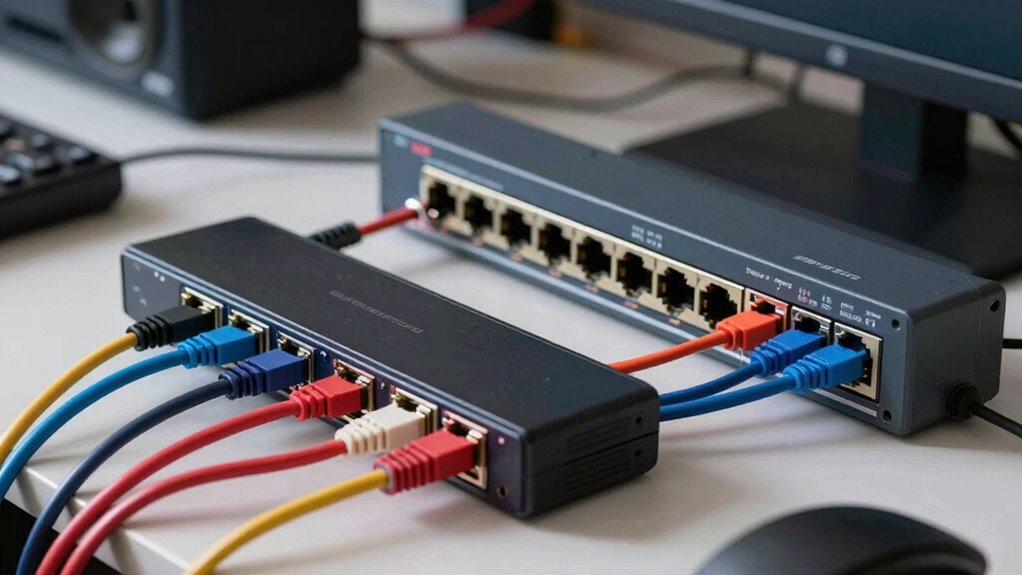
Choosing the wrong home network switch can lead to frustrating connectivity issues and unnecessary expenses. One common mistake is overlooking cable installation needs. You might buy a switch with limited ports or incompatible ports, forcing you to add adapters or replace equipment later. Another mistake is neglecting power management features. Some switches lack energy-efficient modes or proper power supply options, which can cause increased electricity bills or hardware failures. Failing to consider how your switch handles power can lead to instability or overheating. Additionally, ignoring future expansion plans might leave you stuck with a device that doesn’t support additional devices or higher speeds. To avoid these pitfalls, assess your current and future needs carefully, focusing on cable requirements and power management features that ensure reliable, efficient performance. Understanding energy efficiency can help you select a switch that minimizes both power consumption and operational costs over time.
How to Decide Between Managed and Unmanaged Switches

When evaluating whether to go with a managed or unmanaged switch, it’s important to take into account how much control and customization you need for your network. Managed switches offer features like bandwidth allocation and firmware updates, which are essential for optimizing performance and security in more complex setups. If you want to monitor traffic, prioritize devices, or adjust settings remotely, a managed switch is the way to go. Conversely, if your network is simple and you prefer plug-and-play functionality, unmanaged switches are more straightforward and cost-effective. Consider your future needs as well—upgrading to managed might be beneficial if you anticipate expanding or demanding more control.
- Need for detailed traffic monitoring and control
- Future scalability and network customization
- Importance of firmware updates for security
- Budget constraints and simplicity
Tips to Set up and Optimize Your Home Network With Managed Switches

Setting up and optimizing your home network with a managed switch allows you to gain greater control over traffic flow and device prioritization. To maximize performance, configure Quality of Service (QoS) settings to prioritize bandwidth for essential devices, like streaming or gaming systems. Regularly monitor network traffic to identify bottlenecks and adjust settings accordingly. Enable features that improve wireless connectivity, such as VLANs, to reduce interference and congestion. Take advantage of energy efficiency options like port power management to reduce power consumption when devices are idle. Keep firmware updated to ensure security and stability. Additionally, consider network customization options to tailor your setup to specific needs, enhancing overall efficiency. By fine-tuning these settings, you’ll create a more reliable, efficient home network that supports all your devices smoothly and securely.
Frequently Asked Questions
Can Unmanaged Switches Support VLANS or Network Segmentation?
Unmanaged switches typically can’t support VLANs or network segmentation, which are essential for improving network security. Without VLAN support, you can’t isolate devices for better security or traffic management. If you want to enhance security, you’ll need a managed switch that allows firmware updates and configuration changes to set up VLANs. Unmanaged switches are simple and cost-effective but lack the advanced features necessary for robust network security.
What Are the Cost Differences Between Managed and Unmanaged Switches?
Managed switches typically cost more than unmanaged ones, often by several hundred dollars, due to advanced features like network security and power management. These switches offer better control, enabling you to implement network segmentation and security protocols, which can be crucial for protecting your home lab. Unmanaged switches are cheaper but lack these features, making them suitable for simple setups. Your choice depends on your budget and security needs.
Do Managed Switches Require More Technical Knowledge to Operate?
Think of managed switches as a control tower guiding a busy airport—you’ll need technical knowledge to oversee switch configuration and network monitoring effectively. They demand understanding of settings, protocols, and troubleshooting. In contrast, unmanaged switches are like a simple traffic light, requiring no special skills. If you want control and customization, you’ll need to learn the ins and outs of managed switches; otherwise, unmanaged ones offer plug-and-play simplicity.
How Scalable Are Unmanaged Switches for Growing Home Networks?
Unmanaged switches aren’t very scalable for growing home networks because they lack advanced features like network security and power management. As your network expands, you’ll find it harder to control traffic and guarantee security without manual configuration. They’re simple and cost-effective for small setups, but if you plan to grow, investing in managed switches will give you better scalability, security, and power management options to handle increased devices smoothly.
Are There Hybrid Switches That Combine Features of Both Types?
Yes, hybrid switches combine features of managed and unmanaged switches, giving you more control. You can perform firmware updates and configure ports, like in managed switches, while still enjoying plug-and-play simplicity of unmanaged ones. This makes them ideal if you want some customization without the complexity. Just remember, hybrid switches may cost more and require occasional firmware updates to keep features current and secure.
Conclusion
So, whether you’re a networking newbie or a seasoned home lab wizard, remember that choosing the right switch isn’t just about fancy features or saving a few bucks. It’s about avoiding the chaos of unmanaged confusion or the overly complicated managed maze. In the end, your network’s stability depends on your choice—so pick wisely, or prepare for a future where your home lab becomes an unintended comedy of errors. Happy networking!