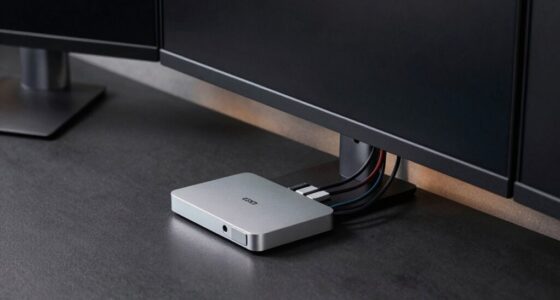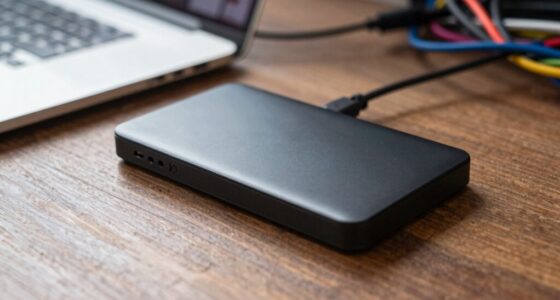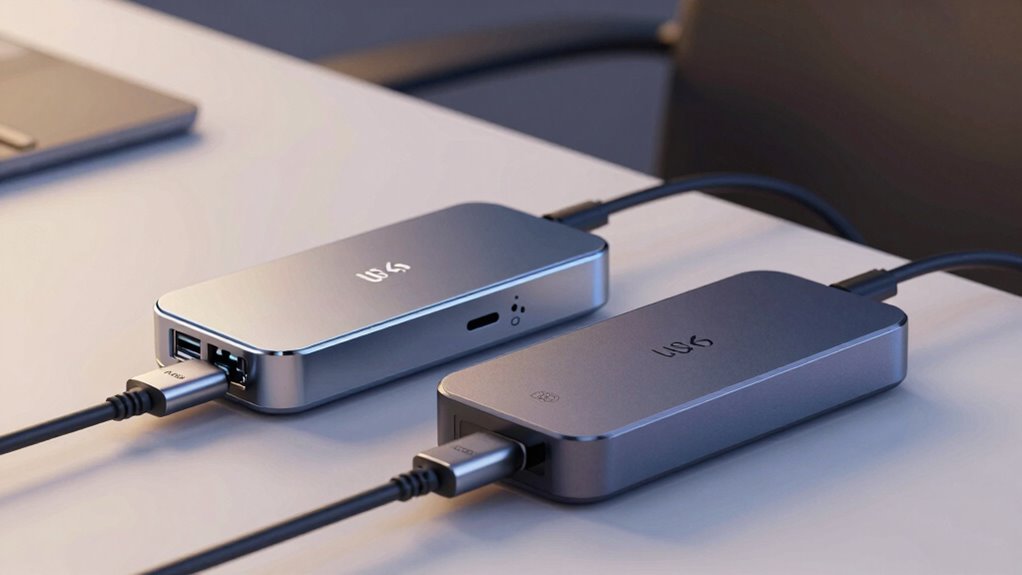

If you’re choosing between Thunderbolt 4 and USB4 for your dock, consider your performance needs and device compatibility. Thunderbolt 4 offers faster, more stable connections, supports higher-resolution displays, and guarantees reliable power delivery, making it ideal for demanding tasks. USB4 provides broad compatibility and affordability for everyday use. Understanding these differences can help you pick the right one for your setup, and there’s more to discover if you keep exploring.
Key Takeaways
- Thunderbolt 4 offers more reliable, consistent connection stability and supports higher-end peripherals, ideal for demanding workflows.
- USB4 provides broader device compatibility and is more affordable, suitable for general connectivity and everyday use.
- Both standards support data transfer up to 40 Gbps and 100W power delivery, but Thunderbolt 4 ensures stricter performance guarantees.
- Thunderbolt 4 docks tend to be more expensive with premium features; USB4 docks are budget-friendly with greater market variety.
- Choose based on your device needs, budget, and whether you prioritize stability and high performance (Thunderbolt 4) or affordability and versatility (USB4).

Dell Pro Thunderbolt 4 Smart Dock SD25TB4 – USB-C Station 130W, 4 Displays 4K, 2X DP 1.4, HDMI 2.1, 2X Thunderbolt 4, 2.5GbE, Wi-Fi, Sustainable Design
POWERFUL MULTIDISPLAY SUPPORT: Up to 4 4K monitors per HDMI 2.1, DP 1.4, USB-C and Thunderbolt 4 —…
As an affiliate, we earn on qualifying purchases.
As an affiliate, we earn on qualifying purchases.
Which Is Better for Your Needs: Thunderbolt 4 or USB4?
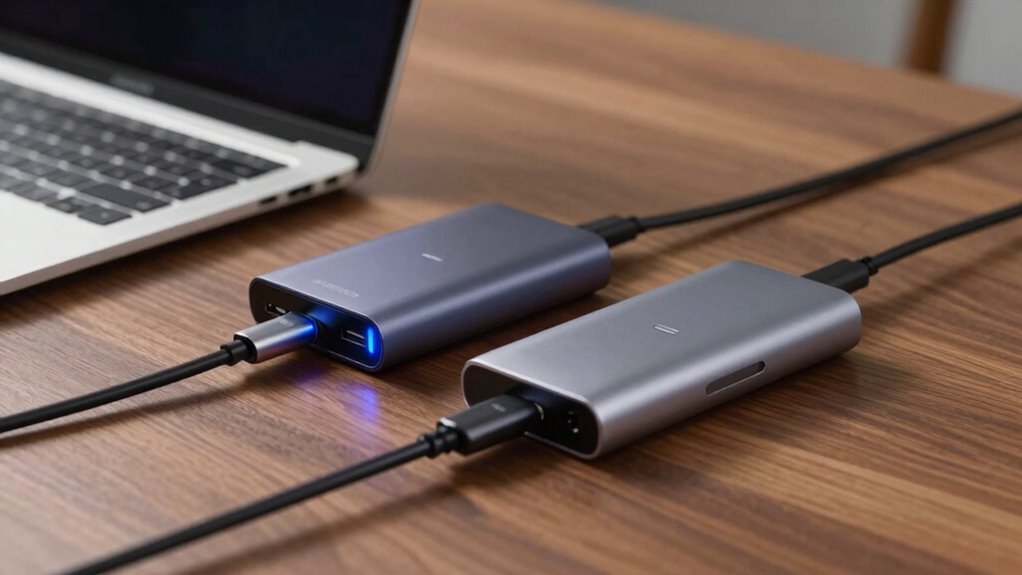
When deciding between Thunderbolt 4 and USB4, it’s crucial to evaluate what you need from your devices. If gaming performance is a priority, Thunderbolt 4 offers lower latency and more robust bandwidth, enhancing your gaming experience. Its superior data transfer speeds support smooth gameplay and quick file transfers. Aesthetic design also matters—you might prefer the sleek, modern look of Thunderbolt 4 docks, which often feature a minimalist style that complements high-end setups. USB4, while versatile and widely compatible, may not deliver the same level of performance for demanding gaming or design-focused setups. Consider whether your setup values high performance and style or if broader compatibility suits your needs better. Both options are powerful, but your specific use case determines which is the better fit.

AOOSTAR AG02 OCuLink eGPU Dock with 800W PSU and USB4 Port, External GPU Docking Station for Windows 11 Mini PCs, Laptops and Gaming Handhelds, GPU Not Included
【External GPU Dock with Built-in 800W PSU】AOOSTAR AG02 is an eGPU dock and external GPU docking station designed…
As an affiliate, we earn on qualifying purchases.
As an affiliate, we earn on qualifying purchases.
Speed and Performance in Thunderbolt 4 and USB4 Docks

When it comes to speed, Thunderbolt 4 offers data transfer rates up to 40 Gbps, while USB4 can reach similar speeds but with some variations. Connection stability is vital for reliable performance, and Thunderbolt 4 generally provides a more consistent experience. Understanding these differences helps you choose the dock that best matches your performance needs. Additionally, the portability of Thunderbolt 4 allows for easier setup in various environments, making it a versatile choice for users who prioritize both speed and convenience.
Data Transfer Rates
Ever wonder how quickly data can transfer between devices using Thunderbolt 4 and USB4 docks? With Thunderbolt 4, you can expect transfer speeds up to 40 Gbps, making large file transfers fast and efficient. USB4 offers comparable speeds, reaching up to 40 Gbps as well, ensuring smooth performance for demanding tasks. While both support high-speed data transfer, Thunderbolt 4’s emphasis on wireless connectivity options can enhance your workflow, especially when working with compatible peripherals. Additionally, the aesthetic design of these docks plays a role; Thunderbolt 4 often features sleek, modern finishes, blending into professional setups, while USB4 emphasizes versatility and simplicity. Both offer impressive speeds, but your choice depends on your specific needs for performance and design appeal.
Connection Stability
Both Thunderbolt 4 and USB4 are designed to deliver high-speed data transfers, but their connection stability can vary depending on setup and usage. You might notice that Thunderbolt 4 generally offers more consistent performance, especially with wired connections, due to its dedicated hardware. USB4, while fast, can sometimes face interference affecting wireless connectivity and stability. Your aesthetic design choices also matter—sleek docks may prioritize looks over robust connections. Factors like cable quality, port placement, and device compatibility influence stability for both. To guarantee a solid experience:
- Use certified cables for peak performance
- Keep docks away from wireless interference sources
- Prioritize wired connections for critical work
- Choose docks with a sturdy, aesthetic design
- Update firmware regularly for stability improvements

Anker USB C Cable(3.3FT, 240W), USB 4 Data Cable, 40Gbps, 8K HD Display, Thunderbolt 4/3 Compatible, for iPhone 17, MacBook, Hub, Docking and More
Move Files Fast: Transfer music, movies, or entire seasons of TV shows in seconds at 40 Gbps.
As an affiliate, we earn on qualifying purchases.
As an affiliate, we earn on qualifying purchases.
Device Compatibility With Thunderbolt 4 and USB4
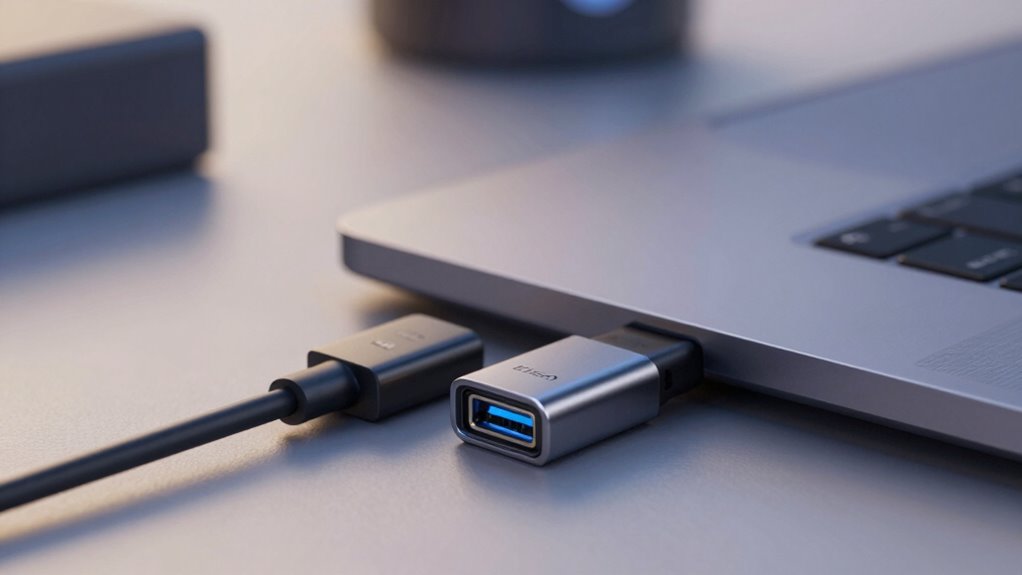
You’ll want to take into account the compatibility range of Thunderbolt 4 and USB4 devices to guarantee they work with your existing gear. Cross-platform support is important if you use different operating systems, as it affects connectivity and usability. Additionally, check if the necessary adapters and cables are readily available, since they can influence how easily you can connect different devices. Considering the content formats supported by these standards can also impact your ability to utilize various digital assets efficiently. Being aware of the interoperability between devices can help prevent compatibility issues and enhance overall user experience.
Device Compatibility Range
Understanding the device compatibility range of Thunderbolt 4 and USB4 is essential when choosing the right technology for your needs. Both standards support a wide array of devices, but their compatibility varies slightly. Thunderbolt 4 guarantees seamless connection with high-resolution displays, supporting up to 8K display resolution, and offers robust audio support for professional audio devices. USB4 provides broad compatibility with most USB-C devices, including external drives and peripherals, but may have limitations with some specialized equipment. Additionally, water damage and rug cleaning considerations are crucial when selecting durable and reliable connections for your workspace. Moreover, the horsepower of electric dirt bikes can influence the performance of portable power sources used in rugged environments, emphasizing the importance of durable and adaptable connectivity options.
Cross-Platform Support
Device compatibility across platforms is a key factor when comparing Thunderbolt 4 and USB4. Thunderbolt 4 offers broad support mainly on Windows and macOS, ensuring seamless connectivity for gaming performance and ergonomic design across these systems. USB4, on the other hand, provides wider compatibility, including Linux and some mobile devices, making it more versatile for various platforms. This means you can connect peripherals and docks easily, regardless of your device’s operating system.
| Feature | Thunderbolt 4 | USB4 | Compatibility Focus |
|---|---|---|---|
| Gaming Performance | Optimized on supported systems | Broad, varies by device | Platform versatility |
| Cross-Platform Use | Limited primarily to Windows/macOS | Extensive, including Linux | Device flexibility |
| Ergonomic Design | Slightly limited support for accessories | Widely supported | Ease of use across systems |
Adapter and Cable Compatibility
When it comes to adapter and cable compatibility, Thunderbolt 4 and USB4 differ markedly in their support and versatility. Thunderbolt 4 cables are generally more durable and have strict branding requirements, guaranteeing consistent quality. USB4 cables, however, are more varied, with some offering excellent cable durability and others less so, depending on the manufacturer. You’ll notice branding differences impact compatibility, with Thunderbolt 4 cables needing to meet specific standards for full functionality. USB4 cables often work across different devices but may not always deliver the same performance. Always check for certification labels to confirm compatibility. Here are key points:
- Thunderbolt 4 cables require strict certification
- USB4 cables vary by manufacturer
- Cable durability can differ considerably
- Branding influences compatibility and performance
- Using certified cables ensures device support, which is crucial for optimal performance. Additionally, considering compliance standards can help ensure the cable meets all necessary requirements for reliable operation.

【Upgrade】 USB C/USB Hub, BERLAT Aluminum 7 in 1 USB C & USB Hub with USB 3.0, USB 2.0 Ports for PC/Laptops/MacBook Pro/Air/iMac/iPad and More Devices
【7 in 1 Multi-functional Hub】 USB C hub with 1 x USB 3.0 port and 4 x USB…
As an affiliate, we earn on qualifying purchases.
As an affiliate, we earn on qualifying purchases.
Power Delivery and Charging: How Do They Differ?
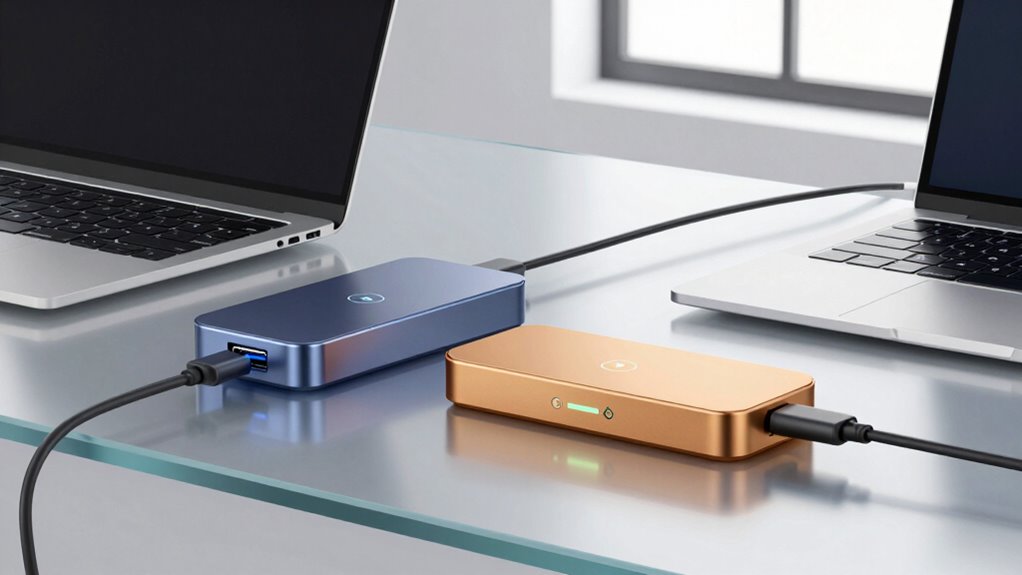
While both Thunderbolt 4 and USB4 support power delivery and charging, they do so with notable differences in capabilities. Thunderbolt 4 adheres to stricter charging standards, offering up to 100W of power, which is ideal for fast charging laptops and peripherals. USB4 also supports up to 100W but varies more with device compatibility and implementation. Power efficiency is generally high in both, but Thunderbolt 4’s strict standards guarantee more consistent performance. USB4’s flexibility allows for broader device support, though sometimes with slightly reduced power efficiency. Overall, Thunderbolt 4 provides more reliable, standardized charging, while USB4 offers versatile charging options that depend on the device’s specific support and implementation. Additionally, device compatibility plays a significant role in how effectively each standard delivers power and charges connected devices. Understanding the standardization behind these protocols can help users select the best option for their needs. For users seeking consistent performance, Thunderbolt 4’s adherence to strict standards makes it a dependable choice. Moreover, performance consistency is crucial for ensuring reliable operation across different devices and setups. In some cases, the ecosystem surrounding Thunderbolt 4 ensures better integration and optimized power management.
Best Use Cases for Thunderbolt 4 and USB4 Docking
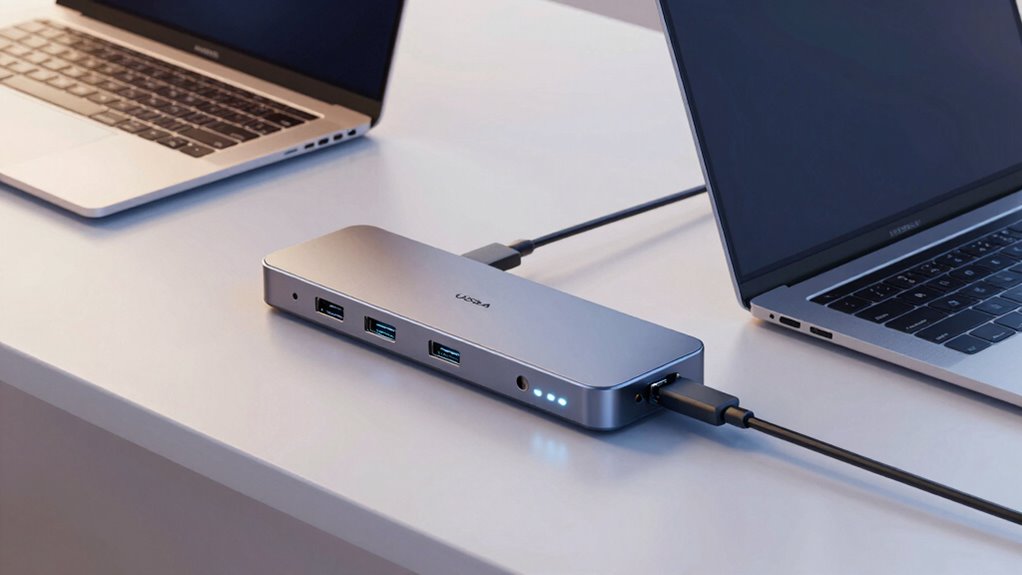
Both Thunderbolt 4 and USB4 docks excel in different scenarios, depending on your needs and device compatibility. If you’re into gaming performance or creative workflows, choosing the right dock matters. Thunderbolt 4 is ideal for high-speed data transfer, multiple 4K displays, and demanding tasks like video editing or 3D rendering. USB4 offers versatile connectivity for everyday use, such as connecting peripherals or external storage.
Consider these use cases:
- Running multiple 4K or 8K monitors for immersive gaming or professional work
- Connecting high-speed external storage for large files or backups
- Supporting creative workflows involving video editing, 3D modeling, or graphic design
- Powering high-performance peripherals like external GPUs
- Enhancing productivity with fast data transfer and reliable device connections
Cost Comparison of Thunderbolt 4 and USB4 Docks

Although Thunderbolt 4 docks tend to come with a higher price tag, USB4 docks generally offer a more budget-friendly option for most users. The pricing strategies for USB4 docks often focus on affordability, making them accessible for a broader market. Market availability also influences cost, as USB4 docks are more widespread, leading to competitive pricing and more options. In contrast, Thunderbolt 4 docks, with their premium features and branding, typically command higher prices due to their specialized technology and limited production. If you’re on a tight budget, USB4 presents a practical choice without sacrificing significant functionality. However, if you need the fastest speeds and best compatibility, investing in a Thunderbolt 4 dock might justify the extra expense.
How to Choose the Right Dock for Your Setup
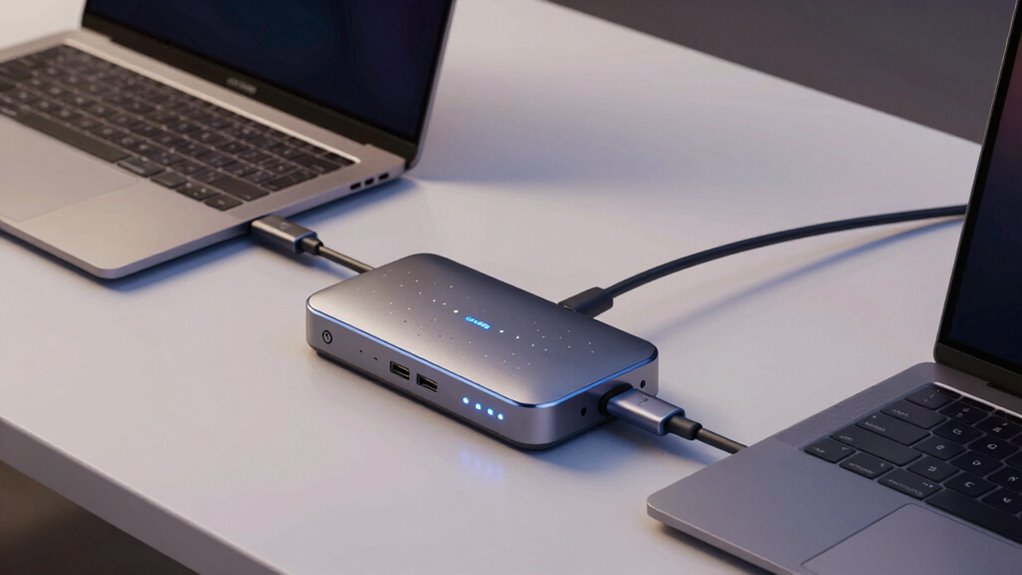
Are you unsure how to pick the right dock for your setup? First, consider the aesthetic design—choose a dock that complements your workspace’s style. Next, check the brand reputation to guarantee reliability and quality. Think about your device needs: do you require multiple ports, or is a simple connection enough? Compatibility with Thunderbolt 4 or USB4 is essential for future-proofing. Also, evaluate the build quality; a sturdy, well-made dock lasts longer. Additionally, understanding affordable jewelry gifts can inspire you to find stylish accessories that enhance your workspace or personal style. Finally, read reviews to gauge real-world performance. Balancing aesthetics, trusted brands, and your specific requirements will help you find the perfect dock. Keep these factors in mind to improve your setup, whether you prioritize looks or performance.
Frequently Asked Questions
Can I Use Thunderbolt 4 and USB4 Docks Interchangeably?
You can’t always use Thunderbolt 4 and USB4 docks interchangeably without encountering compatibility issues. While they share some features, Thunderbolt 4 docks support higher power delivery and faster data transfer, which USB4 docks might lack. If your device needs maximum performance and power, sticking with a Thunderbolt 4 dock is best. Otherwise, USB4 docks work for general use, but be mindful of potential compatibility and power delivery limitations.
Do Thunderbolt 4 and USB4 Docks Support Multiple External Monitors?
Yes, Thunderbolt 4 and USB4 docks support multiple external monitors, but their display resolution capabilities vary. Thunderbolt 4 often handles higher display resolutions and refresh rates, making it better for demanding setups. Both docks provide power delivery to keep your devices charged. However, verify your monitor connections and cables support the desired display resolution, and check the dock specifications for maximum display support and power delivery limits.
Are There Any Security Concerns With Thunderbolt 4 or USB4 Docks?
Yes, there are security concerns with Thunderbolt 4 and USB4 docks. You should be aware of potential risks like data breaches, which can be mitigated through data encryption. Power security is also essential, ensuring unauthorized access doesn’t occur through malicious devices. Always keep firmware updated and use secure connections to protect your data and devices from vulnerabilities associated with these high-speed docks.
How Do Firmware Updates Affect Dock Performance and Compatibility?
Firmware updates act like a tune-up for your dock, keeping it running smoothly. They improve firmware stability and fix bugs, which boosts performance and compatibility updates. When you update your dock’s firmware, you guarantee it stays compatible with new devices and standards, preventing hiccups. Without these updates, your dock might struggle with stability or compatibility, making firmware management vital for peak performance and seamless connectivity.
What Are the Environmental Impacts of Manufacturing Thunderbolt 4 Versus USB4 Docks?
Manufacturing Thunderbolt 4 docks generally has a larger environmental impact due to more complex components and stricter standards, increasing the manufacturing footprint. USB4 docks tend to be more eco-friendly, with simpler designs and fewer materials. Your choice influences sustainability, as a smaller manufacturing footprint reduces resource consumption and waste. Opting for USB4 might help lessen environmental harm, making it a better choice for eco-conscious consumers.
Conclusion
Choosing between Thunderbolt 4 and USB4 is like picking the right tool for a job—you’ll want the one that fits your needs perfectly. Once, I tried to connect a device with the wrong port, and everything slowed down like a traffic jam. Knowing their differences helps you prevent that hassle. Whether speed, compatibility, or cost matters most, selecting the right dock ensures your setup runs smoothly—like a well-oiled machine ready to go when you are.