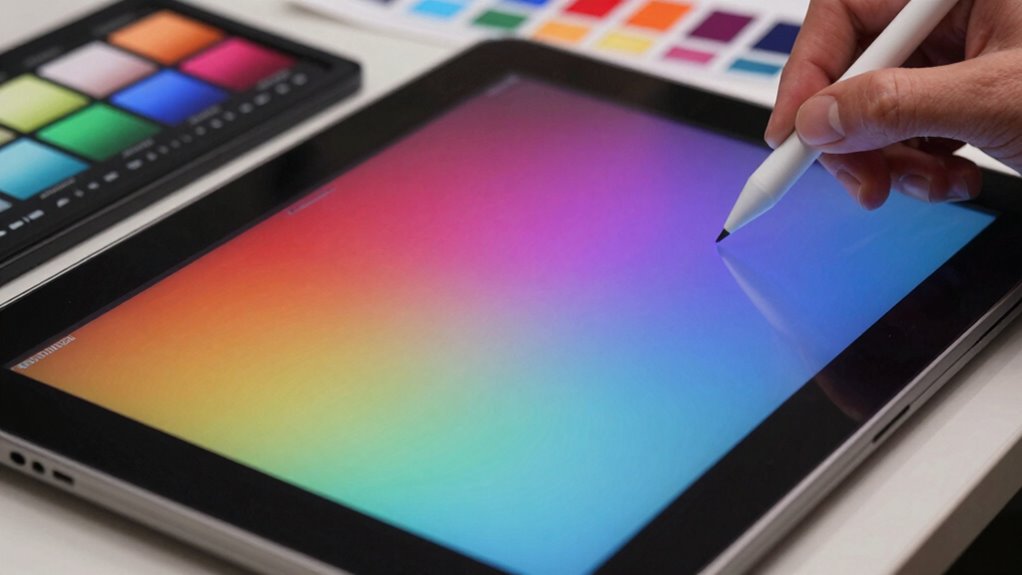
Before buying a drawing display, focus on color accuracy by checking its color gamut coverage, ensuring it supports wide ranges like Adobe RGB or DCI-P3. Look for monitors with factory calibration and simple calibration tools to maintain consistent colors. Consider the display’s stability and uniformity, and avoid models with poor build quality or unpredictable color shifts. Be mindful of your workspace lighting and budget constraints to get the best value. If you continue exploring, you’ll discover more tips to choose the perfect monitor.

Get business pricing on monitors, keyboards and dev gear
- Business-only prices and quantity discounts
- Tax-exempt purchasing
- Multiple users, one account, clear invoices
Key Takeaways
- Prioritize monitors with high color accuracy, such as IPS panels, for consistent and vibrant colors across angles.
- Check for built-in calibration tools or support for hardware calibration to maintain true-to-life colors.
- Ensure the display offers stable, uniform color reproduction and minimal color shifting over time.
- Consider the monitor’s color temperature options and aim for consistent, accurate settings.
- Research reputable brands known for reliable color performance within your budget constraints.
color calibration monitor for digital art
As an affiliate, we earn on qualifying purchases.
As an affiliate, we earn on qualifying purchases.
Why Color Accuracy Matters for Digital Artists
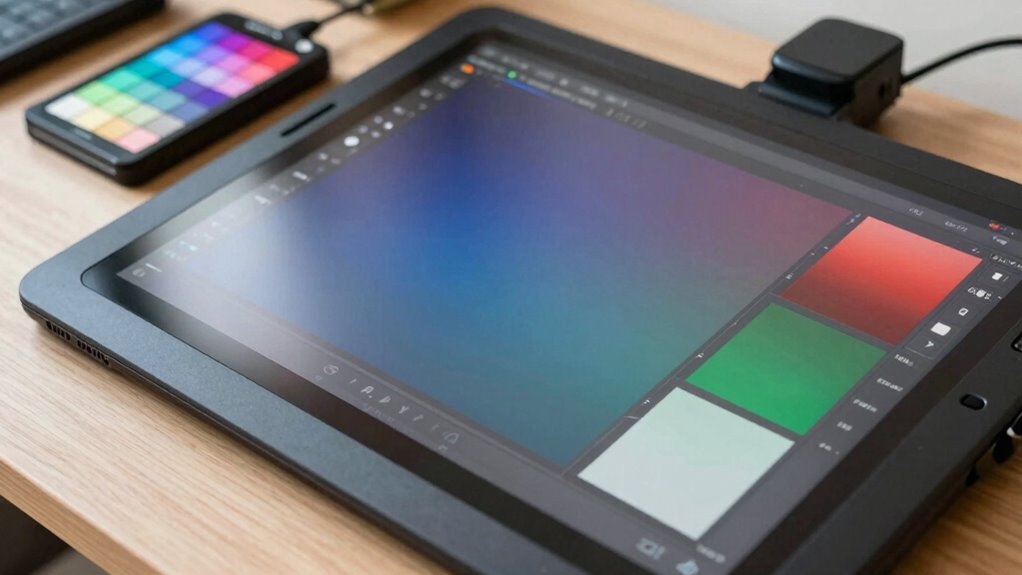
Color accuracy is crucial for digital artists because it guarantees that your artwork looks consistent across different devices and mediums. Achieving color consistency lets you trust that your colors remain true whether you’re viewing on a monitor, printing, or sharing online. This consistency aligns with your artist preferences, ensuring your creative vision is accurately represented. When your display reproduces colors reliably, you won’t have to guess or adjust repeatedly, saving time and reducing frustration. Accurate colors also help you communicate effectively with clients or collaborators, who expect your work to match your initial vision. Additionally, calibration plays a vital role in achieving precise color fidelity, ensuring your display remains consistent over time. Proper calibration involves regular adjustments to keep your display’s color output aligned with industry standards. Incorporating color management techniques can further enhance the accuracy of your digital artwork, making sure every element appears as intended across all platforms. Moreover, understanding the color space used by your device can significantly improve the reliability of your color reproduction.
IPS display with Adobe RGB support
As an affiliate, we earn on qualifying purchases.
As an affiliate, we earn on qualifying purchases.
Key Factors That Affect Color Precision on Your Monitor
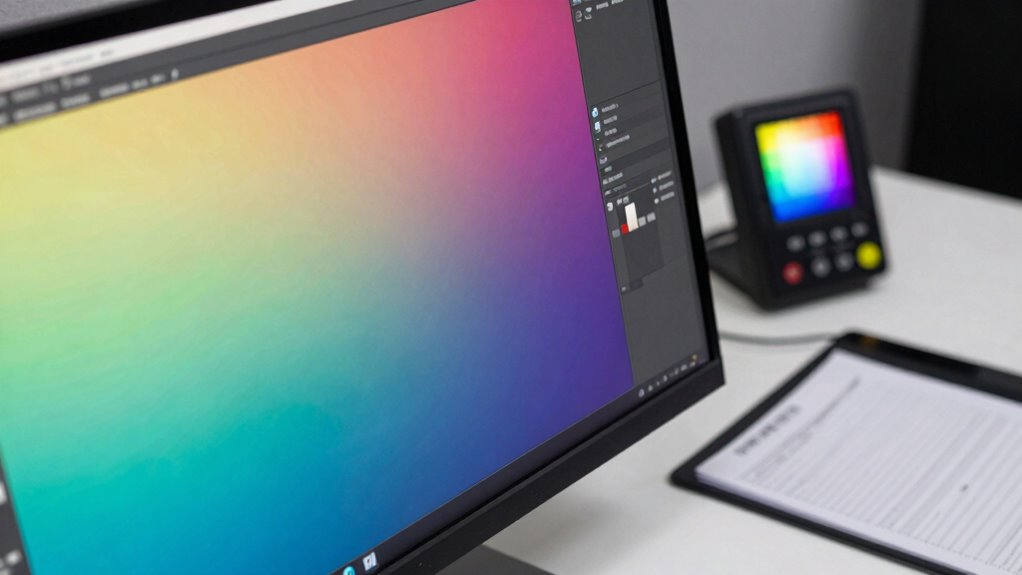
Your monitor’s color accuracy depends heavily on proper calibration and the quality of its hardware. Using calibration tools guarantees your display shows true-to-life colors, while high-quality monitors maintain consistent precision. Paying attention to these factors helps you achieve the most accurate color reproduction possible. Additionally, understanding decoding slang can help you interpret technical specifications more effectively. Regularly updating your display’s firmware or drivers can also enhance color performance and stability.
Display Calibration Techniques
Calibrating your display is crucial for achieving accurate colors, but several key factors can influence the precision of the process. Good color management relies on understanding how display technology impacts calibration results. Factors like the screen’s brightness, contrast, and ambient lighting create variables that can skew accuracy if not controlled. To improve calibration, consider:
- Adjusting your workspace lighting to reduce glare
- Using a high-quality calibration device for consistency
- Ensuring your monitor’s color profile is correctly set
- Calibrating in a neutral, subdued environment
- Regularly updating your monitor’s firmware and software
- Be aware of color consistency issues caused by display technology variations, which can affect your calibration accuracy. Additionally, understanding the various display types helps in selecting the right calibration approach for your specific monitor, ensuring better color fidelity. Recognizing how display technology differences influence calibration results can help you make more informed adjustments and maintain color accuracy over time. Being aware of how environmental variables like ambient light can impact calibration ensures more reliable results. Incorporating knowledge about color management systems can further enhance your calibration process and ensure consistent color reproduction across different devices. These steps help mitigate issues caused by display technology and guarantee your calibration efforts lead to true color reproduction, which is essential for reliable color accuracy.
Monitor Hardware Quality
The quality of your monitor’s hardware plays a critical role in achieving accurate colors, as not all displays are built to the same standards. High hardware durability guarantees your monitor withstands daily use without performance loss, maintaining consistent color output over time. An ergonomic design reduces strain during long work sessions, helping you stay focused and accurate. Look for monitors with sturdy construction, stable stands, and features that support your workflow. The right hardware supports precise color reproduction and minimizes issues like flickering or image persistence. Additionally, hardware robustness ensures the longevity of your display’s performance, preventing color shifts caused by wear and tear. Below is a comparison to help you evaluate:
| Feature | Importance |
|---|---|
| Hardware durability | Guarantees longevity and consistent performance |
| Ergonomic design | Maintains comfort and reduces fatigue |
| Build quality | Prevents hardware failure or color shifts |
| Material robustness | Resists wear and damage over time |
| Adjustment features | Enhance usability for accurate calibration |
Furthermore, paying attention to monitor calibration capabilities can significantly impact your ability to achieve true-to-life colors.
hardware calibration monitor for artists
As an affiliate, we earn on qualifying purchases.
As an affiliate, we earn on qualifying purchases.
How to Test a Drawing Display’s Color Performance Before Buying
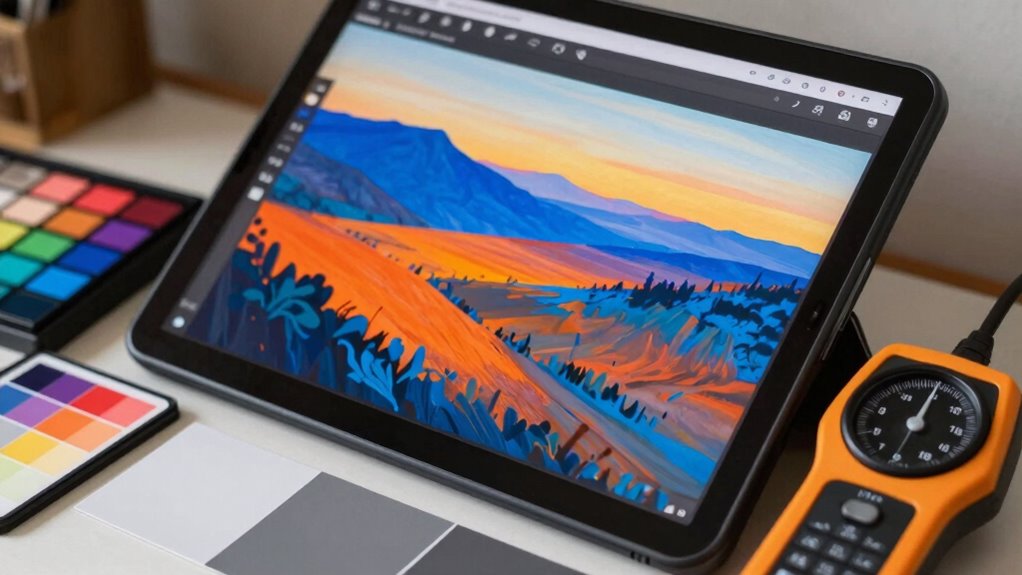
Before making a purchase, it’s essential to test a drawing display’s color performance to guarantee it meets your expectations. Start with color calibration—check if the display shows true, consistent colors across different images. Examine the display size to verify it suits your workspace and workflow. To test performance, look at high-resolution color charts or photographs with rich hues and subtle gradients. Notice if colors appear vibrant, accurate, and uniform without banding or ghosting. Pay attention to how the display handles skin tones and natural shades. Use a calibration tool if possible, or compare colors on the screen with printed references. Visualize a workspace filled with vivid paintings and detailed sketches, ensuring the display’s color accuracy supports your artistic needs.
As an affiliate, we earn on qualifying purchases.
Understanding Color Gamut and Choosing the Right One for Your Art
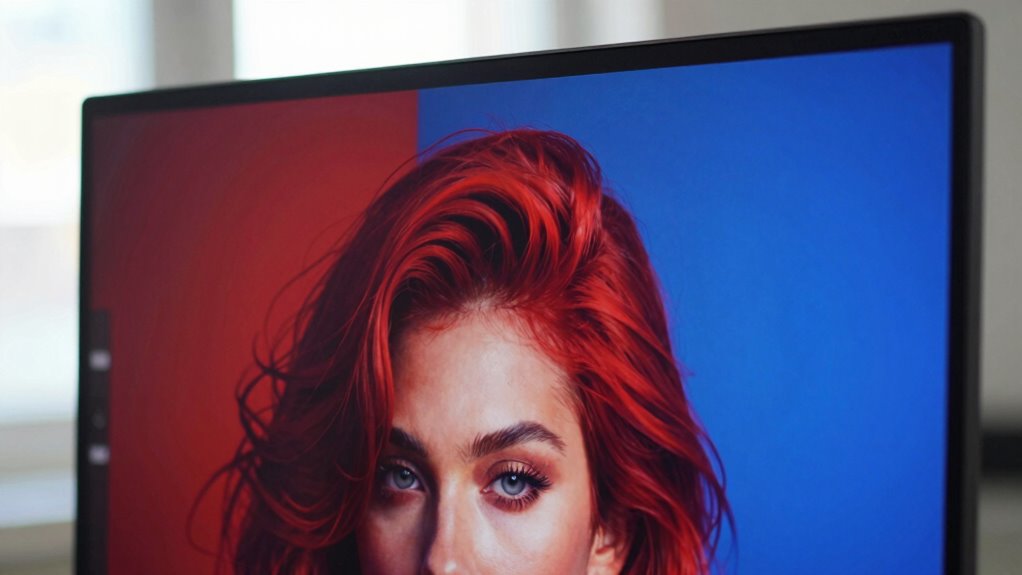
Understanding color gamut is essential because it determines the range of colors your display can reproduce. A wider color space, like Adobe RGB or DCI-P3, offers more vibrant and accurate colors, which is vital for professional art. When choosing a display, consider its color depth, which affects the number of possible shades per color channel. Higher color depth, such as 10-bit or 12-bit, allows for smoother gradients and reduces banding, resulting in more realistic images. Different displays support varying color gamuts and depths, so pick one that matches your artistic needs. If you work with print media or high-quality digital art, opt for a display with a broader color space and greater color depth to guarantee your colors stay true and consistent across different platforms. Additionally, understanding color gamut helps ensure your digital art looks consistent and vibrant across various devices and mediums.
The Role of Calibration in Maintaining Color Accuracy
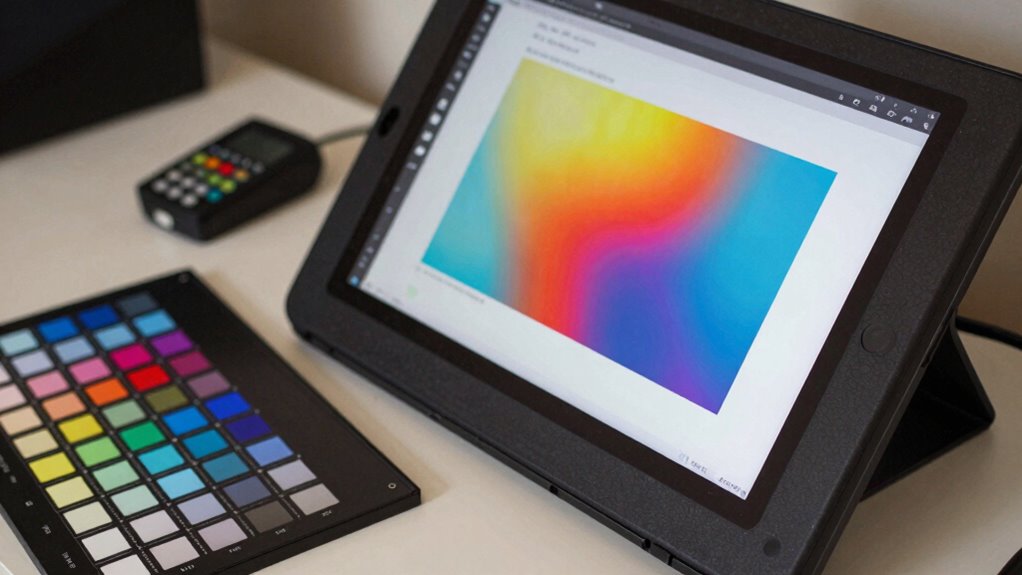
Ever wondered how to keep your colors consistent and true across different devices? This is where color calibration plays a crucial role. Regularly calibrating your drawing display ensures color accuracy and maintains color consistency, preventing shifts that could distort your work. When you calibrate, you’re adjusting your screen to match a standard, so your reds stay red, and your blues stay blue. Imagine:
- Fine-tuning your monitor so colors look sharp and precise
- Using calibration tools that mimic real-world colors
- Avoiding surprises when printing or sharing your work
- Ensuring your artwork looks the same on different screens
- Saving time by reducing guesswork and rework
- Understanding how artificial intelligence can assist in advanced calibration techniques and color management processes
- Incorporating color theory principles to better interpret and adjust your color settings
- Exploring color consistency strategies to further enhance your workflow and output quality
- Recognizing the importance of device-specific calibration for achieving optimal results across multiple displays
Mistakes to Avoid When Picking a Color-Accurate Drawing Display
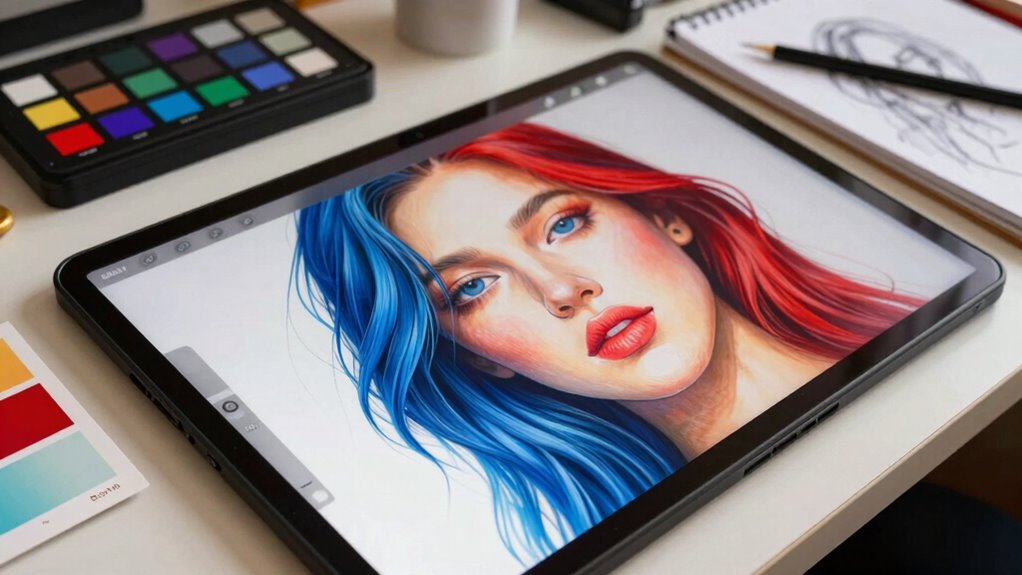
Choosing the right color-accurate drawing display can make or break your creative process, but it’s easy to fall into common pitfalls. One mistake is ignoring the importance of proper color temperature, which guarantees colors appear natural and consistent across different lighting conditions. Avoid selecting a monitor with a wide variation in color temperature, as it can lead to inaccurate color judgment. Additionally, don’t overlook color consistency; a display that shifts hues or brightness over time hampers your ability to trust your work. Always check for monitors with stable, uniform color reproduction and reliable calibration options. Falling into these traps can cost you time and compromise your artwork’s precision. Be mindful of these factors to ensure your display supports your professional or creative needs effectively. Proper color management is essential to maintain accuracy and consistency in your work environment. Moreover, understanding color calibration techniques can help you achieve true-to-life colors and improve your overall workflow. It’s also beneficial to consider the monitor’s build quality, as durable and well-designed displays tend to offer more consistent performance over time. Ensuring your display has advanced calibration tools can further enhance your ability to maintain color accuracy over extended periods. Additionally, paying attention to screen uniformity ensures that no areas of your display distort colors or brightness, which is crucial for detailed work.
Balancing Budget and Quality: Finding a Value-Packed Monitor With Accurate Colors
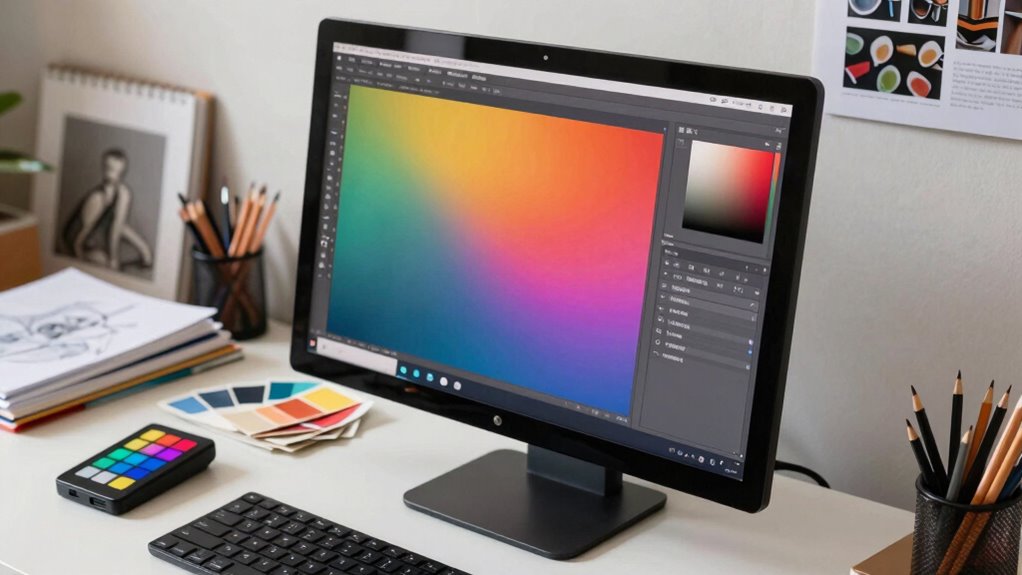
Finding a monitor that offers accurate colors without breaking the bank can seem challenging, but it’s definitely possible with some strategic choices. Look for models with solid color calibration features, ensuring your display shows true hues right out of the box. Prioritize adjustable brightness to adapt to different lighting conditions, reducing eye strain and enhancing color perception. Consider monitors with good panel quality, such as IPS, for consistent color across angles. You can also find budget-friendly options from reputable brands known for color accuracy. Keep an eye on reviews for color consistency and calibration ease. To maximize value, invest in a monitor with built-in calibration tools or firmware updates. These steps help you balance affordability with dependable, accurate colors.
Frequently Asked Questions
How Often Should I Calibrate My Drawing Display for Optimal Color Accuracy?
You should calibrate your drawing display regularly, ideally every four to six weeks, to maintain ideal color accuracy. Frequent color calibration and display profiling ensure your colors stay consistent and true to life. If you notice color shifts or your work looks different on other screens, it’s time to recalibrate. Consistent calibration helps prevent color discrepancies, especially when working on detailed art projects or professional illustrations.
Can Different Lighting Conditions Affect My Monitor’s Color Accuracy?
Is the moon influencing your monitor’s colors? Yes, ambient lighting and color temperature can greatly affect your display’s color accuracy. When lighting conditions change, your monitor’s perceived colors shift, making your work inconsistent. To keep colors true, maintain consistent ambient lighting, and adjust your display’s color temperature accordingly. This guarantees your colors stay accurate, no matter the time of day or lighting environment.
What Software Tools Are Best for Testing Monitor Color Performance?
You should use software tools like CalMAN, DisplayCAL, or X-Rite i1Profiler for testing your monitor’s color performance. These programs help with color calibration and color profiling to guarantee accurate color reproduction. They analyze your display’s color output, identify discrepancies, and guide you through adjustments. Regularly running these tests helps maintain consistent color accuracy, especially when working on detailed artwork or color-sensitive projects, ensuring your monitor remains reliable over time.
How Do I Ensure Color Consistency Across Multiple Displays?
Imagine your artwork, perfectly vivid on one screen, dull on another—frustrating, right? To guarantee color consistency, you need to prioritize display calibration and color profiling across all monitors. Regularly calibrate each display with a reliable tool, then create consistent profiles. This way, your colors stay true and unified, no matter which screen you view them on. Consistent display calibration and accurate color profiling are your keys to harmony in your creative workspace.
Are There Specific Monitor Brands Known for Superior Color Accuracy?
You can trust brands like Eizo, BenQ, and NEC for superior color accuracy, thanks to their strong monitor brand reputation. These brands often incorporate factory calibration and support color calibration accessories, ensuring precise colors. When choosing a monitor, look for models with hardware calibration options and a reputation for consistent, accurate color reproduction. Investing in quality brands and calibration tools helps maintain color fidelity, essential for professional drawing work.
Conclusion
Choosing a color-accurate drawing display isn’t just about pixels; it’s about painting your visions with precision. Think of your monitor as a window — clear and true, or clouded and distorted. When you invest in quality and calibration, you’re sharpening that window, letting your creativity shine through every shade and hue. Don’t settle for a blurry view; aim for clarity, so your art can stand out in vibrant, true colors.
Columbus Day / Indigenous Peoples' Day Picks
long weekend sales
As an affiliate, we earn on qualifying purchases.