
TL;DR
LG monitors are reportedly installing software via Windows Update without user permission. This development raises questions about user control and security. The issue is currently under investigation, with LG and Microsoft responding.
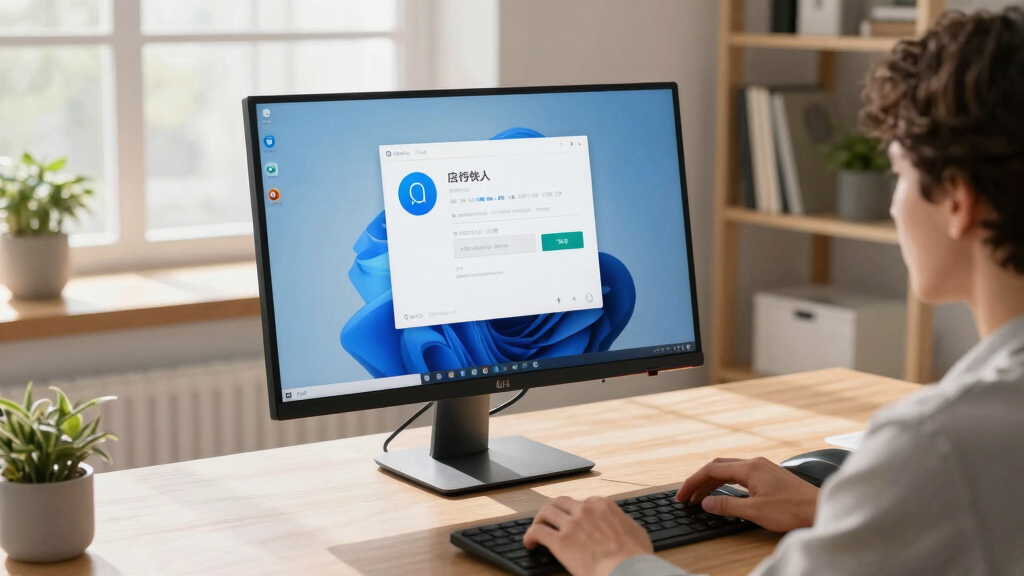
LG monitors have been found to silently install software through Windows Update without user consent, according to recent reports. This unexpected behavior raises privacy and security concerns for users, as it bypasses explicit approval and control over software installations.
The issue was first reported by users on online forums and tech communities, where multiple individuals noticed new software or drivers installed on their systems after connecting LG monitors. LG has not officially announced this behavior but has acknowledged the reports after inquiries from media outlets. Microsoft has stated that Windows Update is designed to install necessary drivers and software, but it does not typically do so without user consent or notification.
Sources familiar with the matter suggest that LG’s monitors may include firmware or software components that are pushed via Windows Update as part of driver updates or optional software packages. However, the lack of transparency and user control has sparked concern among cybersecurity experts and privacy advocates. LG has not yet issued a formal statement clarifying whether this is an intentional feature or an unintended glitch.
Potential Privacy and Security Implications of Unapproved Software Installations
This development matters because it highlights a possible breach of user control over device management and software installation. Silent updates could introduce vulnerabilities, malware, or unwanted data collection, especially if users are unaware of what is being installed. It also raises broader questions about manufacturer practices and the transparency of update mechanisms in consumer electronics.
LG monitor firmware update software
As an affiliate, we earn on qualifying purchases.
As an affiliate, we earn on qualifying purchases.
LG Monitors and Firmware Updates: Past and Present
LG has a long history of producing popular monitors used by consumers and professionals worldwide. Traditionally, firmware updates for monitors have required manual initiation or notification. The recent reports suggest a shift toward more aggressive update practices, possibly driven by the desire to improve compatibility or add features. Similar concerns have been raised in the past about other device manufacturers deploying updates without clear user approval, but this case appears to be among the most prominent involving a major brand like LG.
“We are currently investigating these reports and will provide an update once we have more information.”
— LG spokesperson
As an affiliate, we earn on qualifying purchases.
Extent and Intent of LG’s Software Installation Practices Still Unclear
It remains unclear whether LG intentionally designed their monitors to install software silently through Windows Update or if this is an unintended side effect. The scope of affected models and the specific software being installed are also not yet confirmed. LG has not provided detailed technical explanations, and Microsoft has not indicated whether this behavior aligns with Windows Update policies.
As an affiliate, we earn on qualifying purchases.
Investigation and Clarification Expected from LG and Microsoft
LG and Microsoft are expected to clarify the nature of these updates in the coming days. Users are advised to monitor their update settings and review installed software. Further investigations may lead to patches, policy updates, or legal scrutiny if the behavior is confirmed to be unauthorized or malicious. Consumers and security experts will be watching closely for official statements and technical details.

Jexiop 16inch Security Monitor,Wall-Mounted Monitors Supports USB/Full Format Video Playback,CCTV Monitors with AV/HDMI Input/VGA/BNC,Built-in Speaker,Remote Control
- Screen Size: 16-inch LED display
- Viewing Angle: 170° wide viewing angle
- Input Ports: HDMI, AV, VGA, BNC, USB
As an affiliate, we earn on qualifying purchases.
As an affiliate, we earn on qualifying purchases.
Key Questions
Are LG monitors automatically installing software without user permission?
Recent reports suggest that LG monitors may be installing software via Windows Update without explicit user approval, but LG has not officially confirmed this behavior.
Can users prevent this software from installing?
Users can review Windows Update settings and disable automatic driver updates, but the effectiveness depends on the specific update process and LG’s practices.
Is this a security risk?
If software is installed without user knowledge, it could pose security risks, especially if malicious code is involved. Experts recommend monitoring updates and consulting official sources for guidance.
Will LG or Microsoft issue a fix or statement?
Both companies are expected to investigate the reports. LG has indicated they are looking into the matter, and Microsoft may update policies if necessary.
What should affected users do now?
Users should review their update settings, monitor installed software, and stay informed through official channels for further guidance.
Source: hn