
To build a browser extension popup with TypeScript, start by setting up a basic manifest file with the necessary permissions and specify your popup HTML. Use TypeScript to script your popup, adding event listeners for interactions, and style it with CSS for a clean, responsive look. Keep your code organized into modules, and test across browsers. If you keep exploring, you’ll discover how to create a secure, engaging extension that users will love.

Get business pricing on monitors, keyboards and dev gear
- Business-only prices and quantity discounts
- Tax-exempt purchasing
- Multiple users, one account, clear invoices
Key Takeaways
- Create a manifest.json file defining extension details, permissions, and popup HTML, ensuring security and functionality alignment.
- Develop the popup UI with HTML and style it using CSS for a clean, accessible, and responsive design.
- Use TypeScript to write event handlers and extension logic, ensuring type safety and maintainability.
- Organize code into modular components for easier updates and scalability.
- Test the extension across browsers and scenarios, focusing on user experience and visual appeal.
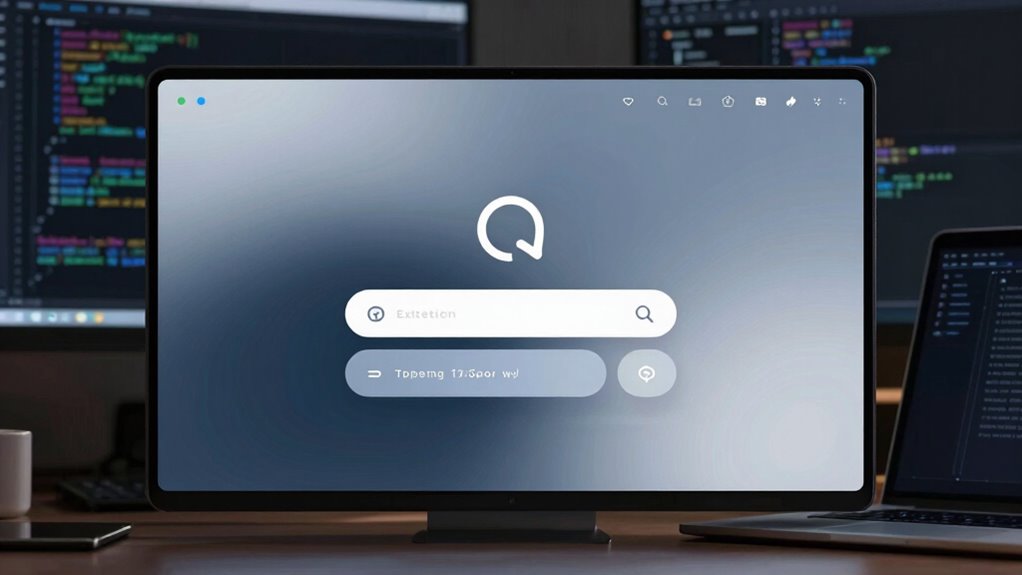
Building a browser extension popup with TypeScript is a straightforward way to enhance user interactions and add custom functionality to your web browser. When designing your popup, focus on creating a clean and intuitive user interface that guides users effortlessly through available features. Your goal is to make the experience seamless, so pay attention to layout, button placement, and overall visual clarity. Remember, a well-designed user interface encourages engagement and minimizes confusion, which boosts the overall effectiveness of your extension.
Design your extension popup with a clean, intuitive interface for seamless user engagement and clarity.
Before diving into development, you need to consider the extension permissions you’ll require. Permissions determine what your extension can access and control within the browser, so choose them carefully to ensure both functionality and security. For example, if your popup needs to interact with specific web pages, you’ll need to request the appropriate host permissions. If it requires access to tabs or browsing history, include those permissions explicitly in your manifest file. Being precise with permissions not only keeps your extension lightweight but also builds user trust, as it clarifies what data or browser features your extension will access. Additionally, understanding extension permissions is vital for creating secure and user-friendly extensions. Incorporating security best practices in permission requests can further protect user data and enhance trustworthiness.
When setting up your project, start with a basic manifest file in JSON format, specifying essential details like name, version, permissions, and the popup HTML file. Incorporate TypeScript to write robust, type-safe code that minimizes bugs and improves maintainability. Use modern frameworks or libraries if desired, but keep the popup lightweight to ensure fast load times. As you develop, focus on modularity—break your code into manageable components, making future updates or debugging easier. Additionally, understanding code organization can significantly improve your development process and future scalability. This approach ensures your extension remains adaptable and easier to troubleshoot as it grows, especially when dealing with complex functionalities.
Building the actual popup interface involves creating an HTML file that links to your compiled TypeScript scripts. Use CSS to style your UI for a professional look, ensuring it’s responsive and accessible. Incorporate event listeners in your TypeScript code to handle user interactions, such as button clicks or input changes. These interactions should trigger defined extension functionalities, like opening new tabs, fetching data, or modifying webpage content. Test each feature thoroughly to ensure it works smoothly across different browsers and scenarios. Paying attention to user experience helps in creating an extension that feels natural and enjoyable to use. Furthermore, considering silly tantrums or pet antics from family photoshoots can inspire creative, playful UI elements that delight users and make your extension stand out.
browser extension development tools
As an affiliate, we earn on qualifying purchases.
As an affiliate, we earn on qualifying purchases.
Frequently Asked Questions
How Do I Handle Cross-Browser Compatibility in Typescript Extensions?
To handle cross-browser compatibility in TypeScript extensions, you should first check browser support for features you use. Use feature detection, not assumptions. Employ code transpilation with tools like Babel or TypeScript’s compiler options to convert your code into a supported JavaScript version. You can also use libraries like webextension-polyfill, which standardizes APIs across browsers, making your extension work smoothly everywhere. Testing in different browsers guarantees your extension functions correctly.
What Are Best Practices for Managing Extension Permissions?
You should carefully manage extension permissions to create a seamless user interface and minimize permission prompts. Always request only the necessary permissions, clearly explaining their purpose to foster trust. Use optional permissions for features users can enable or disable. Regularly review and update your permissions, avoiding overreach. This approach keeps your extension lightweight, respectful of user privacy, and guarantees a smooth, transparent experience that encourages continued engagement.
How Can I Optimize Extension Performance?
To optimize your extension’s performance, focus on performance profiling regularly to identify bottlenecks. Manage resources efficiently by minimizing background processes, avoiding unnecessary API calls, and keeping the popup lightweight. Use lazy loading for scripts and assets, and cache data where possible. Monitoring resource management guarantees your extension runs smoothly, providing a better user experience. Regularly testing and profiling helps you fine-tune performance and prevent slowdowns.
How Do I Test My Extension Across Different Environments?
To test your extension across different environments, start by loading it into various browsers and devices to check compatibility. Use debugging techniques like console logs and Chrome DevTools to identify issues. Focus on testing your user interface in different screen sizes and resolutions. Regularly validate your code’s performance, and consider using testing frameworks to automate parts of the process, ensuring your extension functions smoothly everywhere.
What Security Considerations Should I Keep in Mind?
Think of your extension as a fortress; you want strong walls to protect its treasures. Prioritize sandboxing policies to isolate your code, preventing malicious exploits. Use data encryption to safeguard sensitive information from prying eyes. Regularly update and review permissions, ensuring minimal access. These security measures act like vigilant guards, defending your users’ data and maintaining trust, so your extension remains resilient against potential threats.
TypeScript extension development kit
As an affiliate, we earn on qualifying purchases.
As an affiliate, we earn on qualifying purchases.
Conclusion
Think of your browser extension as a ship sailing smoothly through the digital ocean, guided by the sturdy compass of TypeScript. With your newfound skills, you’re equipped to navigate the waters of extension development confidently. Every line of code is a sail catching the wind, propelling your project forward. Keep experimenting, and soon your extension will be a shining lighthouse, guiding users effortlessly through their browsing experience. Your journey has just begun—set sail and create with purpose!
As an affiliate, we earn on qualifying purchases.
browser extension permissions management
As an affiliate, we earn on qualifying purchases.
As an affiliate, we earn on qualifying purchases.
Fall Picks
fall essentials
As an affiliate, we earn on qualifying purchases.